The latest innovations at Zoom you don’t want to miss.
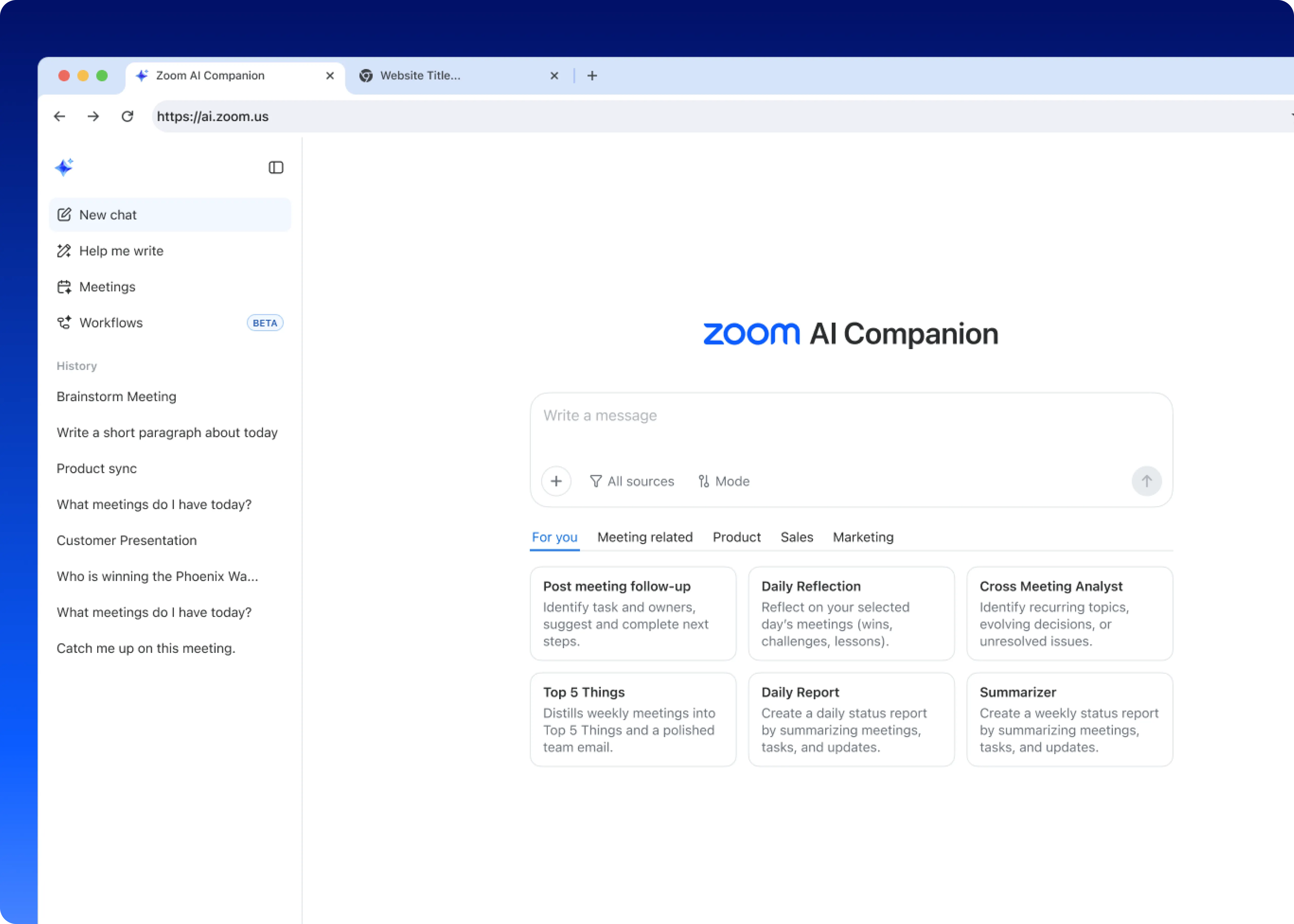
Zoom AI Companion is expanding its reach, becoming a more powerful and personalized assistant that works for you across more platforms and specialized workflows.
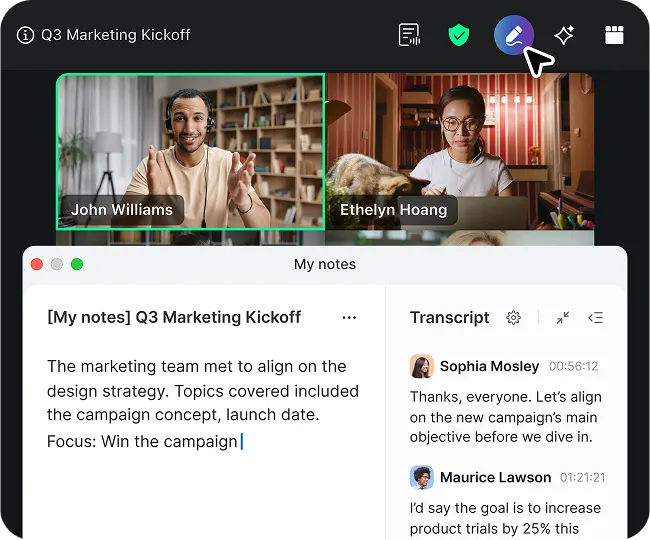
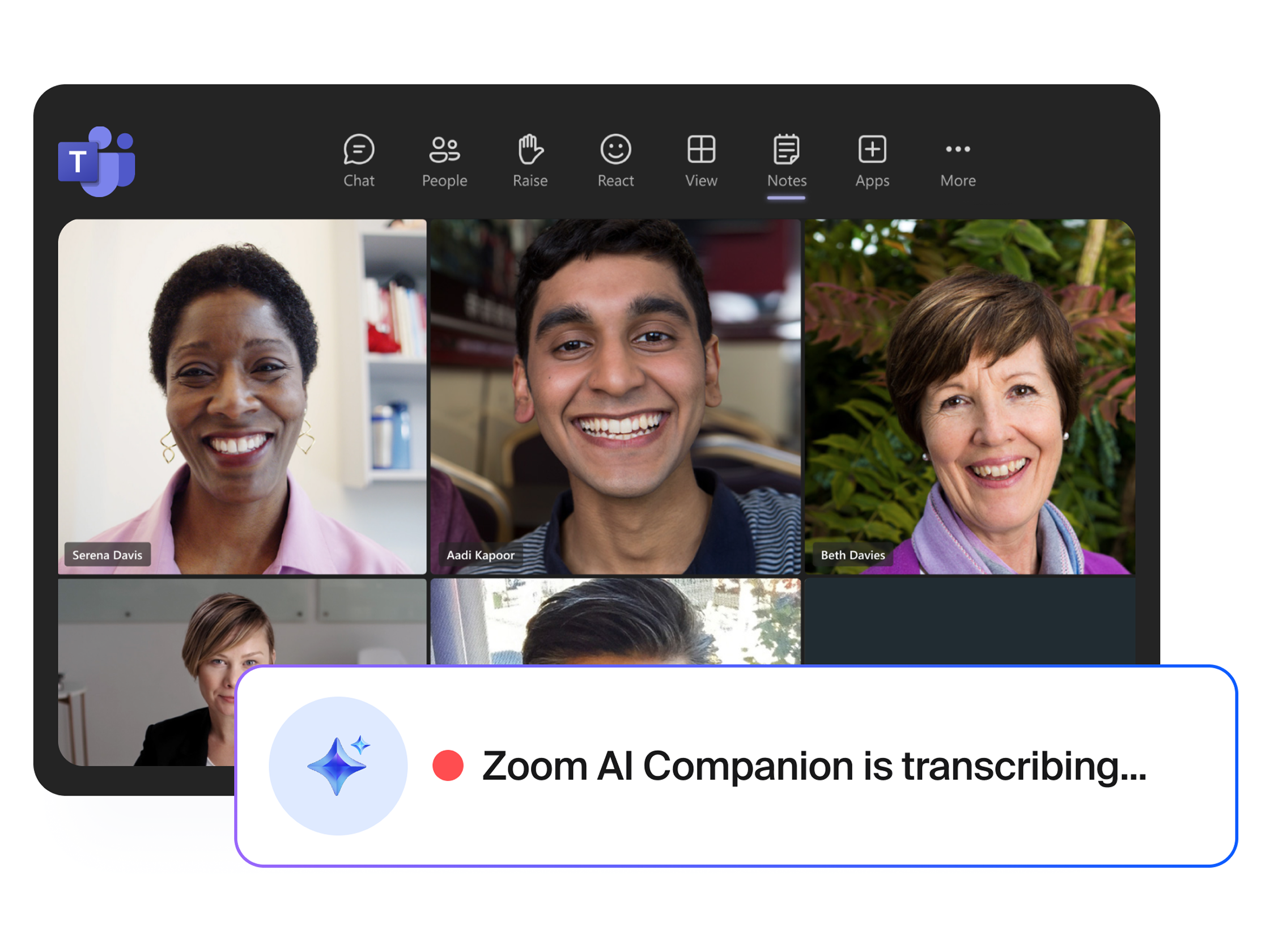
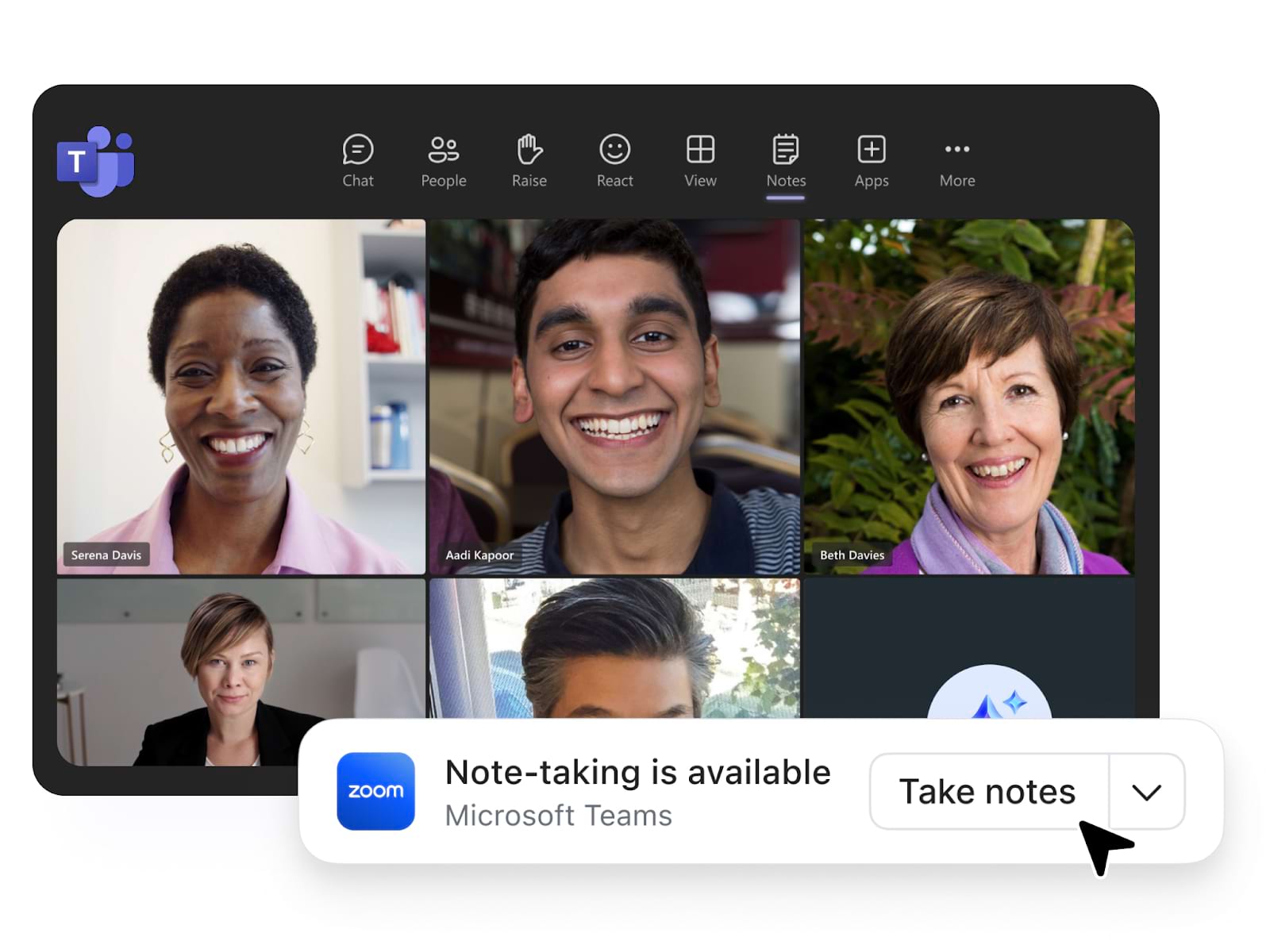
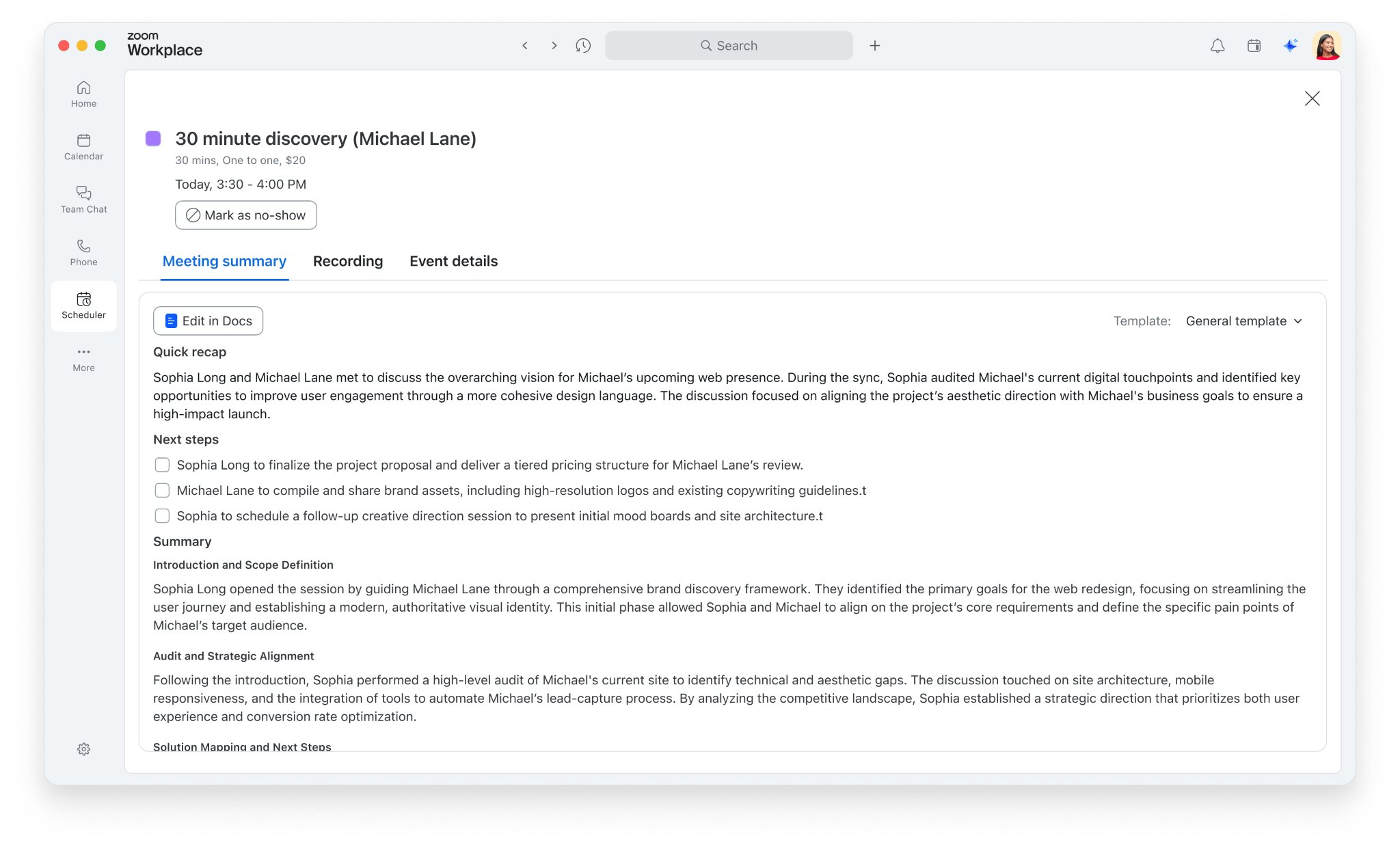
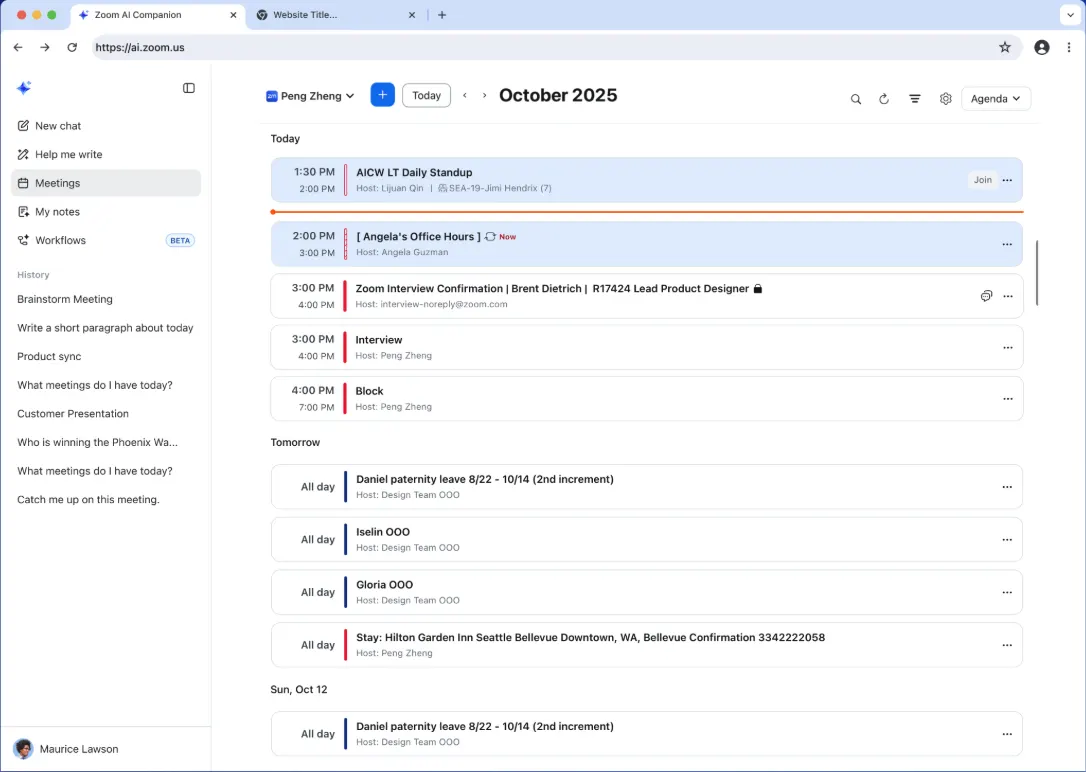
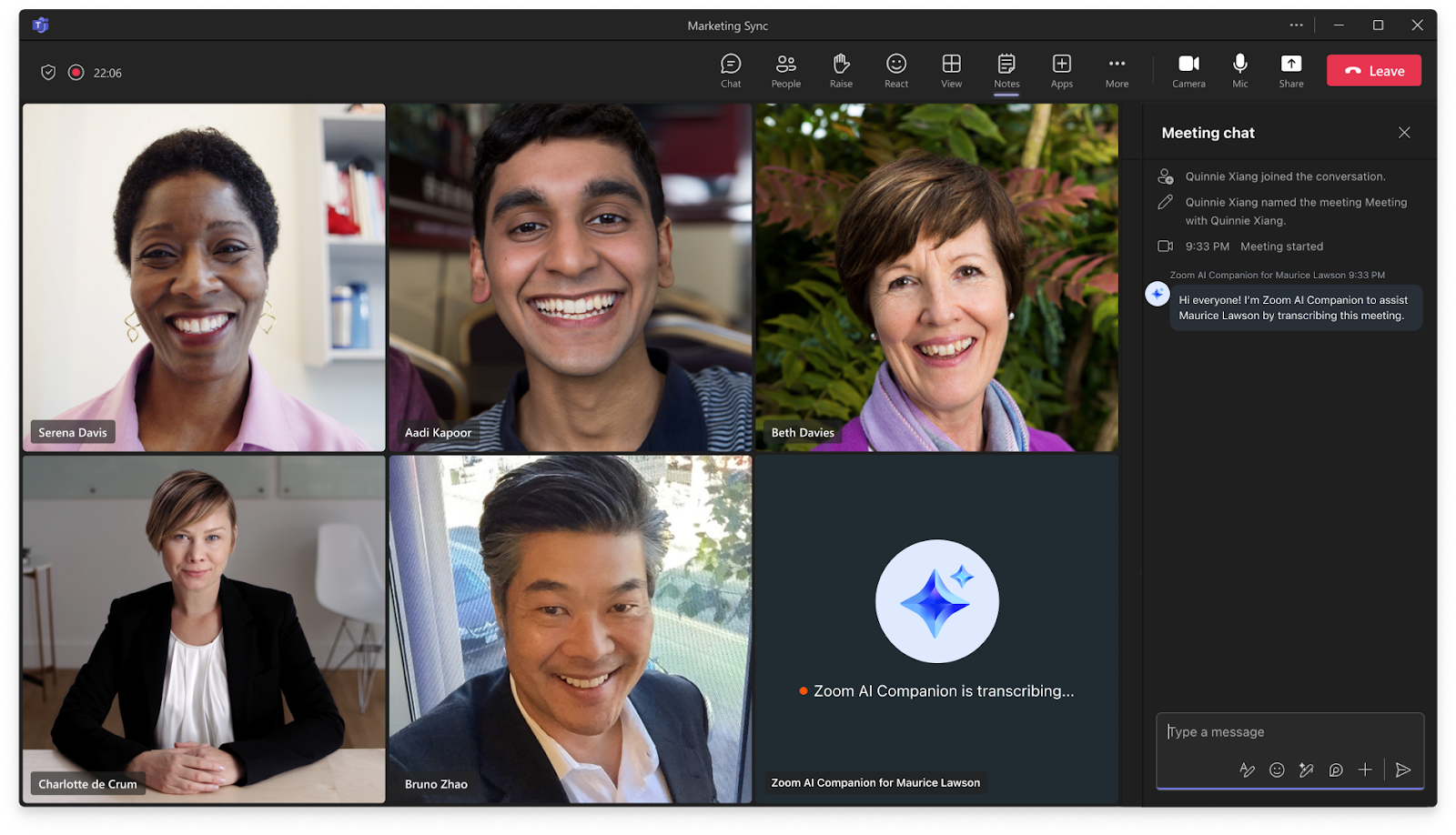
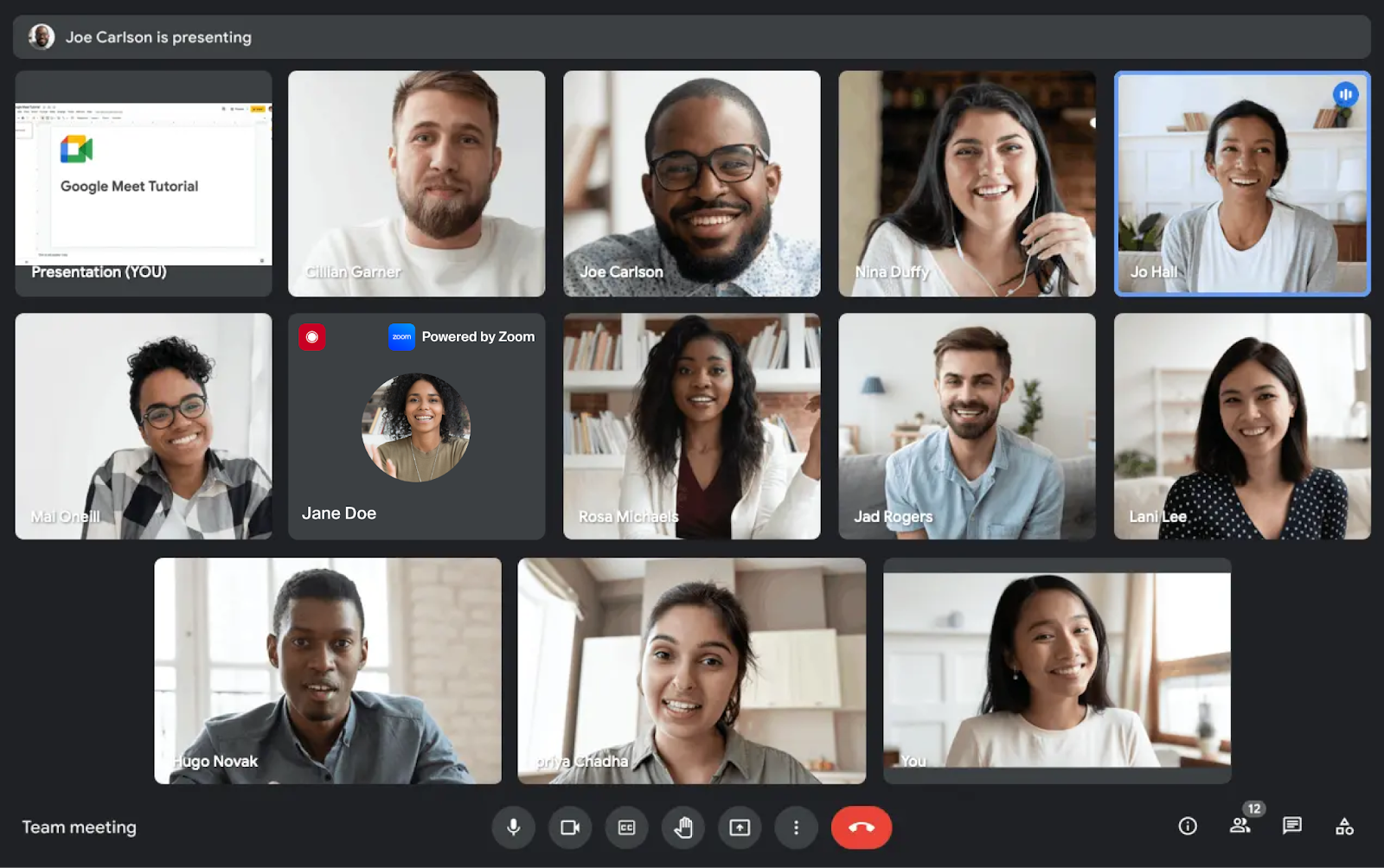
Use AI Companion to take notes in meetings—not just Zoom. My notes works across third-party meeting platforms like Google Meet, Microsoft Teams, and WebEx, giving you personalized summaries based on the notes you jot down during the session.
Learn more Learn more
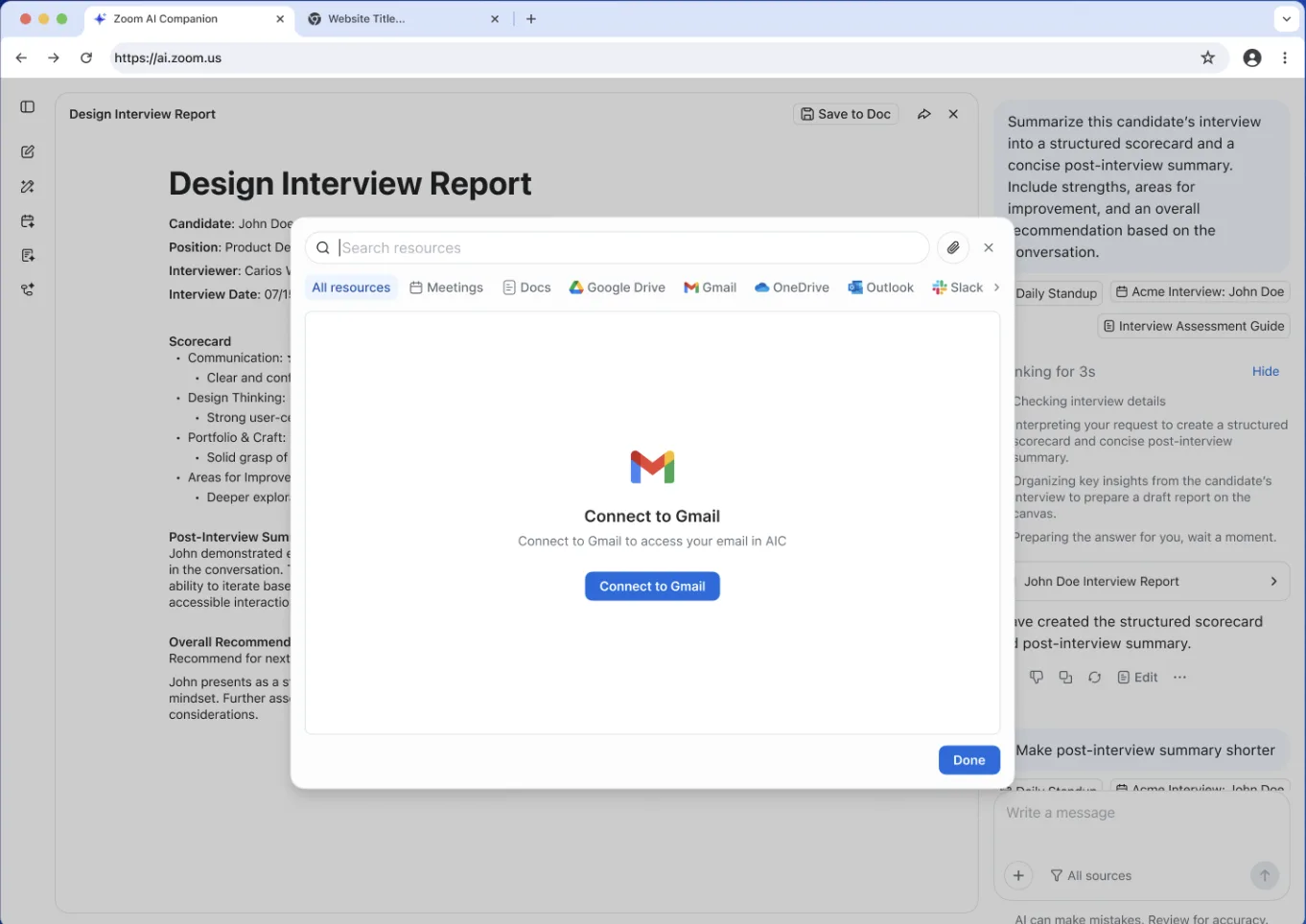
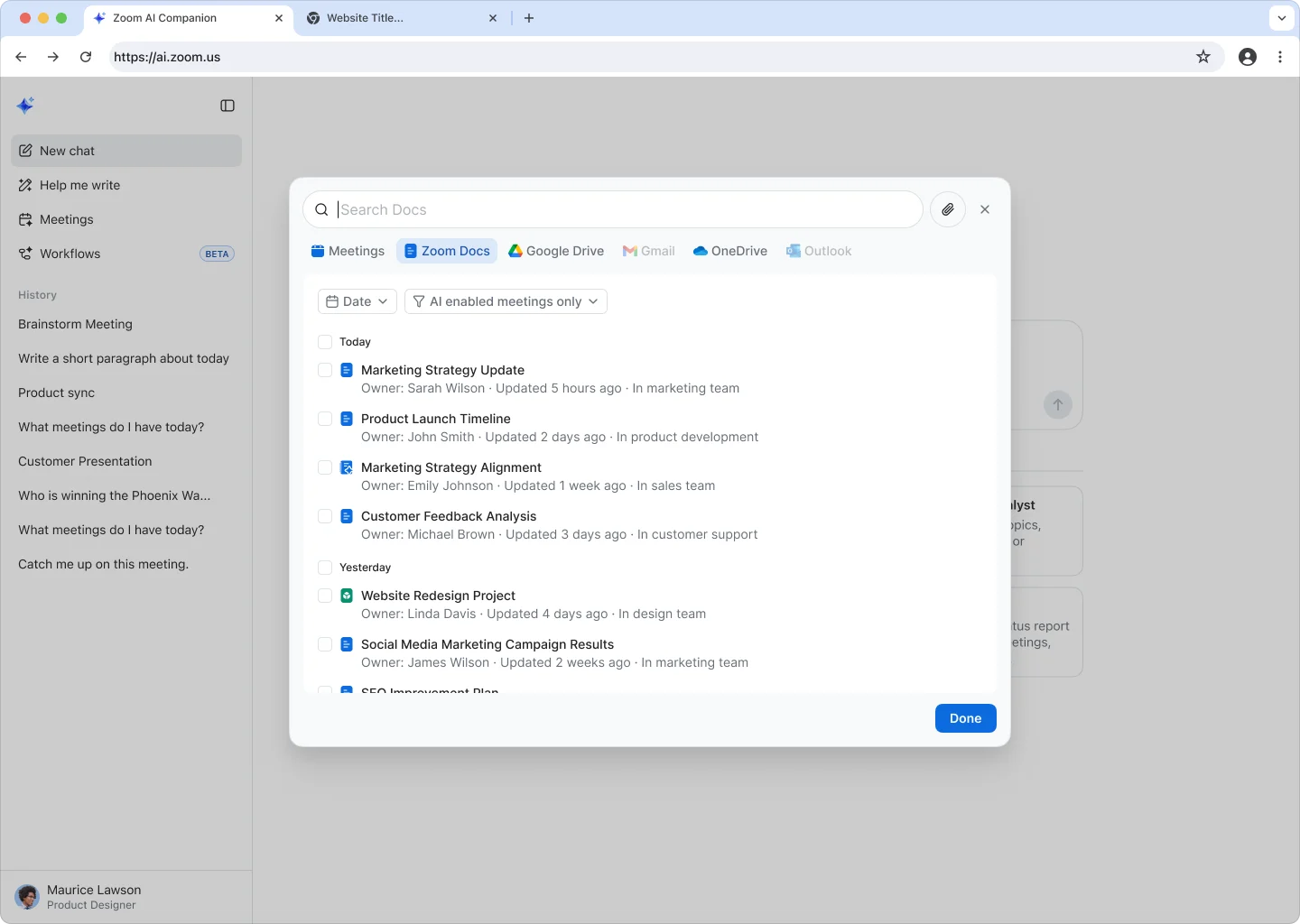
Pull data from up to 10 third-party apps—including Slack, Salesforce, Workday, and Seismic—directly into AI Companion queries. Admins configure which apps are available, and users turn on the ones they need.
When you ask AI Companion a question, the answer doesn’t stop at Zoom. It reaches into Salesforce, Slack, and the other tools where your work actually lives—so you get the full picture, not a partial one.
Learn more Learn moreLearn more Learn more
Zoom Workplace is designed to reduce friction and simplify your work day, whether you're in a meeting or catching up later.
Learn more Learn more
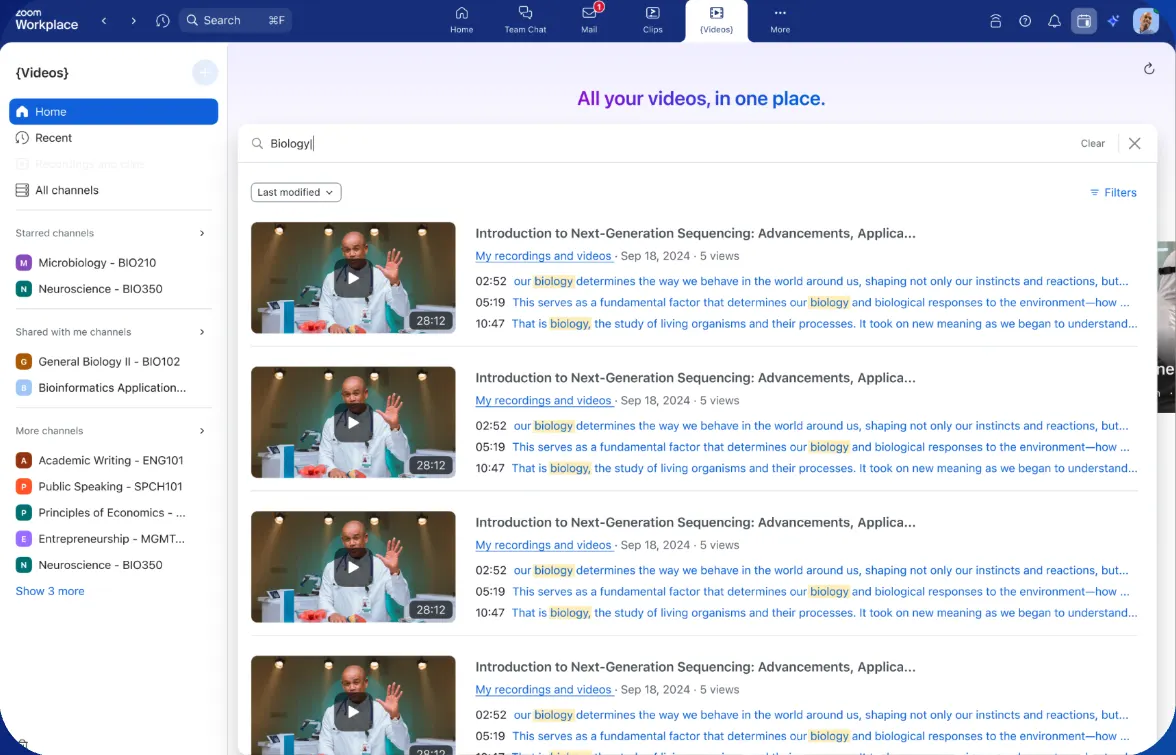
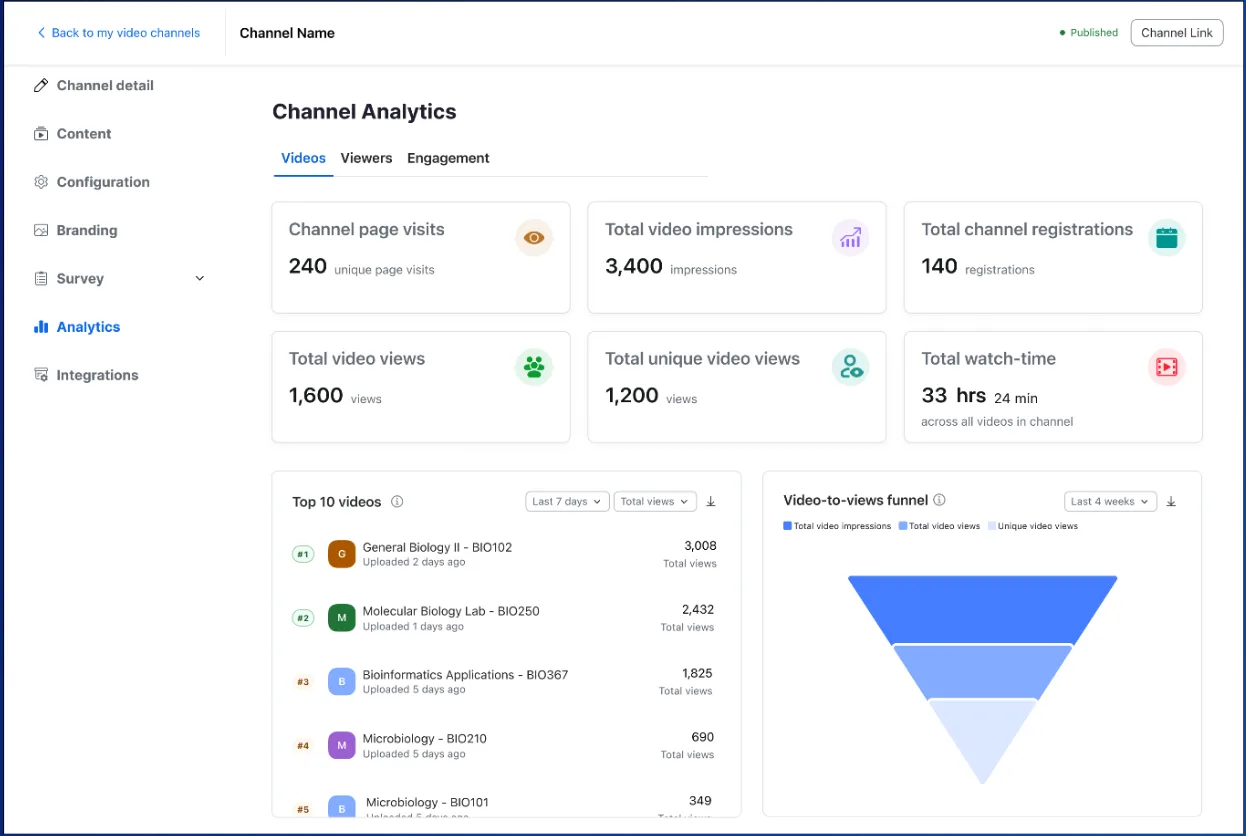
Zoom Video Management is now available on EU clusters, unlocking access for EMEA customers.
Business Services: Webinars & Events
Learn more Learn more
Watch demo learn more
Business Services: Zoom for Sales
Learn more Learn more
Business Services: Zoom CX
Learn more Learn more
Our powerful AI-first work platform offers mission-critical applications that help consolidate communications, connect people, and collaborate better together in the boardroom, classroom, operating room, and everywhere in between.
Learn more Learn more
Industries & Open Ecosystem
Learn more Learn more
Zoom AI Companion is expanding its reach, becoming a more powerful and personalized assistant that works for you across more platforms and specialized workflows.
Learn more Learn more
Zoom Workplace is designed to reduce friction and simplify your work day, whether you're in a meeting or catching up later.
Learn more Learn more
Zoom CX
Learn more Learn more
Learn more learn more
Learn more Learn more
Zoom AI Companion is expanding its reach, becoming a more powerful and personalized assistant that works for you across more platforms and specialized workflows.
Learn more Learn more
Zoom Workplace is designed to reduce friction and simplify your work day, whether you're in a meeting or catching up later.
Learn more Learn more
Learn more
Learn more Learn more
Business Services: Webinars & Events
Learn more Learn more
Learn more learn more
Business Services: Zoom for Sales
Learn more Learn more
Learn more learn more
Learn more Learn more
Business Services: Zoom CX
Learn more Learn more
Learn more learn more
Learn more Learn more
Zoom AI Companion is expanding its reach, becoming a more powerful and personalized assistant that works for you across more platforms and specialized workflows.
Learn more Learn more
Zoom Workplace: Communications
Zoom Workplace is designed to reduce friction and simplify your work day, whether you're in a meeting or catching up later.
Learn more Learn more
Business Services: Webinars & Events
Learn more Learn more
Learn more learn more
Learn more Learn more
Business Services: Zoom for Sales
Learn more Learn more
Learn more learn more
Learn more Learn more
Business Services: Zoom CX
Learn more Learn more
Learn more learn more
Learn more Learn more
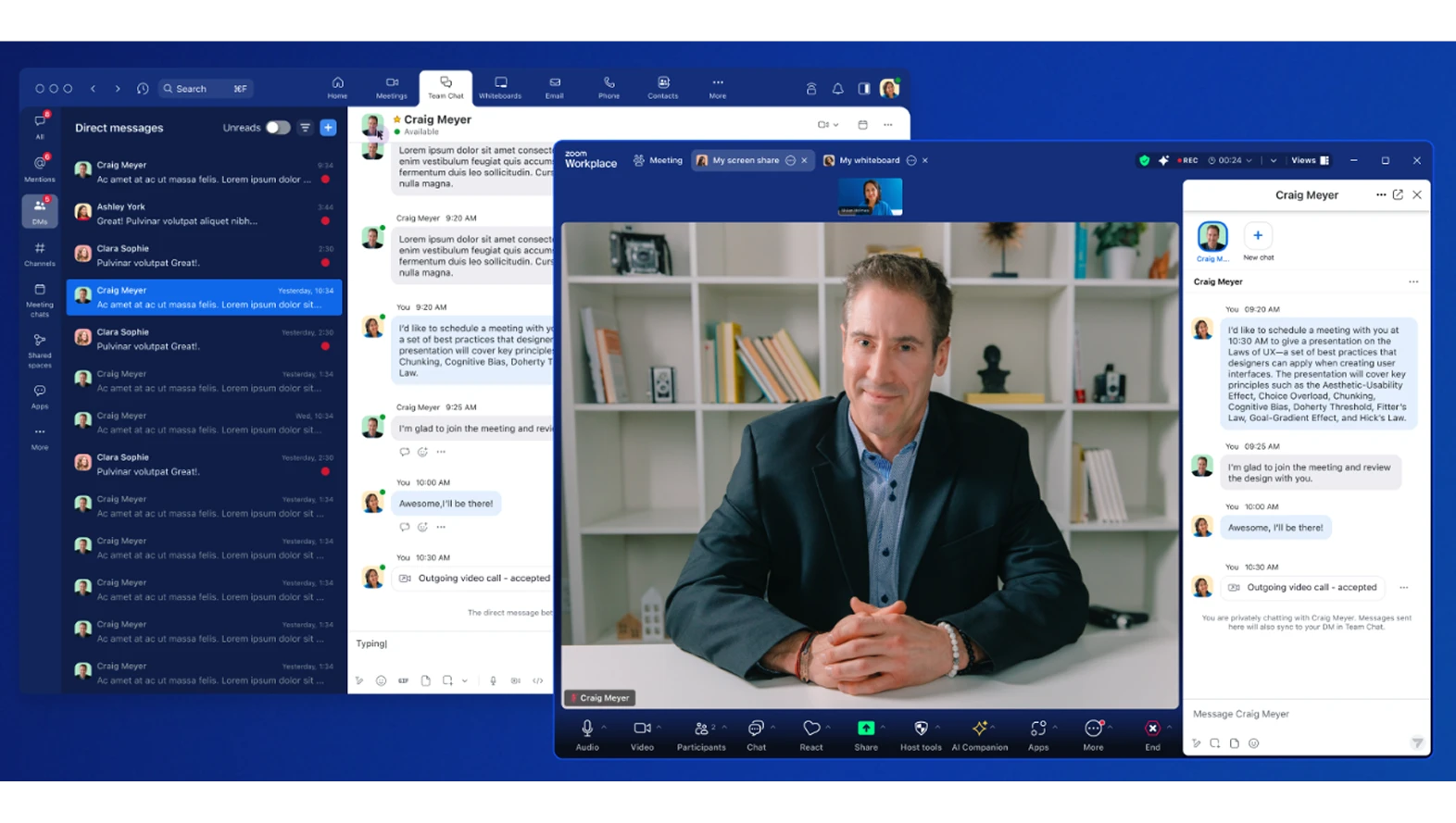
Get more done and accelerate collaboration effortlessly on a single app. This month, we're introducing new ways to communicate and stay connected.
Learn more Learn more
Ideate, create, and deliver effectively with AI-first productivity tools to improve brainstorming, project planning, and decision-making.
Learn more Learn more
Try it out today Try it out today
Inspire customers and prospects with high-impact events and extend your content's value.
Learn more Learn more
Learn more learn more
Learn more Learn more
Equip your sellers with more information to reduce sales cycles.
Learn more Learn more
Deliver connected, AI-first experiences designed to increase customer satisfaction and build loyalty. Our approach starts with connection, helping resolve customer issues quickly and making interactions feel personal.
Learn more Learn more
Zoom AI Companion is expanding its reach, becoming a more powerful and personalized assistant that works for you across more platforms and specialized workflows.
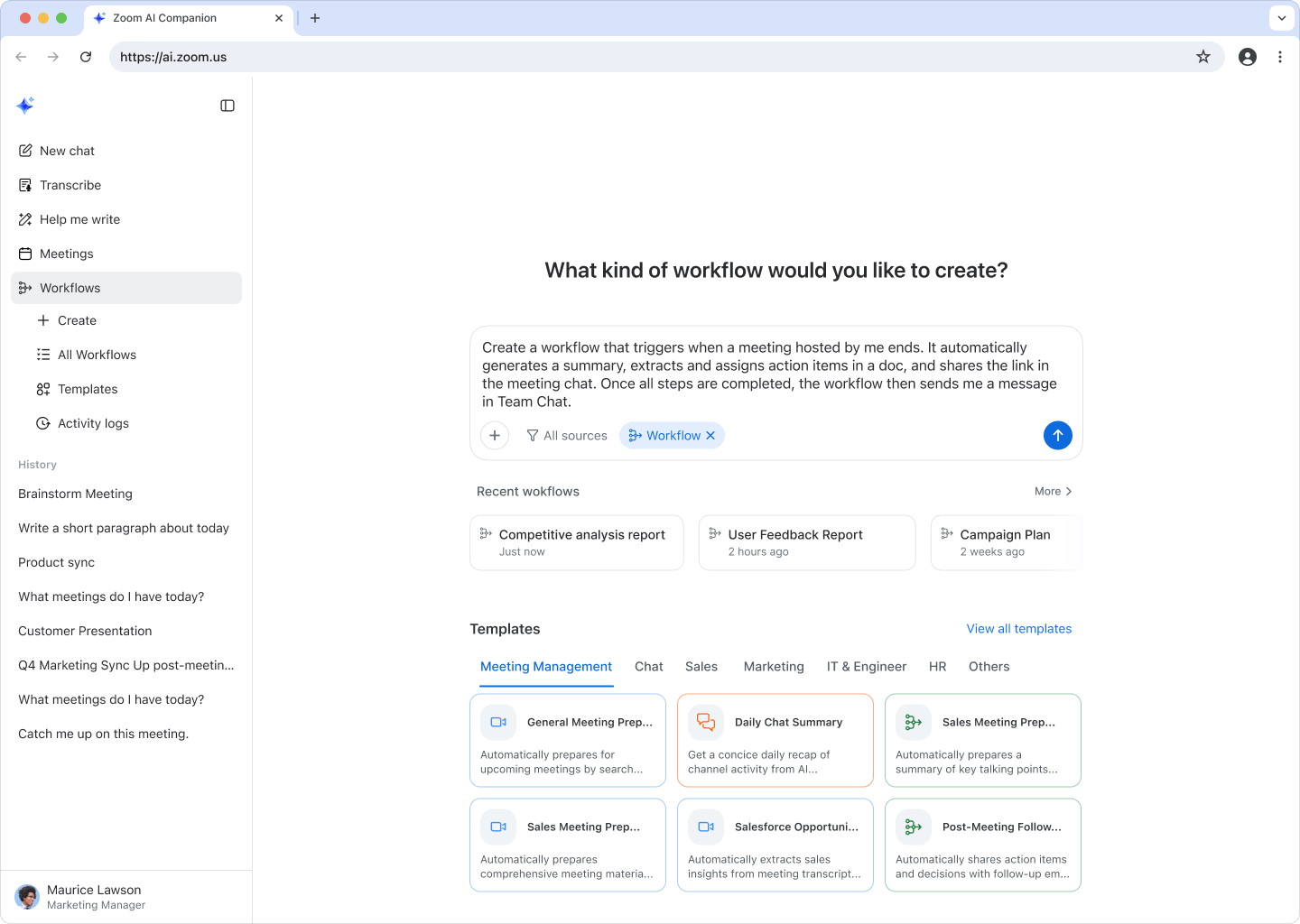
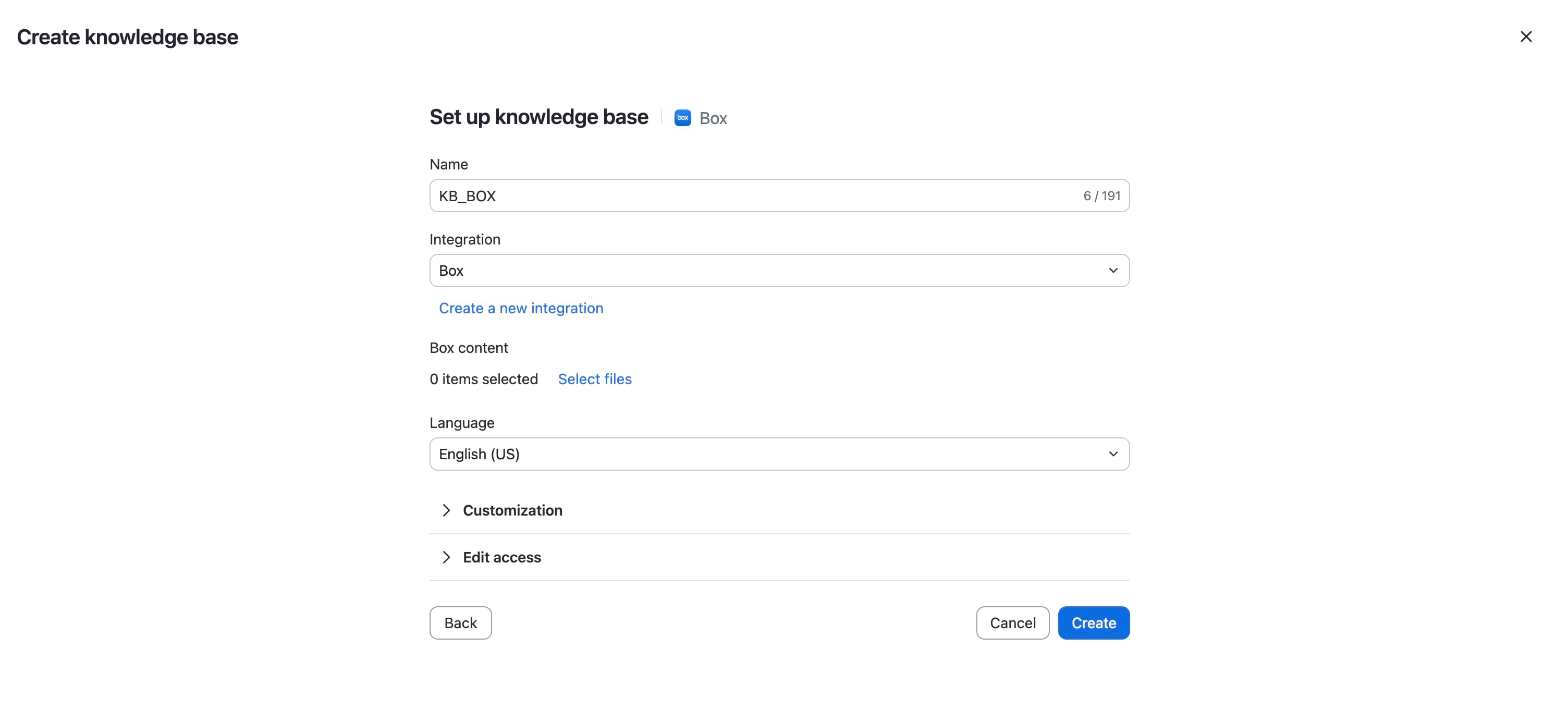
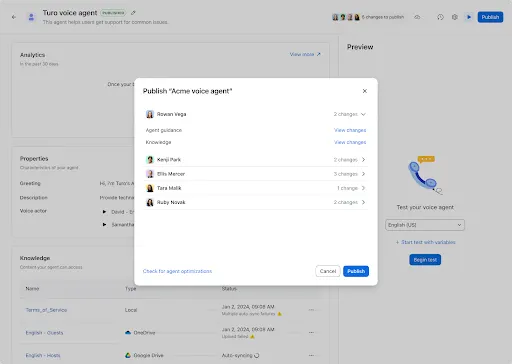
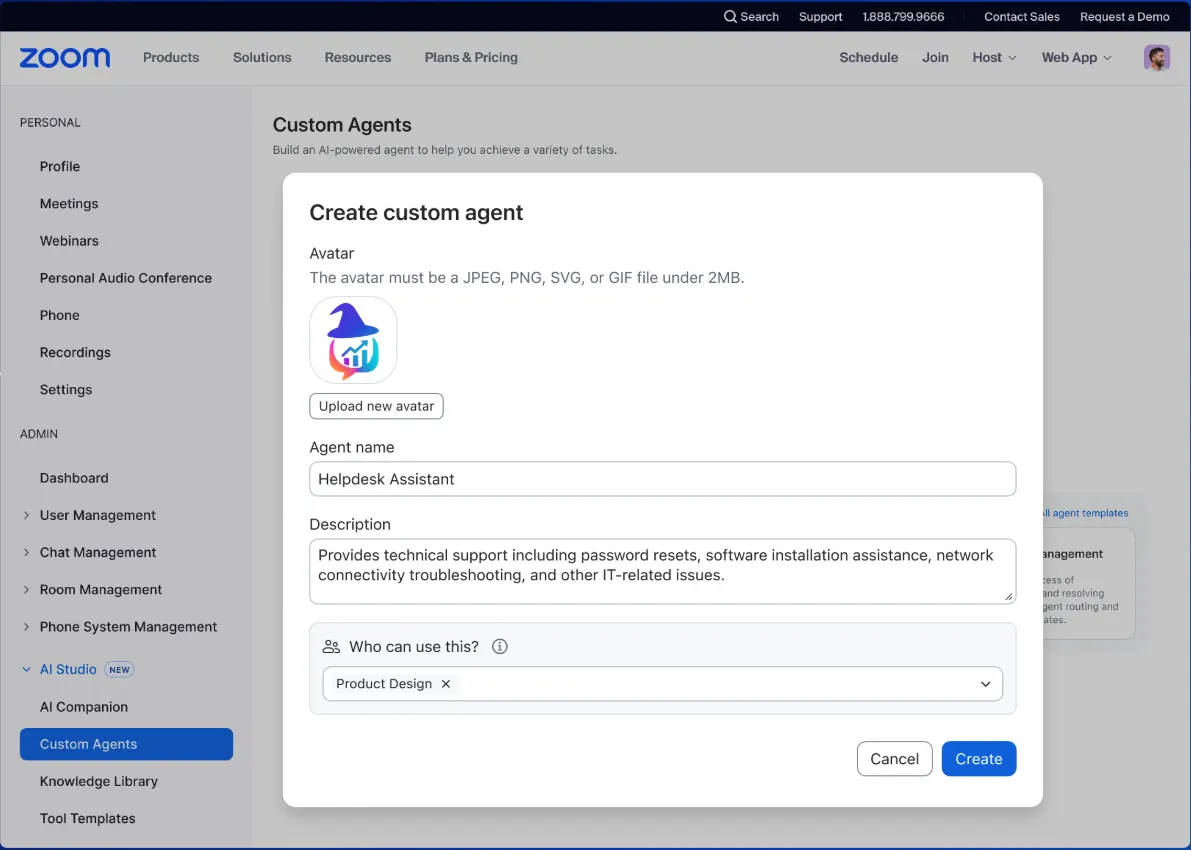
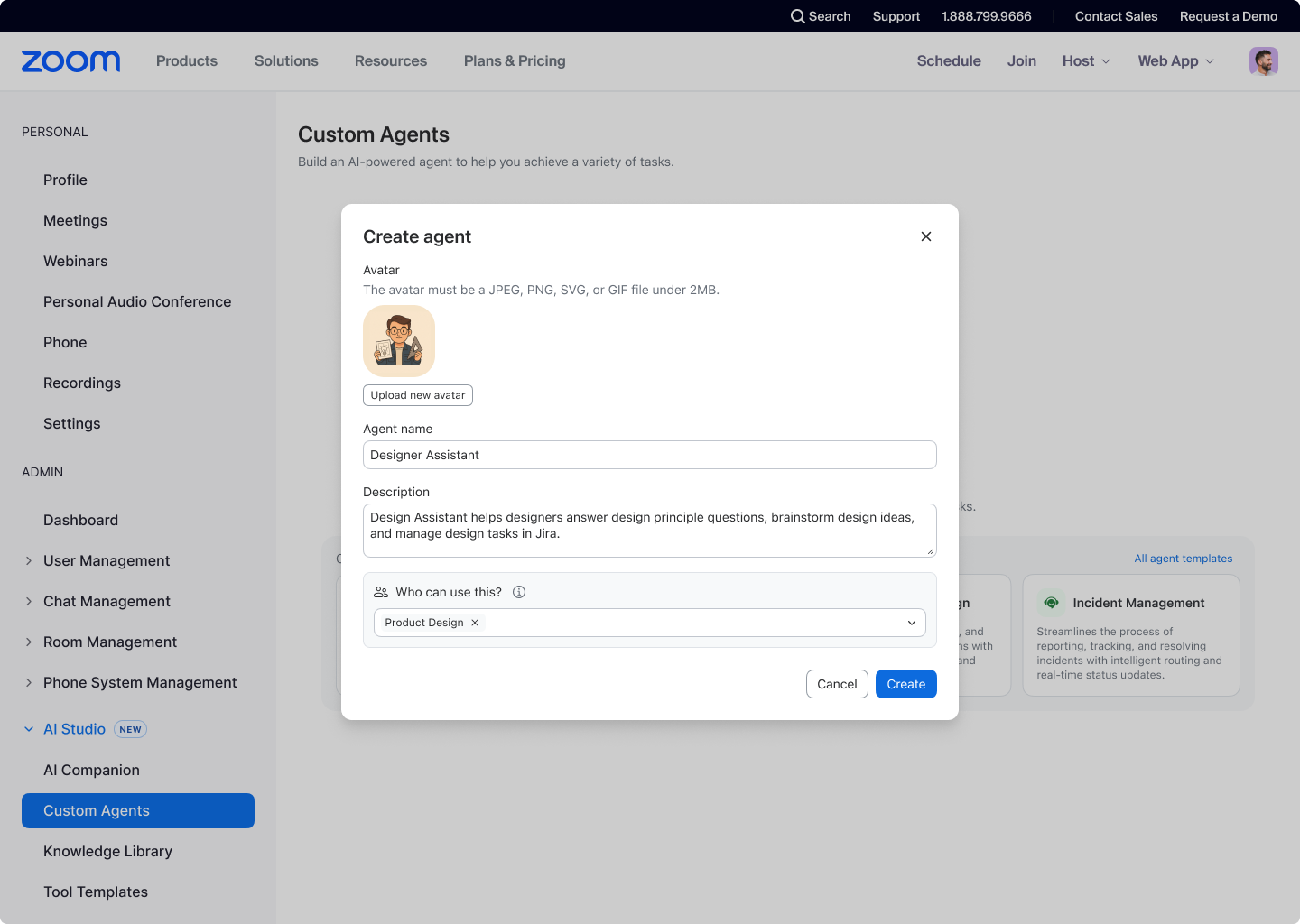
Admins can build powerful, customized AI agents to automate routine company workflows for teams. Automate tasks like technical support for password resets or software installation, reducing manual work for IT and ensuring faster, on-brand service for employees. It also uses the Model Context Protocol (MCP) to integrate data from apps like Linear, Atlassian, Asana, and Box, giving your custom agents real-time, relevant information from your unique external sources.
Learn more Learn more
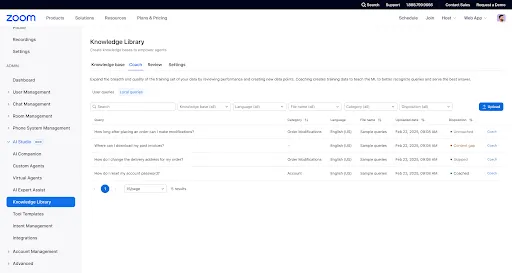
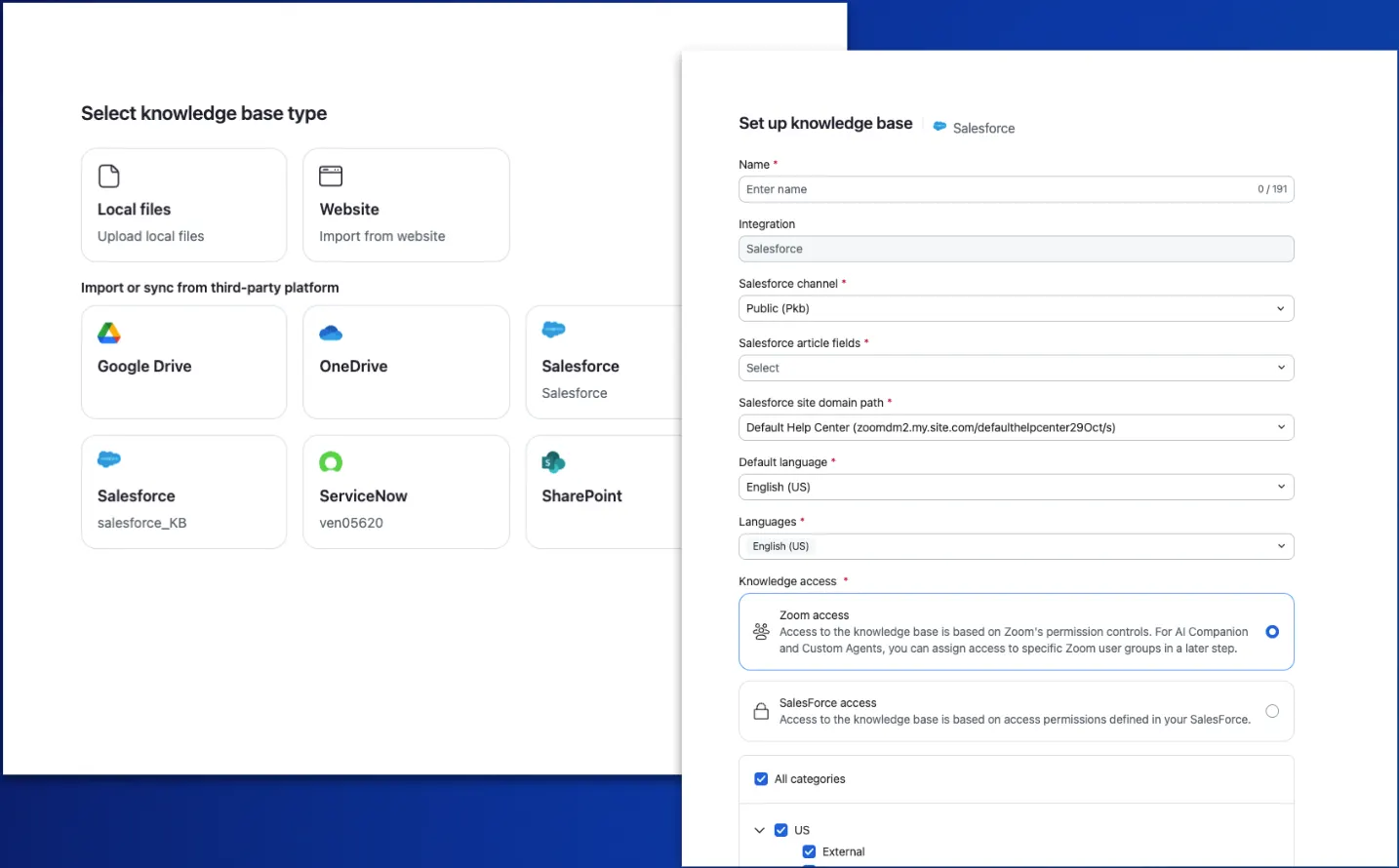
Your AI assistant needs access to all your company's information to give you the most accurate and relevant answers. By including data from SharePoint and ServiceNow, responses to AI Companion queries will be more relevant and accurate, so users can interact directly with ServiceNow knowledge bases to get the answers they need quickly.
Learn more Learn more
Take the power of AI Companion with you to meetings outside of Zoom, ensuring you never miss a key insight. Customers on paid Workplace plans no longer need the Custom AI Companion add-on to get this functionality. Get meeting summaries wherever you meet—including Google Meet and Microsoft Teams (with WebEx coming soon). All your meeting summaries are in one place for easy access, and you can simply set up AI Companion to attend a meeting and take notes if you are double-booked.
Learn more Learn more
Zoom Workplace is designed to reduce friction and simplify your work day, whether you're in a meeting or catching up later.
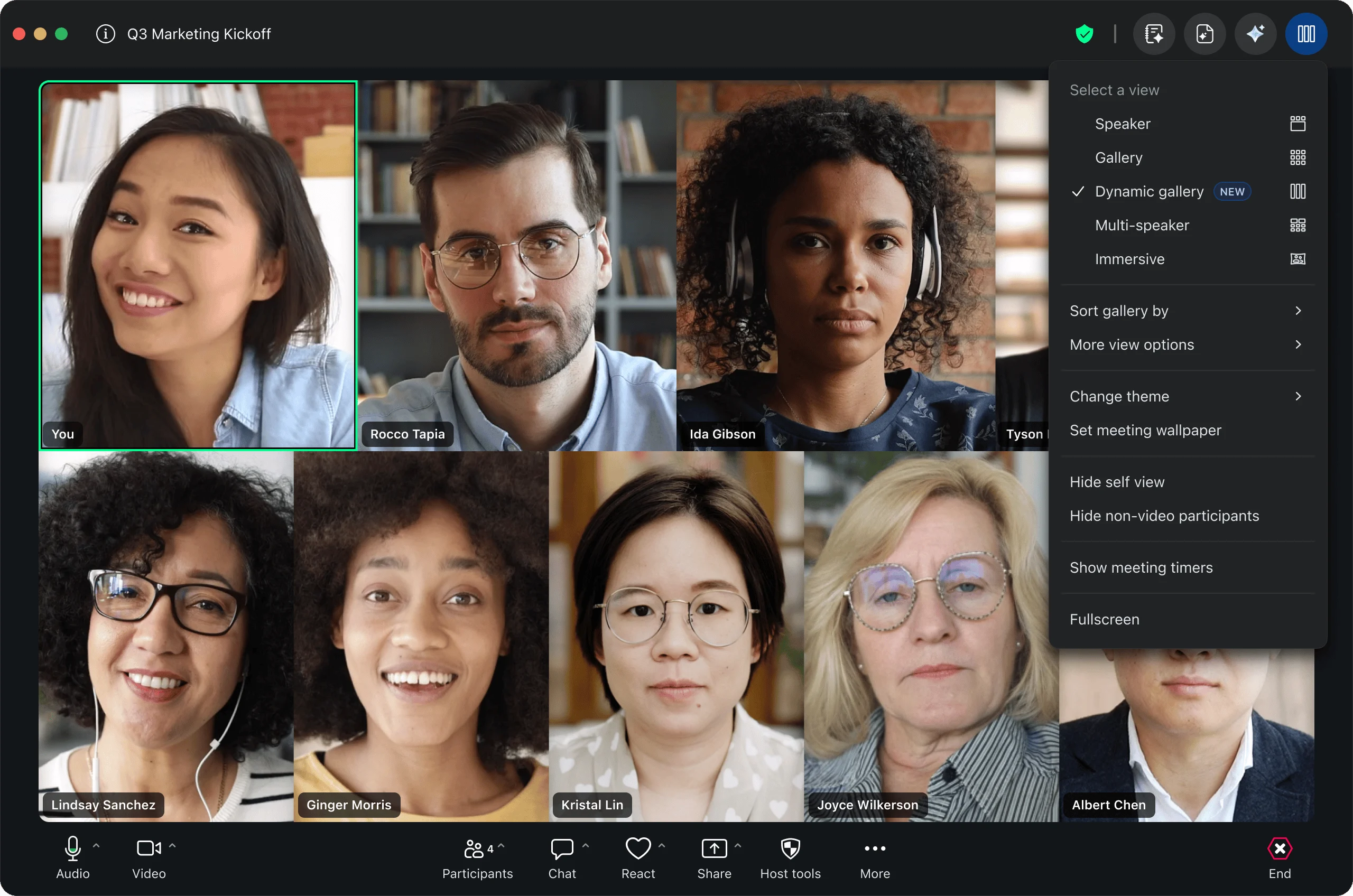
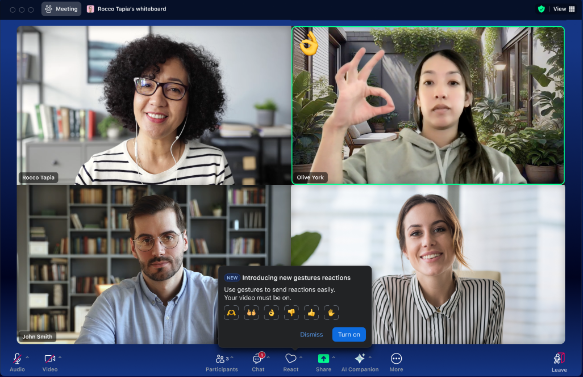
Express yourself naturally in a virtual meeting without manually clicking a button.. You can easily trigger new animated reactions like thumbs up, hearts, and fireworks just by gesturing with your hands. These reactions work across the desktop, mobile apps, and Zoom for Web, making communication more engaging no matter where you are.
See the gestures
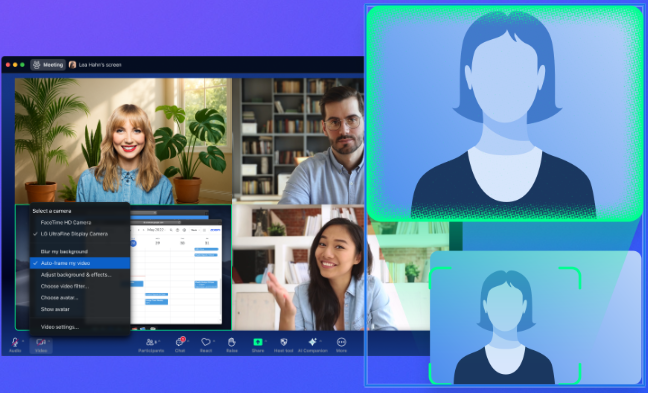
Intelligent tracking keeps you perfectly centered in the video frame, so you don't have to worry about manually shifting your camera. Zoom detects your position and automatically adjusts, so you no longer worry about moving out of view when you shift positions. This helps you easily maintain engagement and visual consistency for your audience.
Learn more Learn more
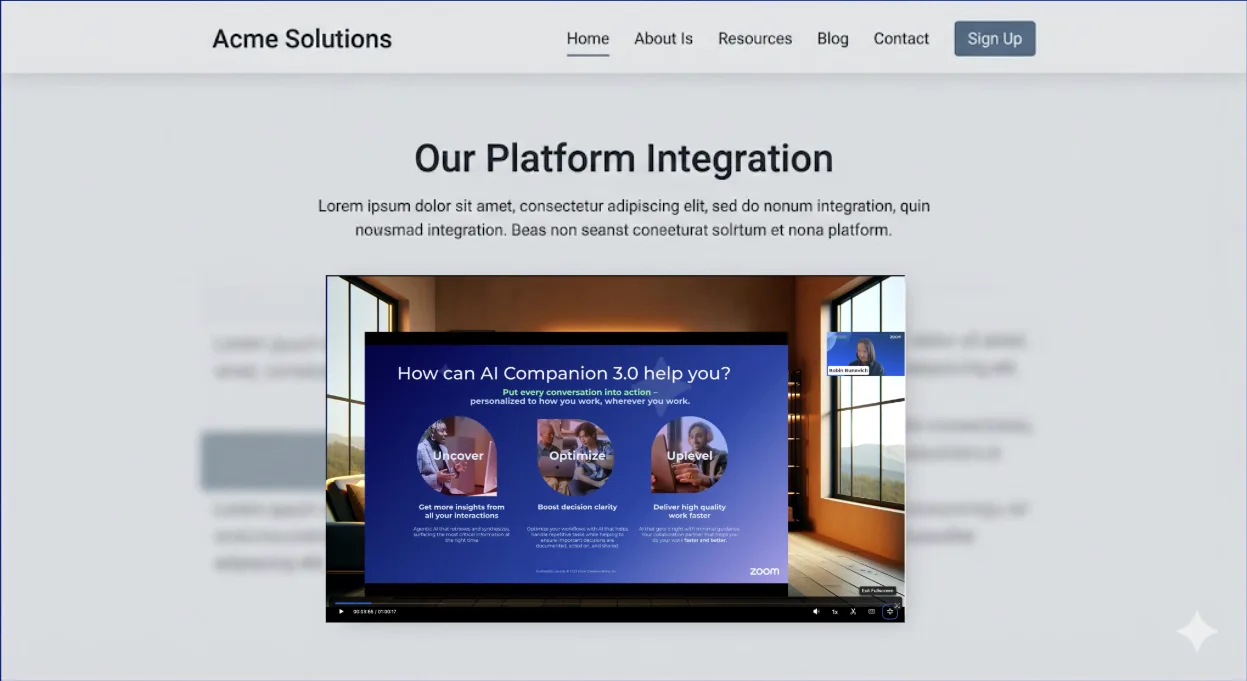
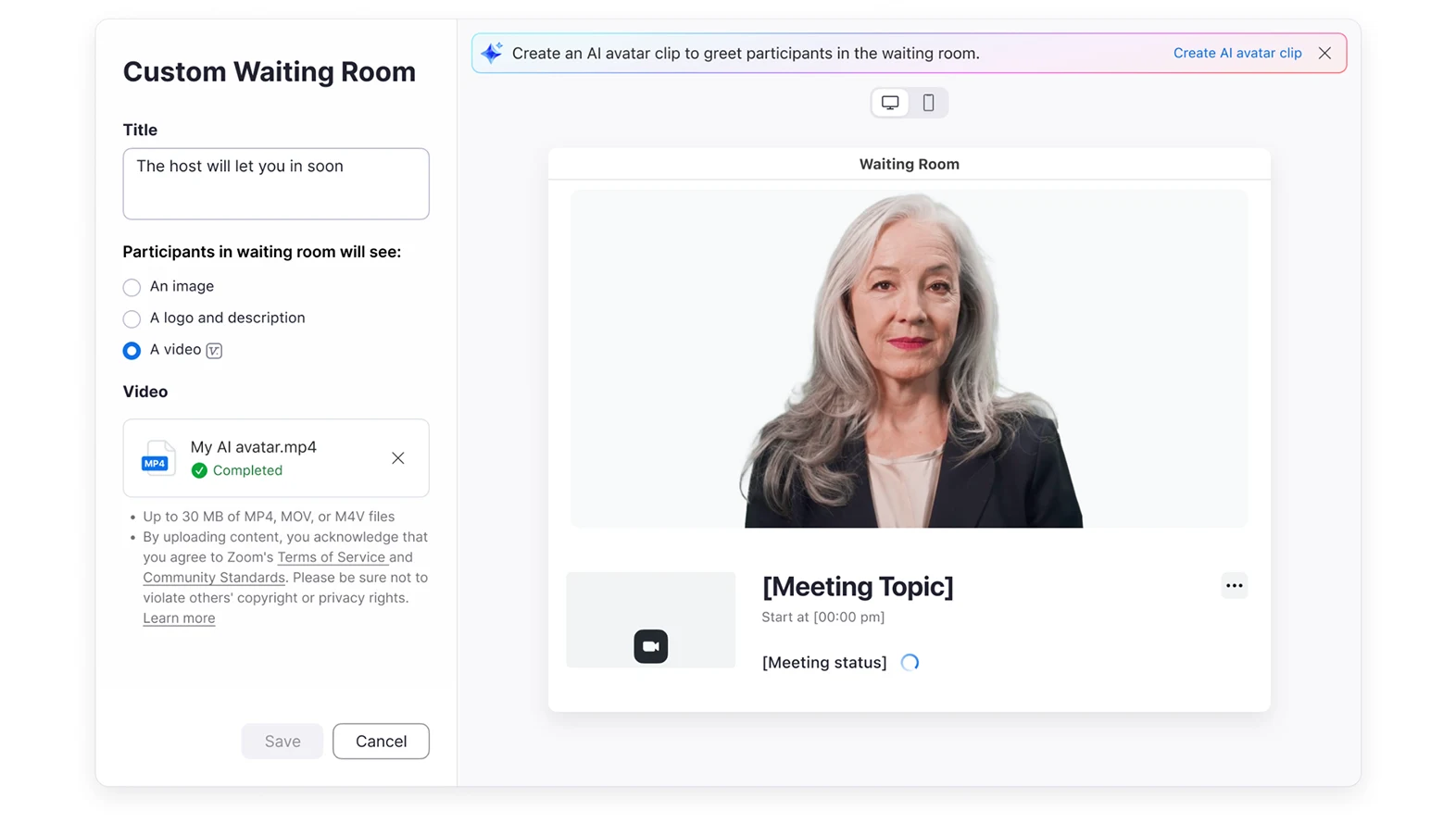
Use the waiting time effectively to greet guests or share important information with personalized content. Select any existing clip from your library to instantly personalize your meeting's waiting room. You can even create an AI Avatar clip to greet participants or introduce the meeting's content, saving you time by reusing existing content without leaving Zoom.
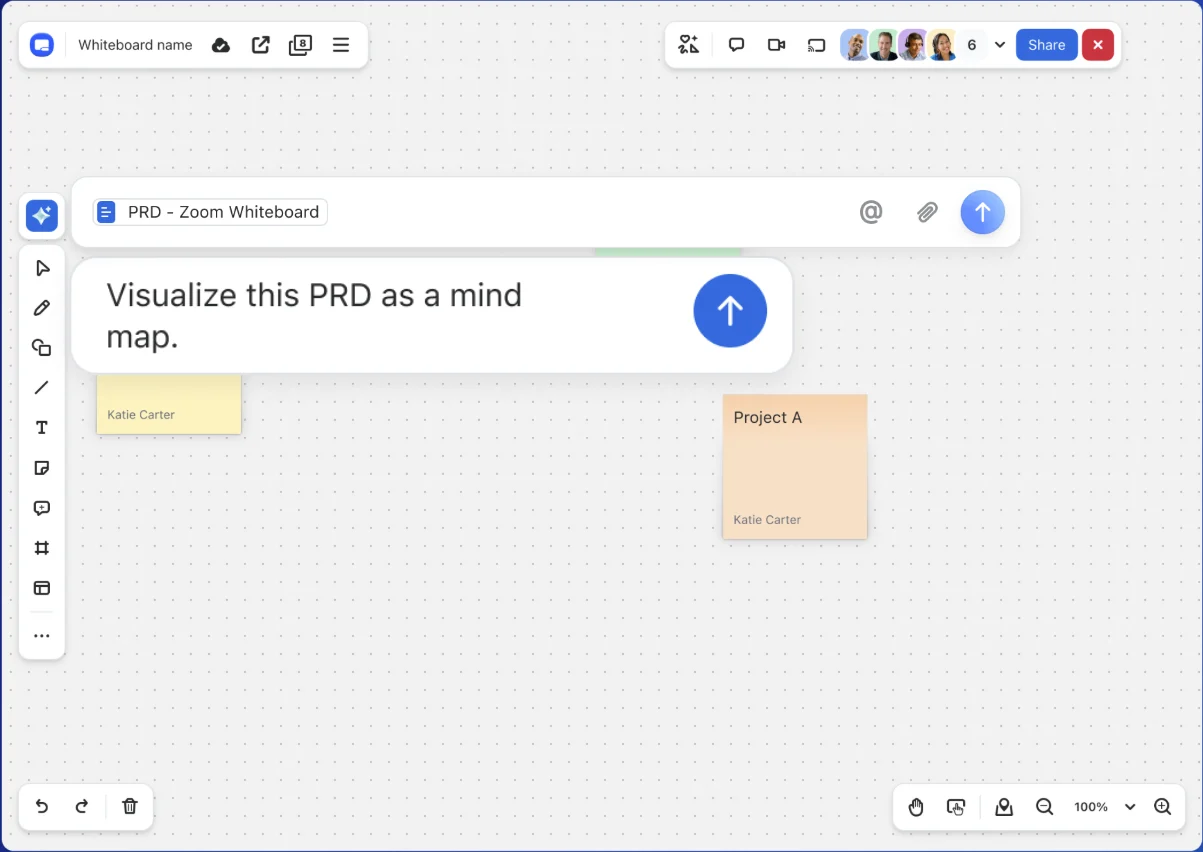
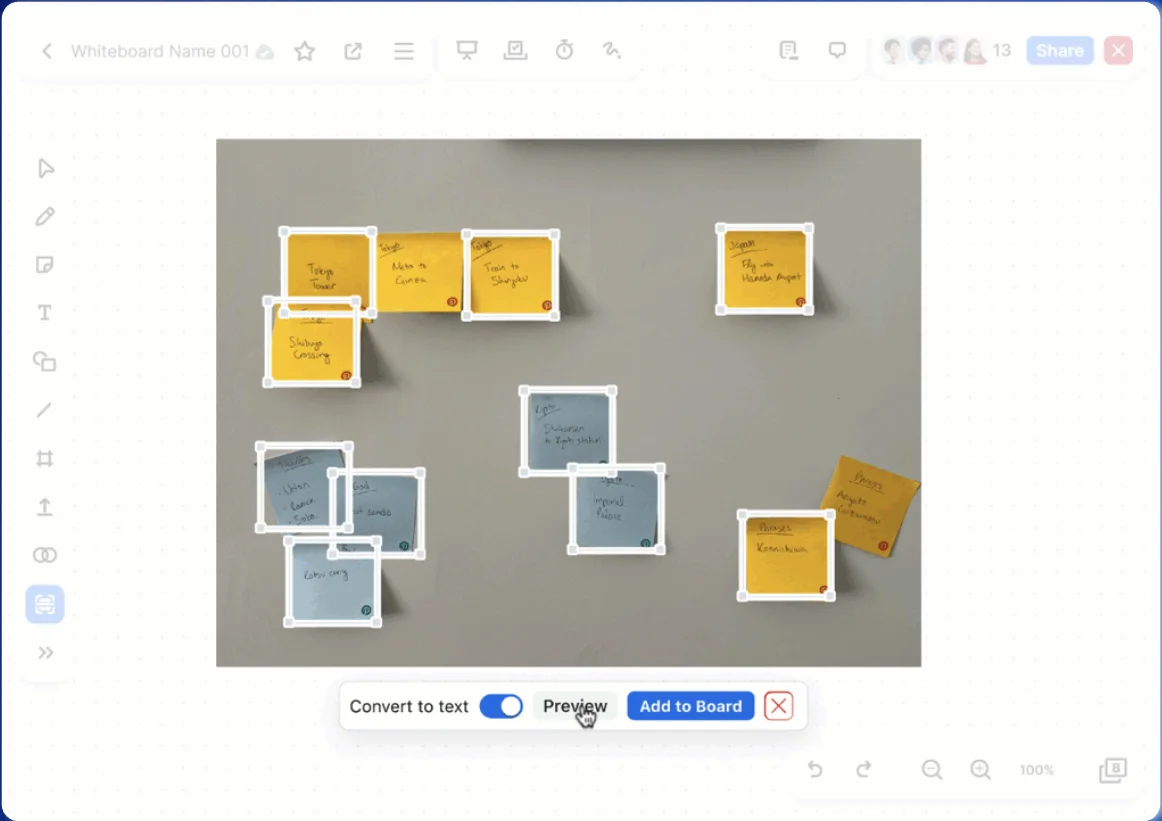
Turn your conversations into visual, actionable plans the moment your meeting starts. AI Companion can generate collaborative whiteboards directly from the Zoom meeting discussion, summarizing and populating whiteboard templates for you. This streamlines meeting outcomes with visual, editable content for faster follow-up.
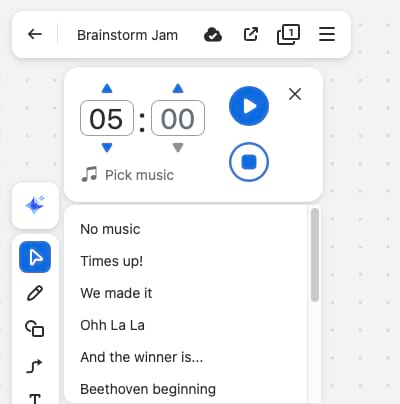
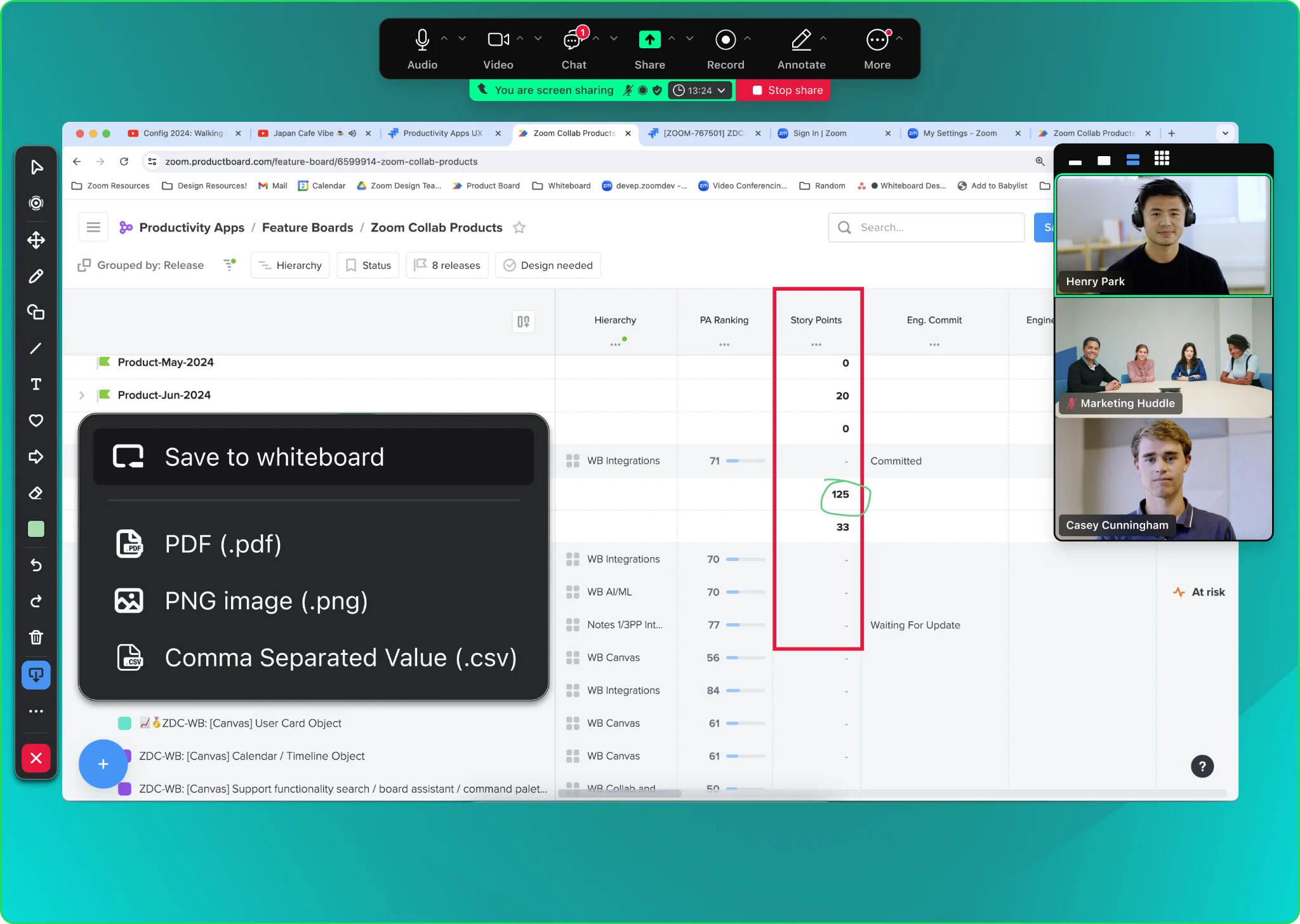
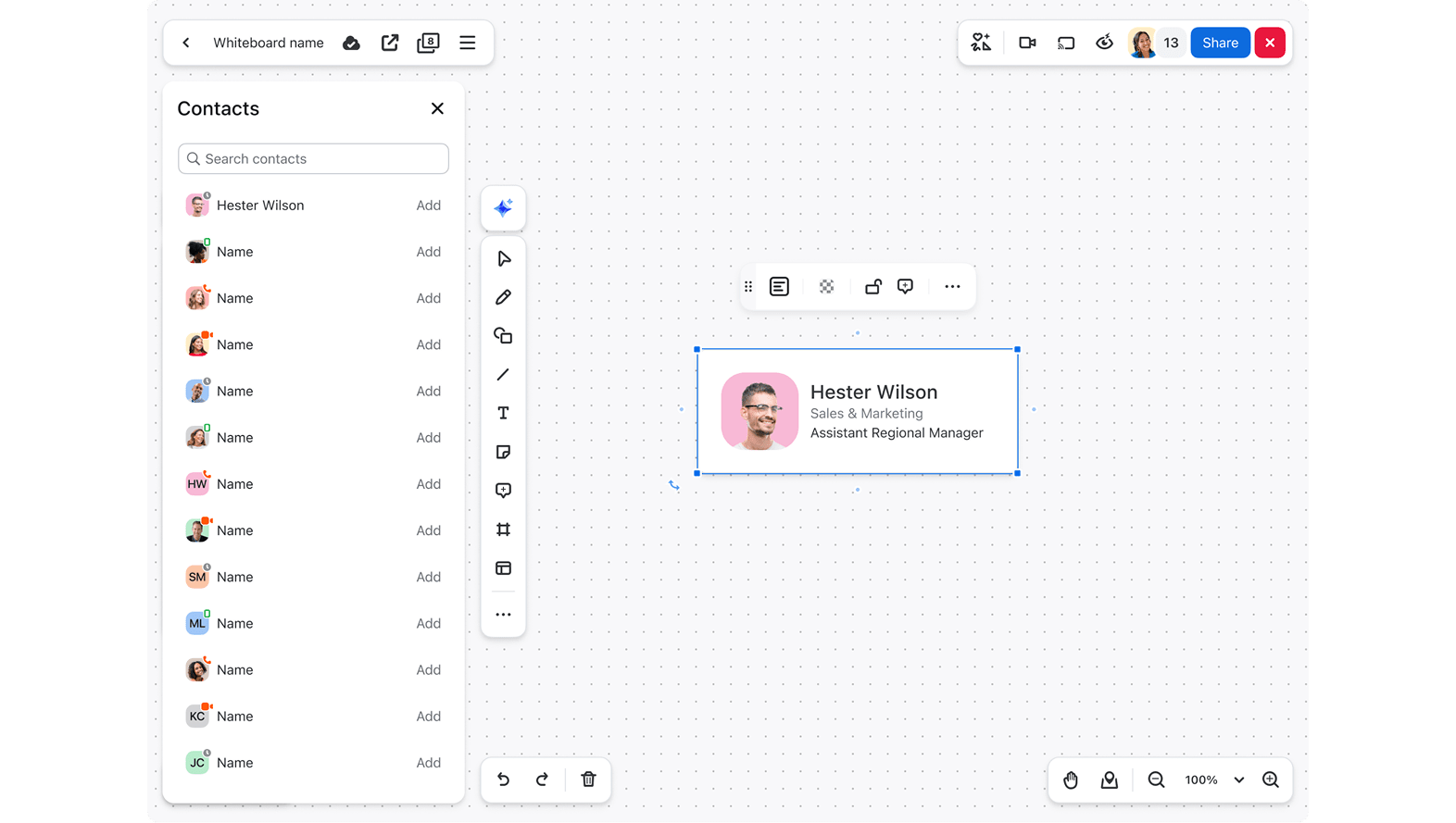
Learn moreSkip the blank canvas and start brainstorming and planning instantly with a template personalized for your specific project. You can create multi-frame boards from a simple, natural language prompt. This helps kick off brainstorms with pre-populated information and boosts engagement with built-in quick actions like stickers and timers.
Learn moreZoom and Cisco are partnering to provide customers with more choice and flexibility with Zoom for Cisco Rooms, giving customers the same high-quality Zoom Meetings experience on Cisco hardware.
Enroll in Beta Enroll in Beta
For Zoom Rooms customers needing to join Microsoft Teams meetings, Pexip delivers an in-room experience that includes one-touch joining, wired and wireless content sharing, and full support for dual-screen systems. Meetings via Pexip also support easy lobby bypass, 1080p resolution, and branding personalization tailored to your organization. Pexip is a certified Zoom ISV Exchange partner, so you can get Pexip directly from your Zoom representative.
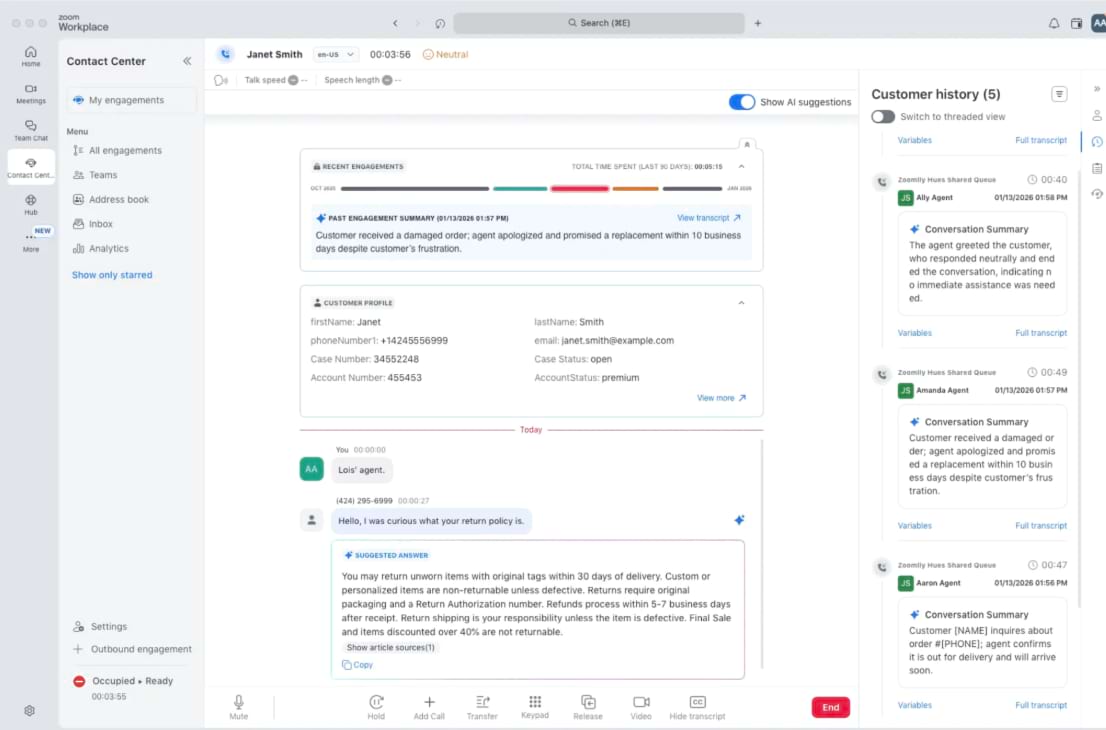
Try for freeWe're bringing more AI power to customer experience, helping agents stay refreshed, automating complex customer journeys, and closing the loop on quality across all channels.
Logitech's Zone Wireless 2 and the Zone 305 headsets are now officially certified for Zoom Contact Center, giving agents a high-quality headset.
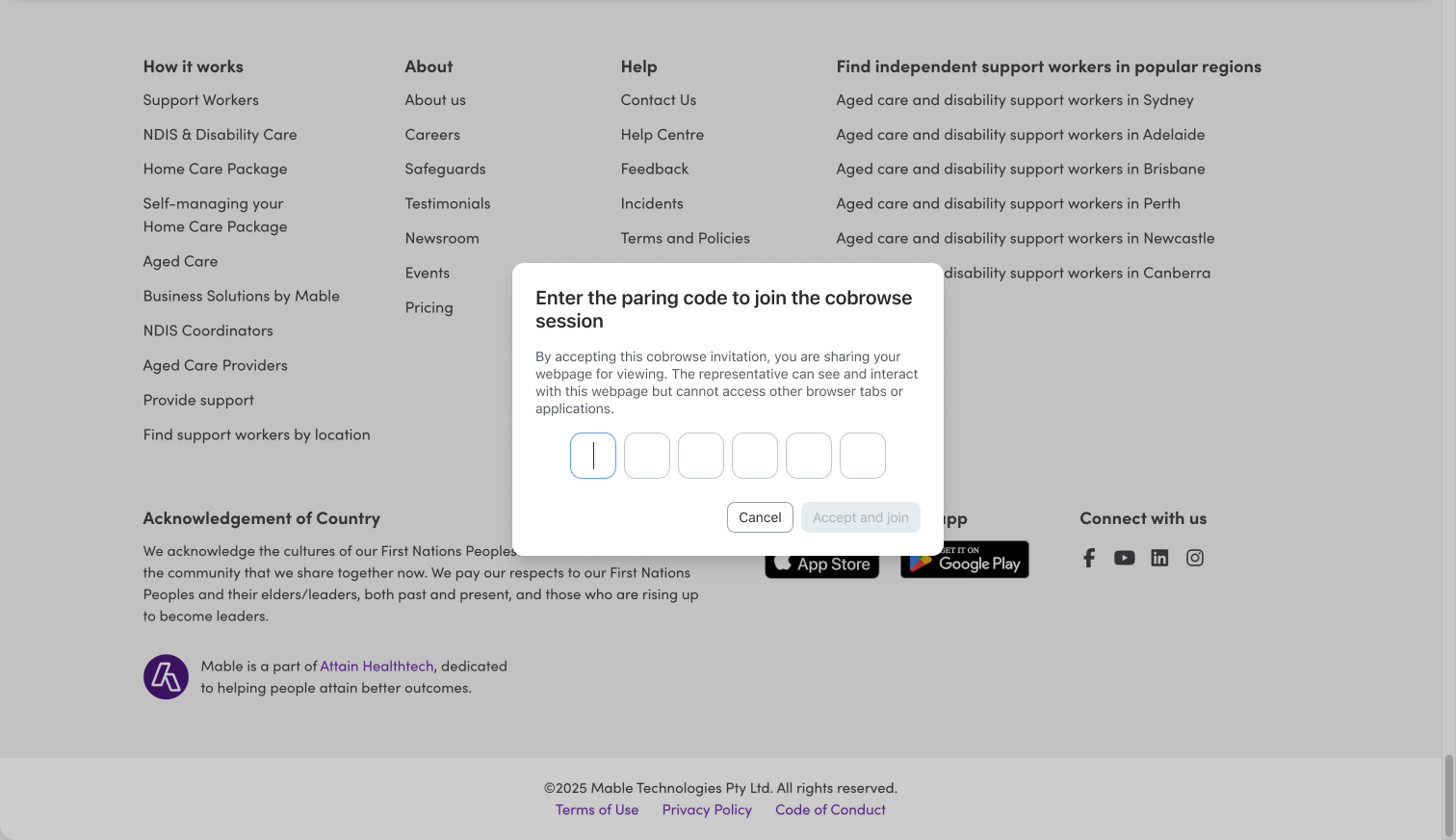
Learn moreEasily assist customers with website navigation, form completion, and more. Built-in privacy measures help sensitive personal information stay hidden, while you stay in sync with customers to provide effective support during your engagements.

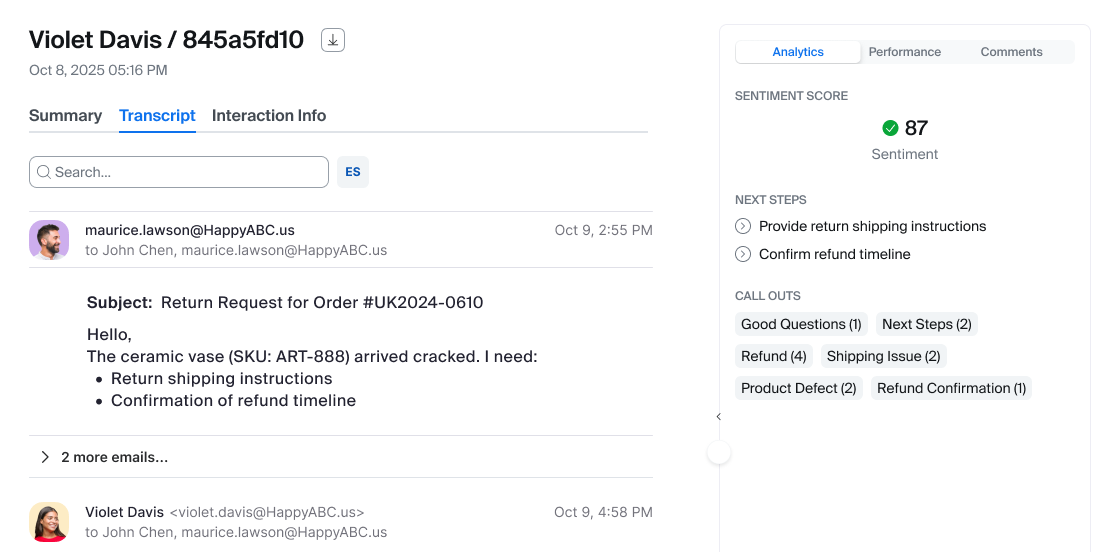
Ensure consistent service quality across all touchpoints, not just voice and chat interactions. Email interactions from Zoom Contact Center can now be analyzed and reviewed within Zoom Quality Management (QM). Users can search the content of emails and complete evaluations for these interactions, helping you maintain high-quality standards across every channel.
Learn more Learn more
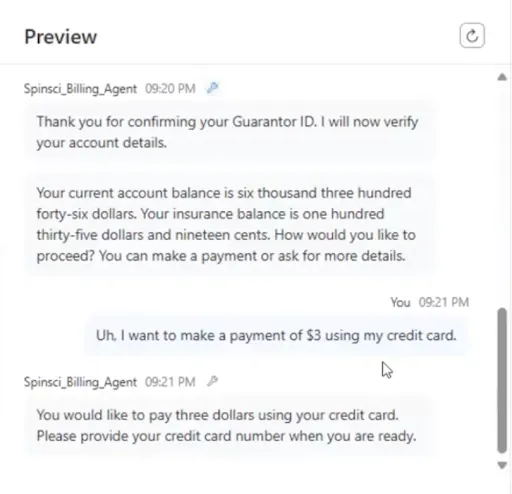
Manage support issues and complete full ticket workflows without switching between different systems. Zoom Virtual Agent can autonomously create, fetch, and update tickets in your third-party ticketing systems. For chat, this expands to full ticket visibility and management, and for voice, it empowers users to manage support issues without switching to external systems. Customers can now view and update open tickets directly within ZVA.
Learn more
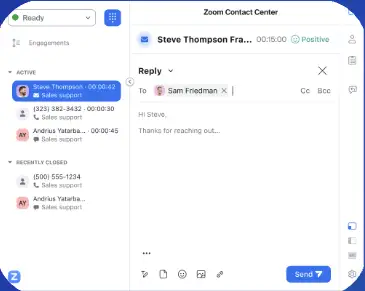
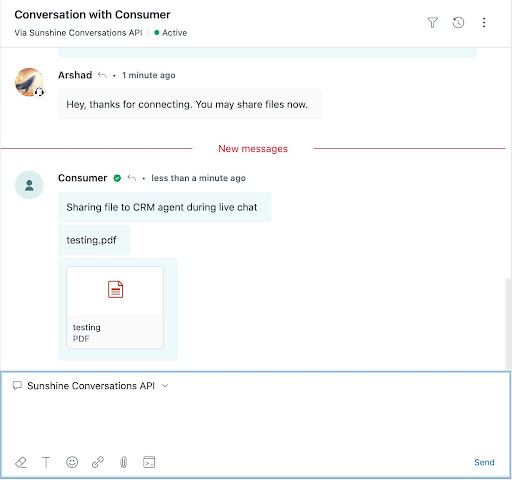
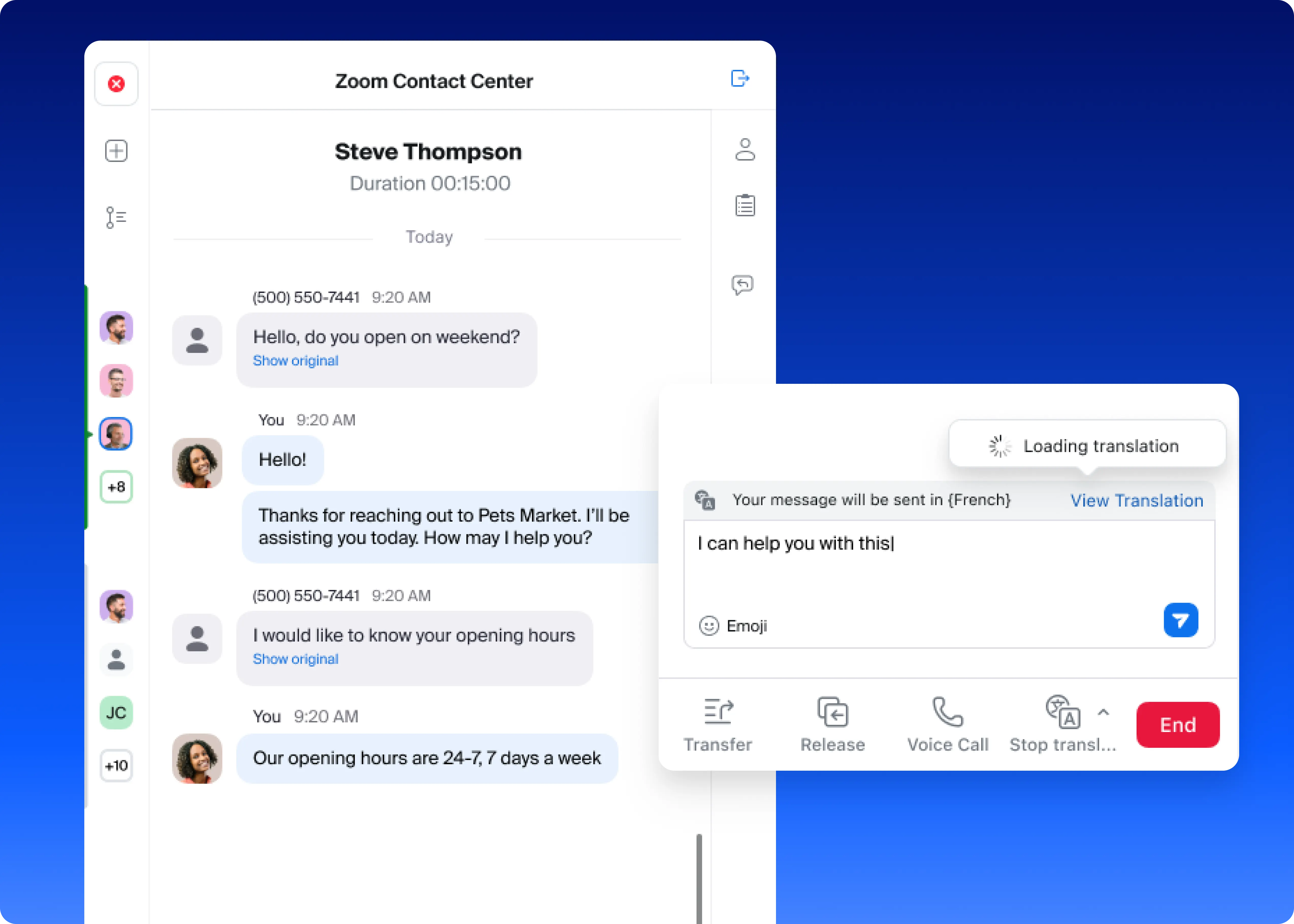
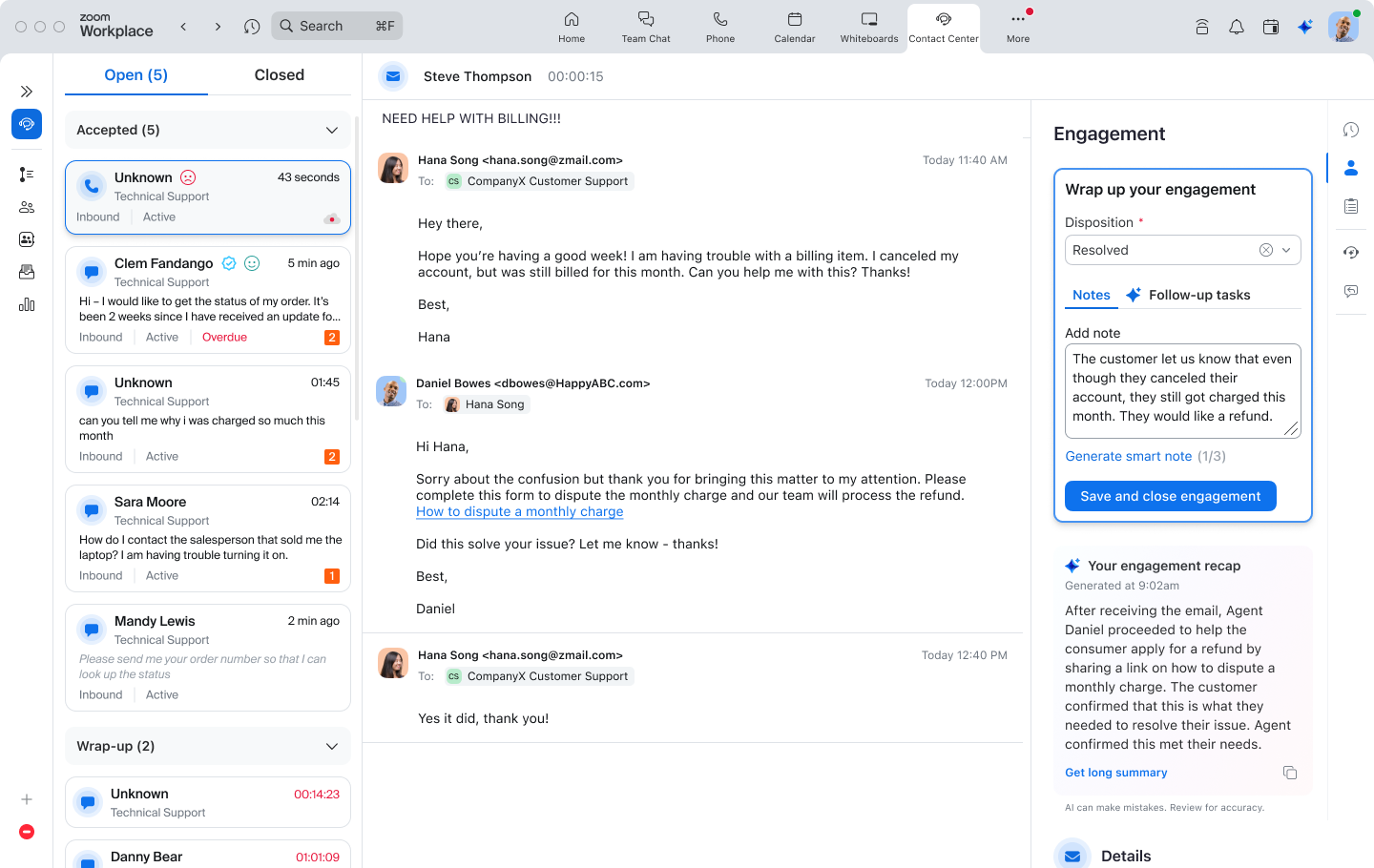
Bring the efficiency and accuracy of AI-powered agent support to one of your most common support channels: email. Agents can access the same real-time knowledge retrieval, guidance, and automation available in voice and messaging, directly in their email workflow. They get AI-recommended “Next Best Actions” based on the latest customer email, with clear highlights showing what triggered each suggestion. Plus, seamless translation means agents can engage customers in any supported language effortlessly.
Learn more Learn more
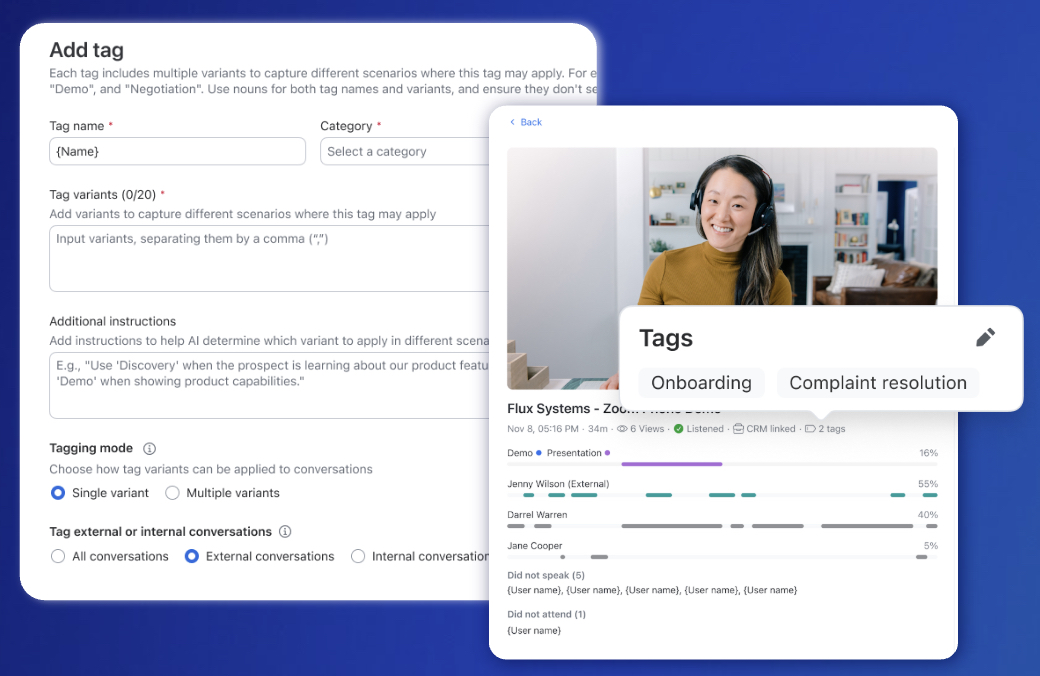
AI automatically classifies conversations, ensuring the right coaching and analytics are applied every time, eliminating manual work for sales reps. Automatically apply specific scorecards and briefs only to the relevant conversation types. You get both default tags for quick setup and custom tags tailored to your specific business needs.
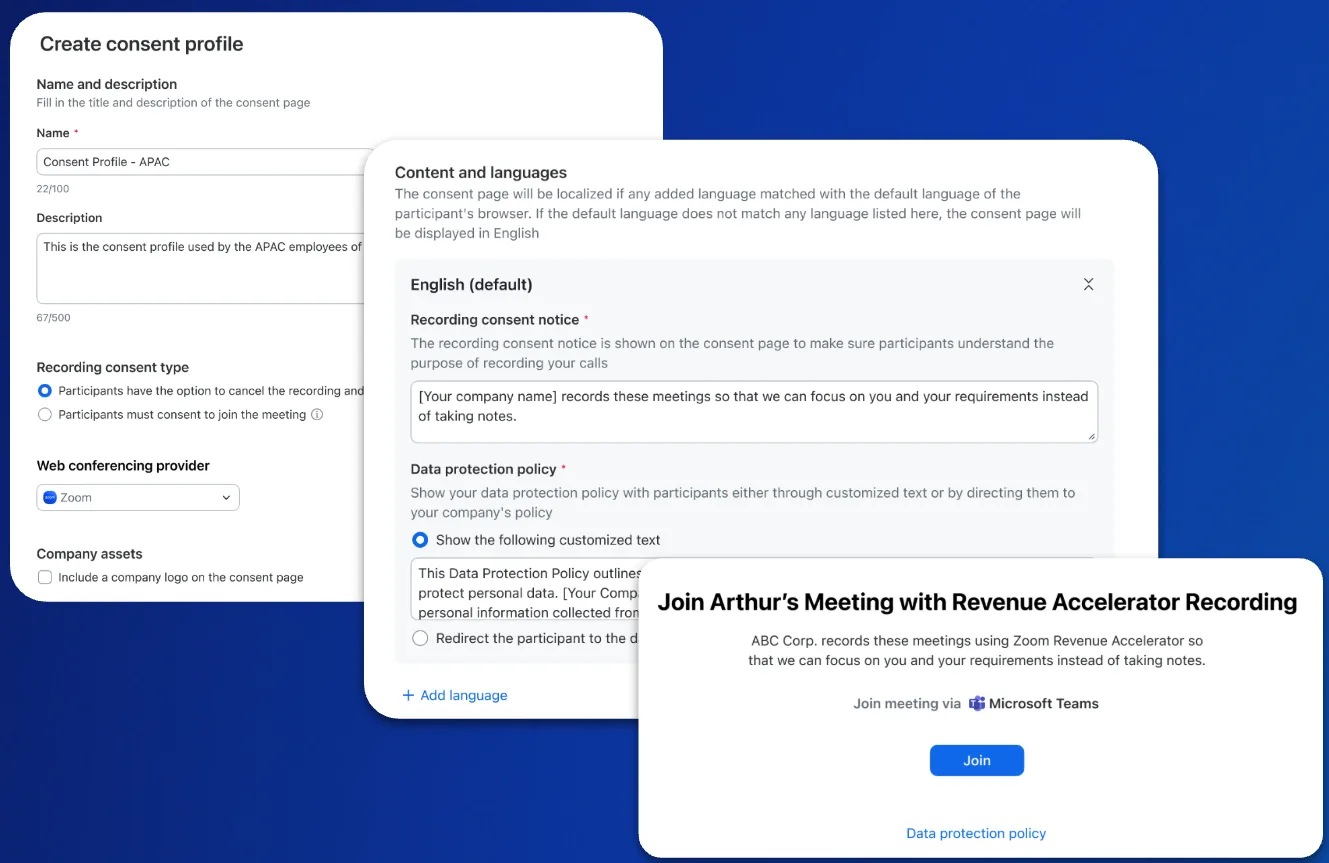
Learn moreMaintain brand consistency and professionalism when recording sales calls, even with third-party meeting providers. You can upload a custom profile image and set the recorder's name, chat prompt, and audio prompt to align with your brand. This is flexible for every meeting, allowing you to tailor customizations to third-party meetings with varying purposes.

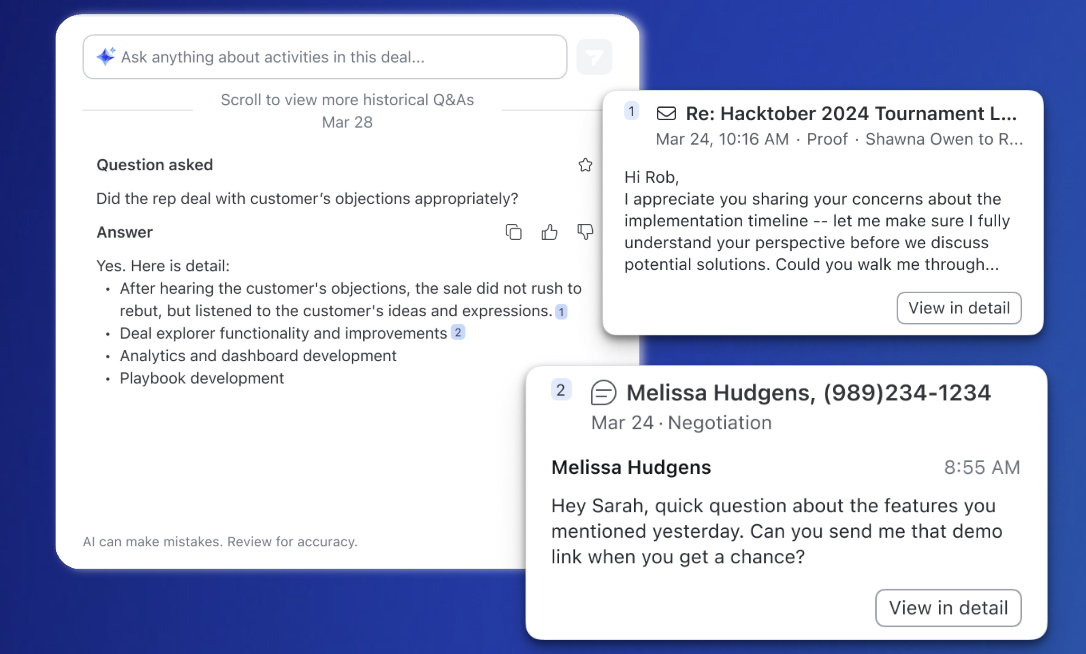
Get a comprehensive picture of deal health by including all critical data, not just meeting notes. You can now ask questions, and Deal Explorer will surface insights from your team's emails and SMS conversations. Review citations show you exactly which conversations the information came from, ensuring you get a more complete picture of deal health, progress, and risks.
Integrate your email
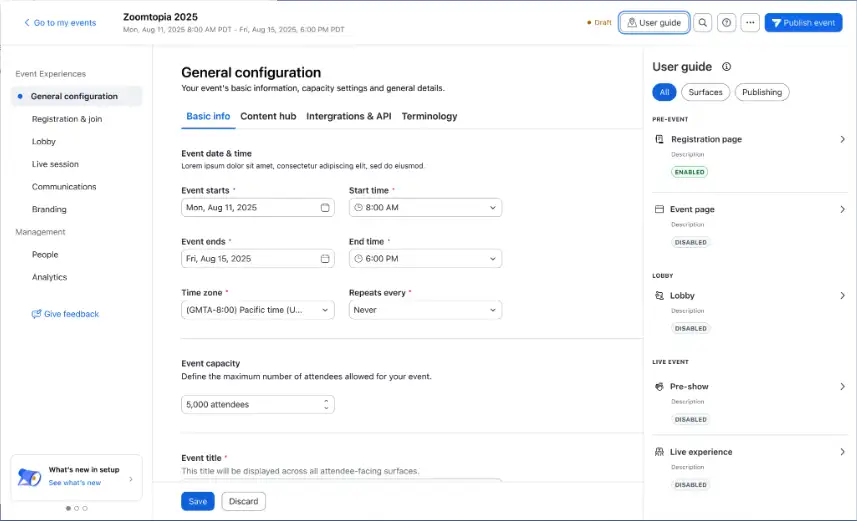
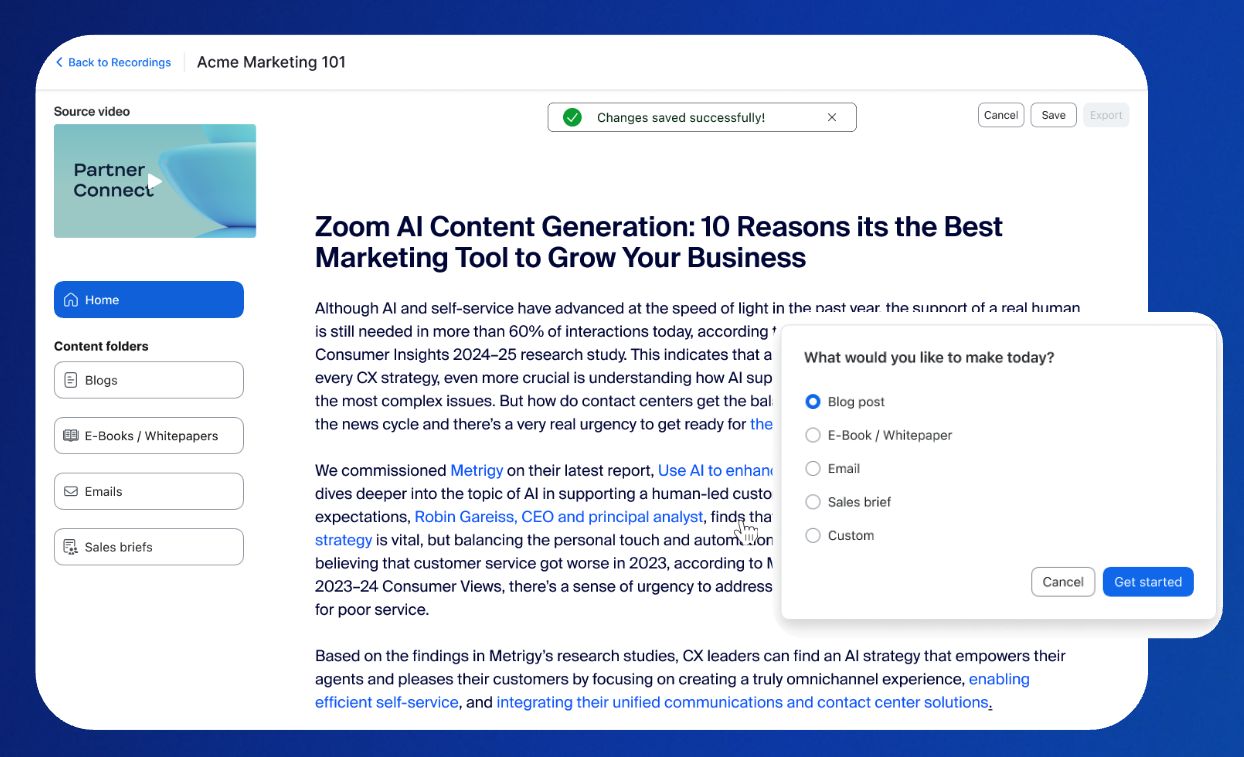
Expand your reach and maximize the investment of your event content, now for our customers hosted in the EU. You can now extend the life of your Zoom Events recordings by transforming them into marketing assets. This removes creative barriers by leveraging AI Companion to produce high-quality content, making it easy to scale content generation even with limited teams and resources.
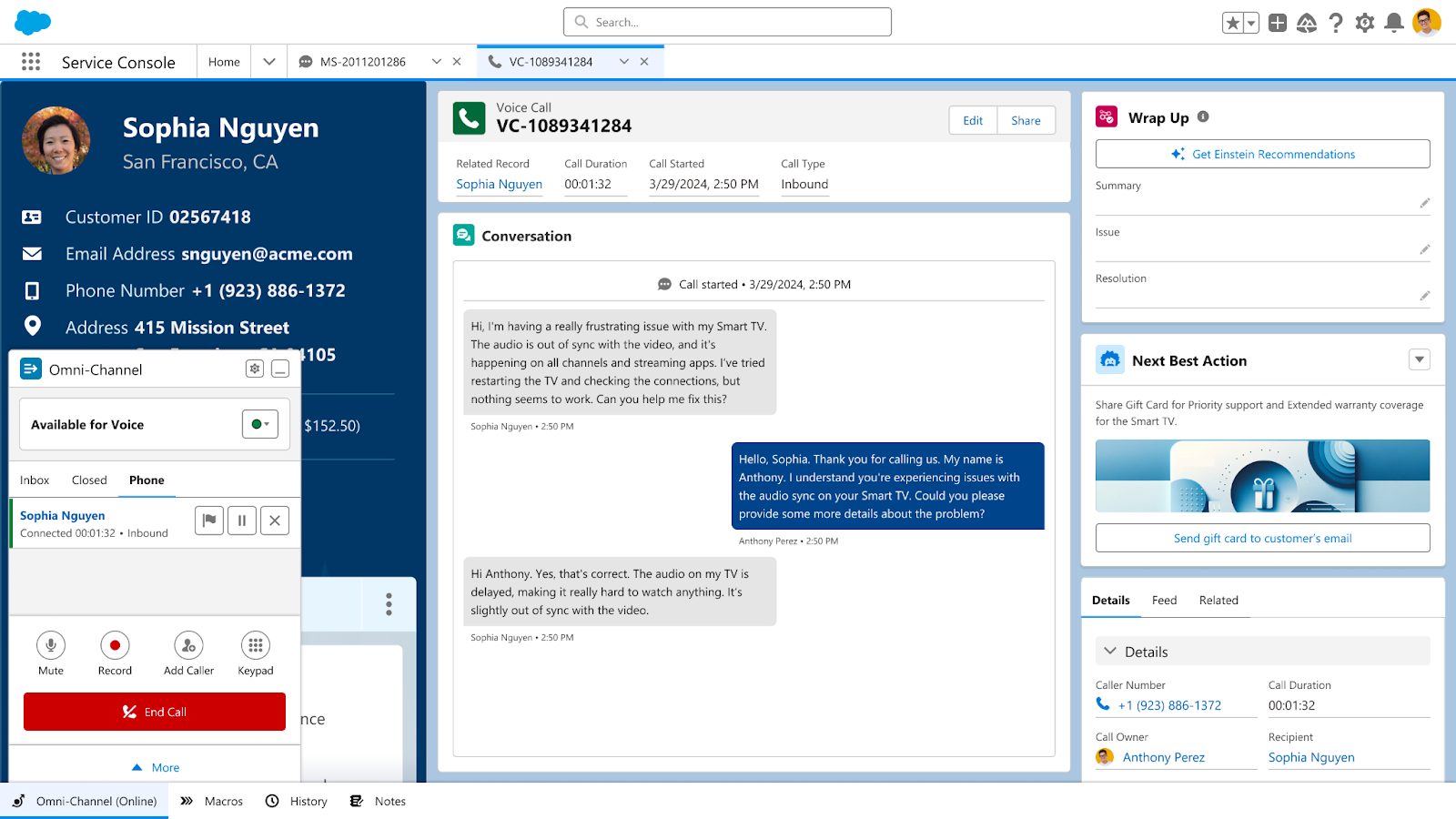
Empower agents by bringing the best of Zoom CX directly into their Salesforce environment. Agents can handle Zoom Contact Center voice interactions natively inside Salesforce with centralized intelligent routing. This integration helps improve quality and accuracy with built-in recording, real-time transcription, Quality Management (QM), and Workforce Management (WFM).
Learn more Learn more
Enhance your Video SDK application with rich, AI-powered meeting insights from cloud recordings. You can now add meeting transcripts and summaries from cloud recordings directly to your Video SDK app. Give users control over which cloud recording features they want to capture, with summaries containing highlights of key topics discussed, action items, and next steps.
Read moreZoom AI Companion is agentic! Zoom customers can now experience even greater productivity through the addition of agentic AI skills, agents, and models as we elevate AI Companion across our entire platform. This expansion can help you get more done by executing tasks on your behalf. It knows which agents and skills to tap into and uses reasoning and memory to make decisions, solve complex problems, and learn over time.
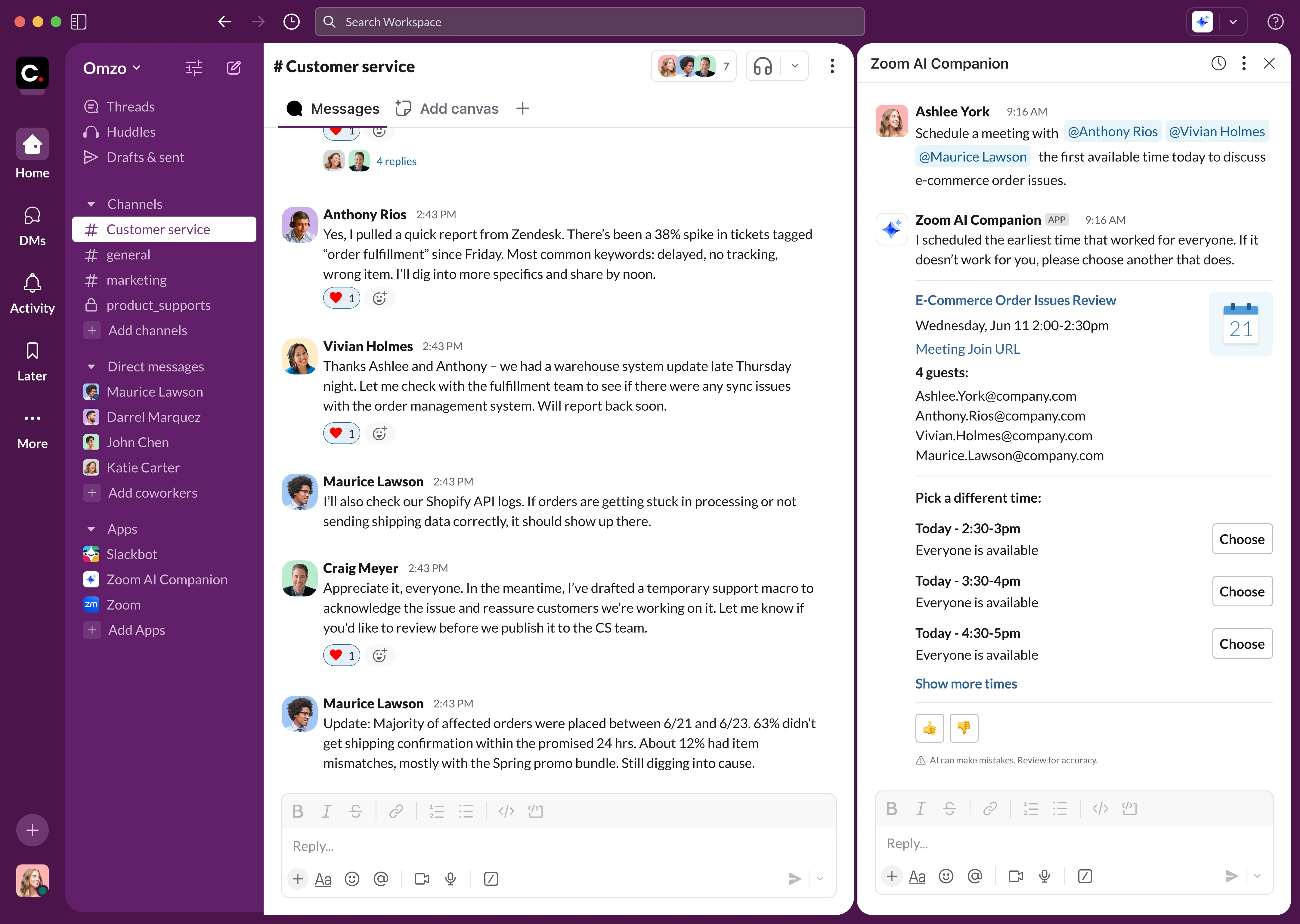
Transform how you coordinate meetings with agentic AI that works in the background to handle the scheduling complexity.
AI Companion will:
It's perfect for eliminating the tedious work of finding time slots that work for everyone.
Enable a broader set of models with our new middle-ground AI option Zoom-Hosted Models Plus (ZM+) that extends ZMO capabilities by adding Anthropic models via Amazon Bedrock to the Zoom-hosted models.
This solution offers:
The latest version includes Custom AI Companion features, ZM+ details, and other new AI capabilities. A customer webinar on August 26th will discuss AI privacy and security topics in detail. View the whitepaper.
Register for webinar Register for webinarZoom Workplace enables you to reimagine teamwork with AI Companion. Our open collaboration platform with AI Companion helps teams streamline communications, improve productivity, optimize in-person time, and increase employee engagement. Check out the latest enhancements below.
Streamline your communication with an enhanced new message experience that automatically converts named group chats into channels, reducing DM clutter and giving admins better visibility and control over team conversations.
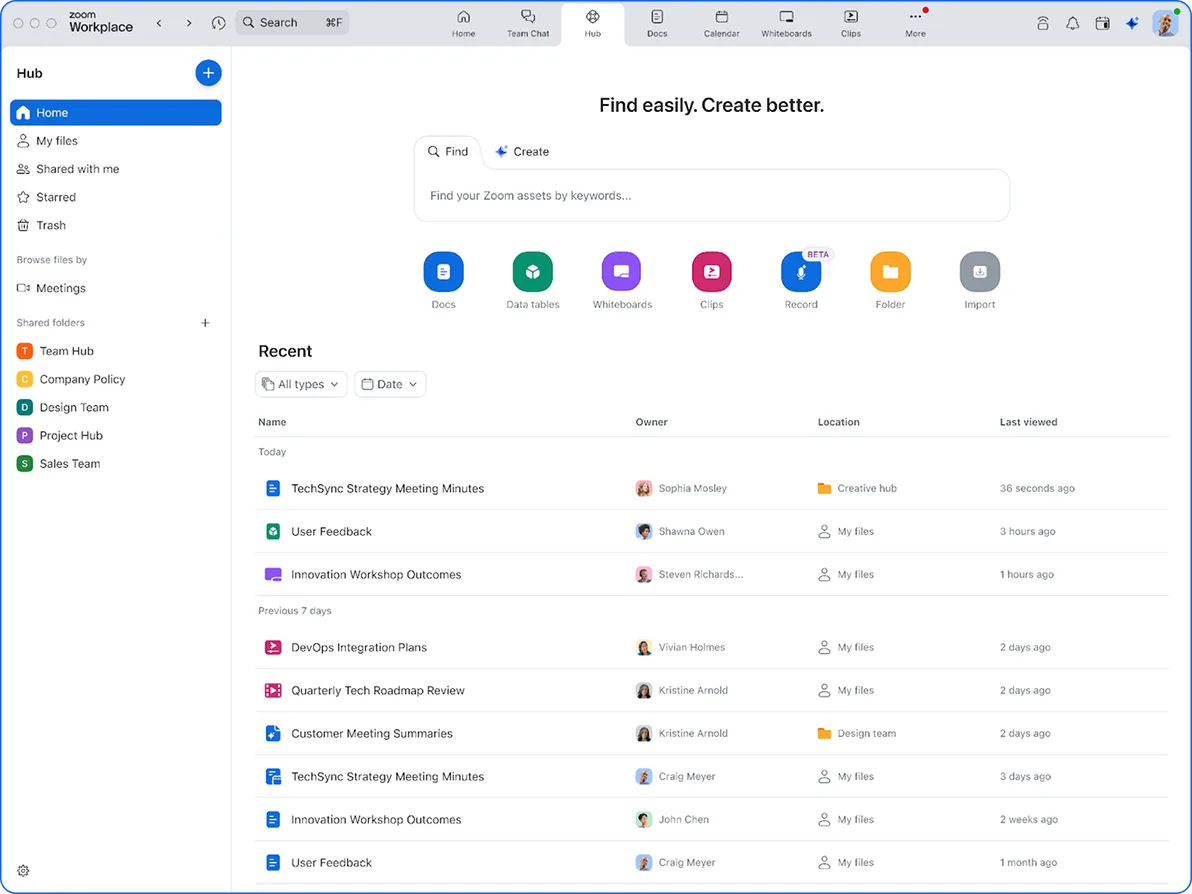
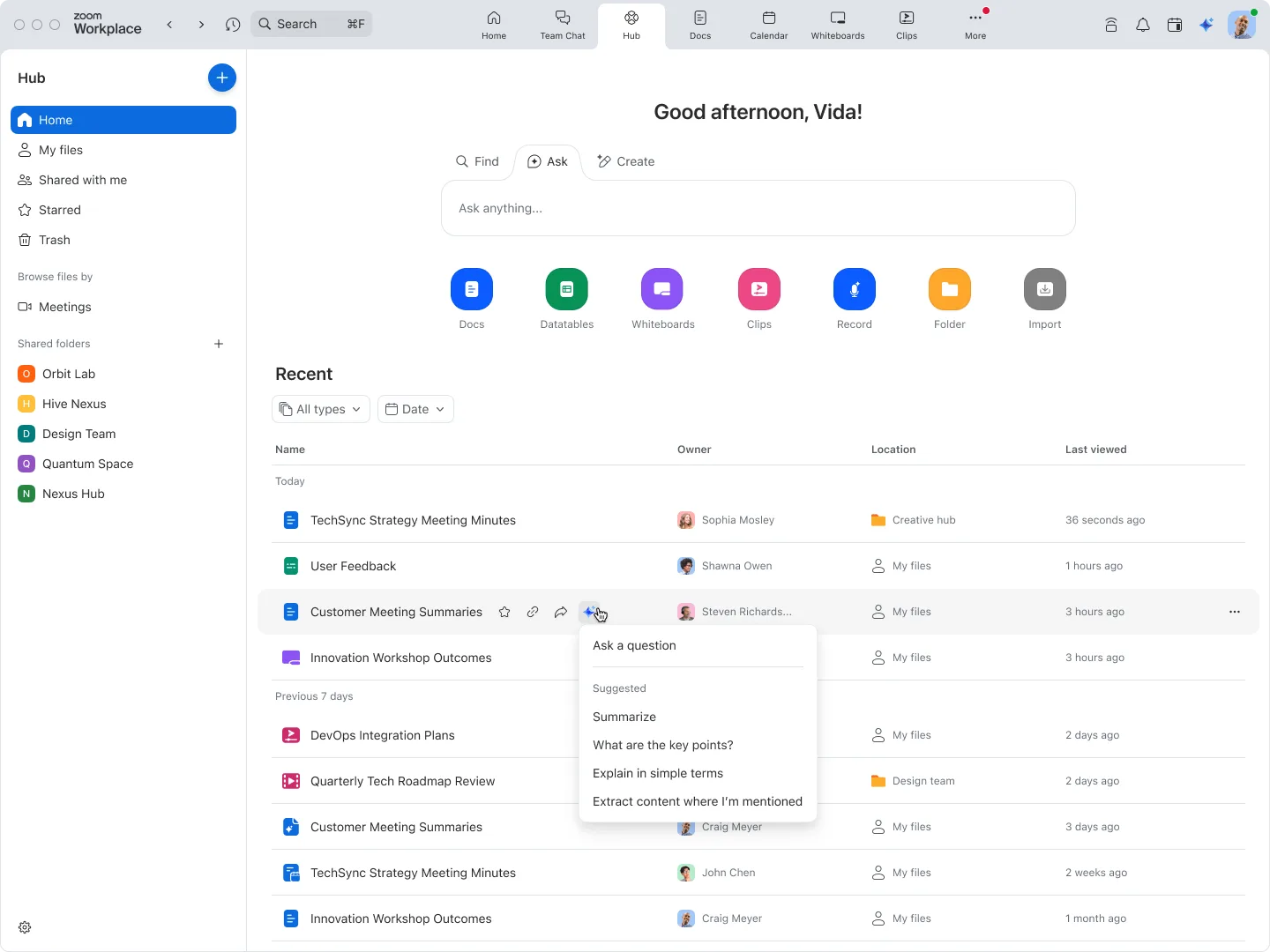
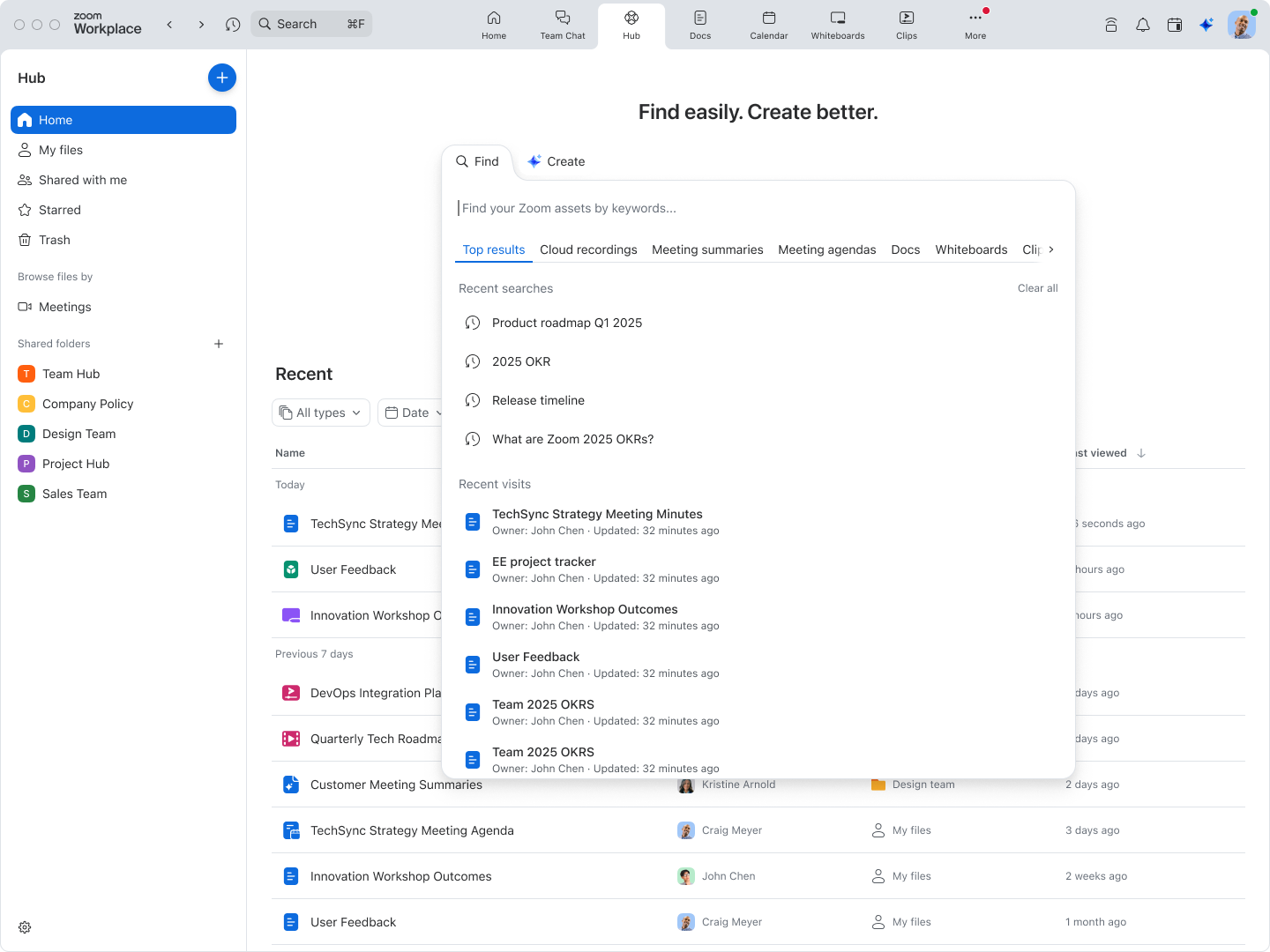
Your central repository for all Zoom files is now available:
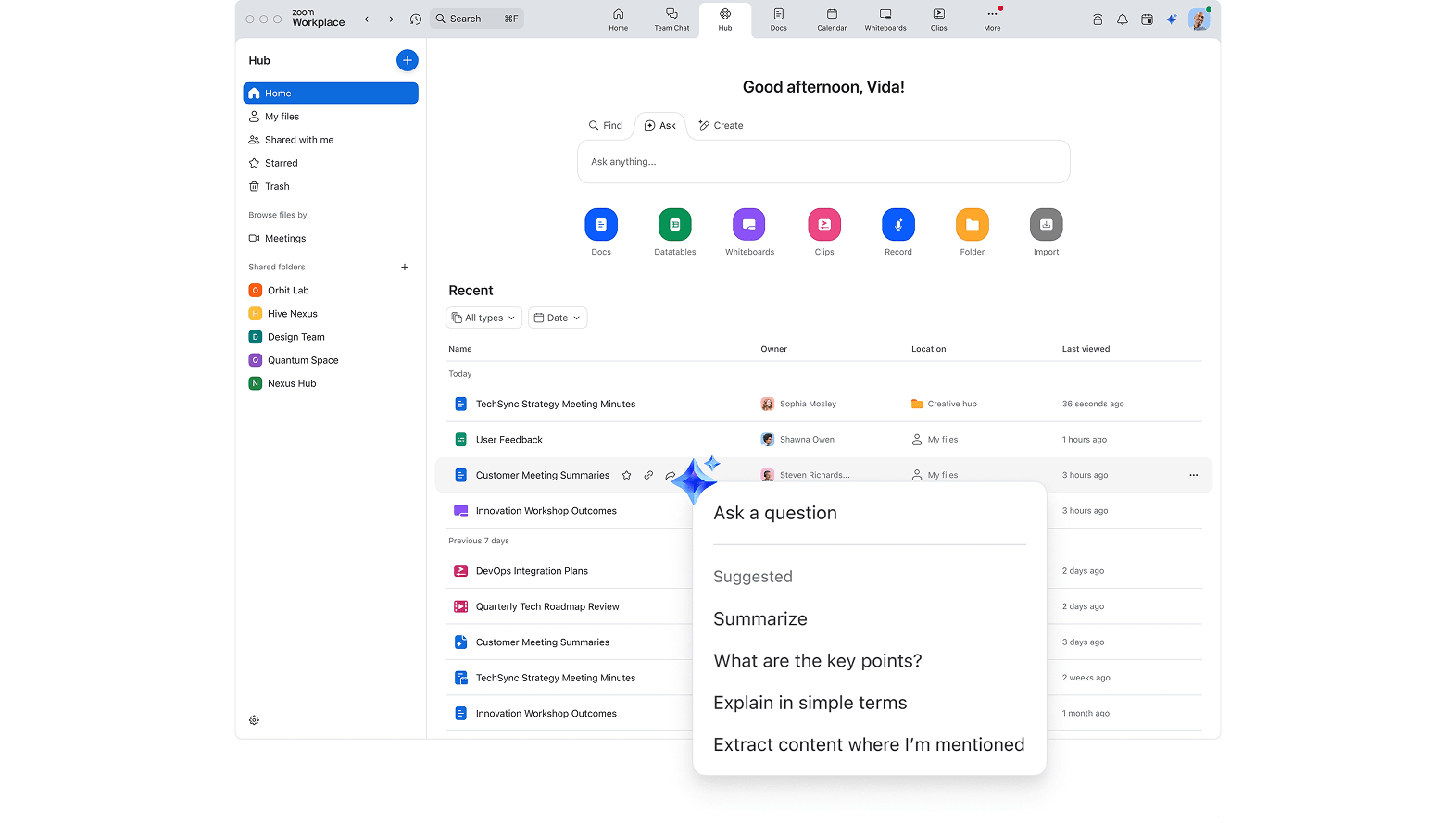
Experience Zoom Hub
Let AI Companion organize your workload with smart features including:
Improve security and compliance while gaining visibility into who views your content by requiring guest viewers to either sign in to Zoom or provide their email before accessing clips. Set requirements at account, group, user, or individual clip levels.
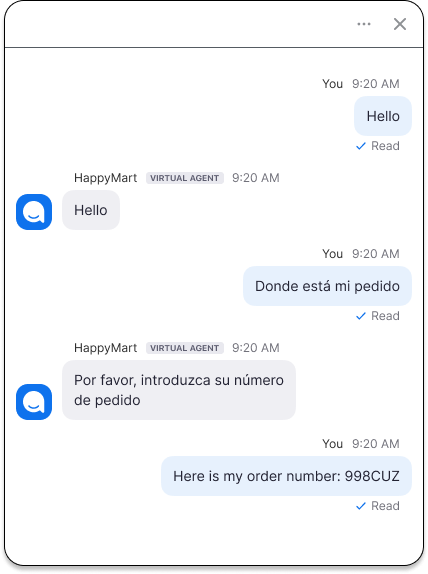
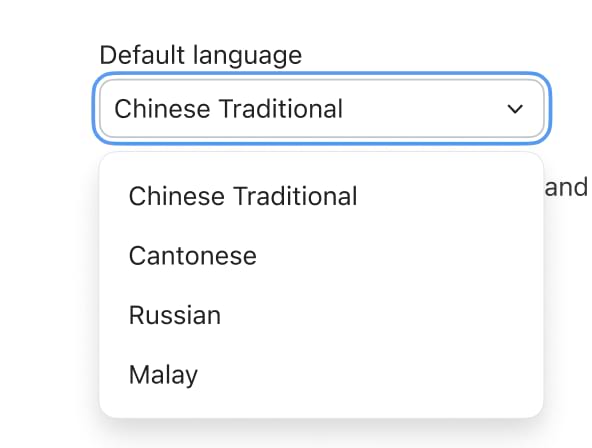
Provide a tailored experience for global audiences by automatically formatting dates, times, and notifications in your audience’s preferred language and location, ensuring clear communication across different regions.
Zoom’s Business Services help you leave a lasting impression on your customers and help to build long-lasting relationships at every stage of the customer journey. From our AI-enabled contact center and conversation analytics tools, to our hybrid and virtual events solutions, we’ll help you deliver personalized, memorable experiences that drive brand loyalty and improve customer engagement.
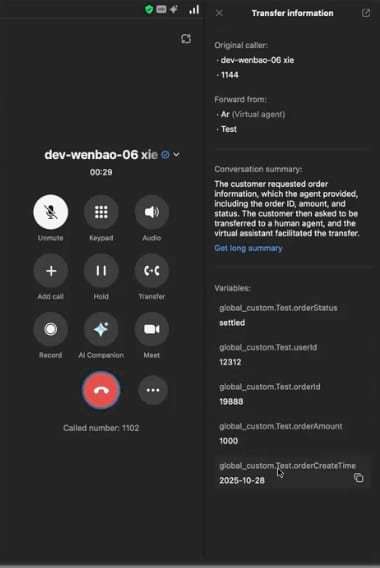
Extend ZVA's powerful capabilities to Zoom Phone, enabling 24/7 concierge services that can:
Learn more
New in-product help bar provides onboarding guides, support articles, release notes, and instructional videos directly within the admin interface for streamlined onboarding, support, and admin best practices.
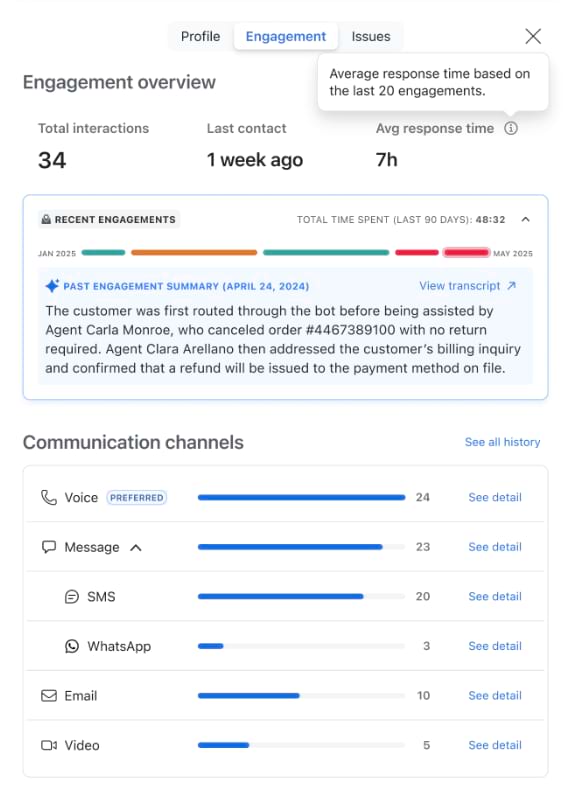
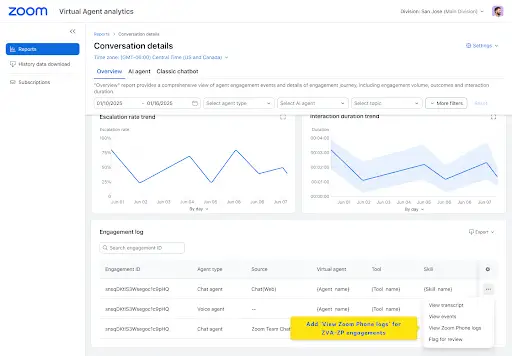
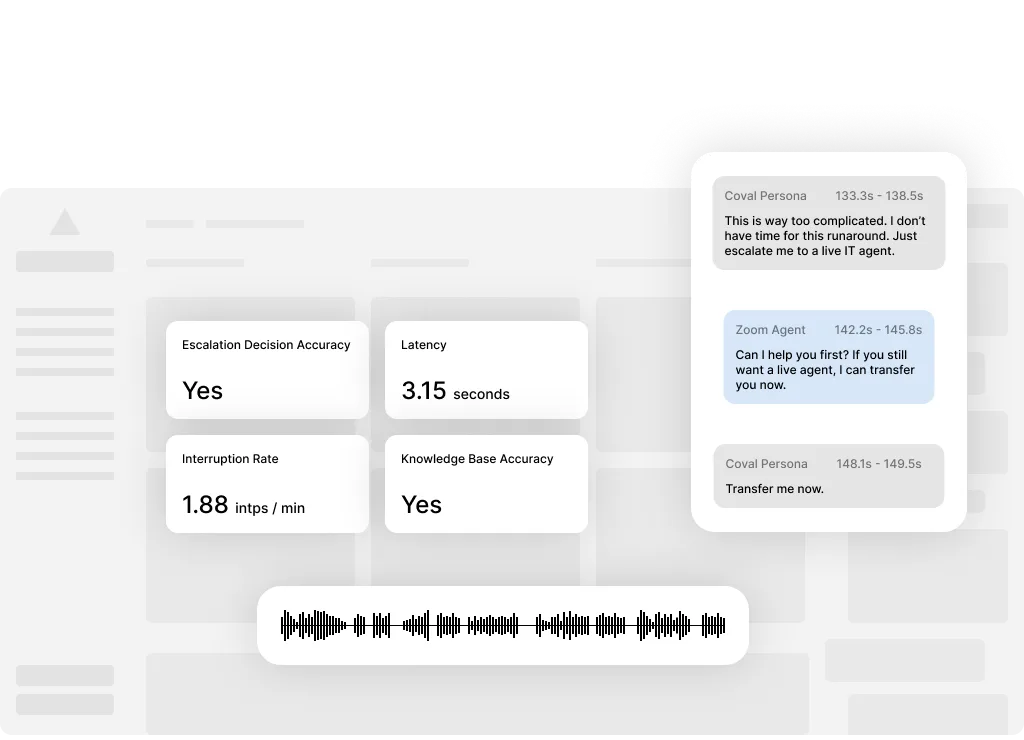
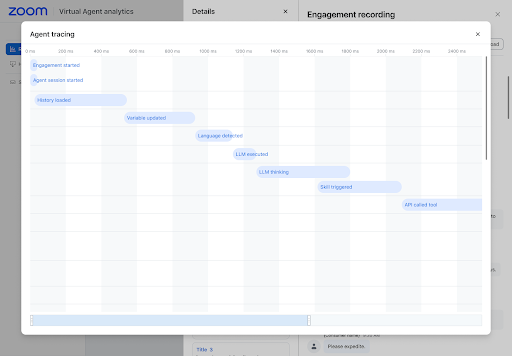
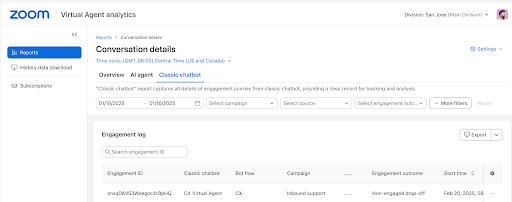
Learn moreSee the complete story from Zoom Virtual Agent to Zoom Contact Center with unified analytics that track customer interactions across both AI and human agents, including escalation points and outcomes.
Monitor agent adherence trends with AI-generated pattern analysis for root cause identification, and data-driven insights for smarter staffing decisions.
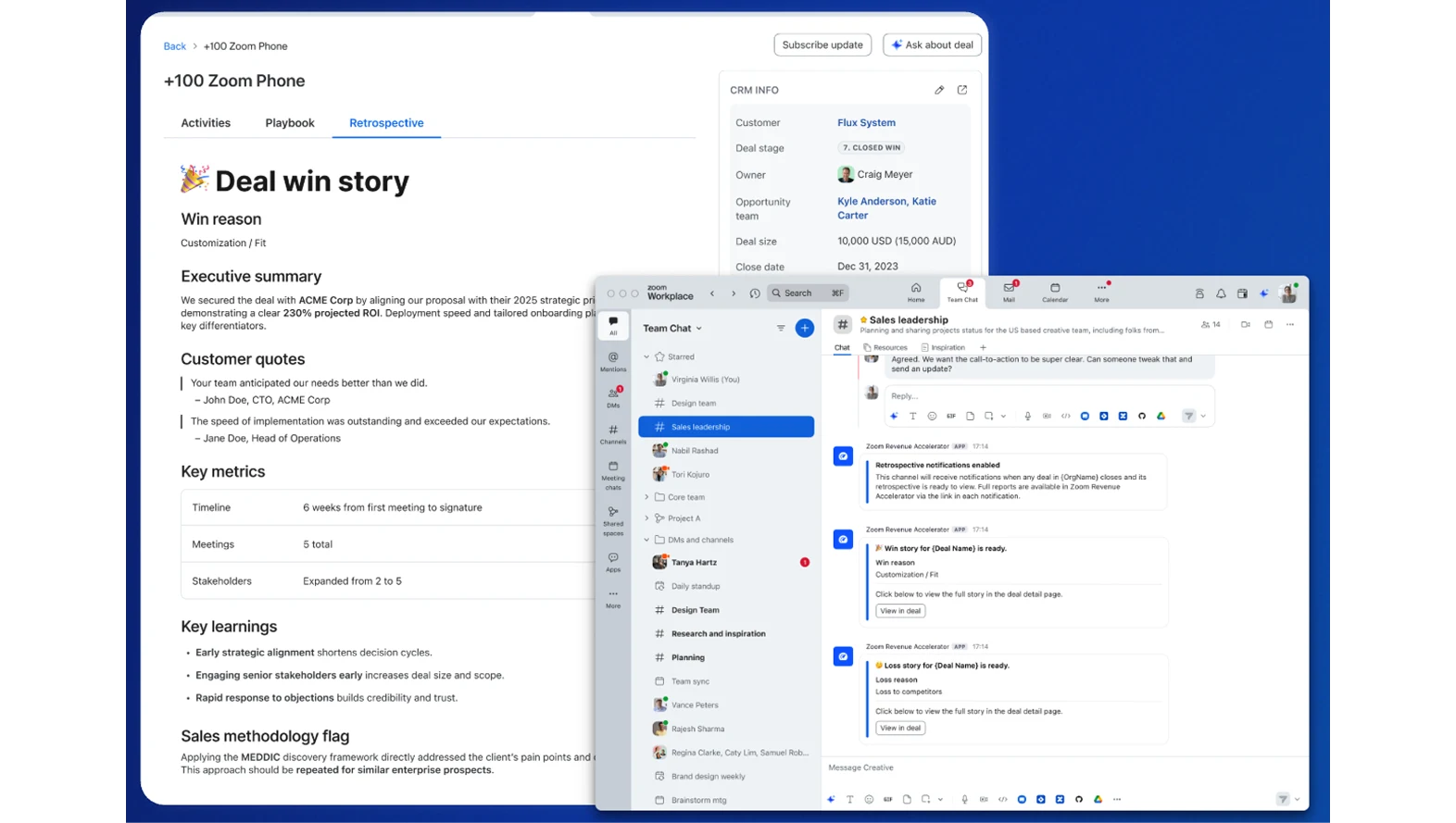
Automatically classify conversations by type (Demo, QBR, etc.), with no manual work for reps. Admins can customize tags, and they become powerful automation triggers for briefs, scorecards, and playbooks, with both default tags for quick setup and custom tags for specific business needs. Tags are visible and filterable across Revenue Accelerator, so leaders can instantly find and analyze the right conversations, and tailor their coaching at scale.
Learn more
Get a complete picture of deal health by including critical data from emails and text messages alongside call transcripts, with citations showing exactly which conversations provided key insights. This means when you ask Deal Explorer about deal health, progress, or risk, it's pulling from all relevant conversation types - not just meetings.
Learn more Watch webinar
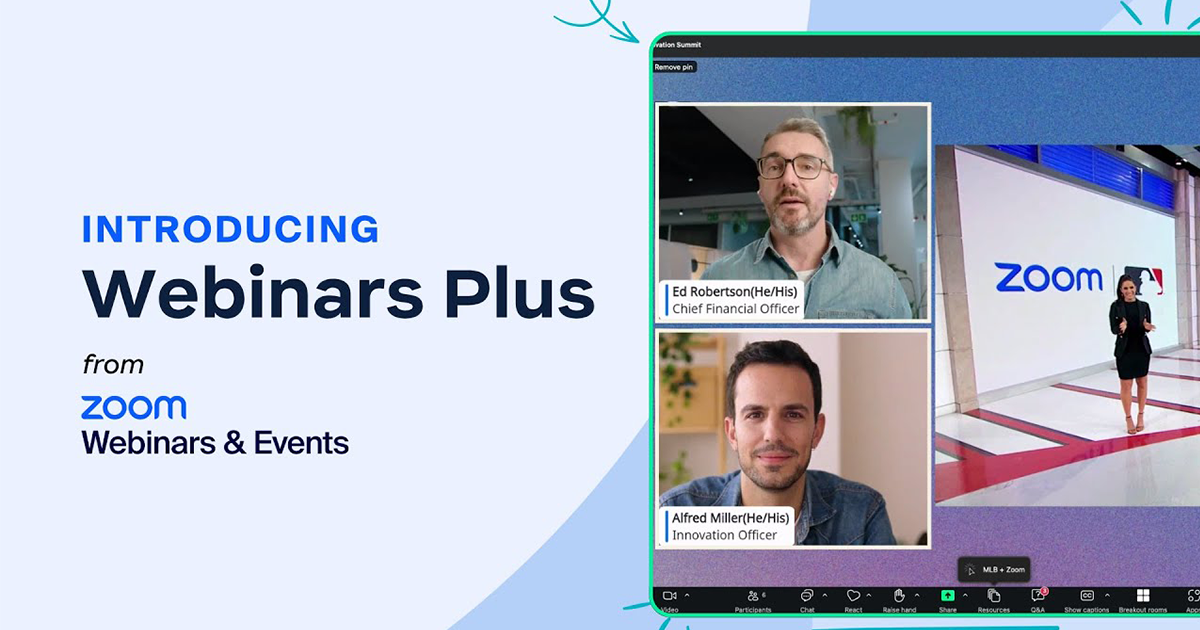
Our premium webinar solution just got a new name. Create broadcast-quality webinars that captivate your audience. Coordinate seamlessly behind the scenes. Turn every recording into valuable on-demand content.
Learn more
Create professional-quality webinars with cloud-based mixing capabilities that remove dependencies on network bandwidth and host computer performance, included at no additional cost with Webinars Plus and Events.
Help late attendees catch up instantly with AI-generated summaries of what they missed, reducing host interruptions and keeping presentations focused. Hosts can enable/disable as needed during sessions.
Our powerful AI-first work platform offers mission-critical applications that help consolidate communications, connect people, and collaborate better together in the boardroom, classroom, operating room, and everywhere in between.
Usage-based pricing for clinical notes
New flexible pricing options for clinical notes are available. Choices include: Unlimited (no restriction to the number of clinical notes generated), Pay-as-you-go (per clinical note charge), or Pre-pay (credits for fixed number of clinical notes).
Custom templates
In addition to the various pre-set clinical note templates (including a number of new behavioral-health templates), admins can build customized templates using AI Studio builder, and users can also be enabled to build and edit their templates.
Learn more
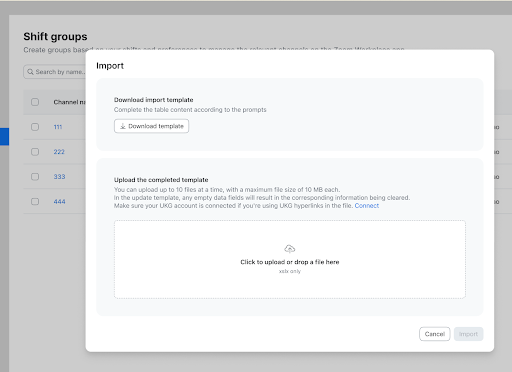
Now you can upload a CSV file with group members instead of manually entering them to save time setting up your frontline shifts.
Learn more
This partnership brings Spacera’s intelligent, vendor-agnostic meeting room management solution to Zoom Rooms customers worldwide—making it even easier to maintain reliable, insight-driven collaboration spaces.
Gain visibility into webhook, QSS, and RTMS performance with centralized monitoring, success rate tracking, and faster debugging capabilities for reliable integrations at scale.
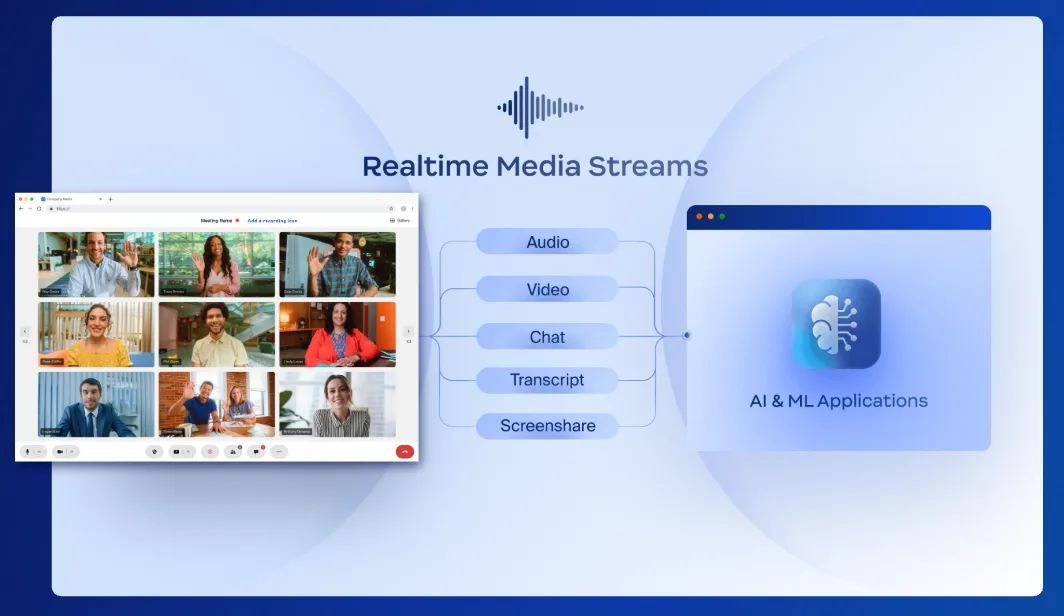
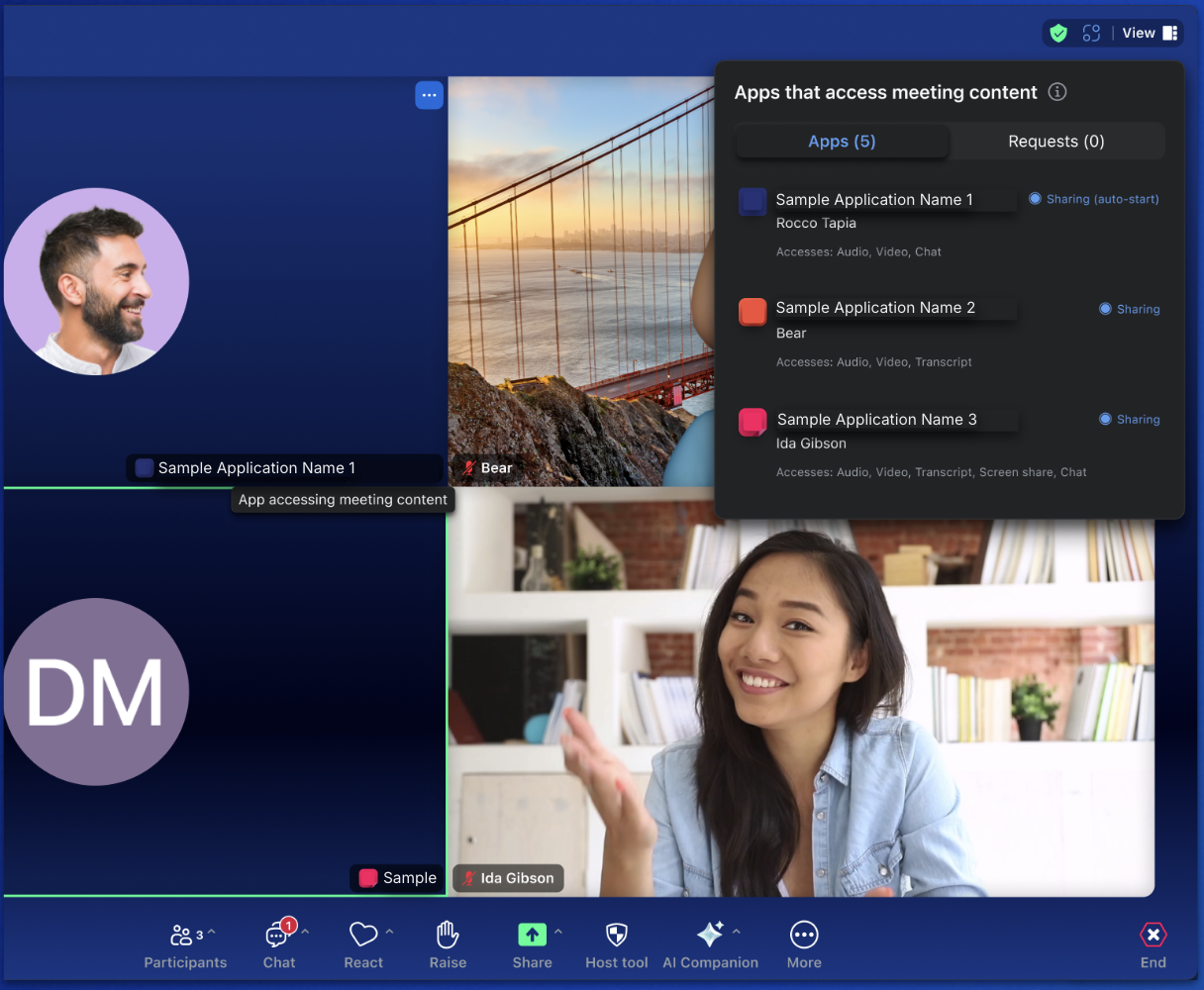
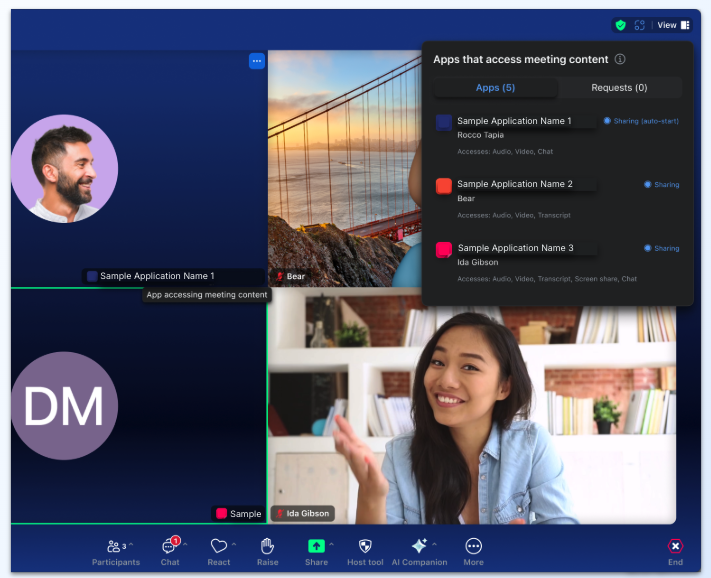
Zoom Desktop Client v6.5.5 introduces powerful new JavaScript APIs for Realtime Media Streams, allowing developers to control RTMS streams directly in meetings while giving hosts approval controls and participants clear visibility through app names on video tiles. The update also adds an Active App Notifier that enhances transparency and helps drive app discovery and adoption.
Learn more
Zoom AI Companion is agentic! Zoom customers can now experience even greater productivity through the addition of agentic AI skills, agents, and models as we elevate AI Companion across our entire platform. This expansion can help you get more done by executing tasks on your behalf. It knows which agents and skills to tap into and uses reasoning and memory to make decisions, solve complex problems, and learn over time.
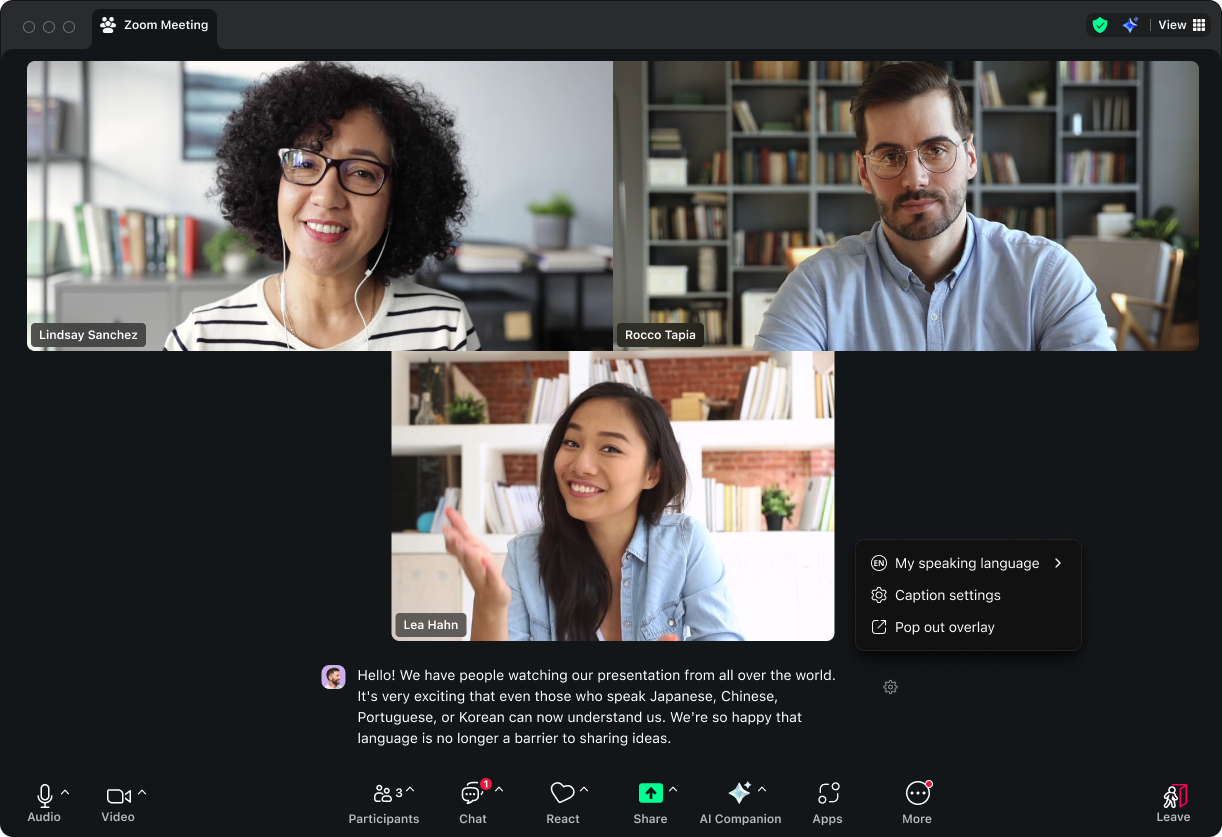
Improved real-time transcriptions offer more accurate captions during meetings. Enhanced support for 36+ languages enables captions to automatically display in the user's preferred language, with better language identification accuracy, customizable user experience with adjustable font size and color, and on-device captions for meetings with lower internet connectivity.

New AI Companion users will now see an improved onboarding experience that guides you through setting up AI Companion for your specific needs. This helpful setup flow ensures you can configure when AI Companion starts, who can ask meeting questions, and who receives summaries..
Supercharge your productivity with 13 new third-party app integrations for Custom AI Companion. Connect directly to your CRMs like Salesforce and HubSpot, project management tools like Jira and Asana, and document platforms like Google Drive and Microsoft OneDrive. Complete tasks and update systems without ever leaving your Zoom meeting.
Admins can now connect Google Drive or OneDrive accounts directly as data sources, with AI Companion respecting existing permission controls. Additionally, you can add URLs to your knowledge collections, allowing AI Companion to crawl company websites or support sites to provide more relevant, organization-specific responses.
Zoom Workplace enables you to reimagine teamwork with AI Companion. Our open collaboration platform with AI Companion helps teams streamline communications, improve productivity, optimize in-person time, and increase employee engagement. Check out the latest enhancements below.
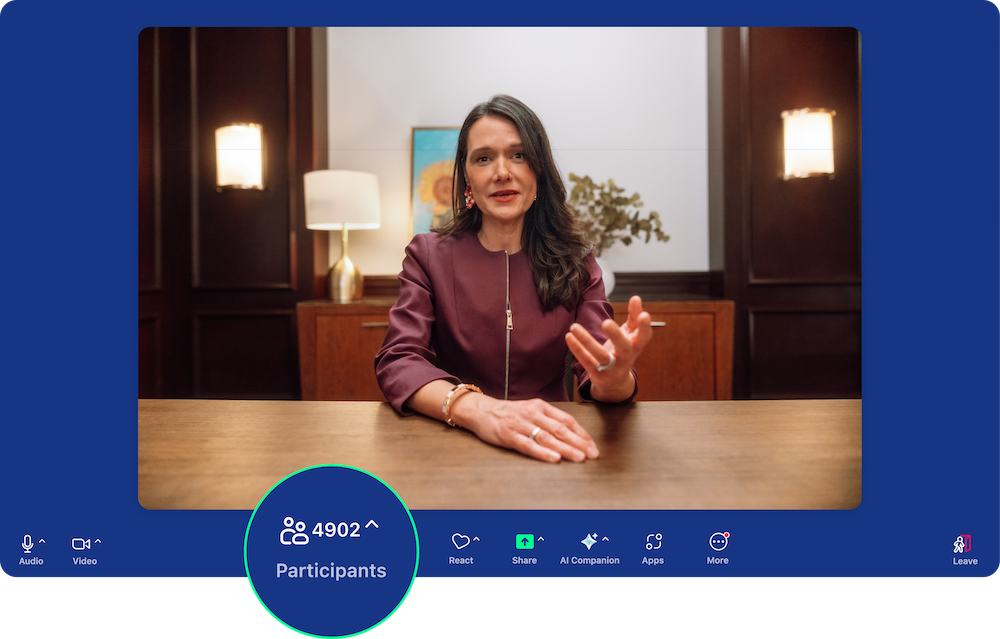
Meet growing demand for bigger meetings with new capacity options for 3,000 and 5,000 attendees. These add-ons provide the full Zoom Meeting experience (with the exception of pinning and gallery view) and are available for both direct and online customers.

Stay productive anywhere with Zoom Chat's completely redesigned mobile architecture. The new interface maintains parity with the desktop app and includes AI Companion's reply and compose features, making mobile collaboration seamless and efficient.
Personalize your Zoom Chat experience with custom emoji icons for channels, making them easier to identify and navigate. Group chat icons now display user photos for better visual organization. Desktop support launches in July, with mobile support coming in August.
Zoom’s Business Services help you leave a lasting impression on your customers and help to build long-lasting relationships at every stage of the customer journey. From our AI-enabled contact center and conversation analytics tools, to our hybrid and virtual events solutions, we’ll help you deliver personalized, memorable experiences that drive brand loyalty and improve customer engagement.
Deploy AI agents faster with pre-built templates designed for specific industries like healthcare, retail, and financial services. These templates come with pre-configured skills and workflows, allowing teams to launch quickly without starting from scratch.
Zoom Virtual Agent now integrates seamlessly with Zoom Scheduler, enabling autonomous appointment management that automatically syncs with calendars and routes to live support when needed.
Agents can now see AI-generated answers using Retrieval-Augmented Generation (RAG) at the top of knowledge base search results — delivering instant, contextual responses based on trusted KB content to help them respond faster and with greater confidence.
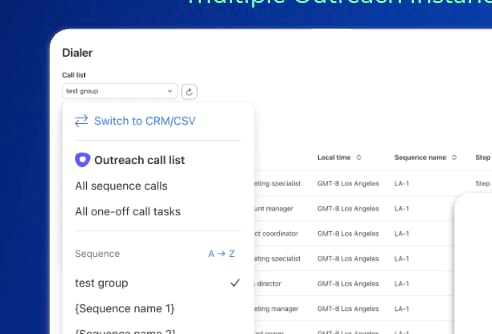
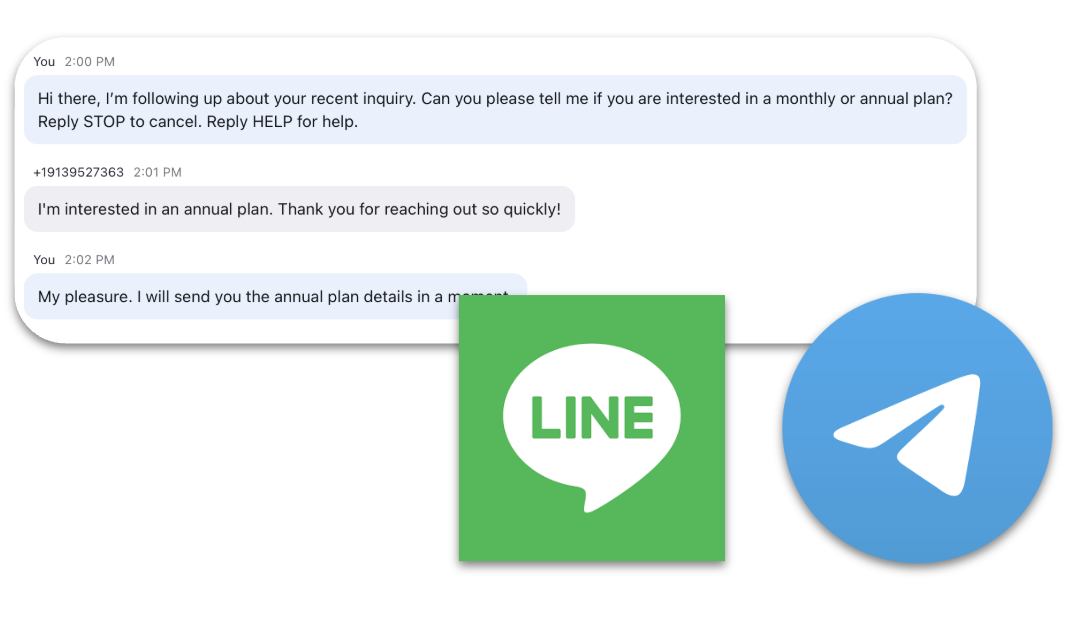
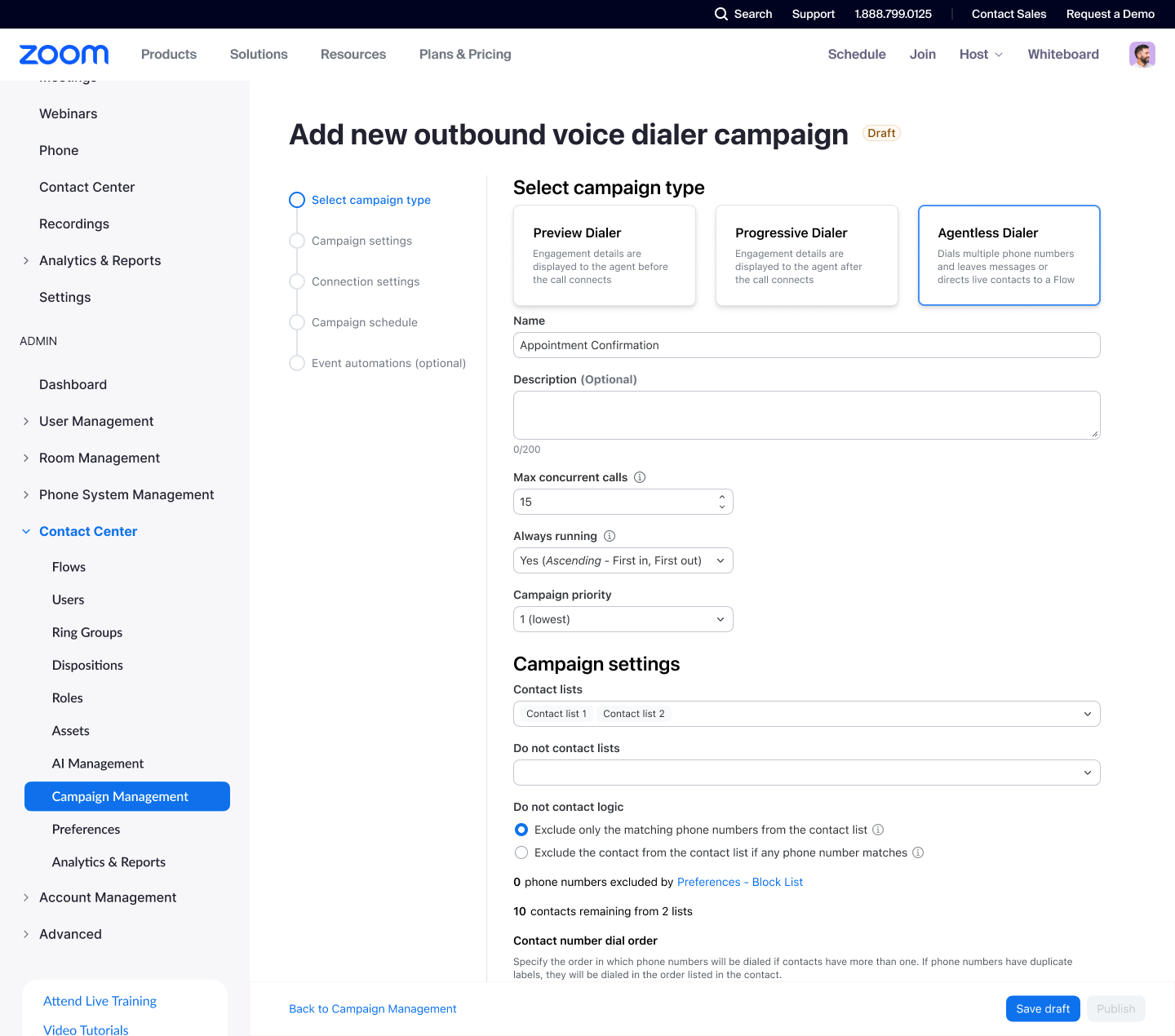
New features include an agentless dialer for outbound campaigns, Instagram Professional Accounts integration for social customer service, and AI topic detection that automatically identifies and highlights key discussion points across voice, video, and text interactions.

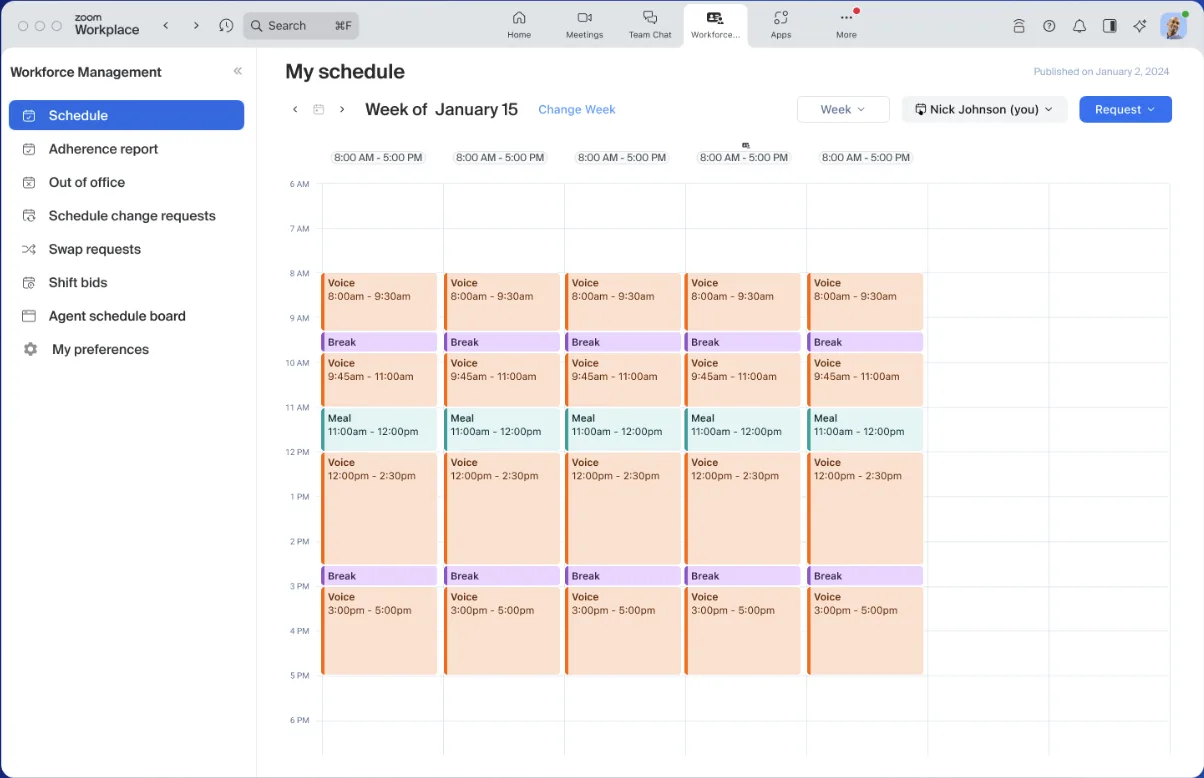
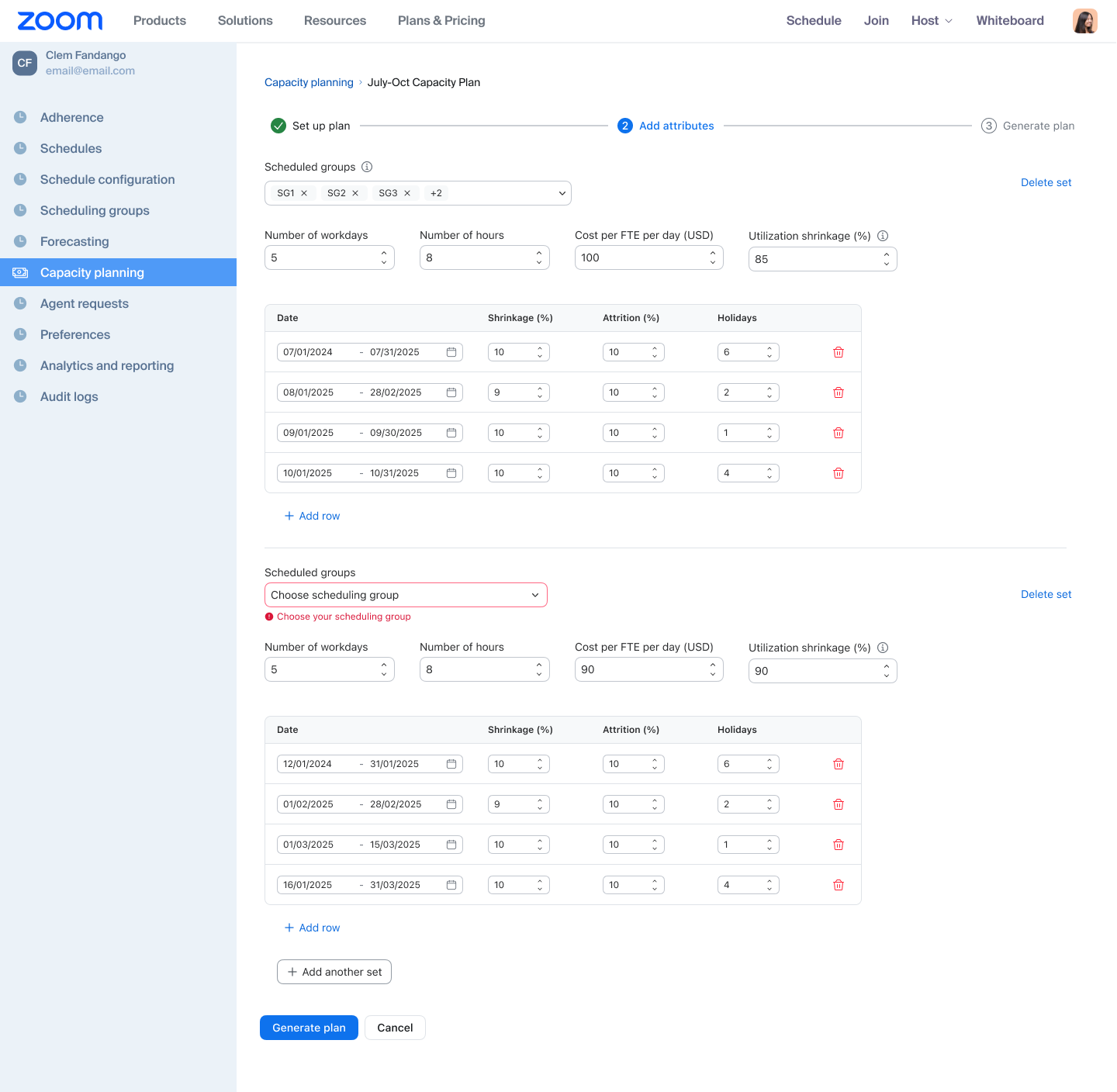
Plan your contact center staffing up to 12 months in advance with detailed forecasting that calculates FTE requirements based on interaction forecasts, attrition rates, and shrinkage percentages.

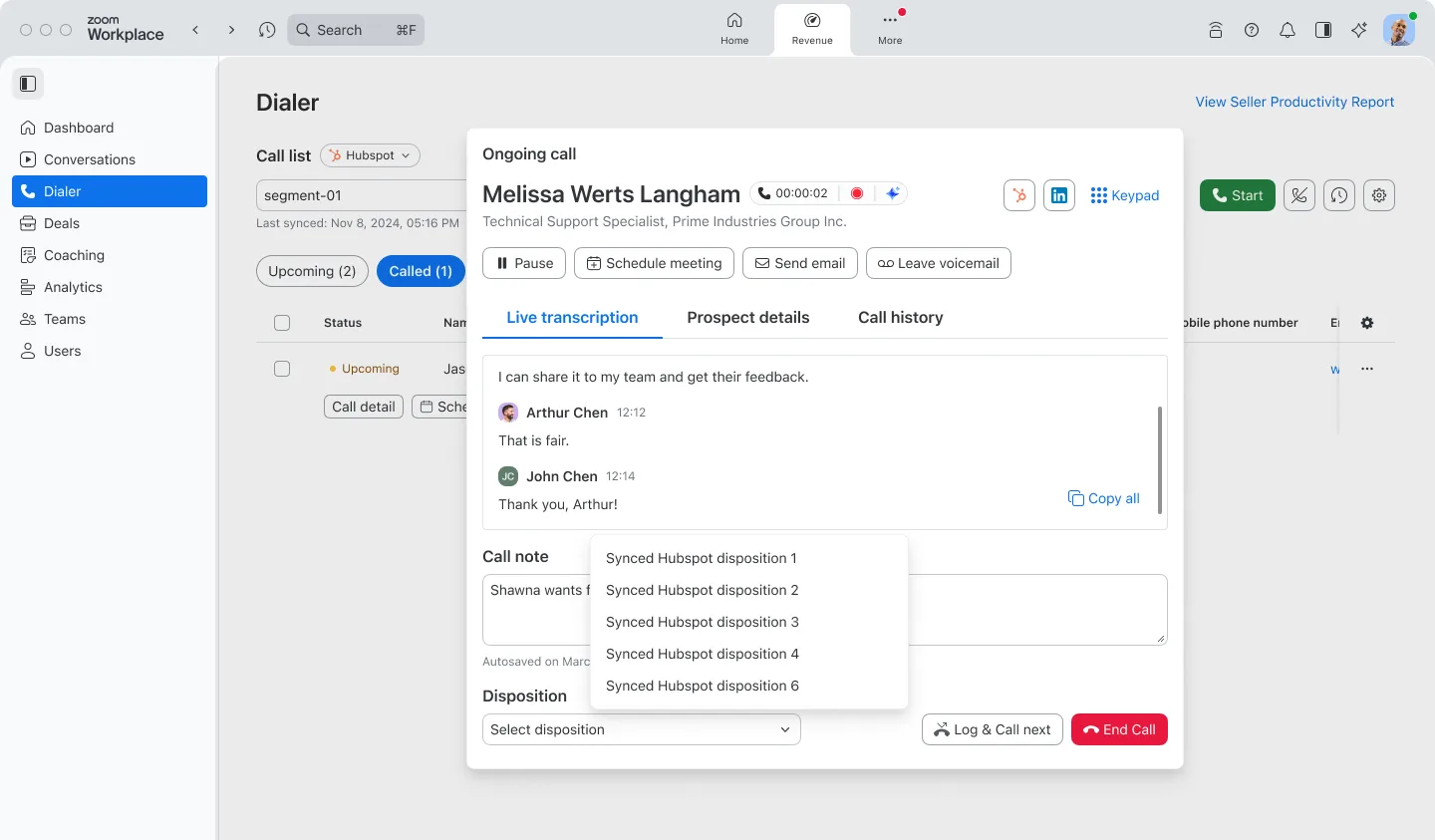
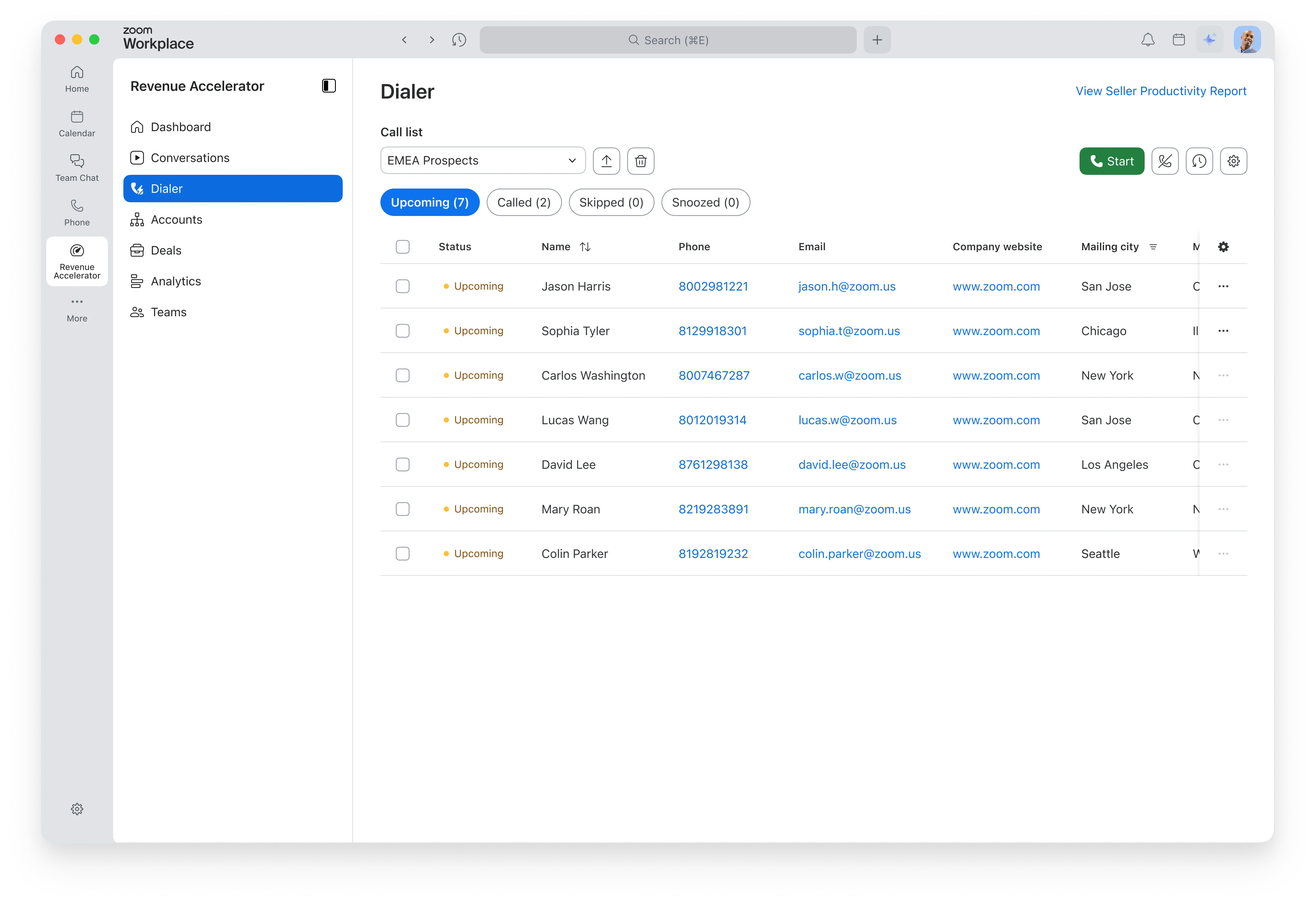
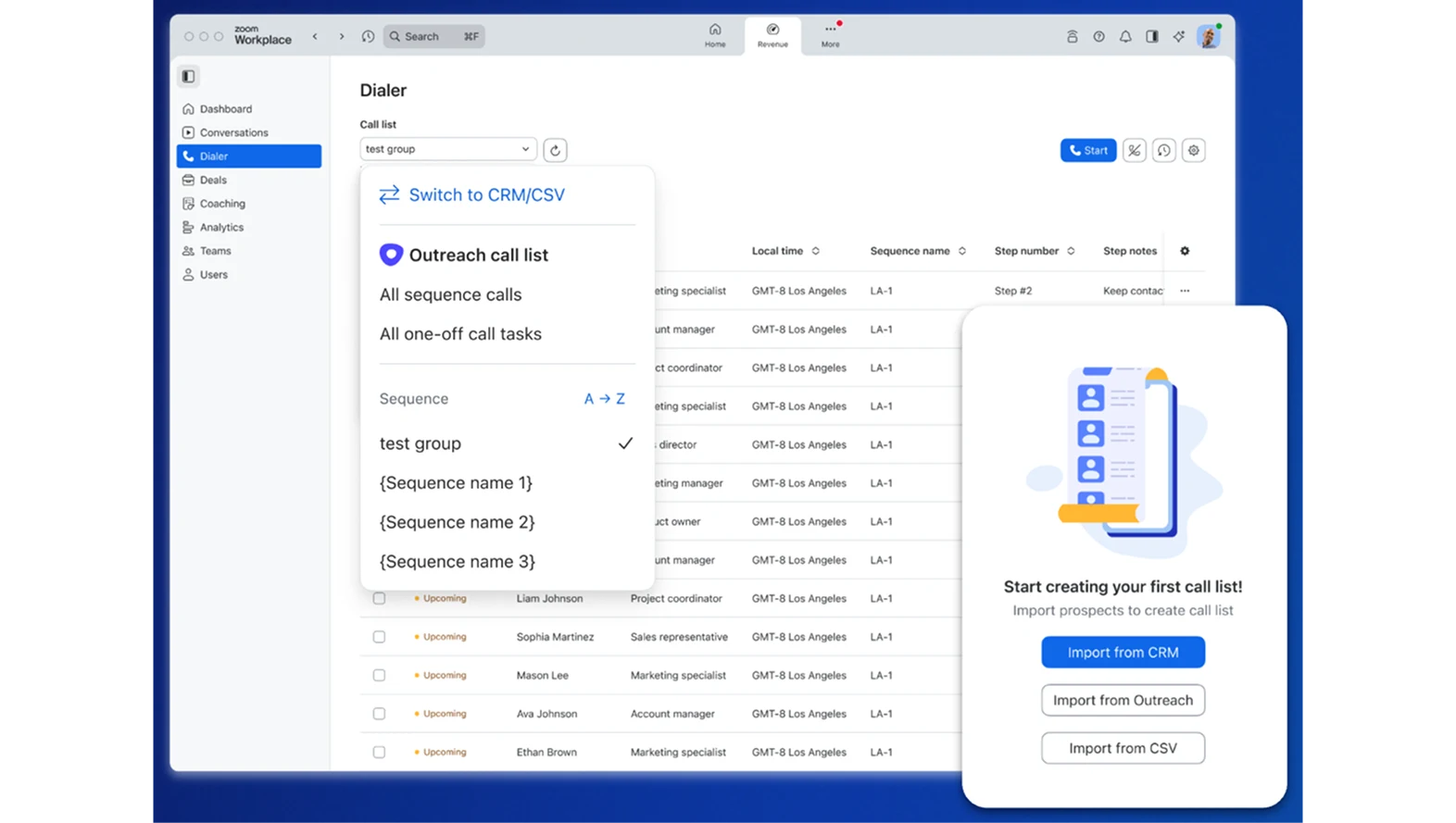
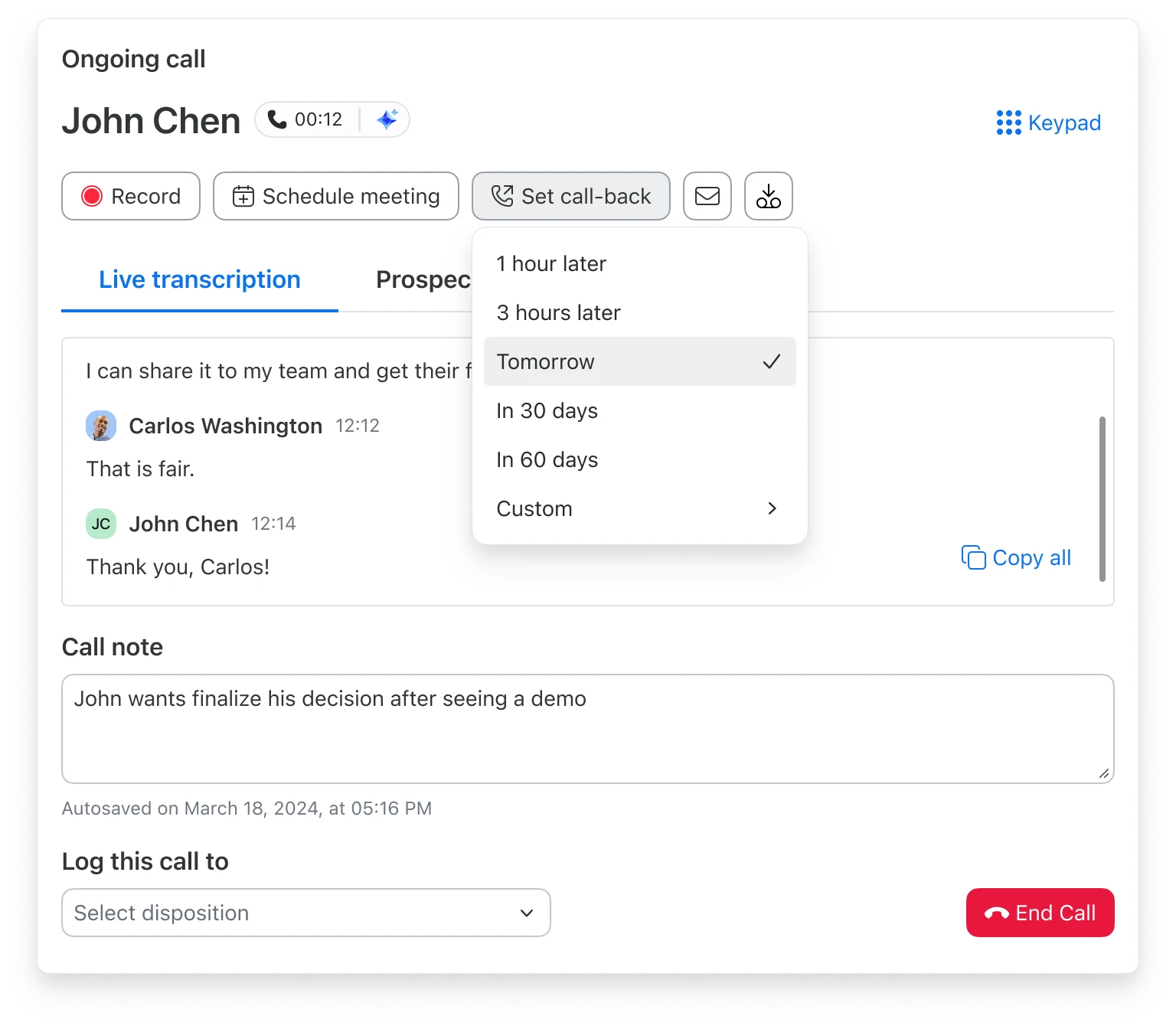
Spend less time dialing and more time selling with the highly anticipated Zoom Auto Dialer. This add-on for Zoom Phone within Zoom Revenue Accelerator offers automated and cascading dialing, automatic voicemail drops, and the ability to schedule meetings and send follow-up emails directly from the dialer interface. Zoom Auto Dialer streamlines sales outreach by helping reps connect with more prospects, build pipeline, and close deals faster.
Maintain your brand consistency with customizable external recorders for Zoom Revenue Accelerator. Upload custom profile images, modify recorder names, and tailor chat and audio prompts to align with your brand across different meeting types.
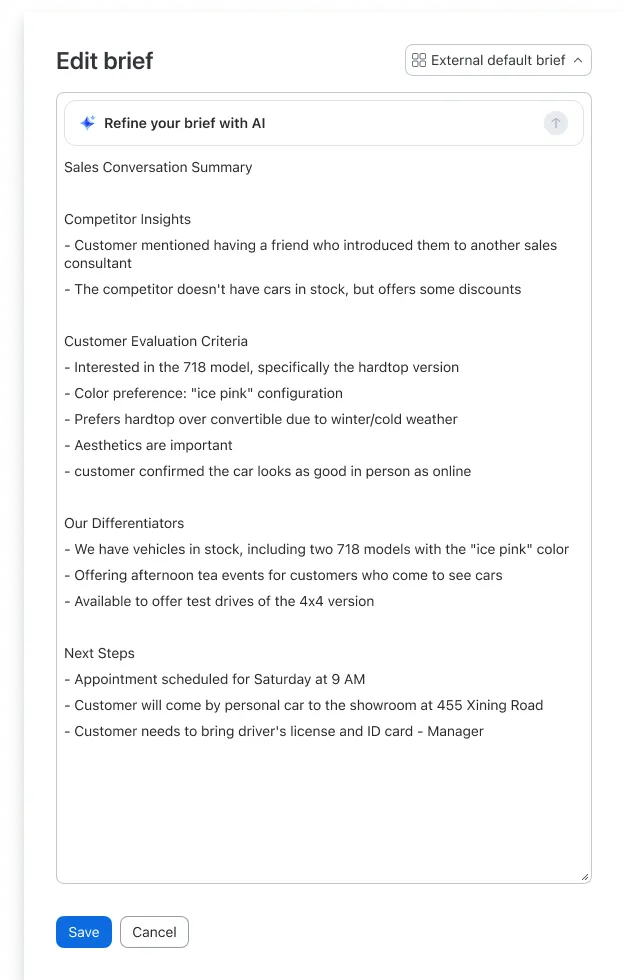
Every sales org is different, now your meeting briefs can be too. With the new Custom Briefs feature in Zoom Revenue Accelerator, admins can define exactly what insights reps see after each call. Choose from predefined templates or write your own prompt to generate summaries that reflect what matters most to your business. Admins can test prompts before rolling them out and lock settings to maintain consistency across CRM records. It’s a smarter way to drive alignment and action from every conversation.
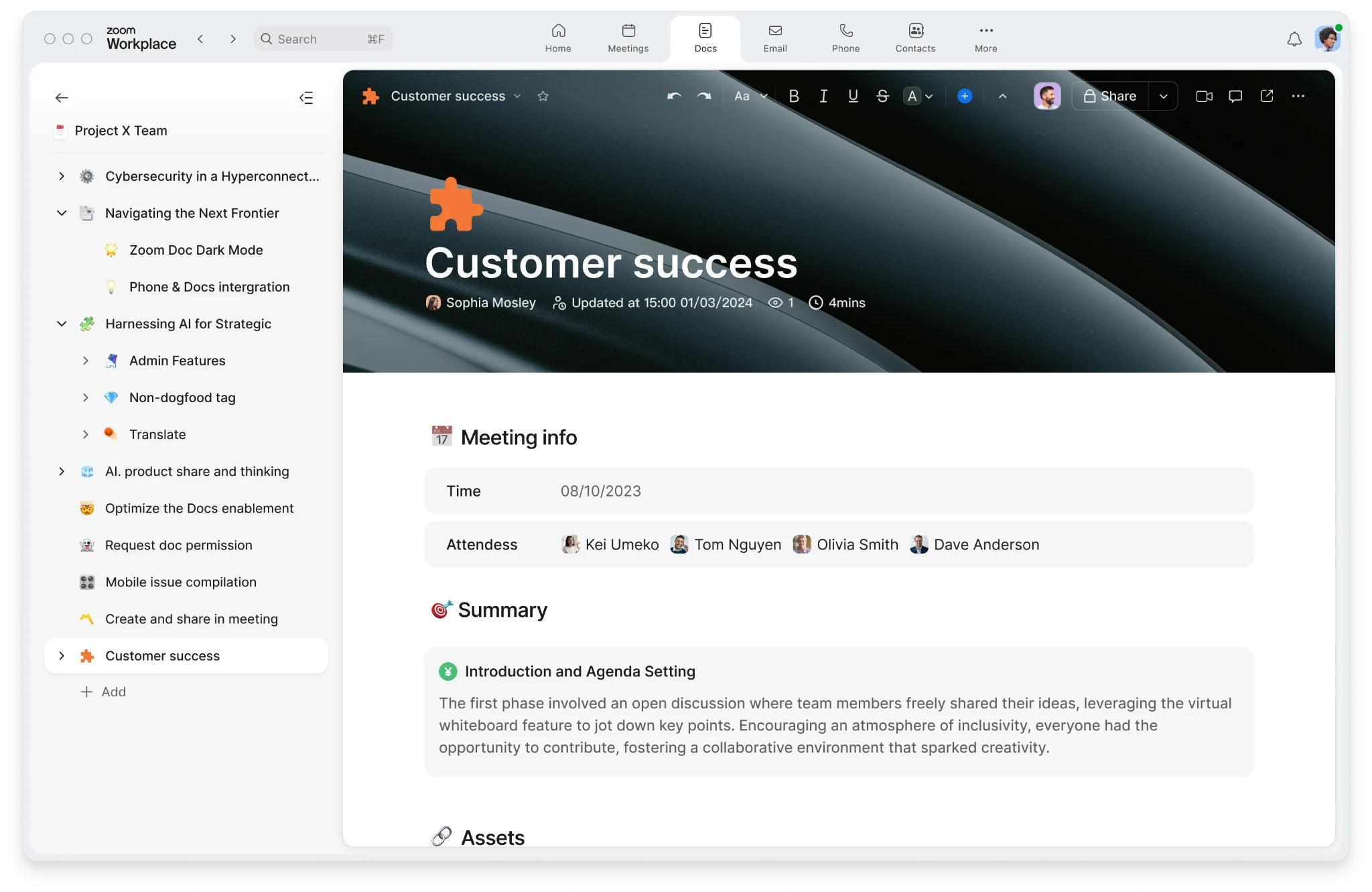
Sales success requires strategy, alignment, and real-time collaboration — and now, it all happens in one place. With the new Zoom Docs integration in Zoom Revenue Accelerator, sales teams can export AI-generated call summaries, action items, and deal insights directly into Zoom Docs. These documents stay linked to calls and deals, so your team never loses context. No more switching tools, just seamless, centralized sales collaboration.
Take greater control over your simulive webinars with the ability for hosts to manually delay the start time. This gives you the live engagement experience without the stress of real-time presentation.
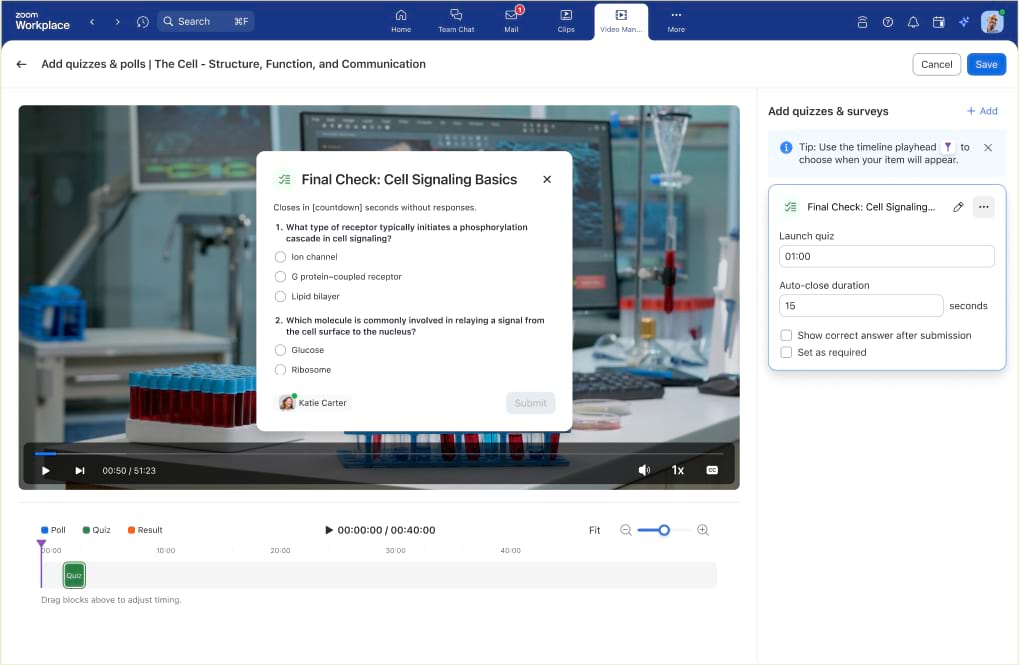
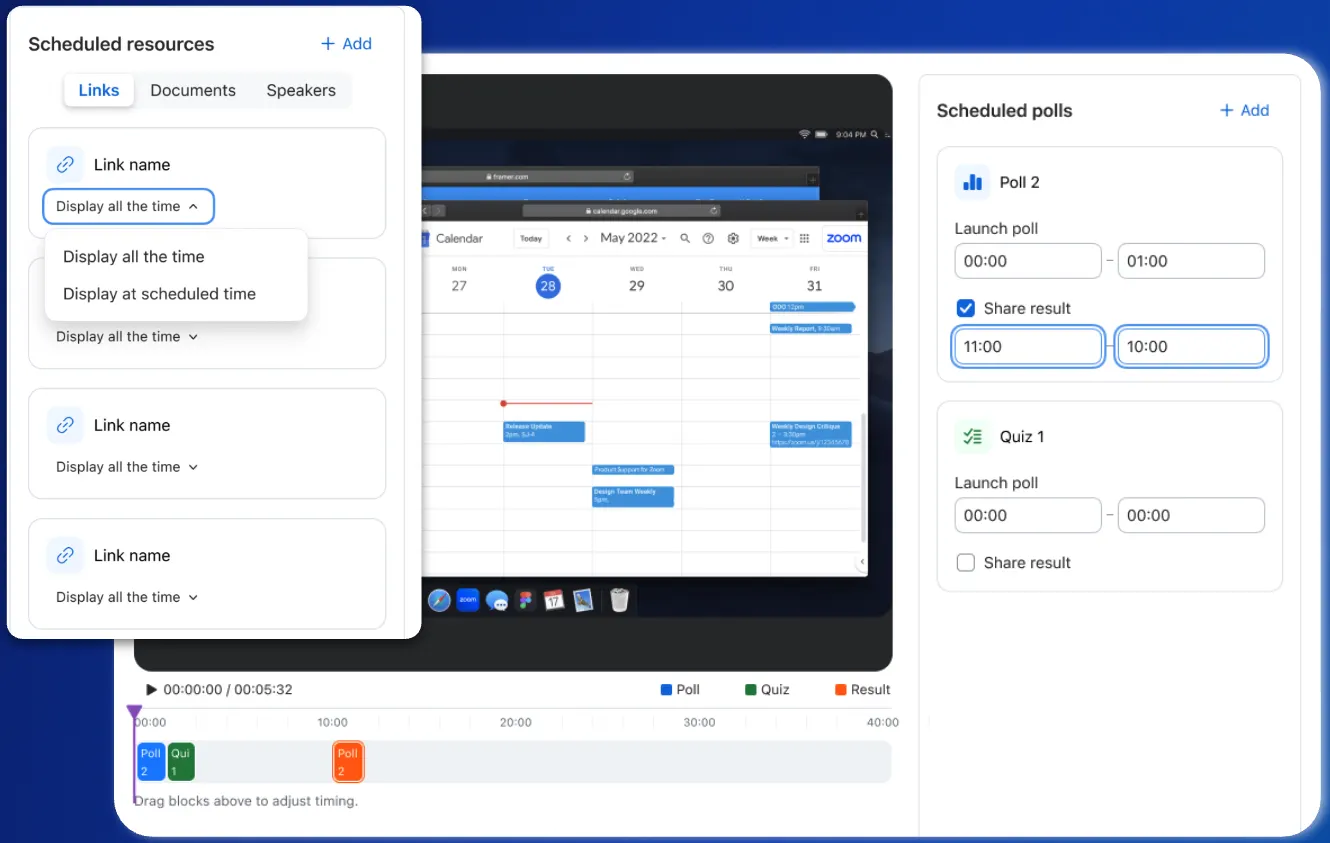
Transform static recordings into engaging experiences with new Q&A and polls/quizzes functionality in Video CMS. Schedule interactive elements to appear at specific moments during playback, respond to viewer questions, and collect engagement data to maintain connection with your audience.
Watch webinar Watch webinarThis release introduces new in-meeting host controls that give meeting owners the ability to review, approve, or deny participant RTMS app activity in real time. Active App Notifier upgrades provide transparency into app usage and support app discovery with prominent labels on video tiles.

Video SDK accounts utilizing the Universal Credit model can now store cloud recordings in their own AWS S3 bucket. This eliminates Zoom storage fees, with charges only applying to recording minutes. Configure this Bring Your Own Storage (BYOS) feature conveniently through the Zoom account portal or the Video SDK Open API, aligning with your preferred deployment workflow.
Automate your scheduling workflows by connecting Zoom Scheduler with thousands of apps through Zapier, streamlining your booking processes and reducing manual work.
Zoom AI Companion is agentic! Zoom customers can now experience even greater productivity through the addition of agentic AI skills, agents, and models as we elevate AI Companion across our entire platform. This expansion can help you get more done by executing tasks on your behalf. It knows which agents and skills to tap into and uses reasoning and memory to make decisions, solve complex problems, and learn over time.
Expand your custom dictionary with support for German, Spanish, and Chinese languages, plus increased capacity from 500 to 1,000 terms for better recognition of industry-specific terminology.
Zoom Workplace enables you to reimagine teamwork with AI Companion. Our open collaboration platform with AI Companion helps teams streamline communications, improve productivity, optimize in-person time, and increase employee engagement. Check out the latest enhancements below.
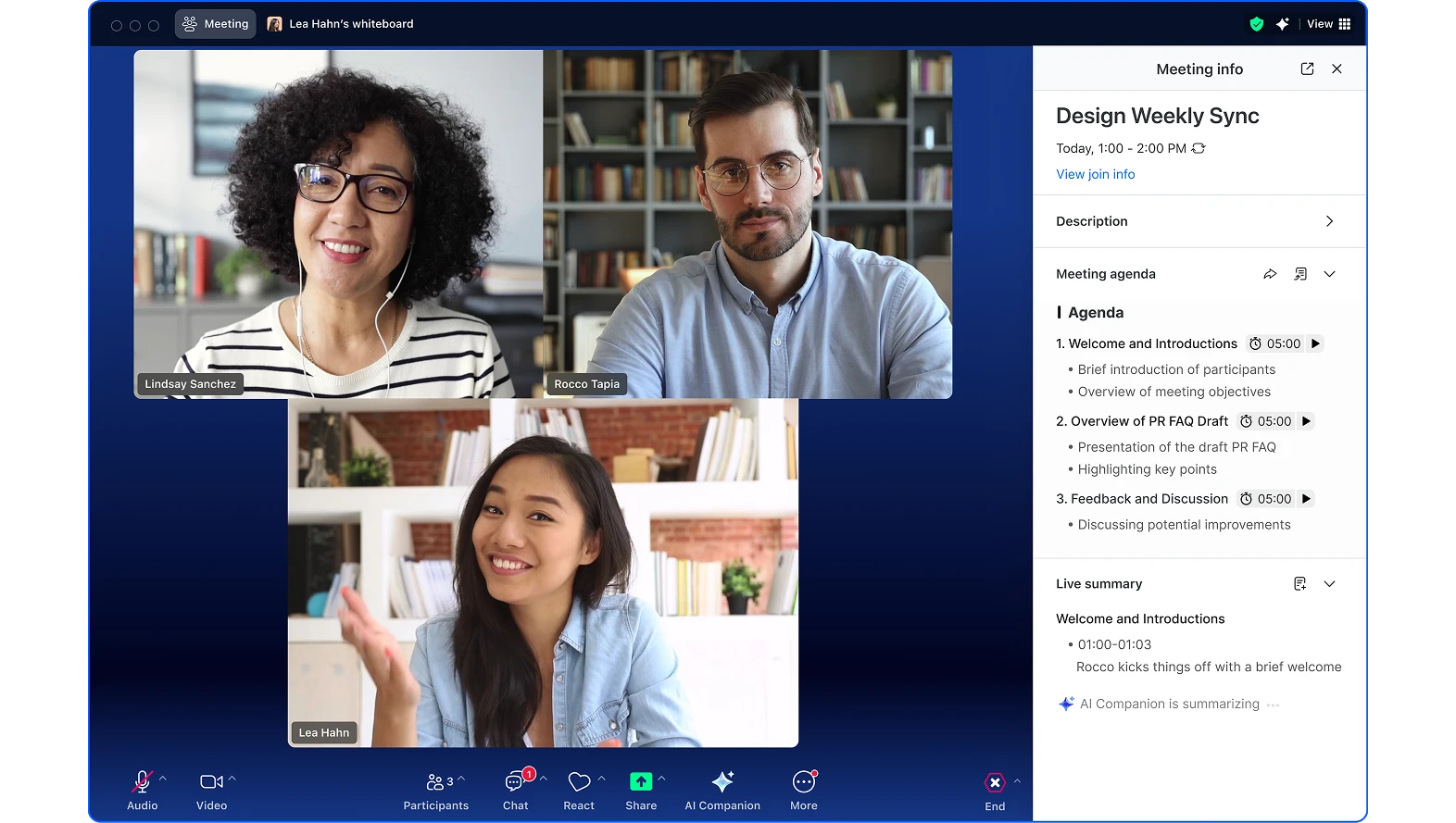
Easily prepare for meetings by choosing between several agenda templates or having AI Companion create an agenda for you based on past meetings and docs. Add time estimates to keep meetings on track and easily share action items afterward.
Get refreshers on previous conversations before calls, ask questions without disrupting the call, and receive AI summaries of important takeaways to ensure you have the right information when you need it.
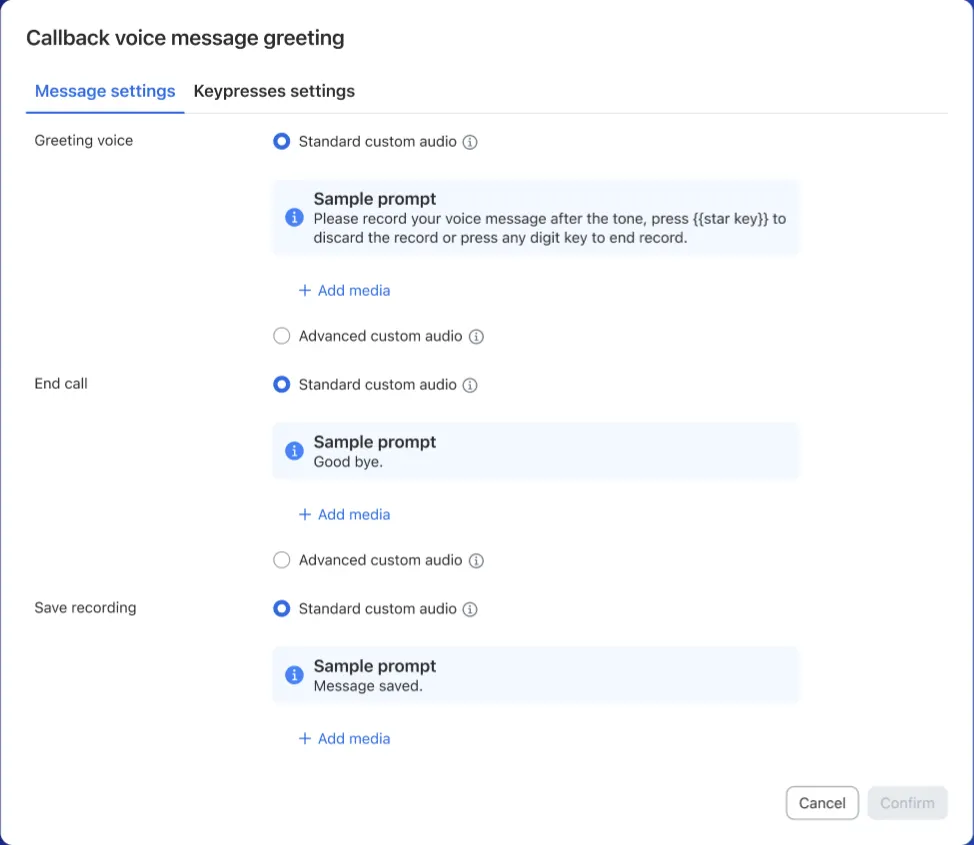
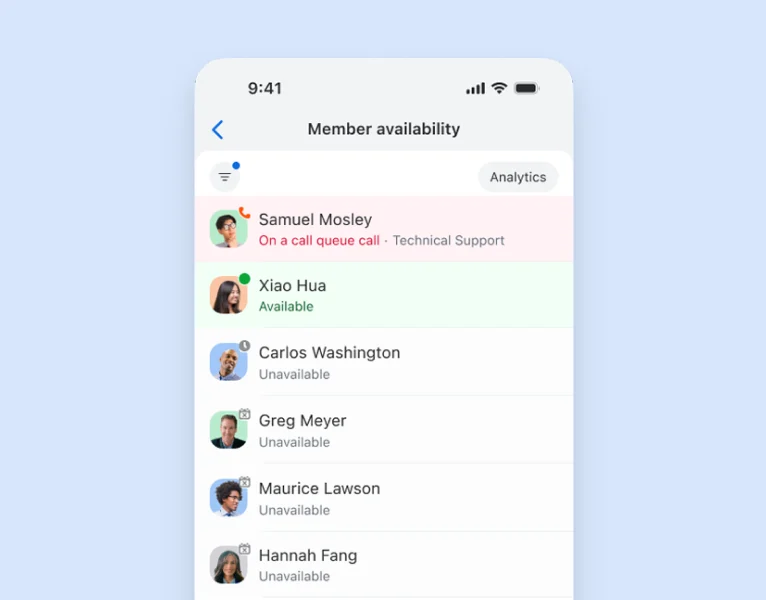
Let customers request callbacks instead of waiting on hold. Agents can auto-answer callbacks or set delays to prepare, with visibility into callback volume and completion rates for better queue management.
Zoom Phone now supports Cisco 9841, 9851, 9861, and 9871 desk phones plus Key Expansion Modules with zero-touch assisted provisioning and full feature parity with other Cisco MPP devices.
Send and receive fax globally using Zoom Phone numbers in 47 countries. Customize cover pages, access files from third-party providers, and stay informed with email notifications and usage reports.
Personalize your workspace with customizable sidebar themes including light/dark options and color themes (Classic, Bloom, Agave, Rose).
View calls and voicemails from coworkers in 1:1 chats, play voicemails directly from chat channels, and access call details for seamless collaboration.
Summarize text-based documents uploaded in chat with AI Companion.
Zoom Phone, the first cloud phone solution licensed by the Department of Telecommunications (DoT) India, is now available in six of India's major business and technology hubs, with expansion to additional hubs planned. Customers in those hubs can choose between:
Both options are delivered through Zoom’s own local data centers to enable compliance with local regulations and are built to scale.
The AI-first work platform for human connection
Transform internal Zoom Docs into publicly accessible web pages at zoom.us/doc/public/ URLs. Empower creators, teams, and developers to share content with broader audiences while administrators manage published content and track access data.
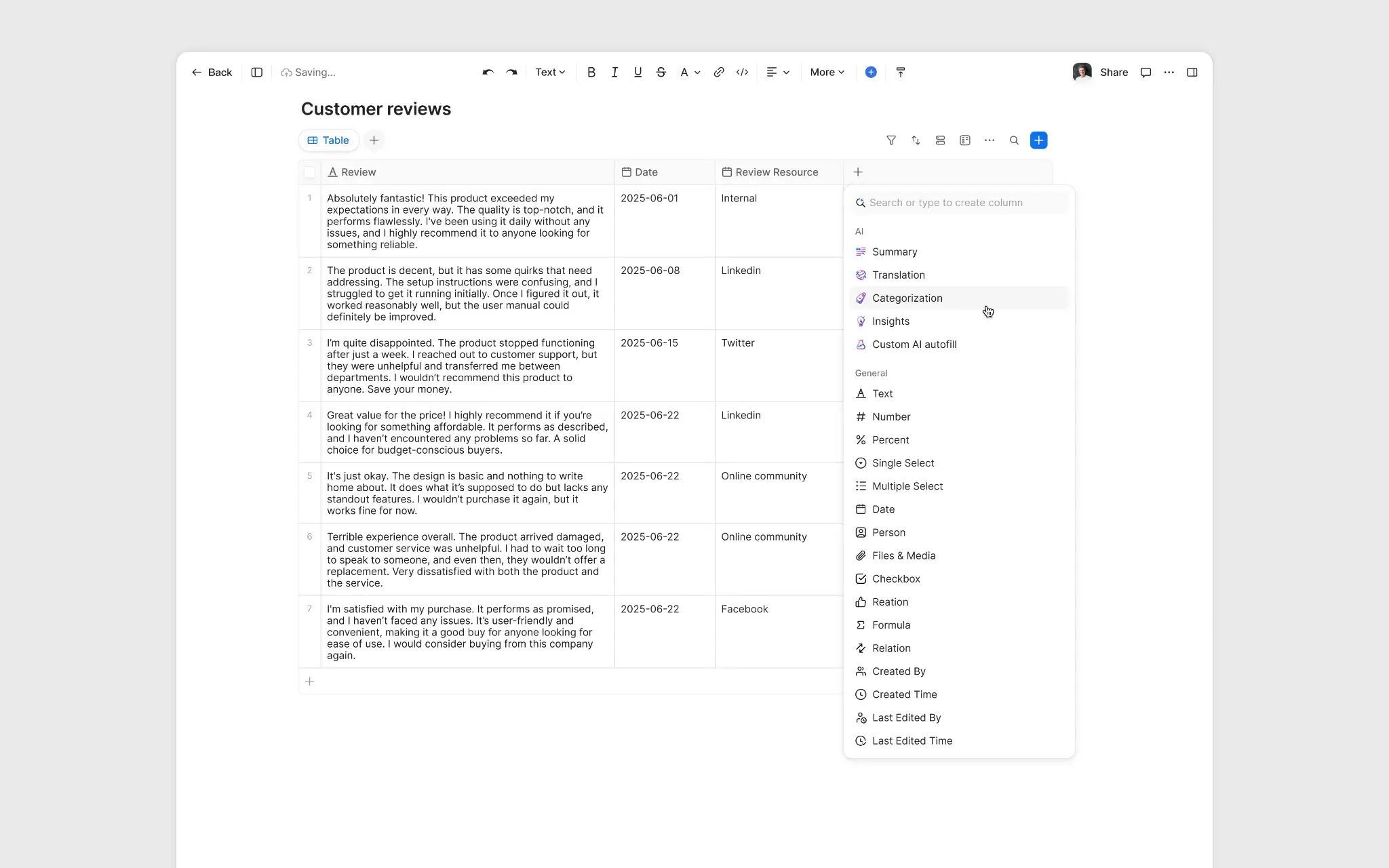
Automatically populate Docs data table columns using AI Companion, reducing manual input and errors while generating consistent, accurate information.
Stitch, combine, and create longer clips by merging multiple Zoom Clips into seamless videos without external applications. Preview and adjust before finalizing while preserving original assets.
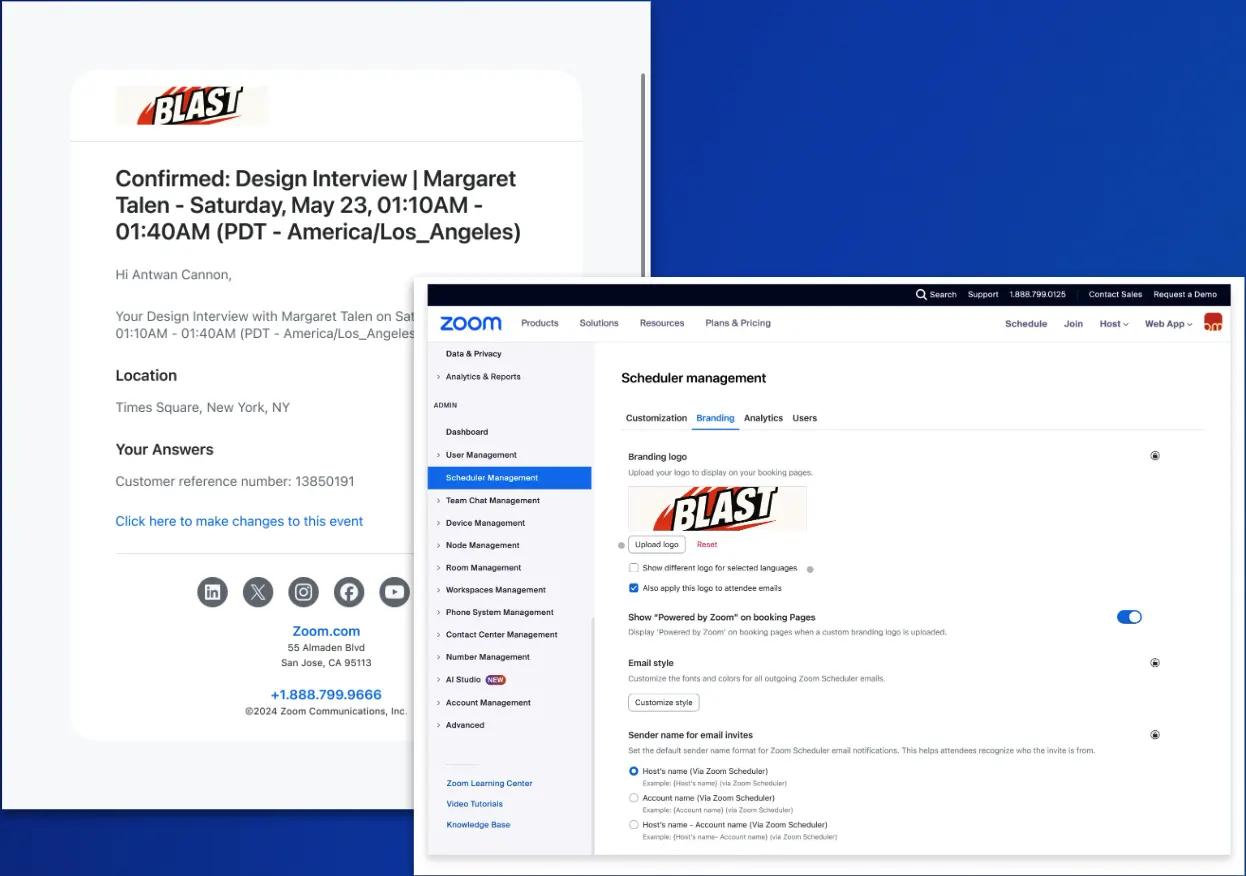
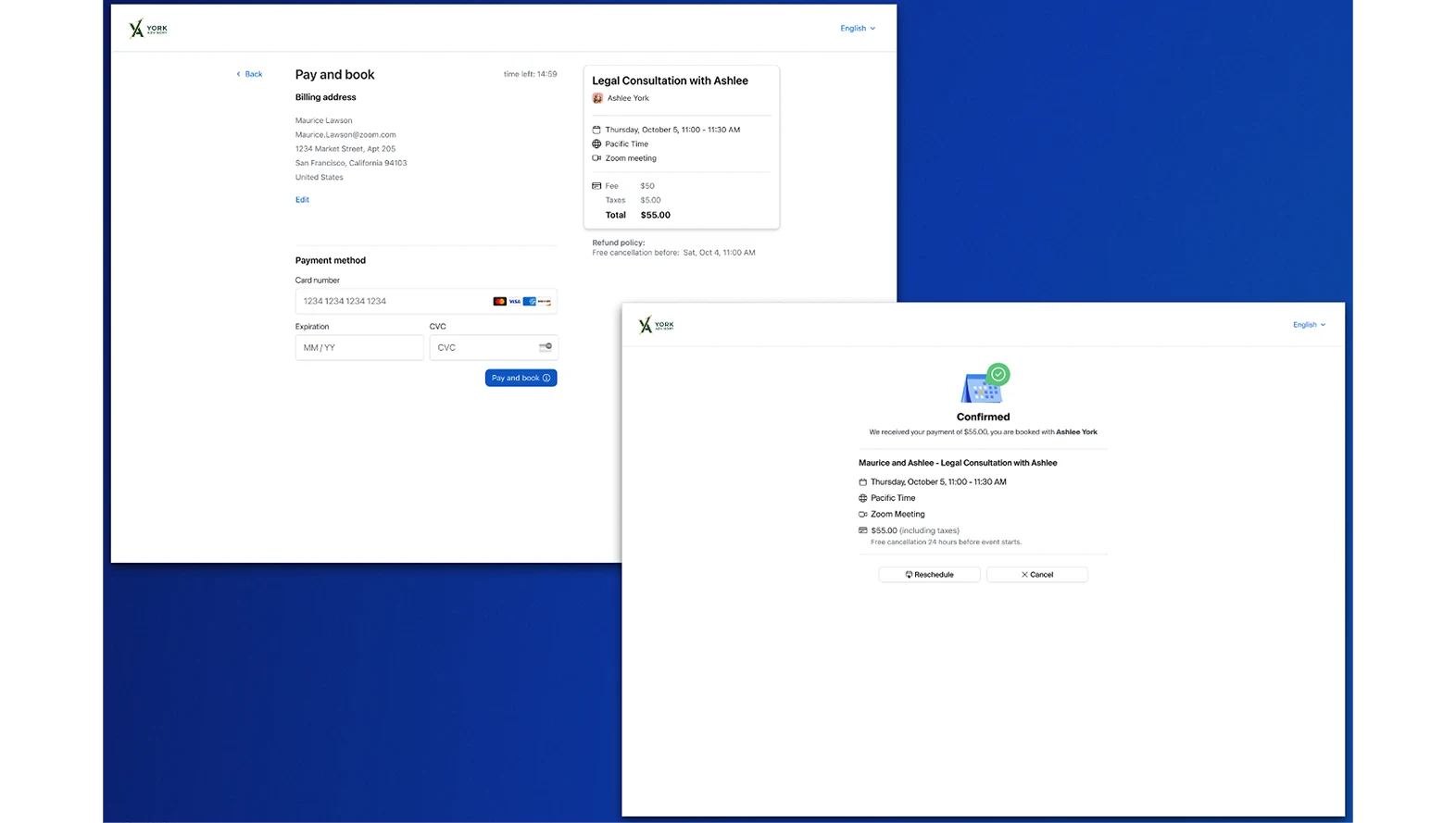
Deliver tailored booking experiences by pre-filling attendee names, emails, and question responses. Speed up the booking process while easily tying customers to reference numbers.
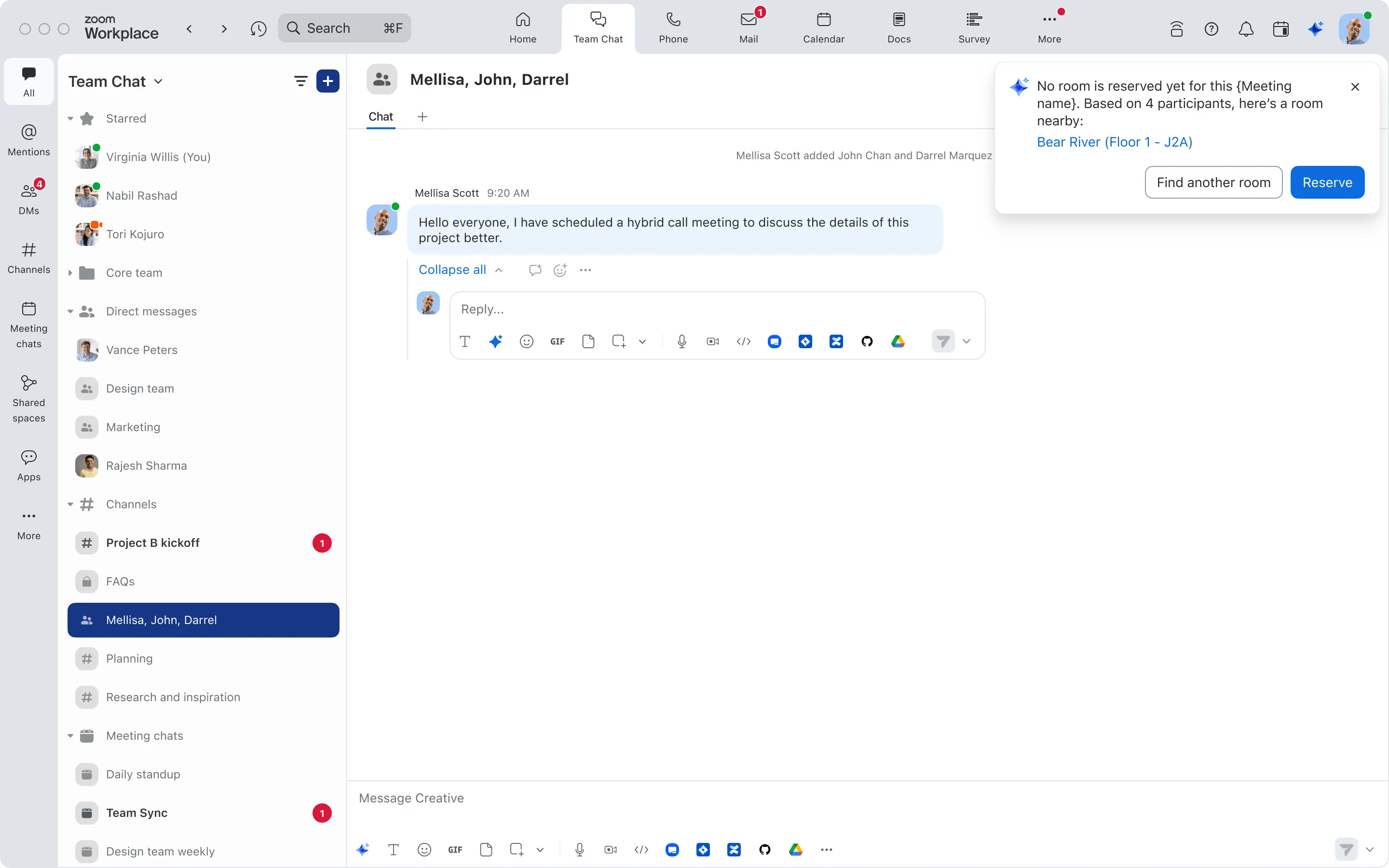
Optimize office time with AI insights. Get proactive room suggestions for meetings, ask when the best days are to come into the office, see when meeting participants will be in the office, and let AI Companion book desks and rooms automatically.
Capture in-person meetings from Zoom Rooms with AI Companion capabilities, even when there are no remote participants. Access AI features during in-person conversations and capture whiteboards and on-screen content.
Zoom’s Business Services help you leave a lasting impression on your customers and help to build long-lasting relationships at every stage of the customer journey. From our AI-enabled contact center and conversation analytics tools, to our hybrid and virtual events solutions, we’ll help you deliver personalized, memorable experiences that drive brand loyalty and improve customer engagement.
The next evolution of self-service with an agentic AI framework for both chat and voice channels. It autonomously resolves complex, multi-step issues with conversational intelligence. Built on AI Companion’s agentic AI framework, ZVA draws on core agentic skills—like memory, reasoning, and action-taking—to deliver natural, context-aware support that adapts in real time. Features seamless integration with Genesys, Salesforce, ServiceNow, Zendesk, Microsoft Dynamics, and custom APIs, plus multilingual support.
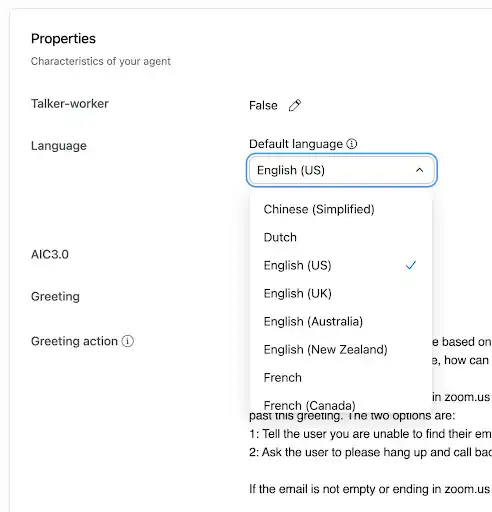
Learn more Learn moreEnhanced multilingual support with Thai, Catalan, and Arabic languages added. Improved knowledge base retrieval tailors suggestions based on engagement language for better global agent confidence.
True omni-channel reporting spanning voice, video, messaging, and email with customizable real-time and historical dashboards. Enhanced data visualization with configurable thresholds, alerting, and custom metrics for deeper insights.
Build consistent customer experiences by reconnecting return callers with their previous agent. If unavailable, customers can wait, connect with another agent, schedule a callback, or leave a voicemail.
Streamlined view of customer interactions spanning Zoom Phone and Zoom Contact Center with consolidated call recordings and journey information accessible from a single timeline.
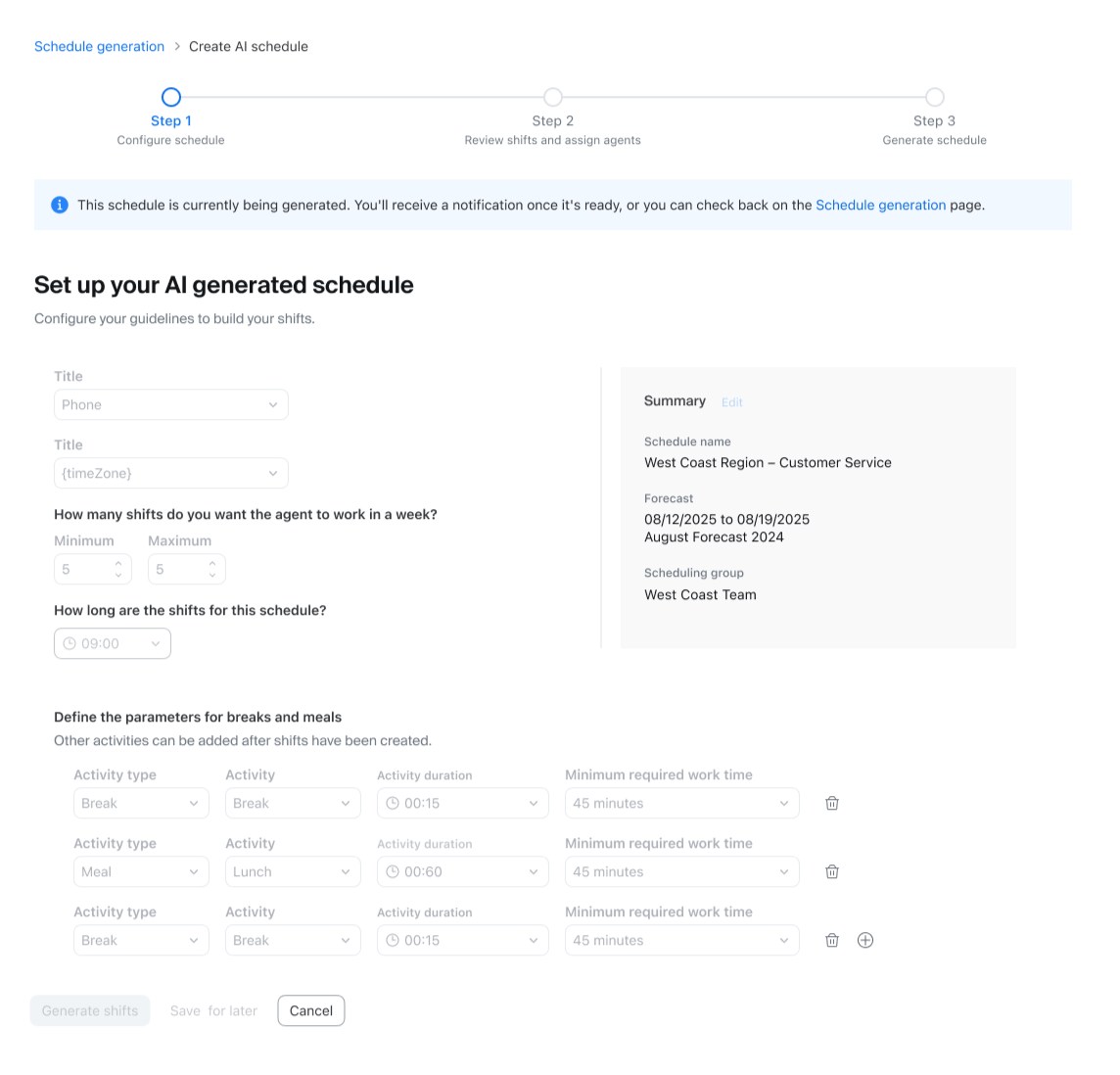
Learn more Learn moreAutomate workforce management scheduling using AI analysis of historical data to predict interaction volumes. Automatically schedule shifts based on forecasts and agent preferences while reducing manual setup.
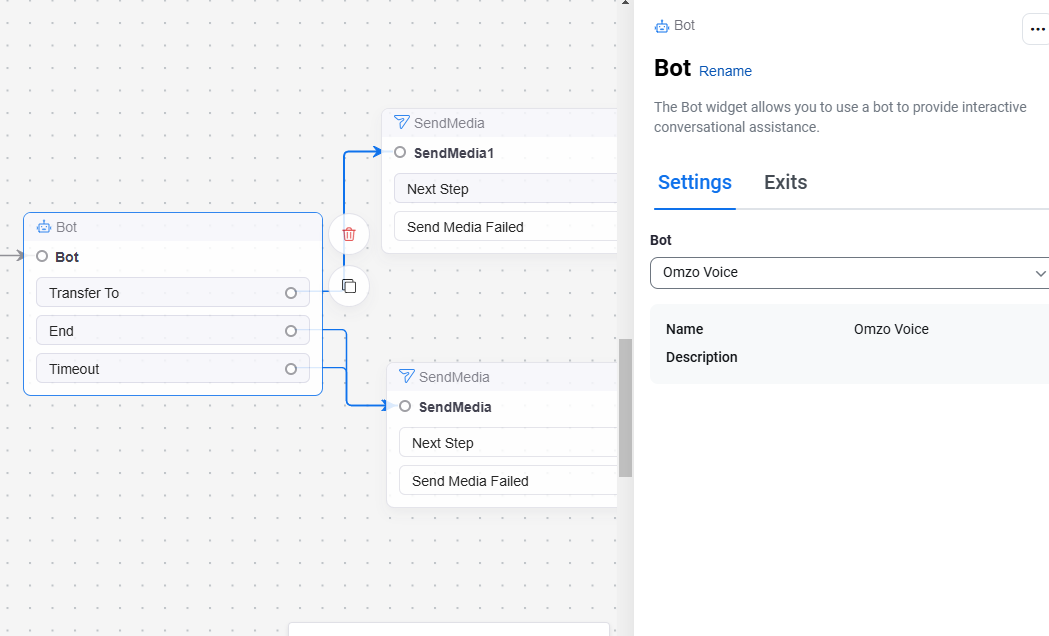
Integrate existing Google Dialogflow CX chatbots with Zoom Contact Center through the App Marketplace to manage user queries before agent escalation with streamlined configuration.
Analyze face-to-face conversations with the full suite of Revenue Accelerator insights. Record conversations using AI Companion voice recorder, assign speaker names to transcripts, and view auto-scoring, sentiment, and engagement analysis.
Enhanced integration with custom object support to sync insights into any HubSpot object beyond tasks and events. Map playbook responses directly into HubSpot fields for consistent pipeline data and clearer reporting.
Support global sales organizations with region and segment assignments for advanced filtering and permissions. Mirror organizational structure with granular access control for territories and cross-functional workflows.
Learn more Learn moreTurn webinar recordings into multiple marketing assets automatically. Generate video sizzle reels from 60-minute recordings to share highlights without requiring video production resources or expertise.
Learn more Learn moreTransform webinar recordings into seven different marketing asset types, including ebooks, social media posts, summaries, white papers, and more. Extend your webinar’s impact by turning recordings into marketing assets in seconds.
Revolutionary capability providing structured, per-participant meeting data including audio, video, chat, and transcripts. Enables bot-free meeting experiences with native Zoom integration and supports thousands of concurrent streams with multi-tenant architecture.
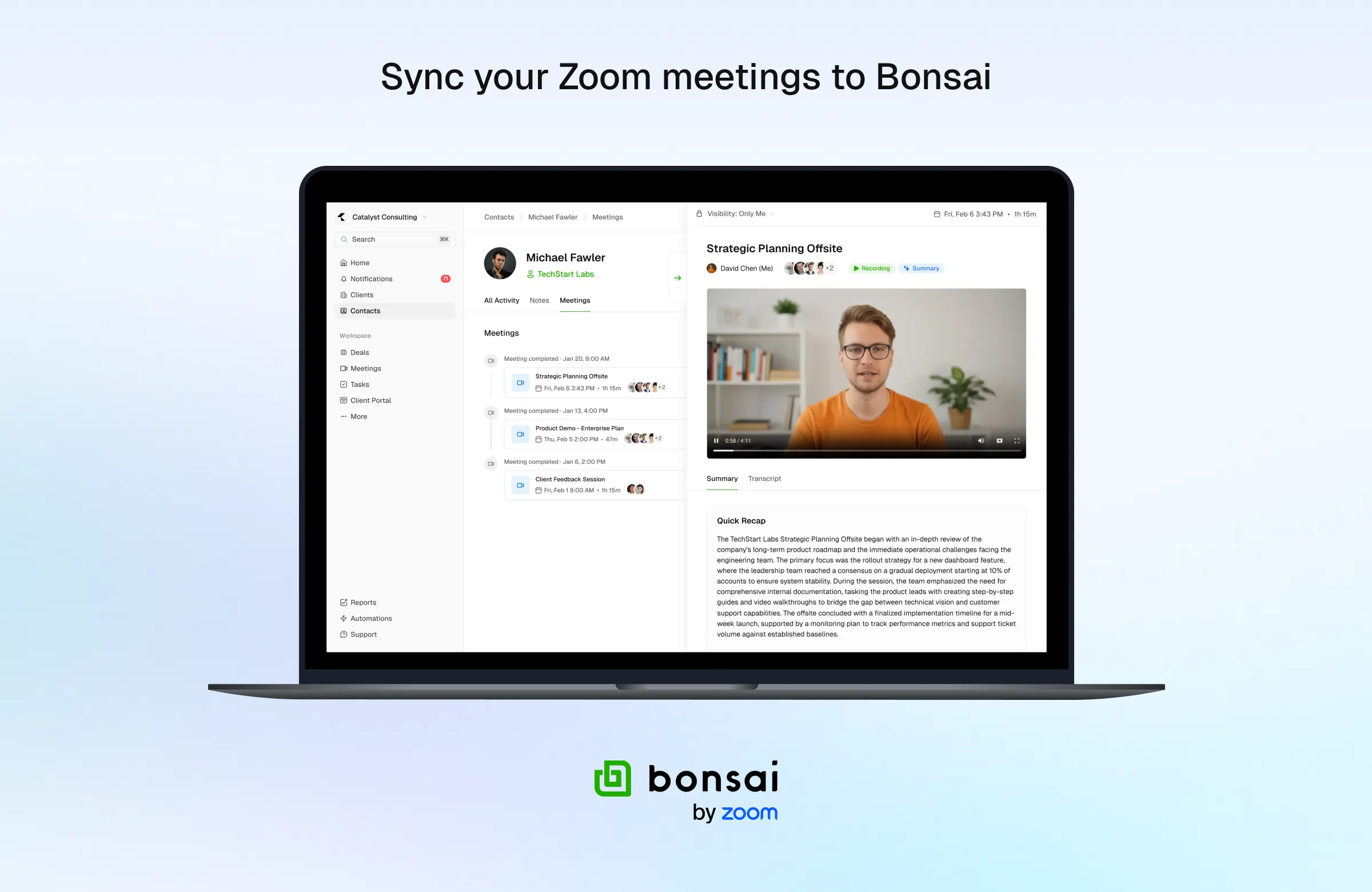
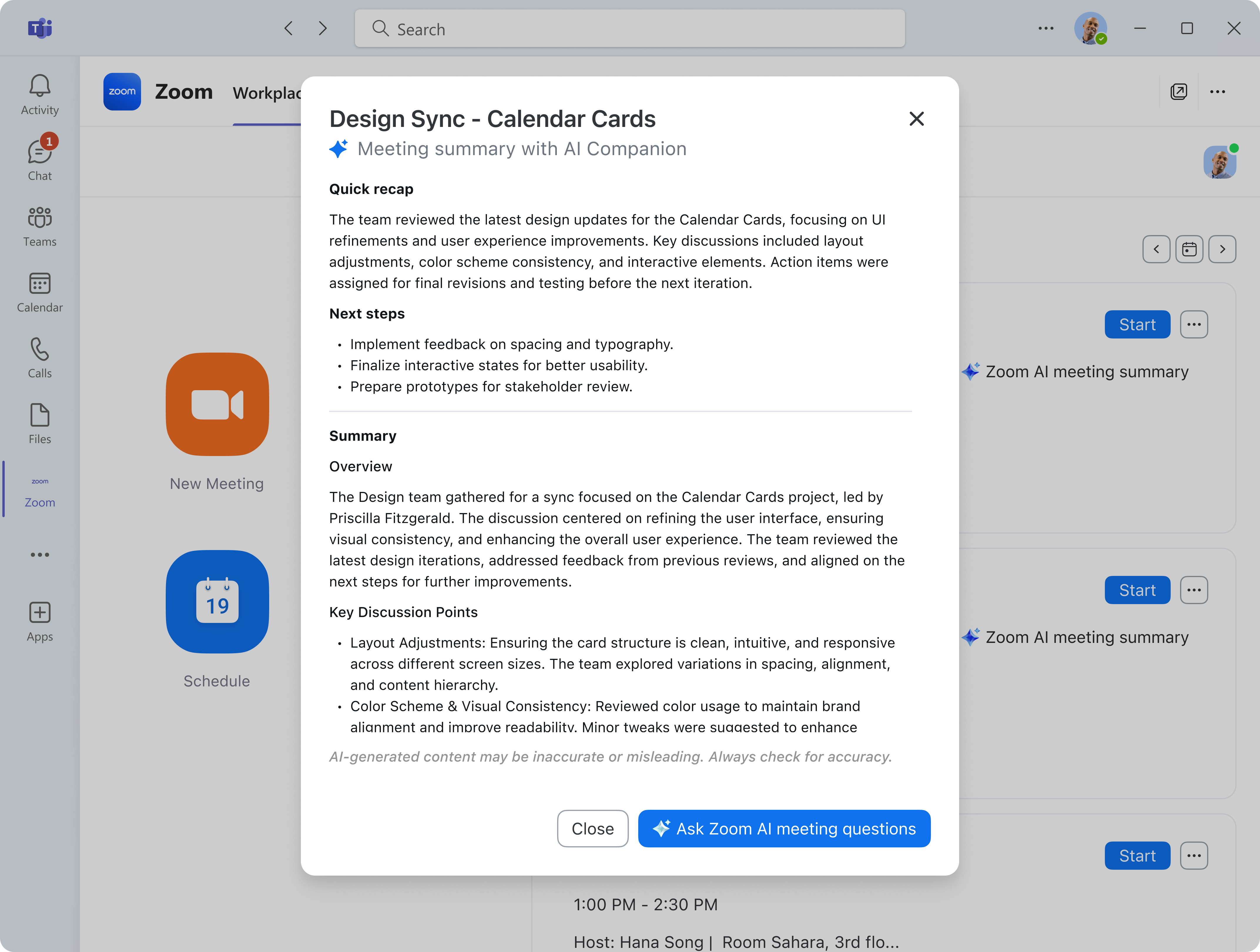
Seamlessly access AI Companion meeting summaries directly in Slack and Microsoft Teams with full text displayed natively. Google Workspace and Outlook users can access summaries through CTA links directing to the Zoom app.
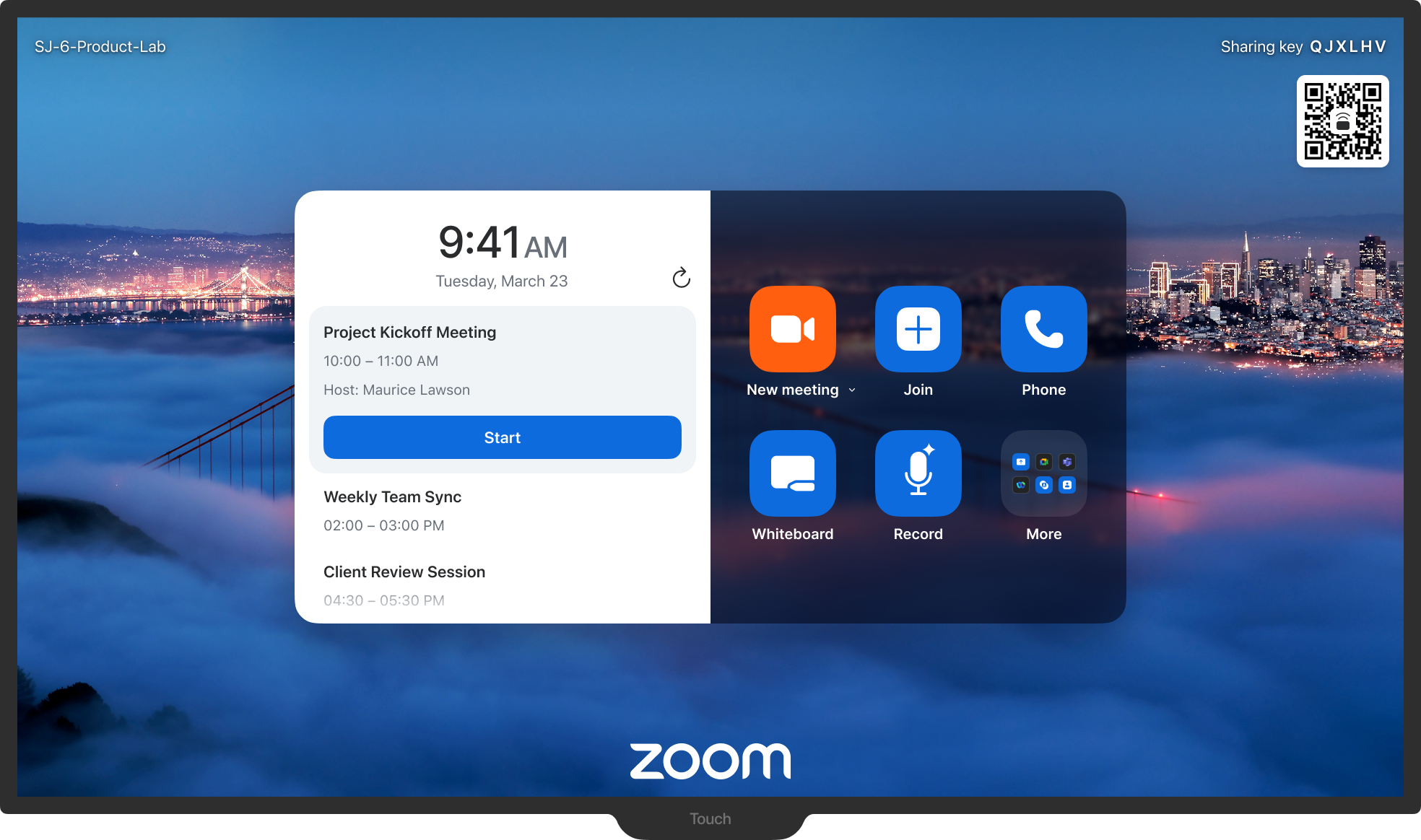
Native Zoom app now available in Ford and Lincoln vehicle infotainment systems. Start or join meetings with one tap, use audio-only mode while driving, and move meetings effortlessly between devices.
Zoom AI Companion is agentic! Zoom customers can now experience even greater productivity through the addition of agentic AI skills, agents, and models as we elevate AI Companion across our entire platform. This expansion can help you get more done by executing tasks on your behalf. It knows which agents and skills to tap into and uses reasoning and memory to make decisions, solve complex problems, and learn over time.
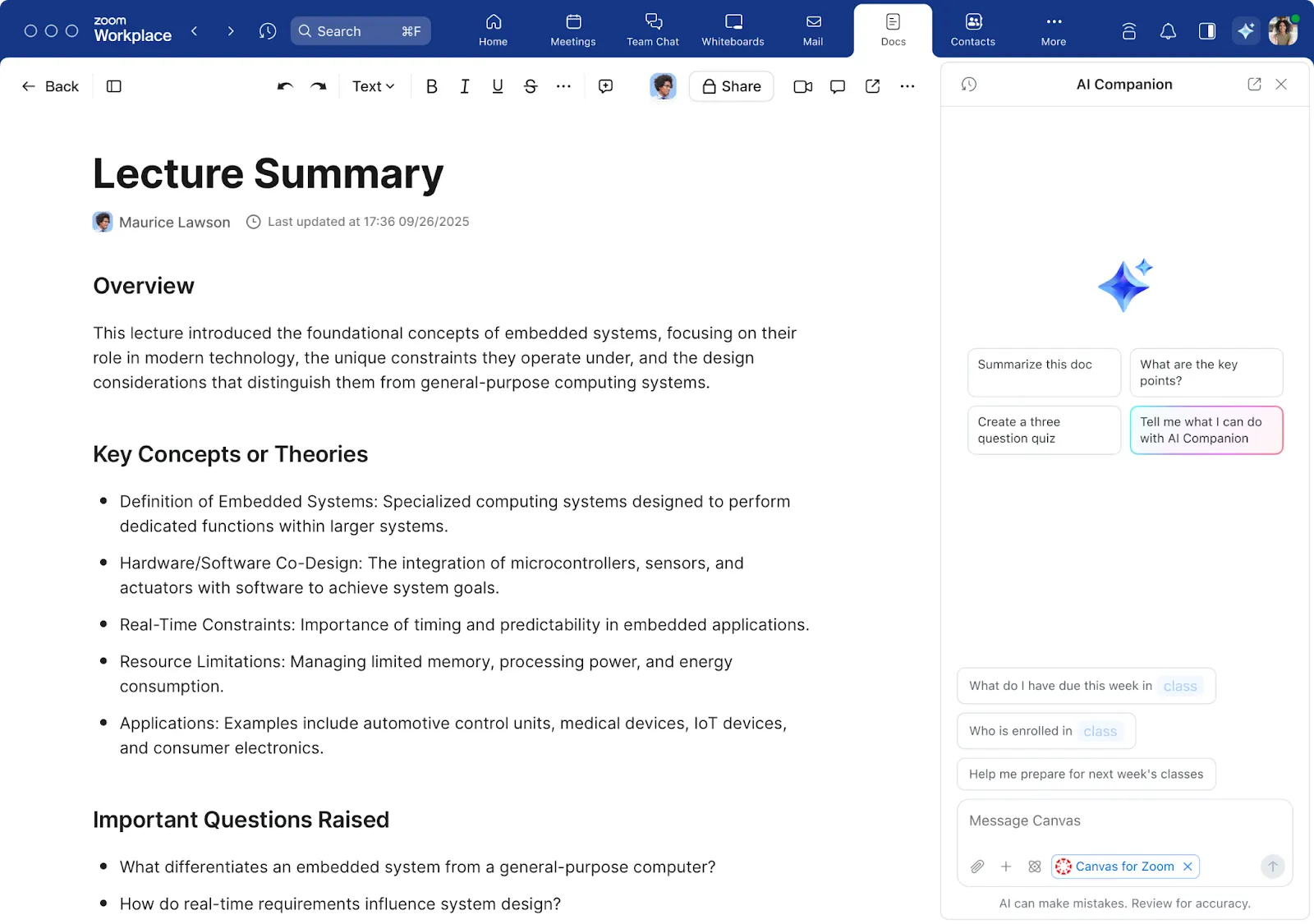
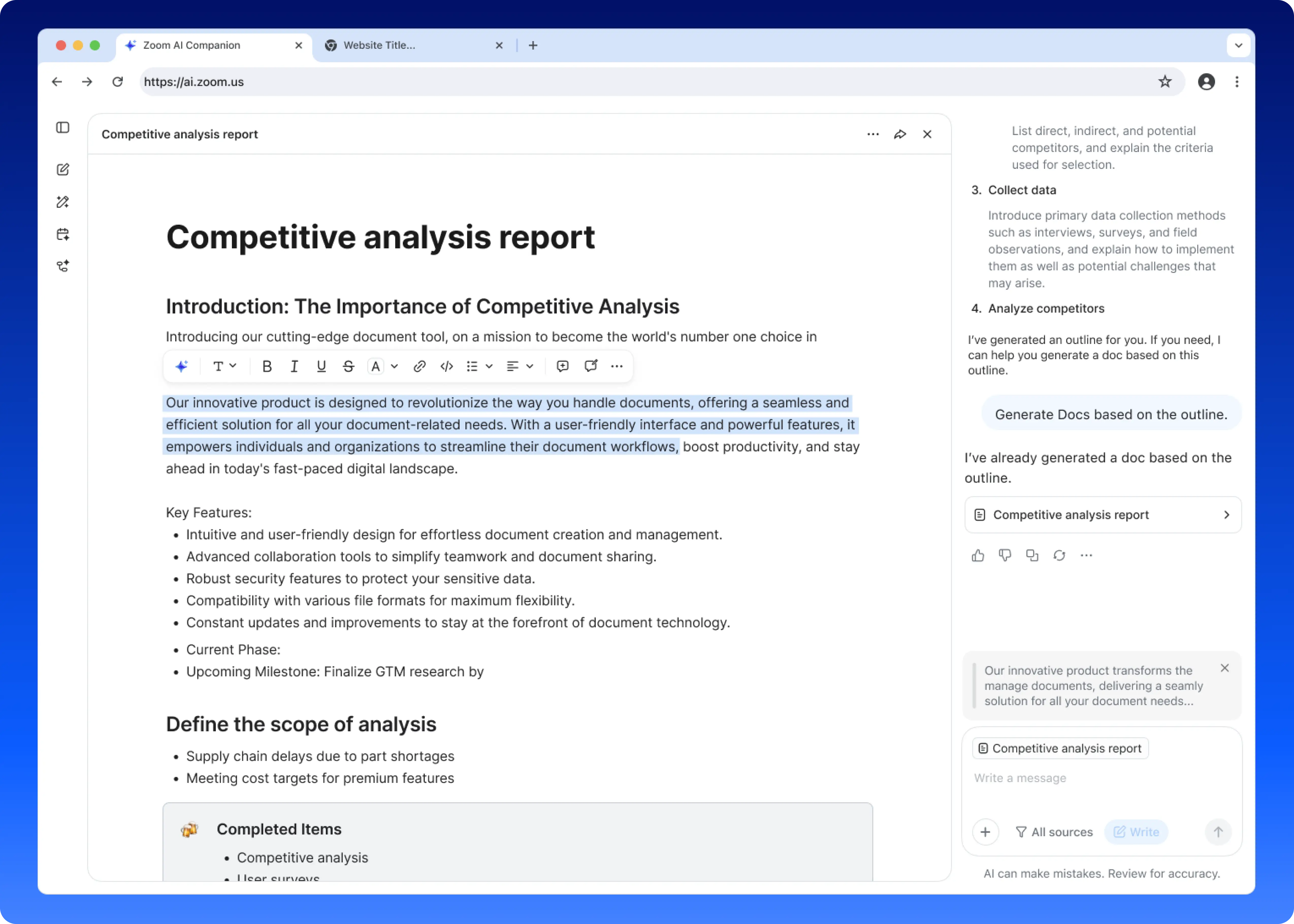
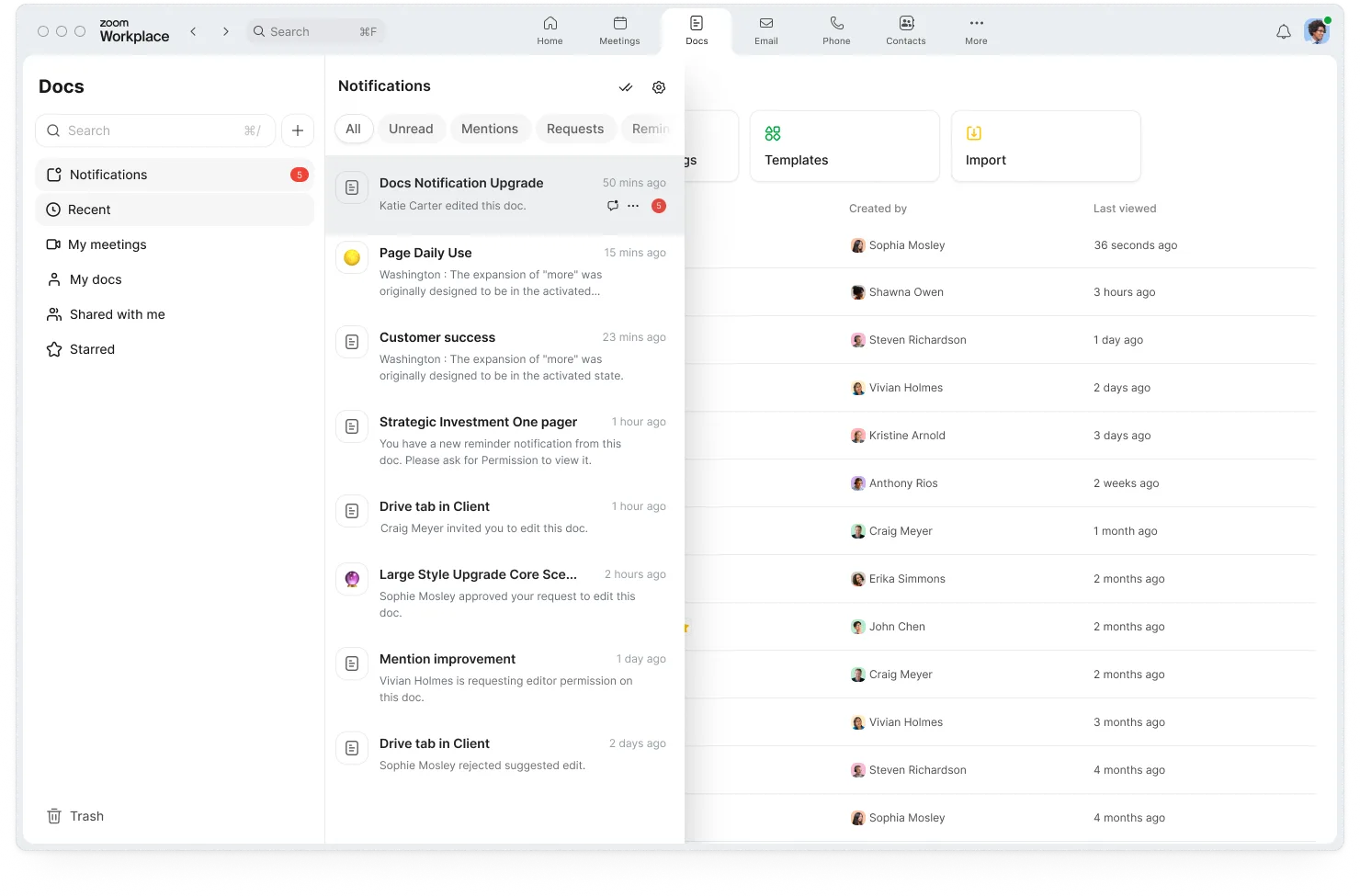
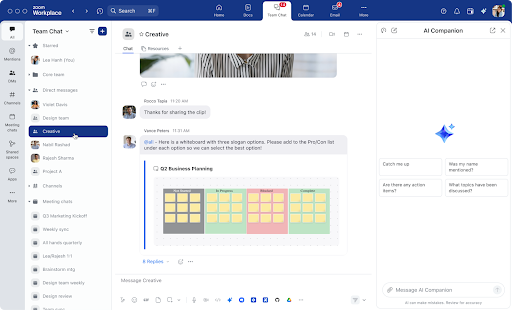
Turn your AI Companion insights into action with new sharing capabilities. When AI Companion provides a particularly useful response, you can now instantly create a Zoom Doc from that content or share it directly in Zoom Chat. Perfect for distributing meeting insights, project updates, or collaborative brainstorming results with your entire team.
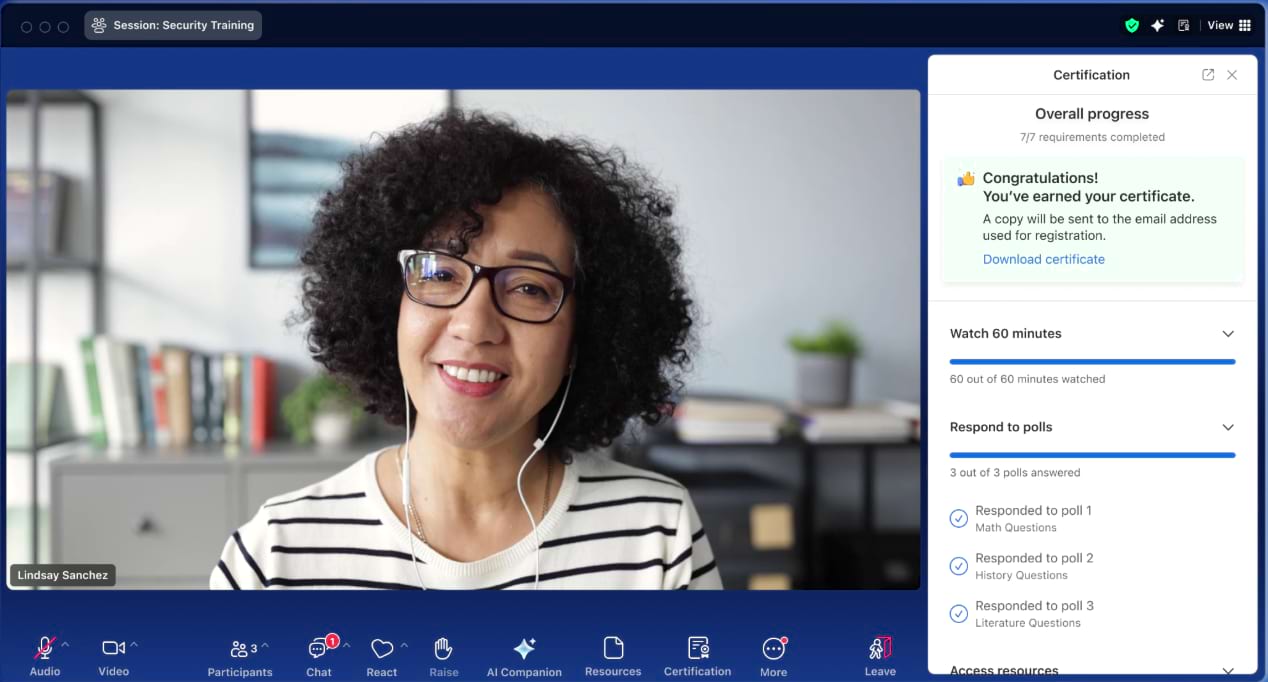
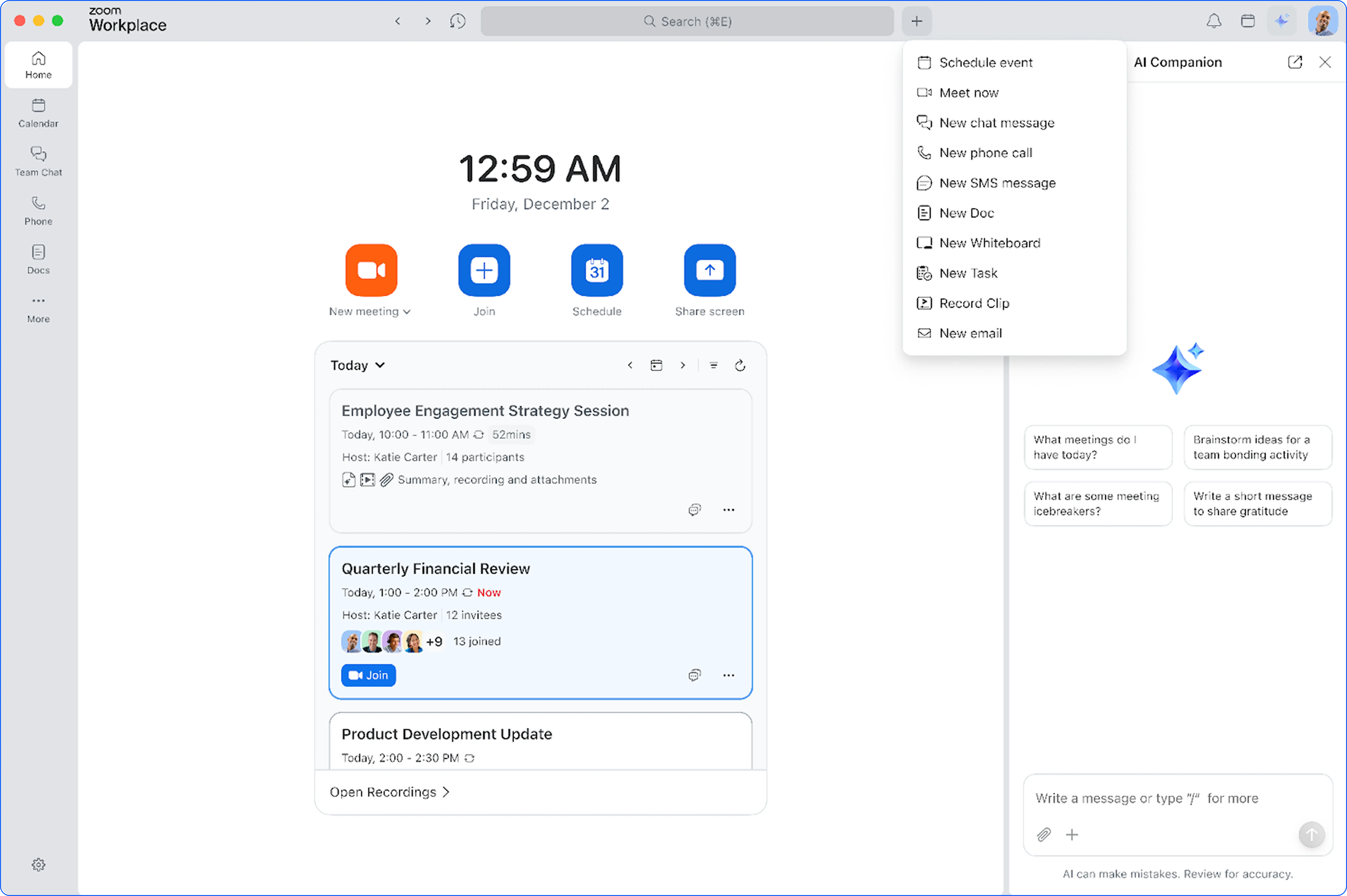
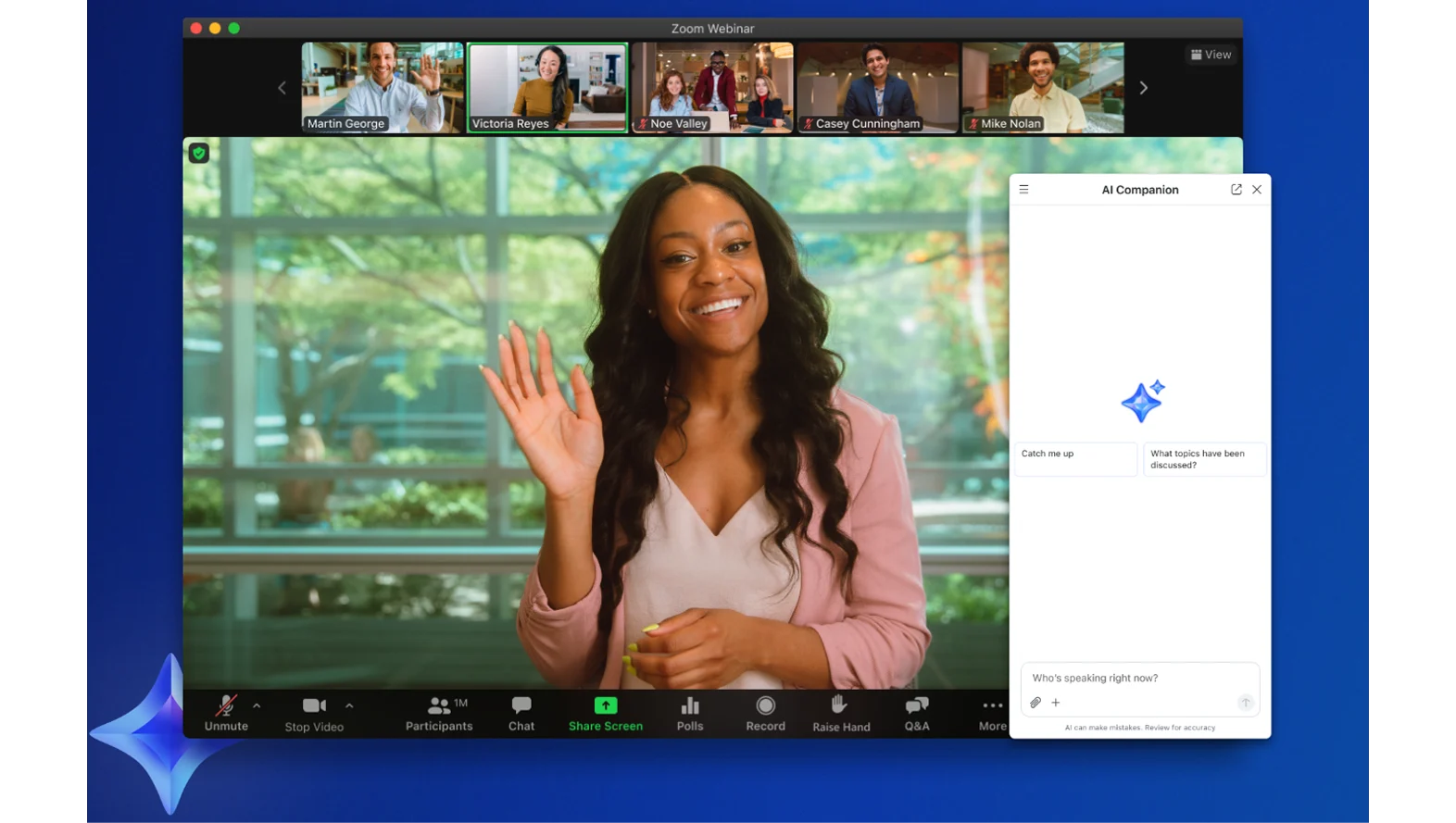
Stay connected to both your meeting chat and AI Companion simultaneously with the new half-panel design. No more choosing between monitoring chat messages and asking AI questions – now you can do both seamlessly during meetings and while viewing your calendar outside of meetings.
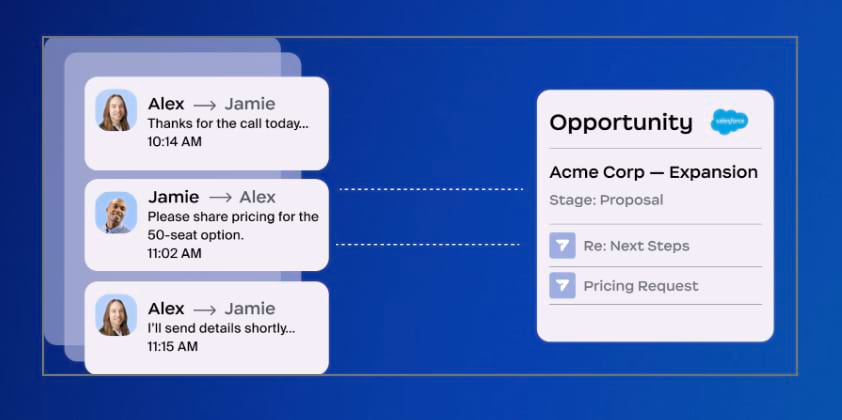
Get started with AI Companion faster using new hero prompts that showcase practical use cases and help you discover the full potential of your AI assistant. These prompts are designed to help both new and experienced users maximize their AI Companion experience. Visit our AI Companion prompt library for even more inspiration.
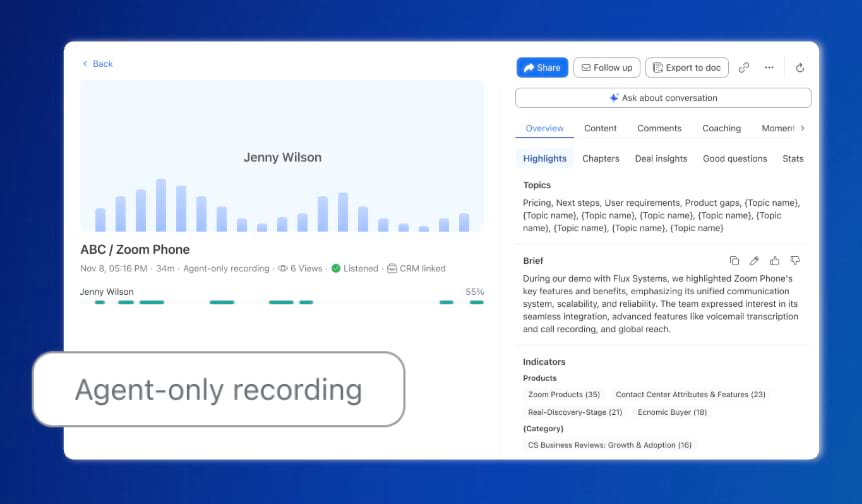
Zoom Workplace enables you to reimagine teamwork with AI Companion. Our open collaboration platform with AI Companion helps teams streamline communications, improve productivity, optimize in-person time, and increase employee engagement. Check out the latest enhancements below.
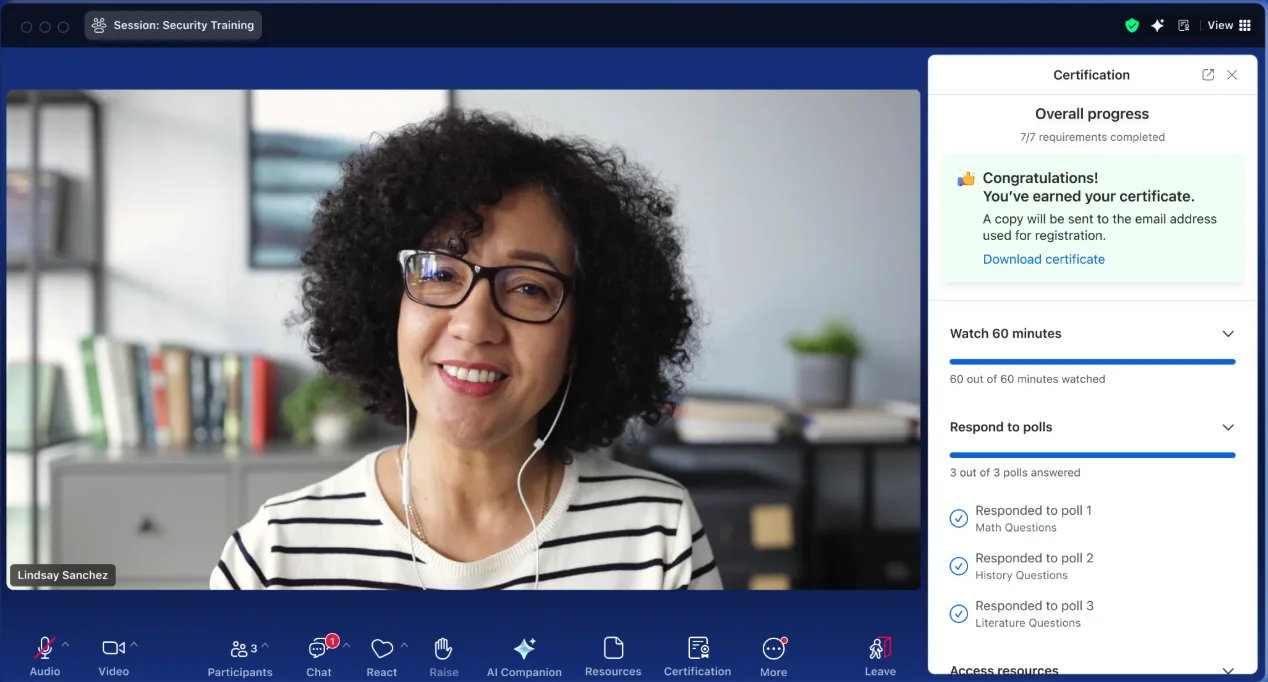
Transform your in-person conversations into actionable insights with the new Voice Recorder feature. Whether you're having a one-on-one with your manager, grabbing coffee with a colleague, or conducting interviews, you can now:
Desktop and Zoom Rooms support coming later this year.
Keep conversations flowing after meetings with enhanced post-meeting cards that include:
Find information faster with two new search enhancements:
The AI-first work platform for human connection
Create personalized avatars that look and sound like you using AI Companion. These avatars can present provided scripts on your behalf in recorded clips, support multiple languages, and help you scale personalized video creation while breaking down language barriers.
Provide more flexibility to your meeting attendees by offering Google Meet as a location option when creating recurring or one-off scheduled meetings. No need to switch between different meeting providers.
Zoom’s Business Services help you leave a lasting impression on your customers and help to build long-lasting relationships at every stage of the customer journey. From our AI-enabled contact center and conversation analytics tools, to our hybrid and virtual events solutions, we’ll help you deliver personalized, memorable experiences that drive brand loyalty and improve customer engagement.
The future of self-service arrives with our new LLM-first agentic framework extending to both chat and voice channels. This evolution enables:
Learn more Learn more
Analyze up to 10 sales conversations simultaneously with natural language queries. Get contextual AI responses based on call transcripts and meeting notes to identify common themes, objections, and trends across multiple customer interactions.
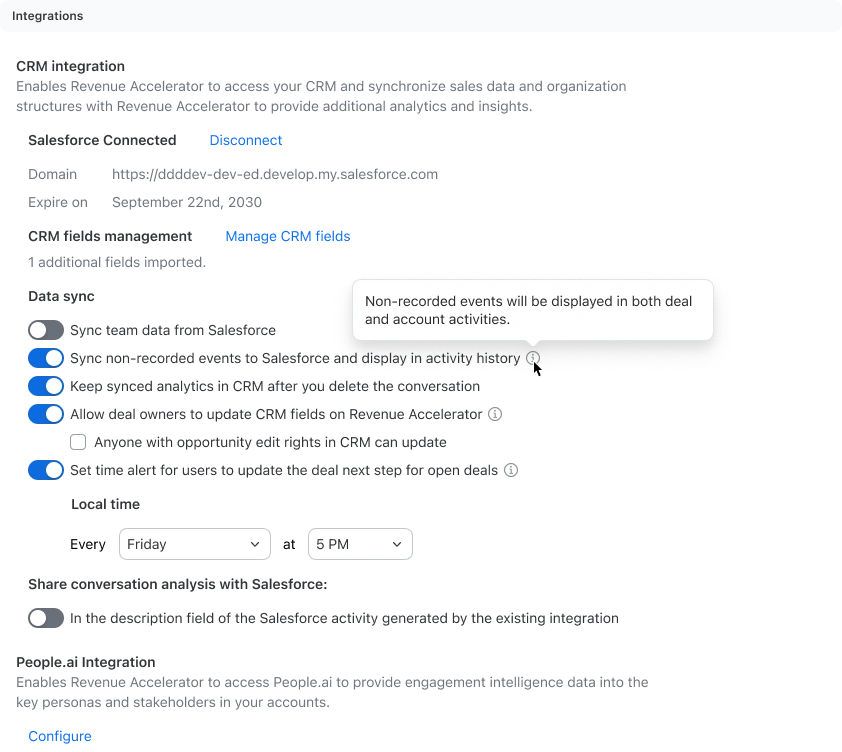
Start each day with AI-generated performance snapshots that include:
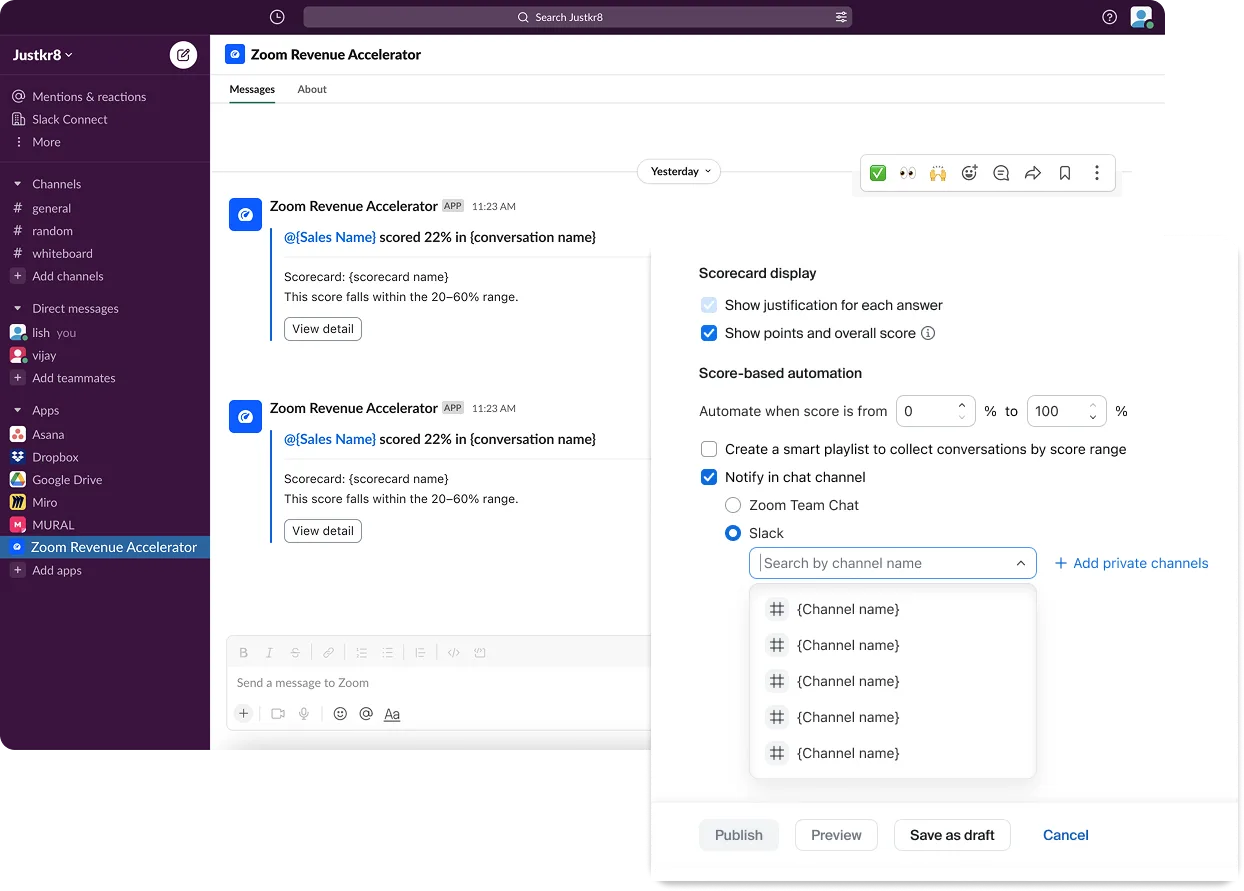
Bring revenue insights directly into Slack with notifications for comments, mentions, new call recording and scorecards, keeping deals moving forward in your preferred collaboration platform.
Transform webinar recordings into content assets instantly. Generate blog articles, emails and sales briefs directly from your webinar content to extend your event’s impact and engage audiences long after the live session ends.

Upload custom captions for simulive sessions to correct accents, specialized terms, and names that auto-transcription might miss, providing better accessibility with less effort.
Zoom AI Companion is agentic! Zoom customers can now experience even greater productivity through the addition of agentic AI skills, agents, and models as we elevate AI Companion across our entire platform. This expansion can help you get more done by executing tasks on your behalf. It knows which agents and skills to tap into and uses reasoning and memory to make decisions, solve complex problems, and learn over time.
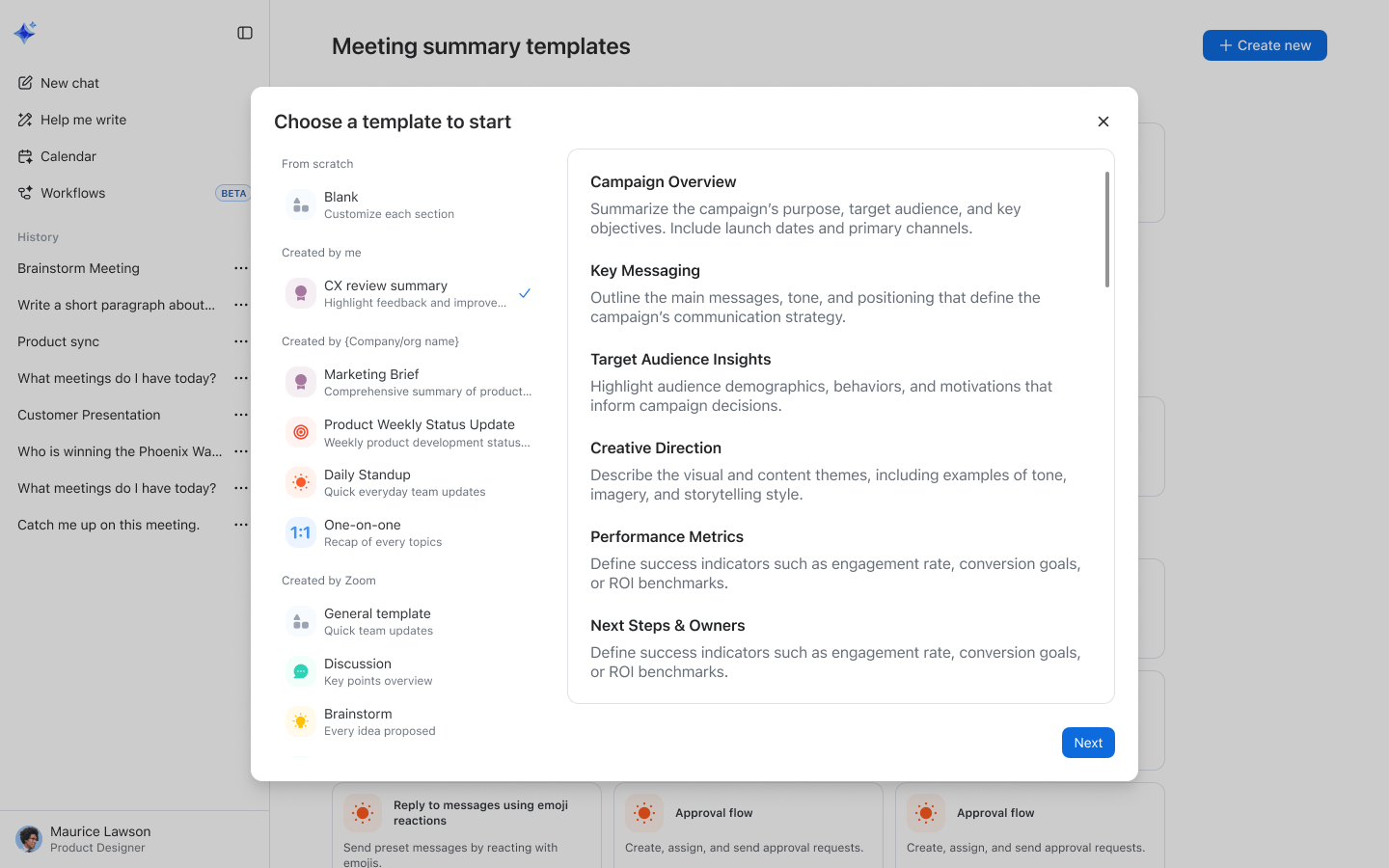
Transform how your team works with Custom AI Companion, our new paid add-on that makes AI truly yours. Ground conversations with your company knowledge through third-party integrations like Amazon Q and Glean, create custom meeting summary templates that are customer-ready with minimal editing, and automate business processes by connecting AI Companion to apps like Jira. Available for $12/user/month for Zoom Workplace and legacy plans.
Learn more Learn moreMeet the admin portal that puts AI customization at your fingertips. AI Studio allows admins to test and customize AI Companion capabilities before deploying to users, upload knowledge collections, create custom dictionaries, and build meeting summary templates. It's where you make AI Companion truly understand your organization's unique language and workflows. The Custom AI Companion add-on is required to deploy the capabilities to end users.
Read more Read moreZoom Workplace enables you to reimagine teamwork with AI Companion. Our open collaboration platform with AI Companion helps teams streamline communications, improve productivity, optimize in-person time, and increase employee engagement. Check out the latest enhancements below.
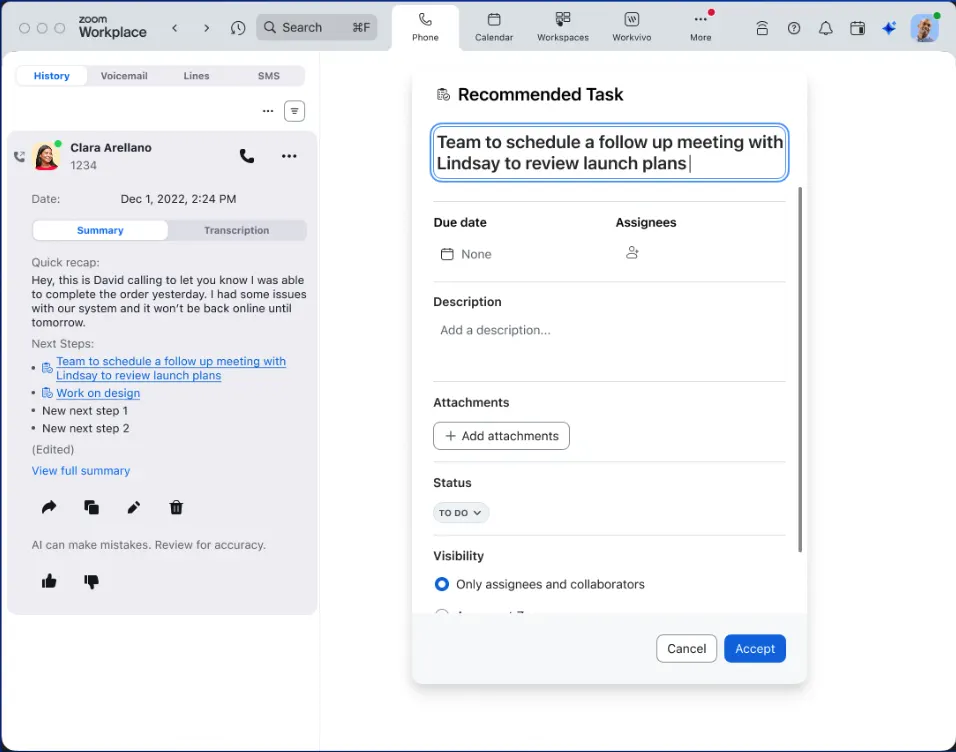
Surface, manage, and complete tasks across Zoom Workplace with AI Companion doing the heavy lifting. AI Companion automatically identifies tasks from meetings, creates assignments, and helps you prioritize your to-do list. Drive cross-functional follow-through and get through your tasks faster with AI completing work on your behalf.
Learn more Learn moreCreate focused conversations during meetings with private group chats for specific participants. Add custom topics to track multiple chat groups simultaneously and share links with just your group without notifying other participants. Perfect for side discussions that need to happen without disrupting the main meeting flow.
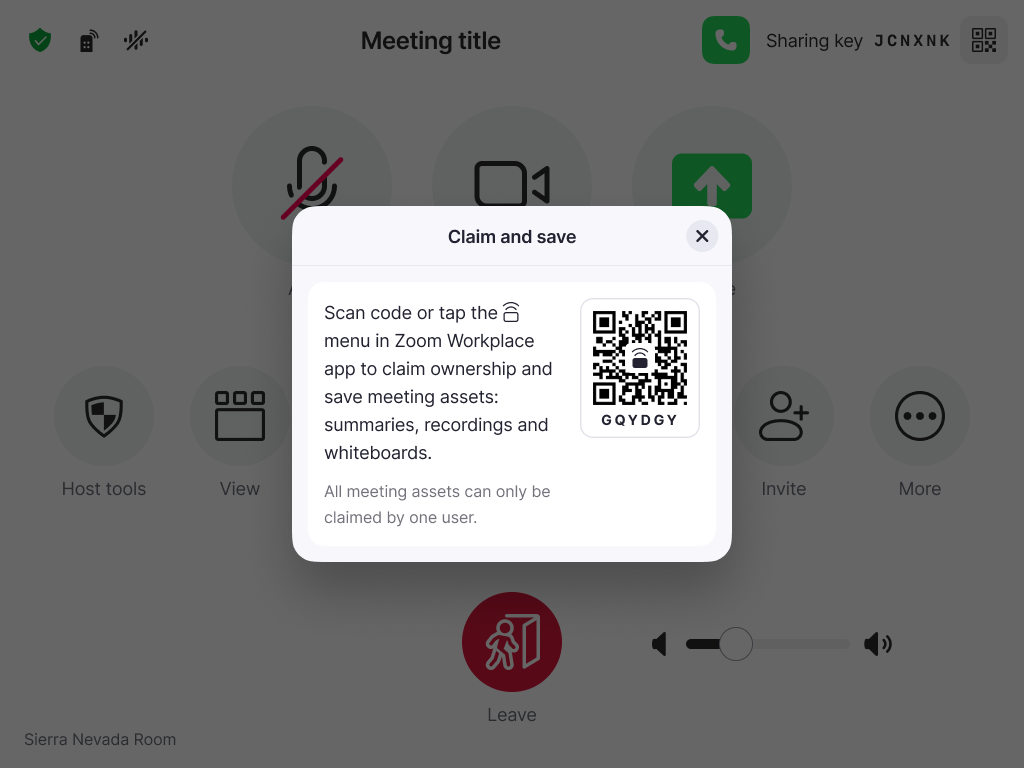
Never lose important meeting content again with the ability to claim and save a Zoom Room. Transfer ownership of summaries, recordings, and whiteboards from a Zoom Room directly to your account with a simple QR code scan or mobile device pairing. Get clear prompts during meetings to ensure you never leave valuable assets behind.

Zoom’s Business Services help you leave a lasting impression on your customers and help to build long-lasting relationships at every stage of the customer journey. From our AI-enabled contact center and conversation analytics tools, to our hybrid and virtual events solutions, we’ll help you deliver personalized, memorable experiences that drive brand loyalty and improve customer engagement.
Eliminate the frustration of repeating information with Route to Last Agent for Zoom Contact Center. Customers can now be automatically routed to the agent who previously helped them, maintaining context and improving resolution times. If the preferred agent isn't available, customers have options to wait, connect with another agent, or schedule a callback.
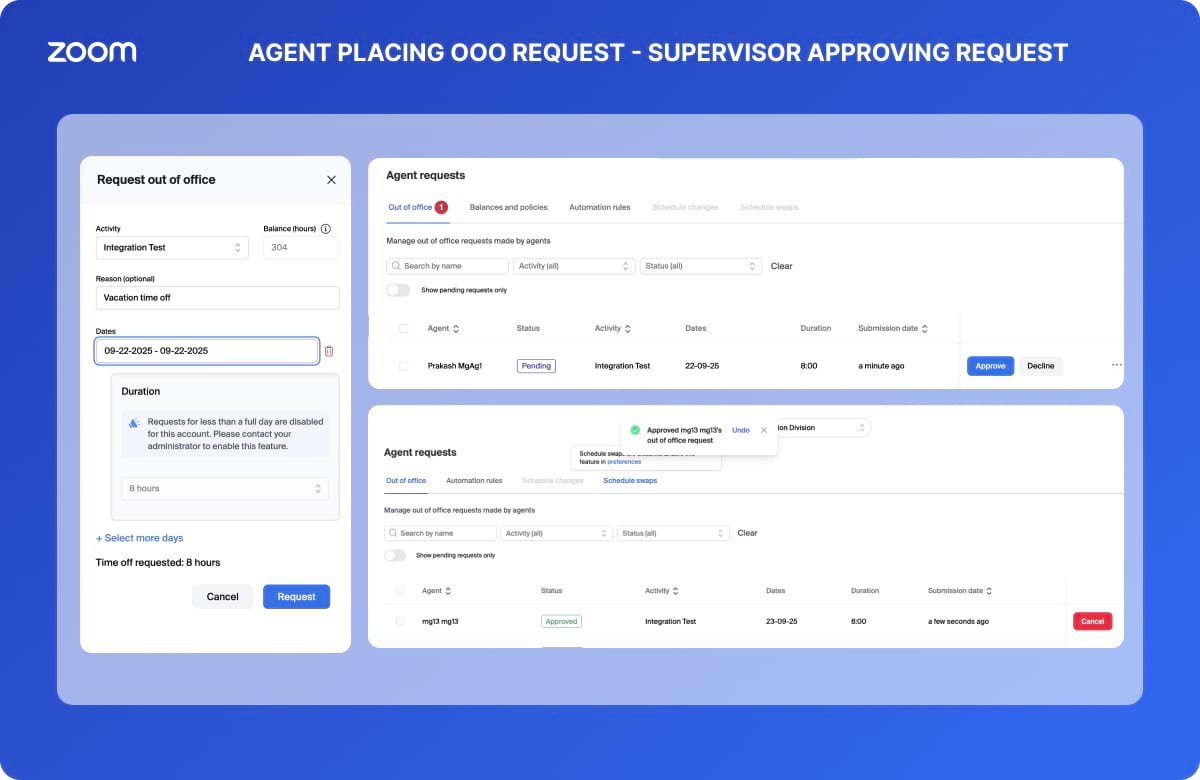
Optimize your contact center operations with two powerful new features: Deferrable Work Forecasting for non-real-time channels like email and social media, and Agent Scheduling Preferences that let agents specify their preferred start times. Create a more accommodating work environment while ensuring optimal staffing across all interaction types.
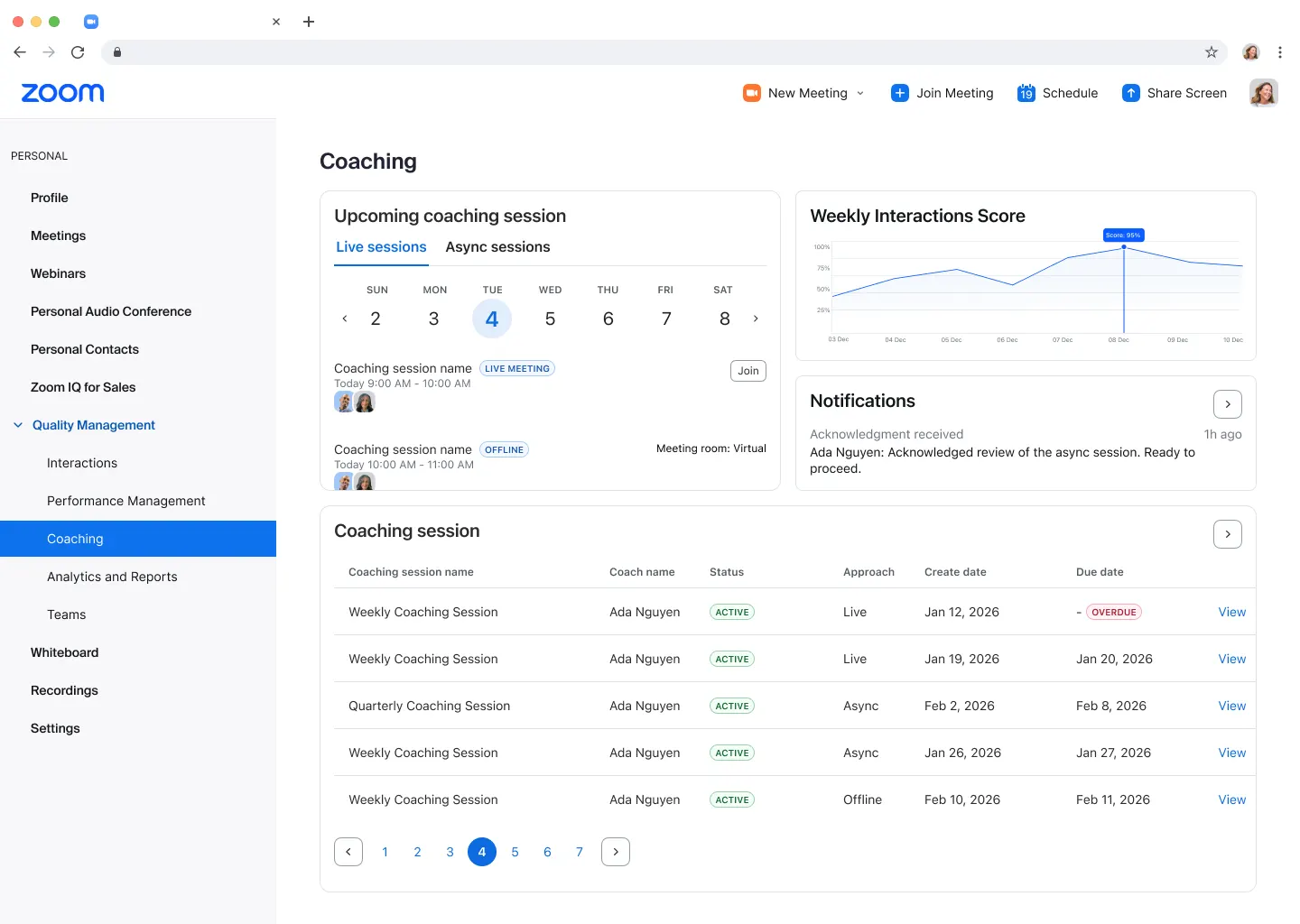
Extend quality insights beyond voice with Quality Management support for messaging and SMS channels. Analyze text-based communications to create additional coaching opportunities and ensure comprehensive evaluation across all customer interaction types. Now every conversation gets the attention it deserves.
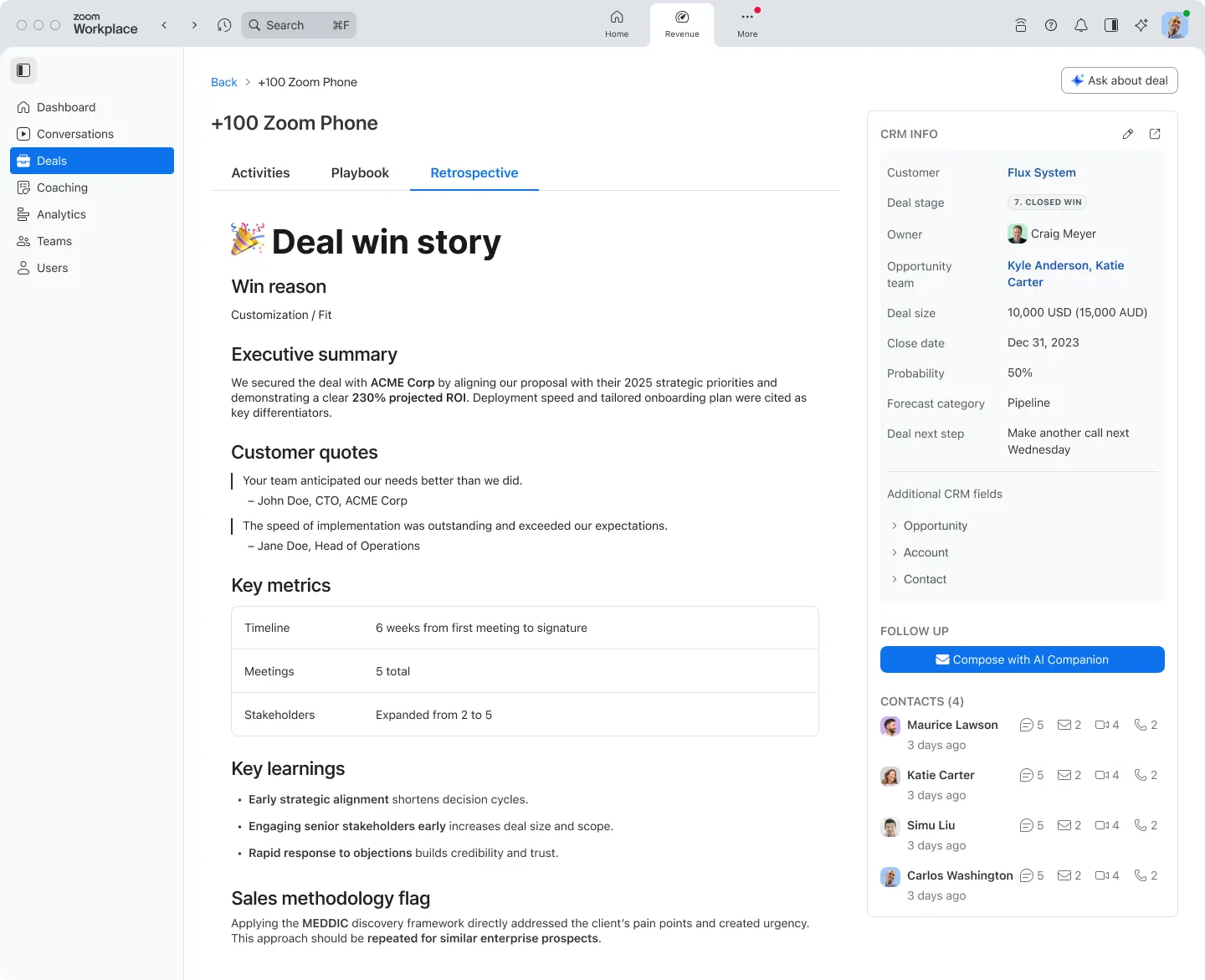
Turn conversations into revenue with AI Playbooks that analyze sales interactions using methodologies like BANT or MEDDIC. Define custom playbooks with prompts to extract key information from every conversation, automatically map intelligence to CRM fields, and gain immediate visibility into what's working across your deals.
Ask plain-language questions about your deals and get instant answers from meetings, calls, and CRM data. Choose from AI-suggested questions for quick insights or create custom queries to understand deal dynamics. Reduce time spent searching across platforms and focus on what matters most - closing deals.
Our powerful AI-first work platform offers mission-critical applications that help consolidate communications, connect people, and collaborate better together in the boardroom, classroom, operating room, and everywhere in between.
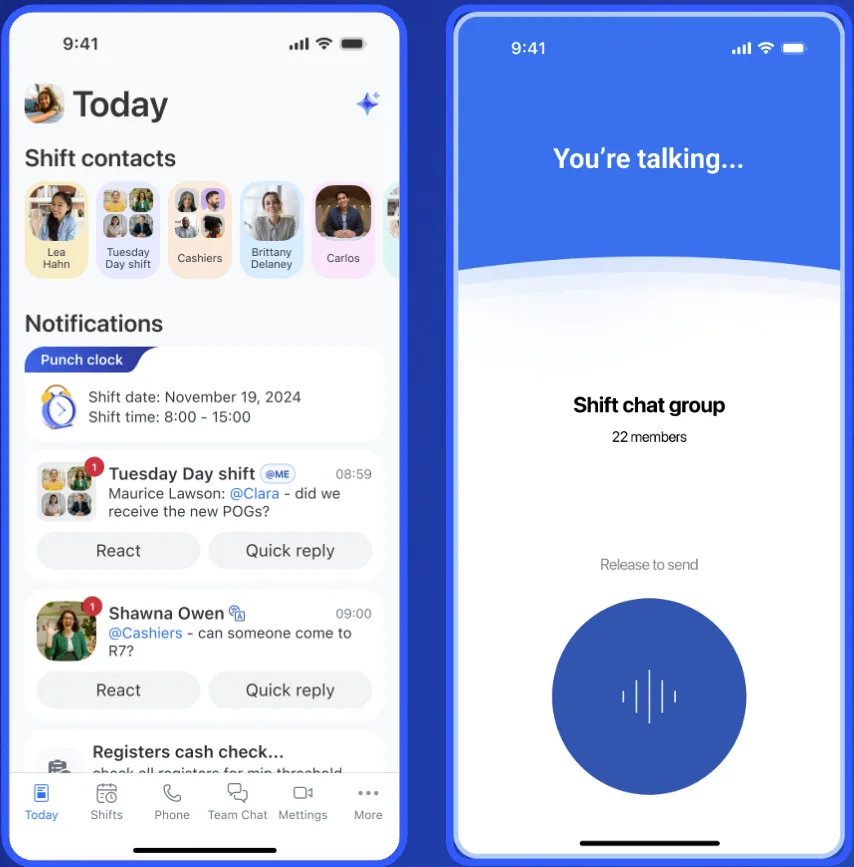
Did you know that 80% of the world’s employees are frontline workers, not knowledge workers? Connect the 2.7 billion frontline workers globally with Zoom Workplace for Frontline, a purpose-built mobile solution featuring on-shift communications, work management tools, and AI Companion. Purpose-built for healthcare, retail, manufacturing, hospitality, and other frontline industries with seamless UKG Pro Workforce Management integration. All within the familiar, easy-to-use Zoom app.
Learn more Learn more
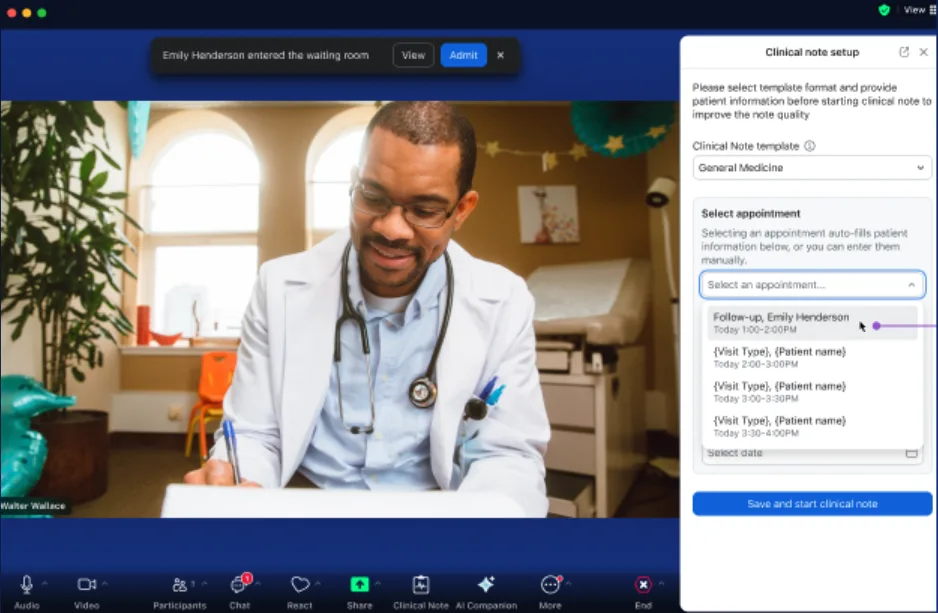
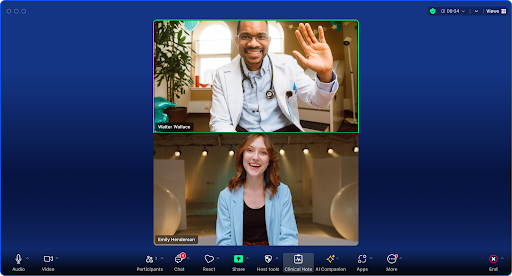
Transform healthcare documentation with AI-generated clinical notes that reduce the burden of manual note-taking. Built in partnership with Suki AI, this solution easily integrates with healthcare workflows through a convenient, user-friendly interface that allows clinicians to focus on what matters most - patient care instead of paperwork.
Learn more Learn more
Zoom Workplace for Education are education-specific bundles addressing unified communication needs for schools and campuses, bringing options for Zoom Chat, phone, whiteboard, meetings, webinars, and more together in a single solution to help deliver frictionless communication and collaboration experiences — for students, teachers and administrators alike.
Zoom AI Companion is agentic! Zoom customers can now experience even greater productivity through the addition of agentic AI skills, agents, and models as we elevate AI Companion across our entire platform. This expansion can help you get more done by executing tasks on your behalf. It knows which agents and skills to tap into and uses reasoning and memory to make decisions, solve complex problems, and learn over time.
AI Companion helps you get more done by executing on your behalf. To help you find some inspiration, we compiled several ready-made prompts for a variety of use cases.
Learn more Learn more
Our federated AI approach leverages our own Small Language Model (SLM) and Large Language Models (LLMs) as well as third-party models to provide high-quality and cost-effective results for users. Zoom’s SLM is optimized for specific AI skills and is used to improve translations for eight languages: (German, Spanish, Italian, French, Portuguese, Portuguese-Brazilian, Simplified Chinese, Traditional Chinese) to English.
Zoom Workplace enables you to reimagine teamwork with AI Companion. Our open collaboration platform with AI Companion helps teams streamline communications, improve productivity, optimize in-person time, and increase employee engagement. Check out the latest enhancements below.
Get personalized usage data at a glance. Our dashboard with AI Companion acts as a personal assistant to deliver custom answers, insights, and reports and lets you understand usage across your org to identify teams that need training or assess how colleagues use features.
Learn more Learn more
When you're on a call and need to stay engaged, Zoom AI Companion can assist with real-time call questions. Organize conversations with ease and stay on track without distraction. With seamless AI-generated summaries, you can revisit key details, catch up on what was discussed, or align on next steps before hanging up.
Communication should be seamless and efficient, so we’re continuously enhancing the experience for our customers using the Zoom App within Microsoft Teams. New updates include:
Learn more Learn more
Send and receive faxes directly from Zoom Workplace without the need for extra services or physical fax machines. Fax services are available for both desktop and mobile devices to keep you connected from anywhere.
Learn more Learn more
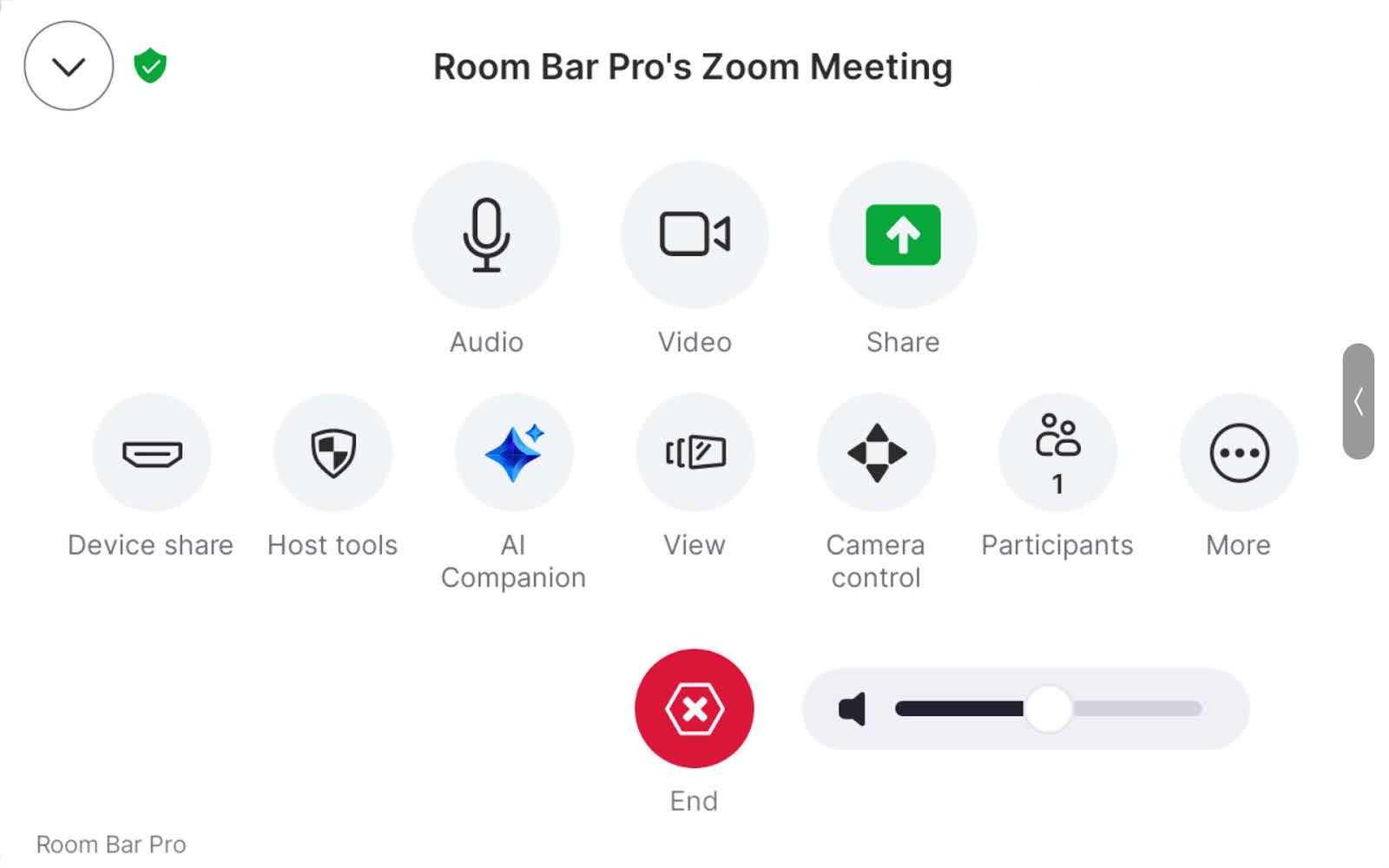
Custom AV for Zoom Rooms
When you need to build highly flexible yet reliable meeting spaces that support hybrid work, Custom AV for Zoom Rooms provides support for professional AV protocols on Windows and macOS. Customization options are available for high-quantity outputs like specifying gallery sizes, overlays, and content.
Learn more Learn more
Delivery Management
Scan packages, mail, and deliveries as they come in, triggering an alert via email, or Zoom Chat (or third-party apps) that tells the recipient their package has arrived.
Zoom’s Business Services help you leave a lasting impression on your customers and help to build long-lasting relationships at every stage of the customer journey. From our AI-enabled contact center and conversation analytics tools, to our hybrid and virtual events solutions, we’ll help you deliver personalized, memorable experiences that drive brand loyalty and improve customer engagement.
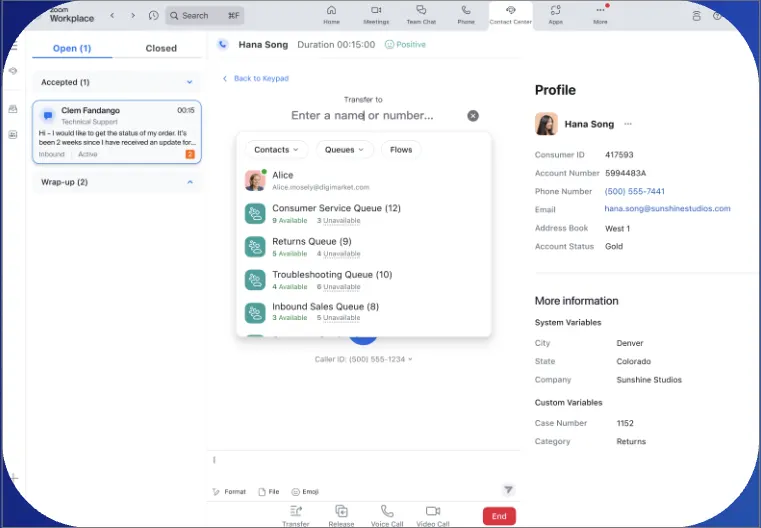
Route customers to the perfect agent in their own words. Callers can speak about an issue using natural language, enabling interactions to be prioritized based on detected intent. This feature is available in all languages currently supported by Zoom Contact Center.
With AI agent assistance for video channels, your agents can have instant access to critical resources, including knowledge base retrieval, next-best-action suggestions, smart notes, and automated call summaries — all in real-time. This ensures they have the right information at their fingertips, no matter the channel.
Learn more Learn more
Zoom Chat can help employees connect with support teams to resolve complex inquiries quickly. This is especially valuable for IT help desks or employee services teams that provide a high level of expertise in challenging times. Leverage Zoom Virtual Agent within Zoom Chat to provide AI-driven responses that free up support staff for more complex issues.
Learn more Get started
If you’re tired of spending hours drafting post-event summaries, AI Companion helps you instantly turn your webinar into a concise email summary that highlights key points for attendees.
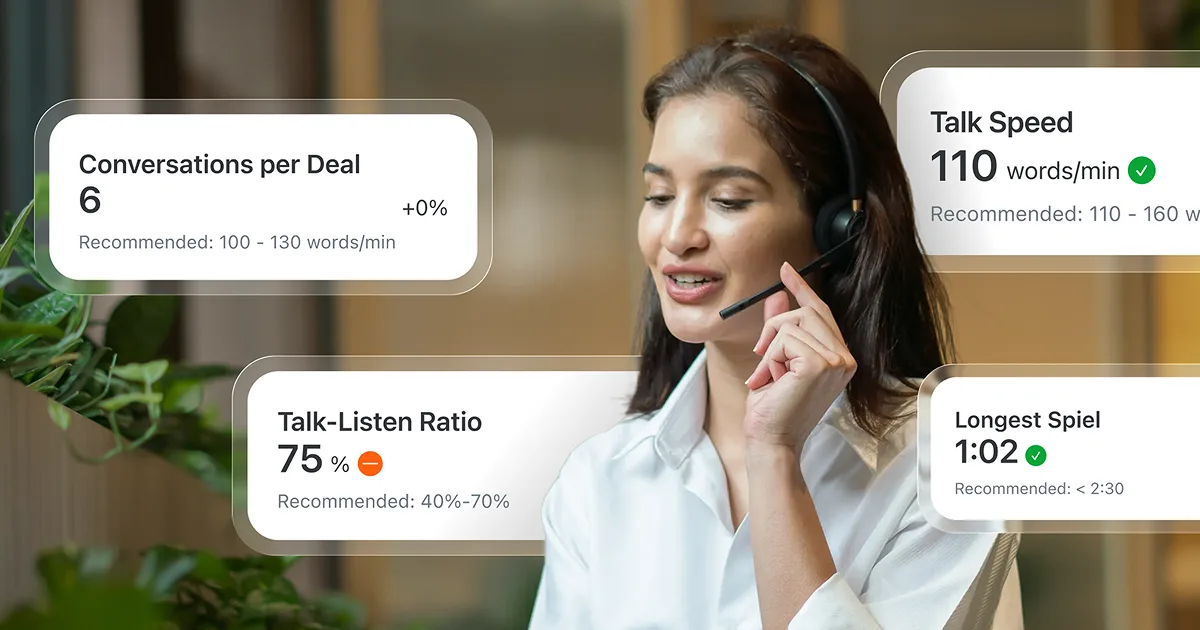
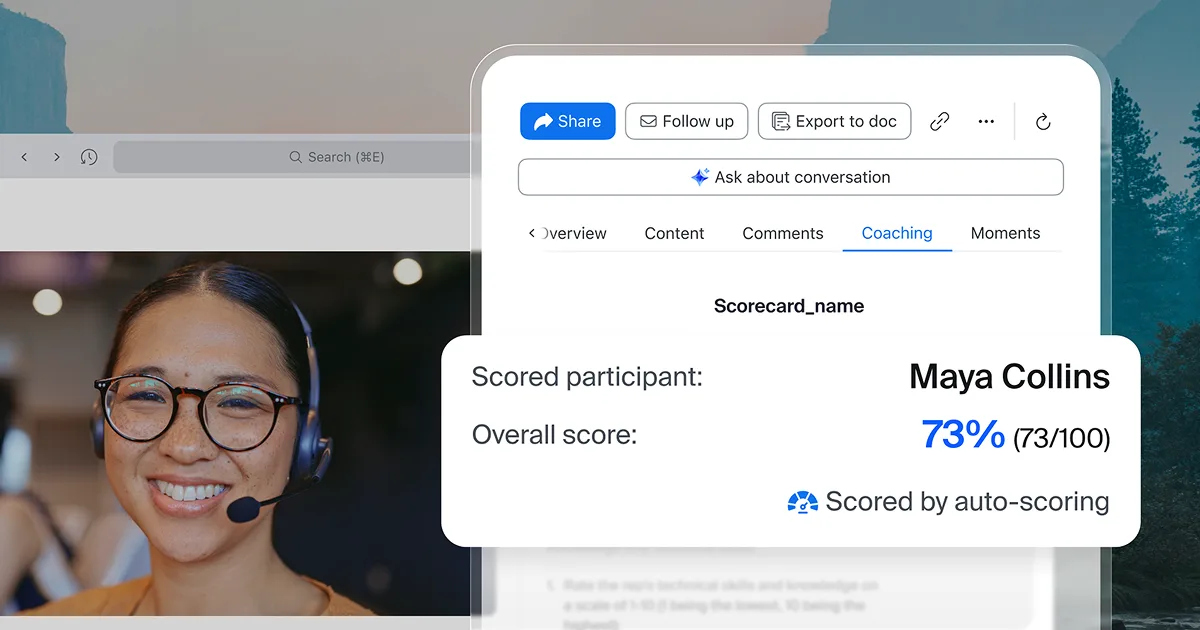
Say goodbye to manual call reviews. Automated scorecards help teams scale coaching and quality assurance with no manual review. Automatically score every conversation — even quick 30-second ones — with AI-powered justifications, keyword-triggered indicators, and exportable analytics for deeper coaching insights.
Learn more Learn moreZoom customers enjoy seamless experiences with a choice of third-party apps and integrations for best-in-class collaboration.
Our new integration enables you to access and manage Drive files easily and directly within the Zoom app. Simply connect your account, open the file picker, and create a new document or select one to share. Links posted in chat will generate a rich file card with key details to show what’s being shared at a glance. You can also adjust permissions on the spot, ensuring everyone in the meeting has the right level of access.
Learn more Learn more
Share YouTube videos directly to your Zoom meeting. Participants can enjoy watching videos through high-quality, native YouTube playback without traditional screen sharing lag or audio delays. For enhanced collaboration, videos can be added to a shared meeting queue where users can control the playback features.
Bring conversation insights into your customer success workflows with our new integration with Gainsight. Automatically log key activities, view call summaries, next steps, and participant details—all within Gainsight’s Account Timeline. No more jumping between tools—just instant context where your team needs it.
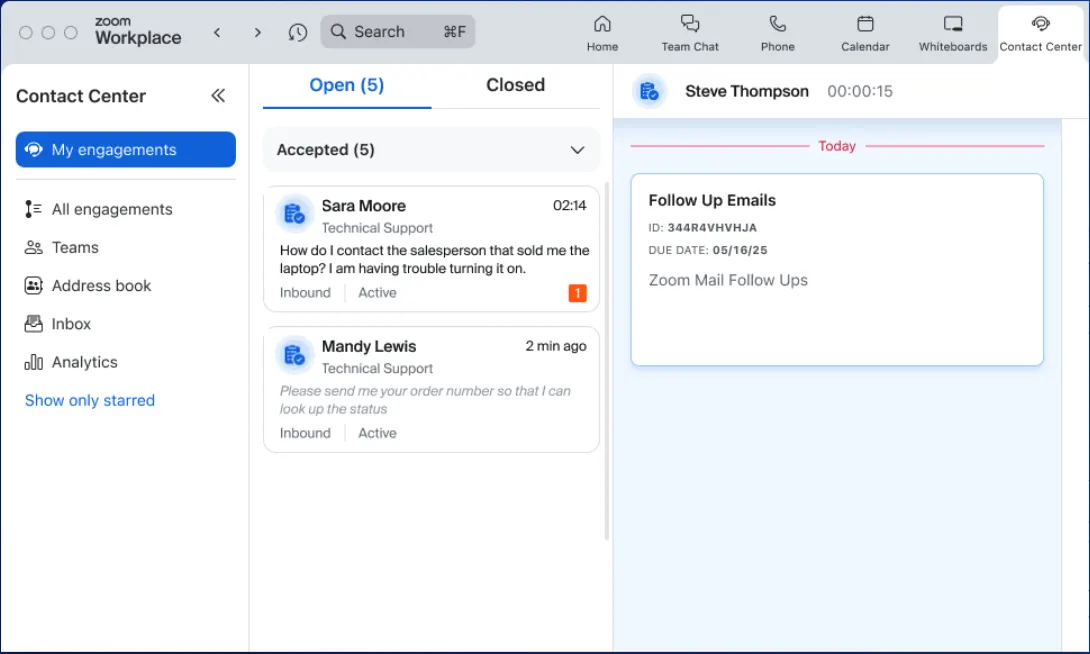
Learn more Learn moreBring the full power of Zoom Contact Center to any device running Chrome OS. Spin up devices for agents who can work from anywhere there’s an internet connection.
Agents can now easily handle customer communications within Microsoft Teams, creating a more connected and efficient workflow. Bidirectional presence syncing lets agents and Teams’ users search for contacts, see real-time availability, and collaborate more effectively, helping speed up resolutions and improve customer outcomes.
This upgrade lets you access, create, and collaborate on Word, Excel, and PowerPoint files during Zoom Meetings. Bring important files into the meeting and grant access to participants with just a few clicks. Plus, when Microsoft 365 links are shared in Zoom Chat, they’ll display a rich file card with key details for quick reference.
Learn more Learn more
Available at no additional cost*, Zoom AI Companion helps you reimagine teamwork with renewed vigor so you can expand your capabilities, simplify your workday, and automate your tasks. Here are the latest ways to engage with AI Companion to boost your productivity across Zoom Workplace, Business Services, and our vertical solutions.
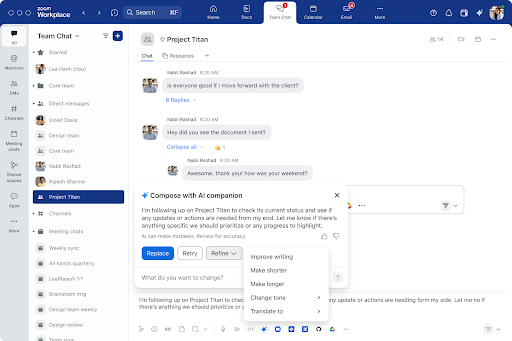
Save time with an enhanced experience when using AI Companion’s compose and reply features on your desktop. Reply faster with hero prompts like “write a quick thank you note” and communicate more clearly with edit options like “improve writing” and “change tone.”
Zoom Workplace enables you to reimagine teamwork with AI Companion. Our open collaboration platform with AI Companion helps teams streamline communications, improve productivity, optimize in-person time, and increase employee engagement. Check out the latest enhancements below.
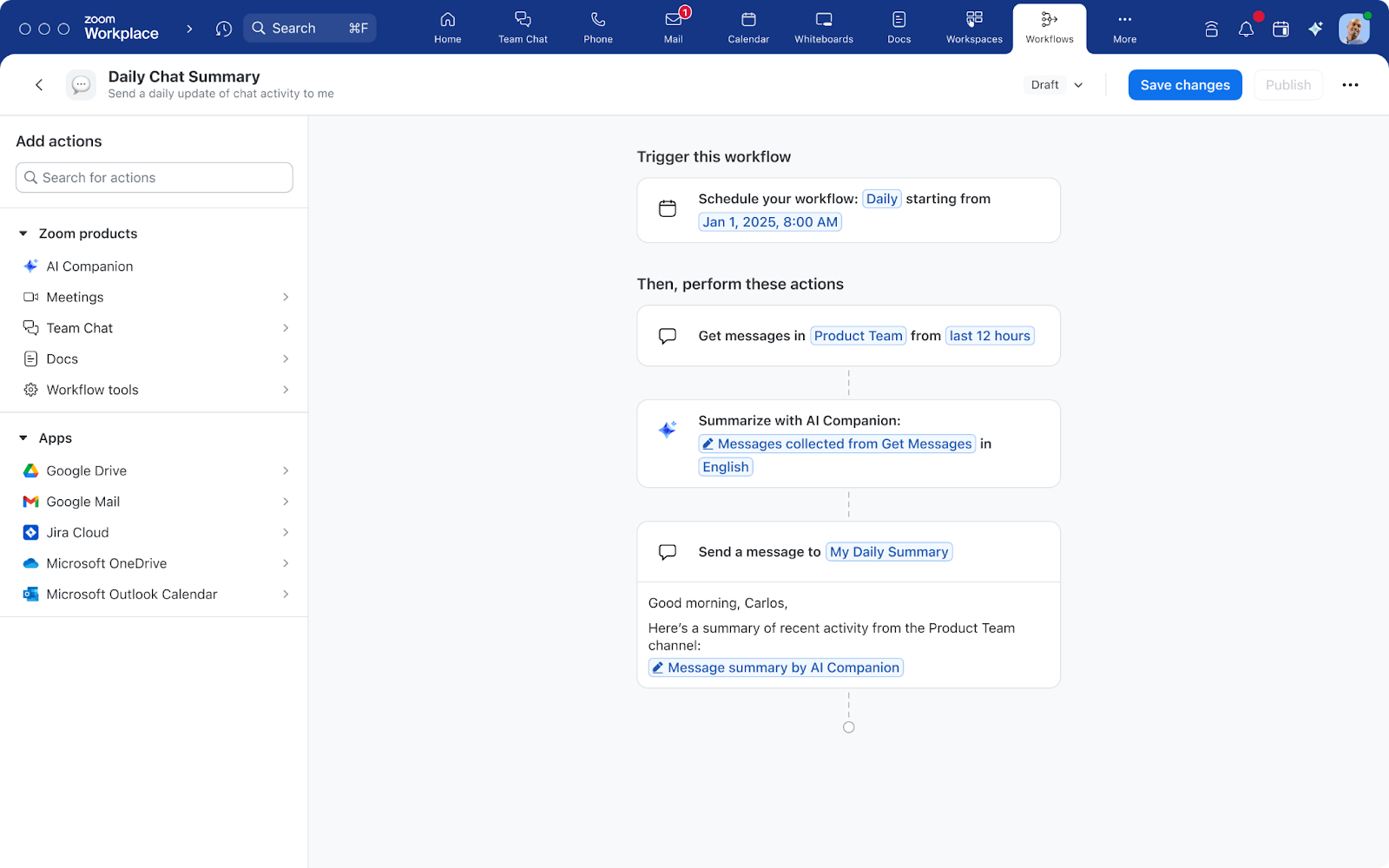
Now generally available during the free trial period, Workflow Automation helps you build powerful workflows to streamline common tasks as you work across Zoom Workplace and third-party apps. Automate your weekly check-in requests, common question replies, and notifications for quick approvals with ease. Respond to incidents such as Jira tickets or use AI Companion to summarize a week’s worth of chat messages in your team’s channel. With Workflow Automation you can spend more time on meaningful work and less time on tasks you can automate. Get started.
The Zoom-Mitel integration is now live, enabling our customers to connect their existing Mitel telephony systems with Zoom Workplace. Offering a best-of-both-worlds approach, this new solution makes it easy for Zoom customers to place and receive calls directly in the Zoom app while also enjoying a unified experience to access Zoom AI Companion, Zoom Meetings, Zoom Chat, and Zoom Docs.
If your role requires you to bill your hours, then you know it can be a pain to track the time you spend on phone conversations. With billable hours for Zoom Phone, you can keep track of your billable hours right inside Zoom Phone and give your full attention to your clients, not watching the clock. This is now available for online paid plans.
Learn more Learn moreCollect data with ease! Our new forms help you gather information from colleagues directly within your organization or externally.
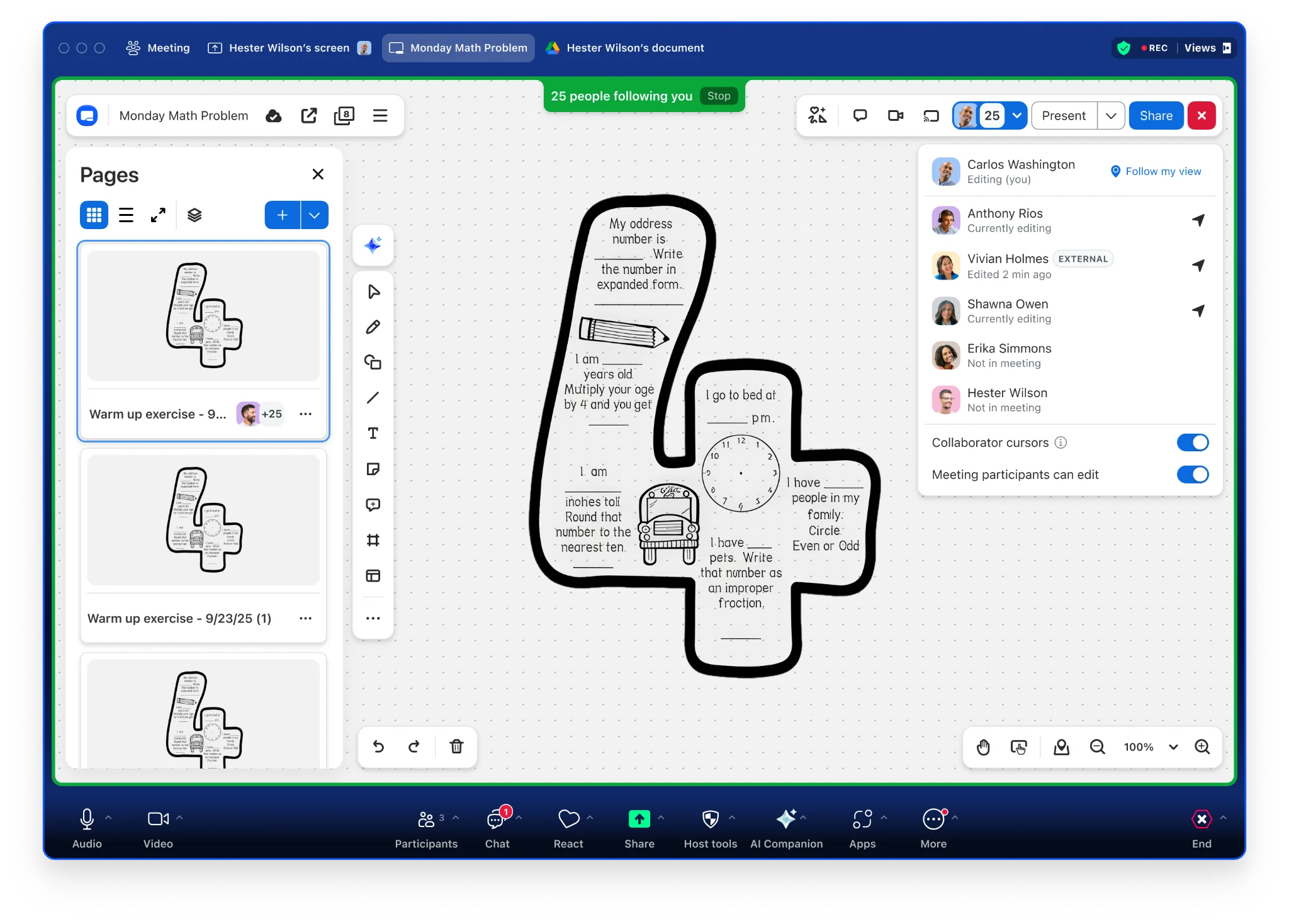
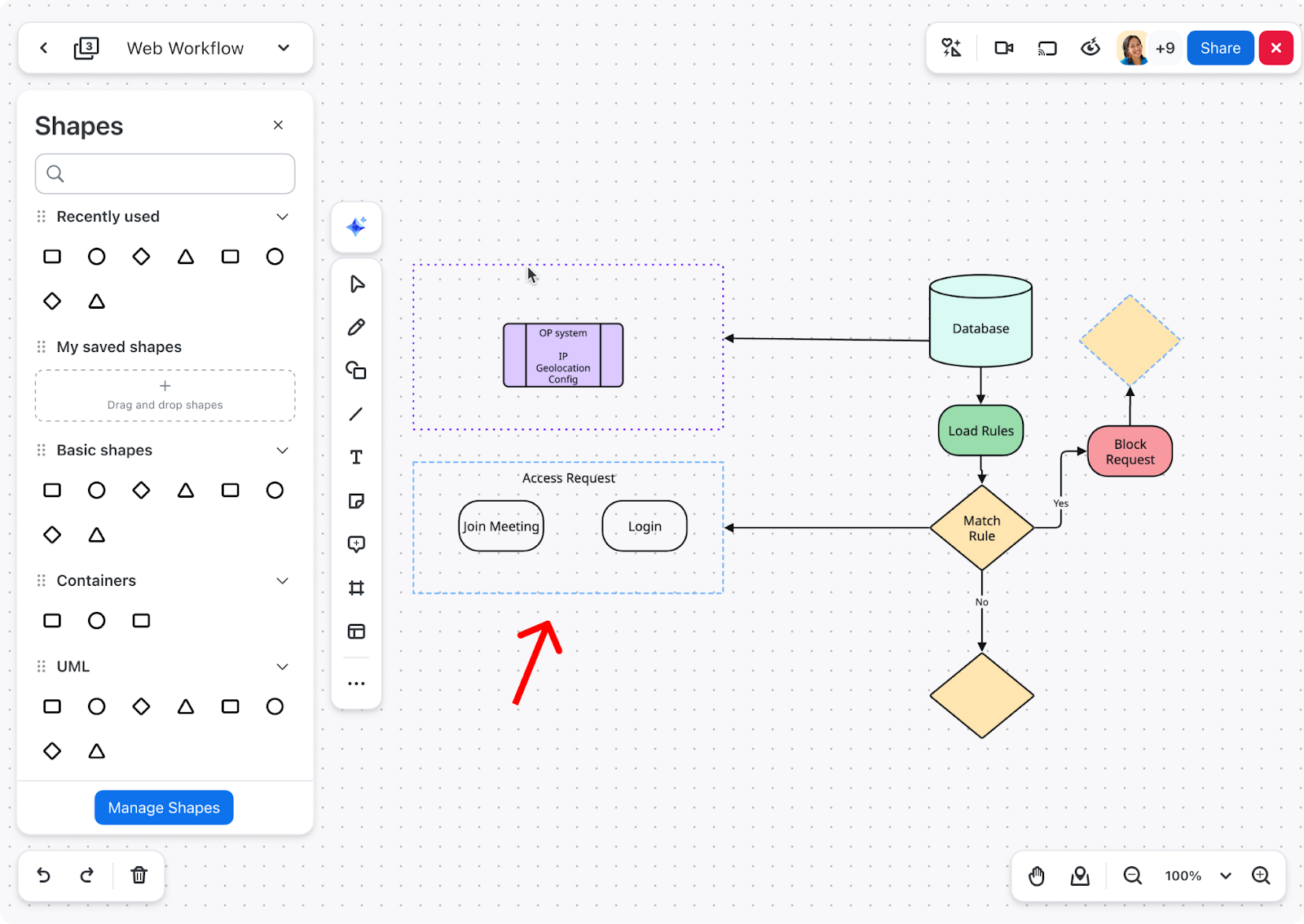
It just got easier to keep your diagrams organized with containers for advanced diagramming. Access containers from the shape panel to effortlessly group and organize any related objects. Move entire groups with ease, as shapes will stay put inside the containers.
Generate Zoom Clips at scale! With a library of 18 pre-generated avatars to choose from, Zoom Clips avatar templates help you save time by removing the need to re-record multiple videos. Instead, upload your script and let the avatar do the rest. Reduce unnecessary meetings, and communicate more effectively, even when in different time zones. Clips avatar generation is limited to three minutes per licensed user per month.
Watch now Watch nowZoom’s Business Services help you leave a lasting impression on your customers and help to build long-lasting relationships at every stage of the customer journey. From our AI-enabled contact center and conversation analytics tools, to our hybrid and virtual events solutions, we’ll help you deliver personalized, memorable experiences that drive brand loyalty and improve customer engagement.
The newest version of our CRM CTI Connector includes more than 15 new features and will be automatically enabled for all accounts (previously only available by request). This enhanced version enables agents to leverage advanced features while managing engagements through supported CRMs, to help you deliver a more powerful and efficient experience.
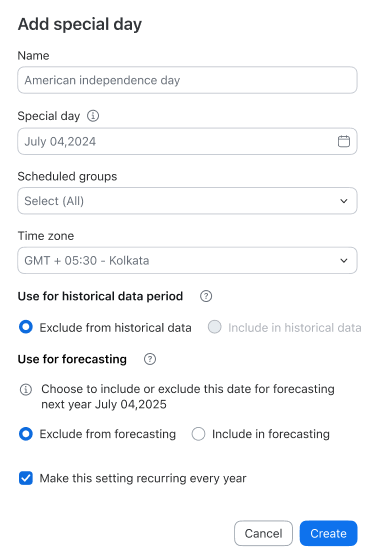
Learn more Learn moreForecasting your agents’ schedule is extra hard when holidays and unusual high-traffic days come into play. But now you can prepare for these “special” days without skewing your typical week forecast. With the forecasting special days feature, you can account for the changes in normal traffic during times like Cyber Monday and choose to include or specifically exclude them from your forecast.
Move deals forward while you’re on the go. The Revenue Accelerator for mobile app lets you access and review your conversations from your mobile device. Listen to your reps’ calls, reply to comments, add new comments, and manage playlists. Share recordings and update permission settings all from the palm of your hand.
Available at no additional cost*, Zoom AI Companion helps you reimagine teamwork with renewed vigor so you can expand your capabilities, simplify your workday, and automate your tasks. Here are the latest ways to engage with AI Companion to boost your productivity across Zoom Workplace, Business Services, and our vertical solutions.
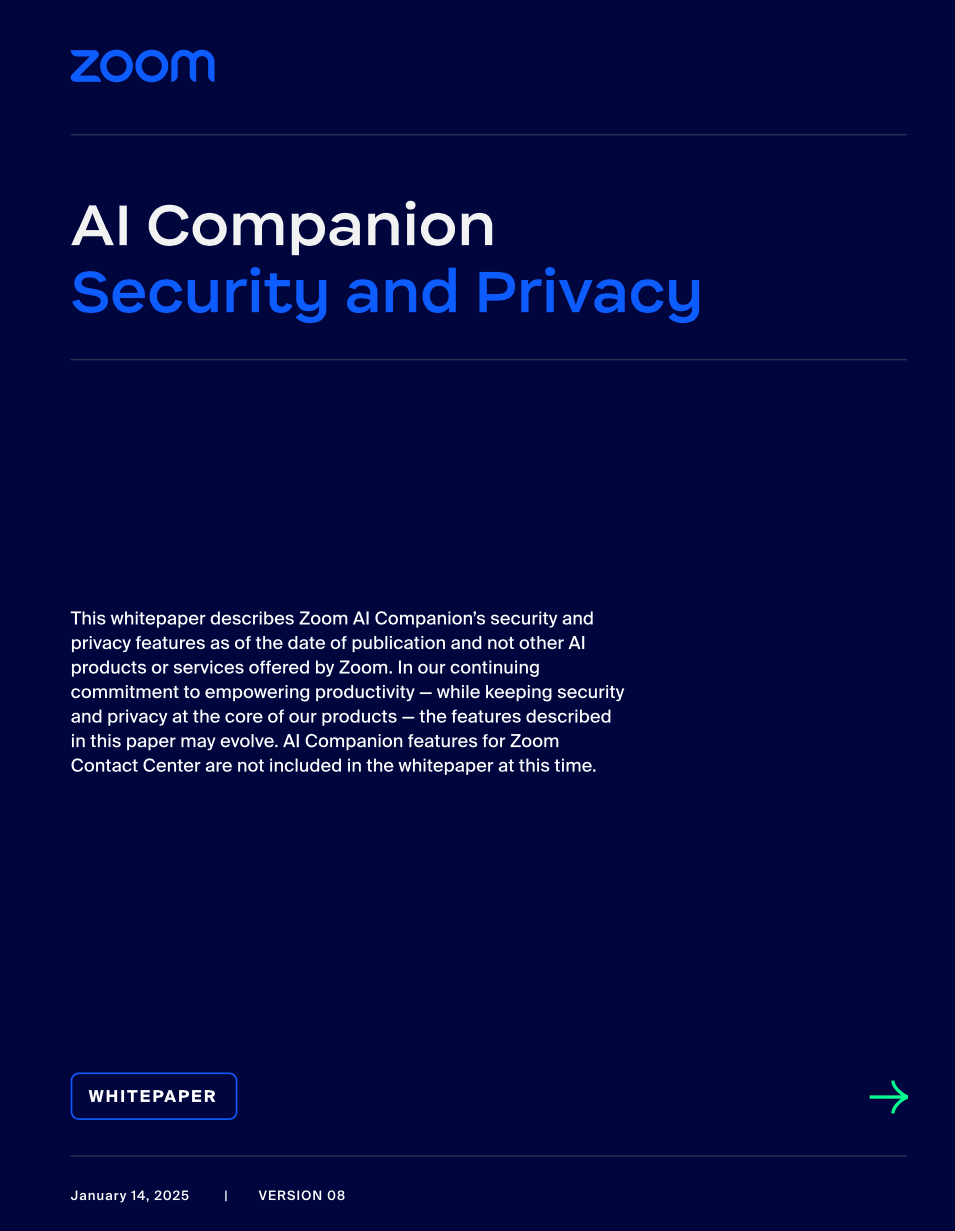
The latest version of our AI Companion Security and Privacy white paper is now live. Learn more about AI Companion’s security and privacy features as part of our ongoing efforts to empower your productivity.
Zoom Workplace enables you to reimagine teamwork with AI Companion. Our open collaboration platform with AI Companion helps teams streamline communications, improve productivity, optimize in-person time, and increase employee engagement. Check out the latest enhancements below.
Easily navigate and customize the Zoom Chat sidebar to optimize your productivity and collaboration. Tailor the chat interface by reordering and pinning tabs. You can also customize your notifications for each tab and use advanced sorting and filtering options to find information quickly. Learn how to make the most of your Zoom Chat experience.
Have a favorite icon or frequently used shapes? Now it’s simple to share icons between teams. As an admin, you can manage your organization’s shape collections and accept submissions from teammates. As a user, you can submit collections of whiteboard objects or icon stencils for approval. Please note, this feature is available with a Whiteboard Plus license on the Zoom desktop and web apps.
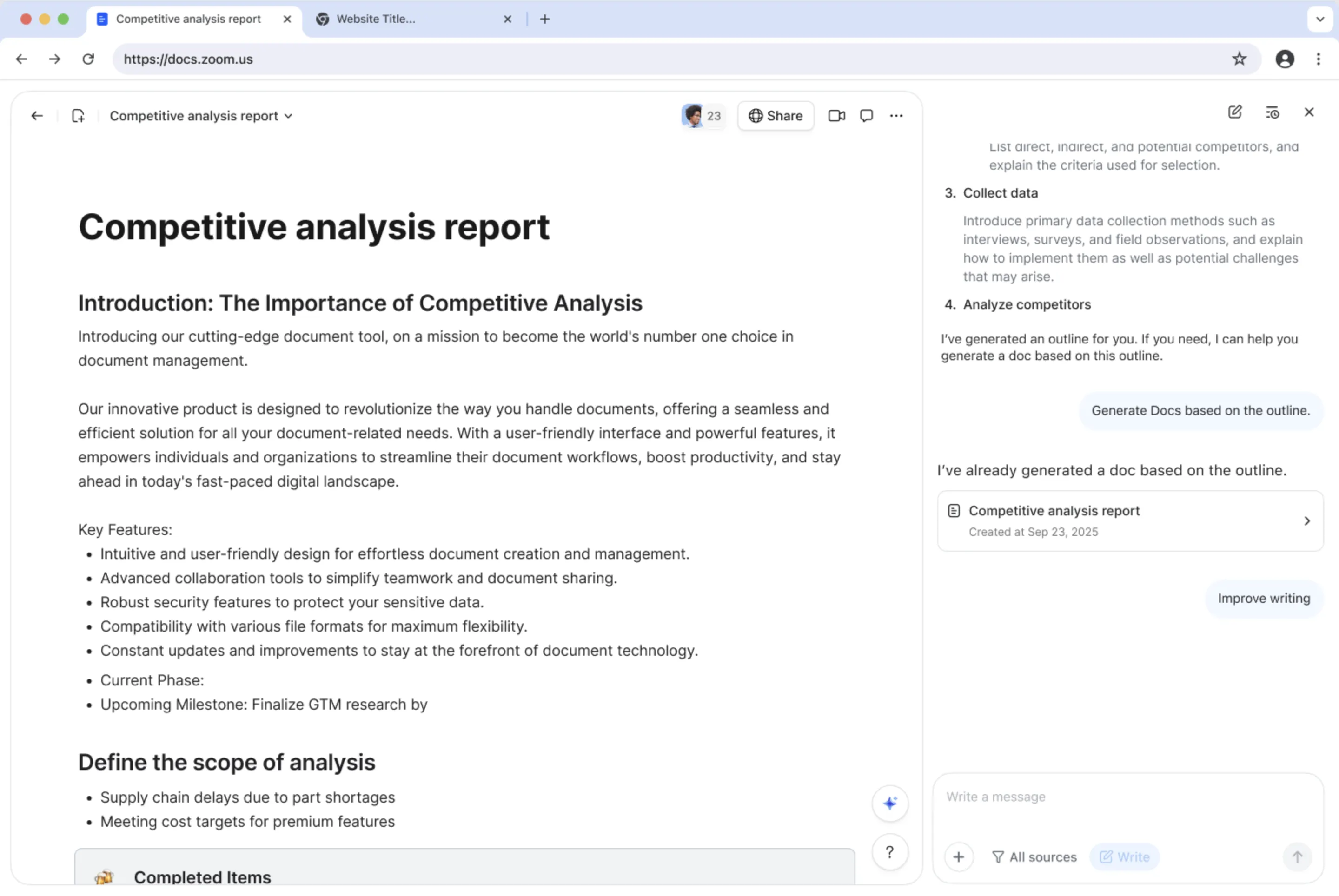
You can now instantly create charts in Zoom Docs using data tables with the dashboard feature, as well as use synced data tables to keep data tables updated across your various Docs. When you make changes in a synced table, the updates are reflected in real-time, even from another Doc. The new data table sub-row enables items nested within a table to be created under parent headings for easier management and project tracking.
Learn more Learn moreDitch the expensive microphones! Zoom Rooms customers can experience clearer meeting audio without multiple microphones. This new feature enables you to use a laptop’s microphone as an additional meeting audio source for enhanced sound quality and clarity. The new “listen” feature in companion mode provides the option to listen to a meeting through connected headphones or assistive devices, helping improve audio for individuals with hearing impairments or when hearing is difficult.
Get started Get startedZoom’s Business Services help you leave a lasting impression on your customers and help to build long-lasting relationships at every stage of the customer journey. From our AI-enabled contact center and conversation analytics tools, to our hybrid and virtual events solutions, we’ll help you deliver personalized, memorable experiences that drive brand loyalty and improve customer engagement.
With our new integration, self-service is even simpler. Calls are routed to a Kore.ai-powered voice bot before they reach human agents. To help improve your CSAT and reduce average handling times, the voice bot provides a full conversation history for a seamless agent hand-off.
Get started Get started
When you deploy our virtual agent into Zoom Contact Center WhatsApp Flows, you can access the popular customer service channel and provide enhanced customer support without increasing your agents’ workloads.
Learn more Learn moreWith our live language translation feature, you’ll no longer need a separate knowledge base for each language. Access real-time, AI-fueled translations of KB content for chatbot answers to help you serve global and multilingual customers at scale.
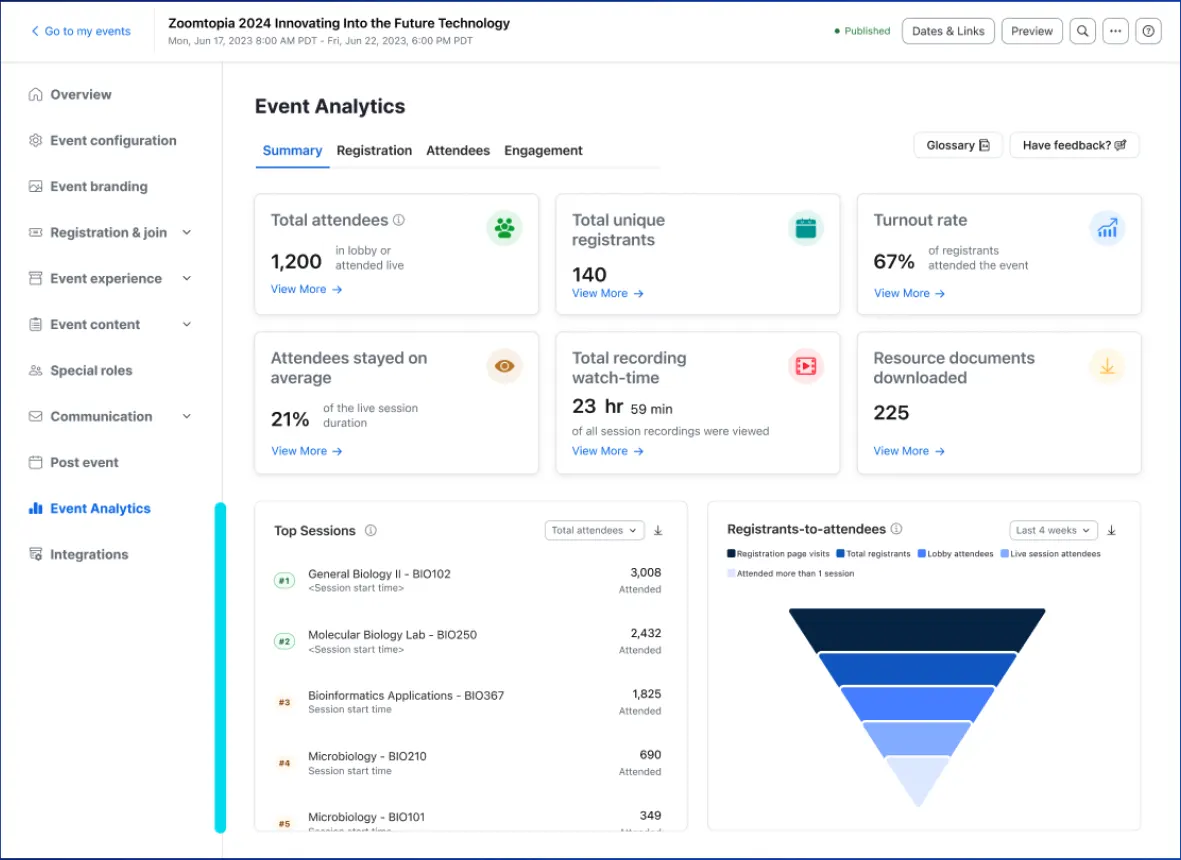
Get started Get startedTurn your videos and recordings into an engaging media hub with Zoom Events. Store, manage, distribute, and track your video content all in one place. Create curated video playlists and channels on your Zoom content hub or embed them on any website.
Get the details Get the detailsTransition seamlessly from recordings to live content. Keep your audiences engaged by incorporating live content into your Simulive webinar. Schedule webinars to start automatically without needing the host to be present.
Now there’s an easy way (zero setup) to uncover the topics that close deals. Instantly grasp critical topics from customer and seller conversations through AI detection, which lets you view topics in your conversation lists, reports, deals detail pages, and beyond. You’ll be on the fast path to drive winning seller behavior as you identify new objections, competitors, or pain points with ease.
Learn more Learn moreOur powerful AI-first work platform offers mission-critical applications that help consolidate communications, connect people, and collaborate better together in the boardroom, classroom, operating room, and everywhere in between.
Zoom Rooms stethoscope integration: Zoom Rooms can now support local mic source selection to easily integrate with electronic stethoscopes to enable remote patient exams. Healthcare providers can then examine patients virtually, while on-site staff can switch between the regular microphone for conversation and the stethoscope's unfiltered audio feed.
Zoom customers enjoy seamless experiences with a choice of third-party apps and integrations for best-in-class collaboration.
For sales teams that use Google Meet, our new integration enables you to record and analyze meetings directly from Google Meet and still enjoy the benefits of Revenue Accelerator. Features like transcription highlights, sentiment analysis, and engagement scores can help you glean new opportunities. Short on time? Check out AI-detected topics in your conversation lists, reports, deals detail pages, and beyond to quickly identify critical conversation topics. Our AI-powered insights can help you gain a deeper understanding of customer engagements and how they impact your deal outcomes.
Get started Get started