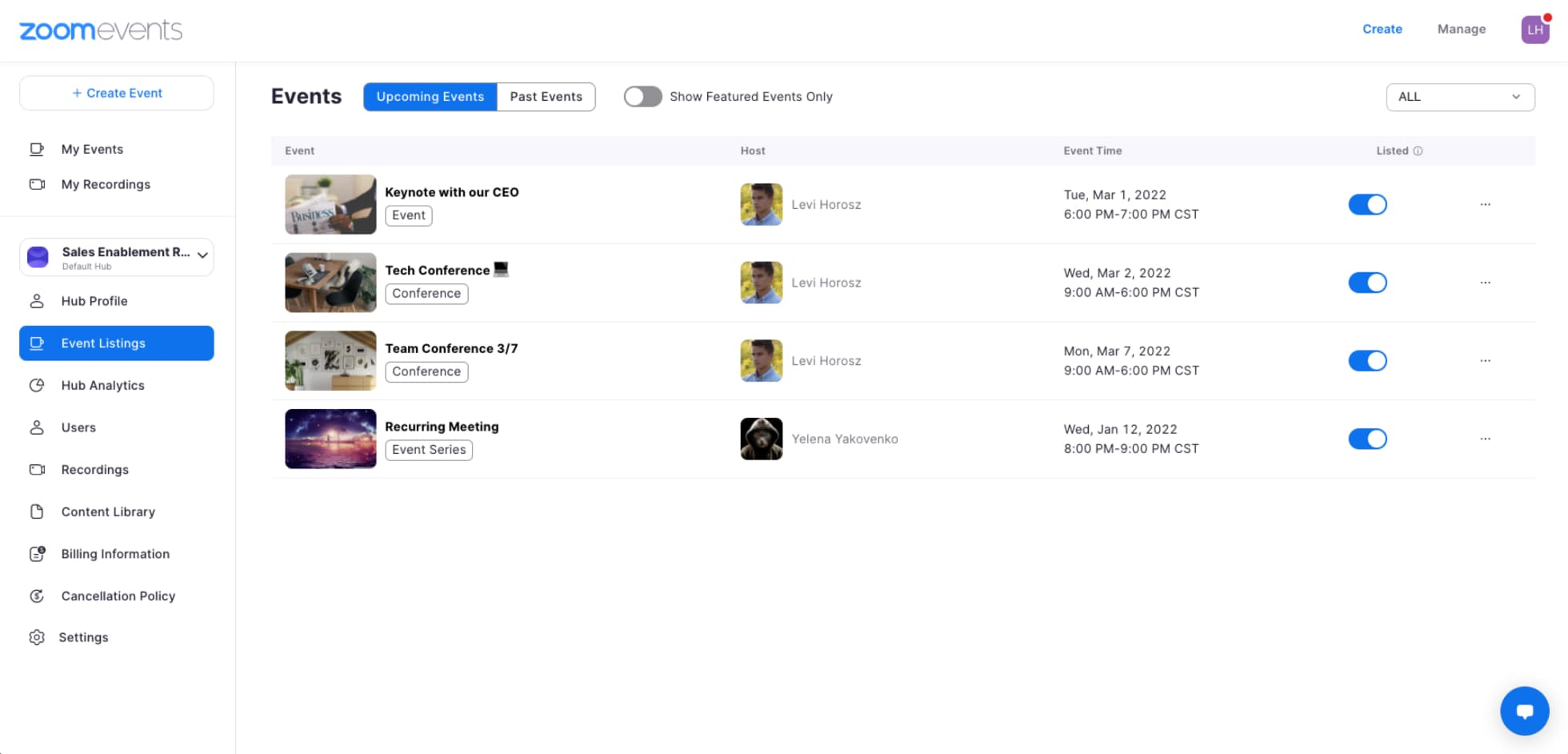
In Zoom Events, a Hub is a collection of upcoming, current, and past events that are created by a group of hosts. Hubs are ideal for separating events related to a specific subject. As a Zoom Events license holder, you can create any number of Hubs.

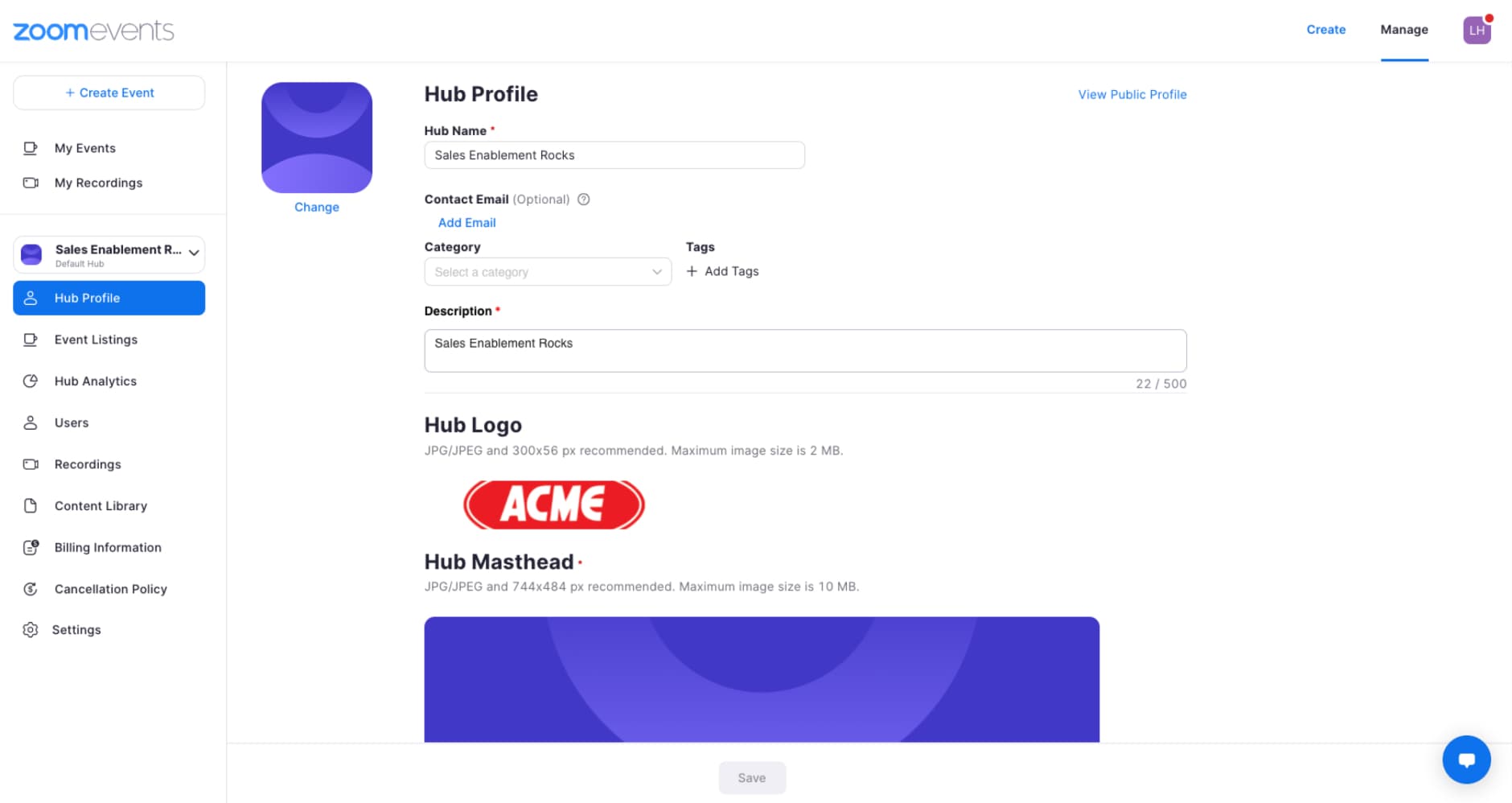
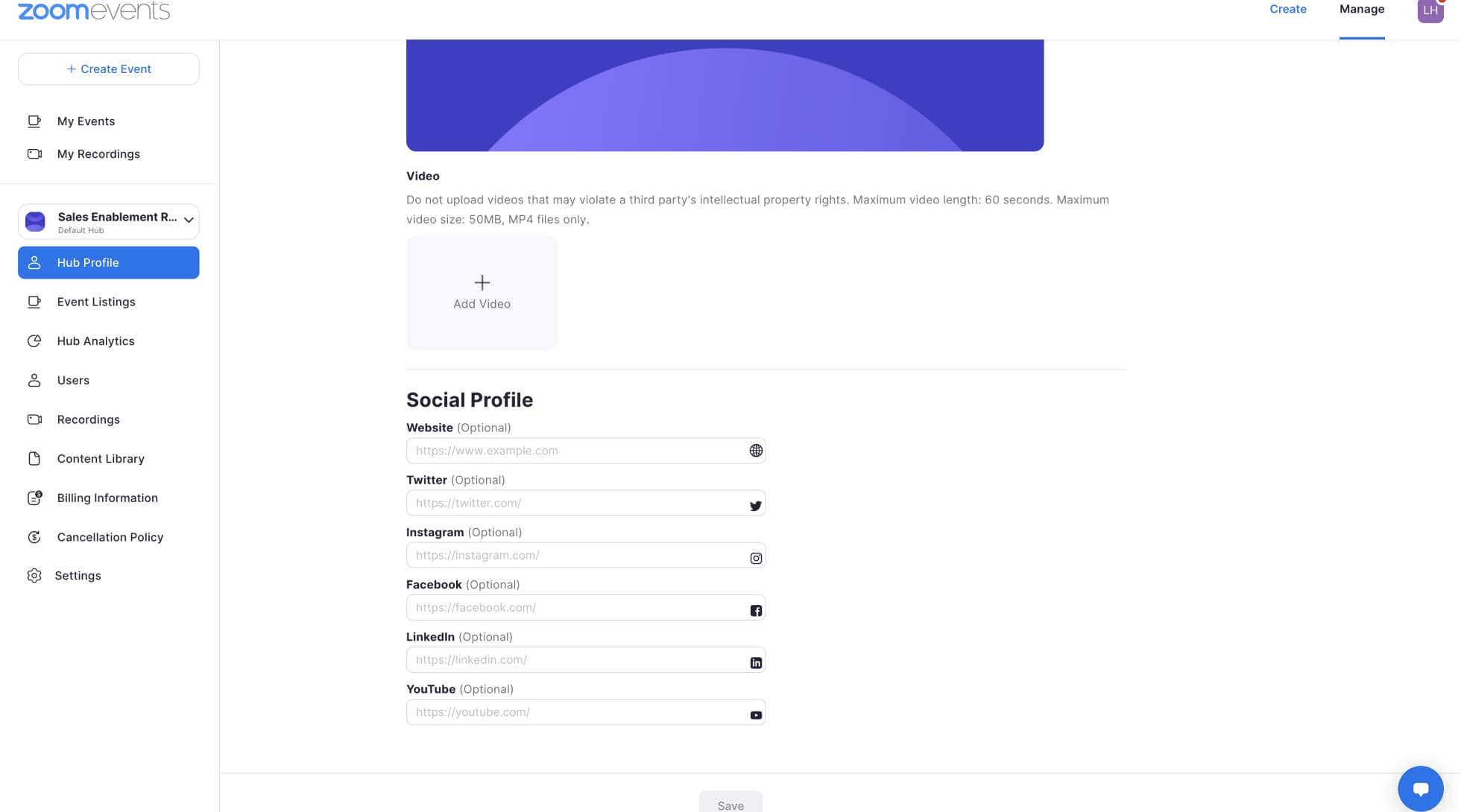
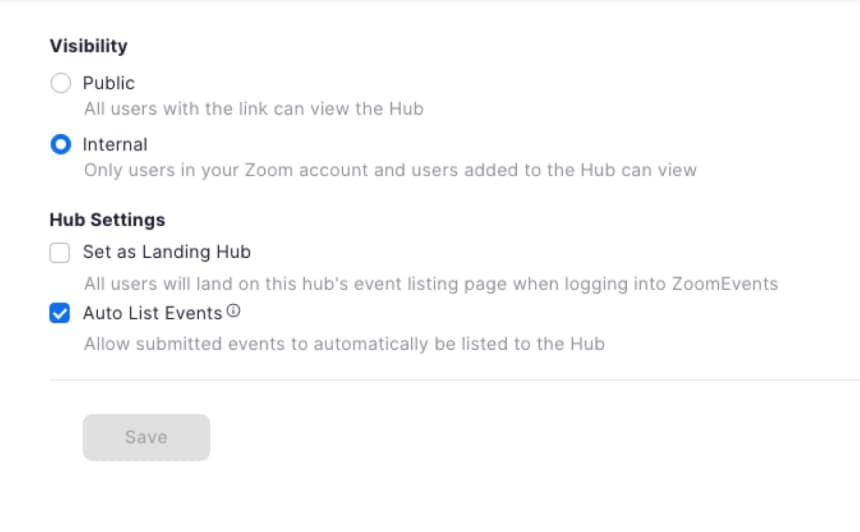
This section will be going into each specific setting on the “Hub Profile” section to help you understand what each setting does, so you can configure your Hub the way you want.


Hubs are a way for a group of hosts to post events and recordings for attendees. It is a space where events can be grouped and stored. They act as a folder for all of your events and recordings for a group of users. To best use them for your organization, you must determine what features you would like your Hub to have.
We recommend starting with the Hub’s visibility setting as it is the key factor that will determine the audience you want your Hub to have. Once you determine who you want your Hub to be displayed to, then you will be able to start customizing everything else and creating events for your desired audience.

You have the option to host public or internal events on “Public” Hubs, but you will need to select that option in the “Advanced Options” tab in the event creation flow to determine whether you are creating a public or internal event. For internal Hubs, you are only allowed to create internal events with restricted ticket types.
Internal events are useful if you want to keep the event you are hosting to a specific group of attendees. They allow you to create events only for users that are specifically added to the guest list for the event or are an assigned user on the Hub.
External or public events are a nice way to get attention for your event. They allow anyone and everyone with the link to join as attendees. You can market your event using the event link, and anyone who comes to the event page will be able to register.
Hubs can be used in a variety of ways to keep your events organized. You can use Hubs to organize events by team, topics, and audiences. It is best to decide how you want to organize your Hubs before you begin hosting events so you can inform all of your event hosts. Note: Since each event will need to be associated with a Hub prior to creating the event, knowing which Hub it falls under will be important.
If you are using Zoom Events for both internal and external events, we recommend first setting up separate Hubs for each so you can make sure that your internal events are only viewed by the audience you select. Then you can create additional internal event Hubs for things like your all-hands meetings or town halls, team happy hours, and offsites. For your external Hubs, you can have Hubs for events such as weekly customer demos or company updates. For your largest events, you might want to create a separate Hub so you can group any follow-up events within that Hub.