With Zoom Video Management, you can organize your webinars, events, clips, and meeting recordings into video channels your audience will actually watch. AI makes them instantly searchable, and analytics tell you which videos are working.

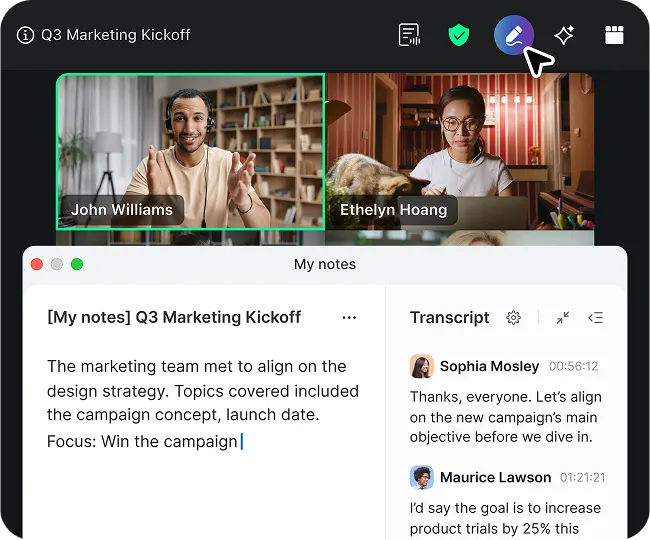
Automatically captures, summarizes, and extracts action items from any virtual or in-person meeting. Learn more
With Zoom Video Management, you can organize your webinars, events, clips, and meeting recordings into video channels your audience will actually watch. AI makes them instantly searchable, and analytics tell you which videos are working.

Turn Zoom lectures into searchable, engaging videos that help students learn anytime, anywhere.
Simplify video management, cut vendor costs, and maintain control — all within Zoom.
Share company updates, onboarding, and training videos in one organized, secure hub.
Give reps quick access to demos and training videos so they can learn faster and sell smarter.
Build a self-serve video library for onboarding and support so customers get answers quickly.
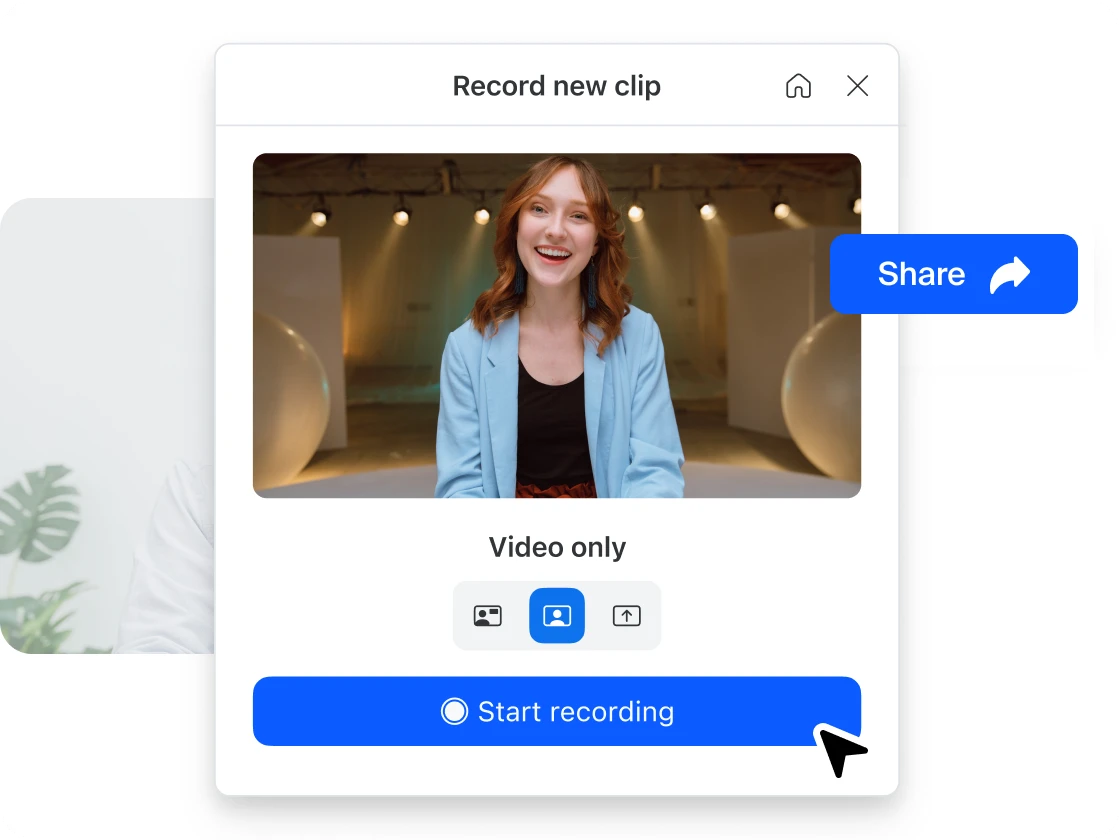
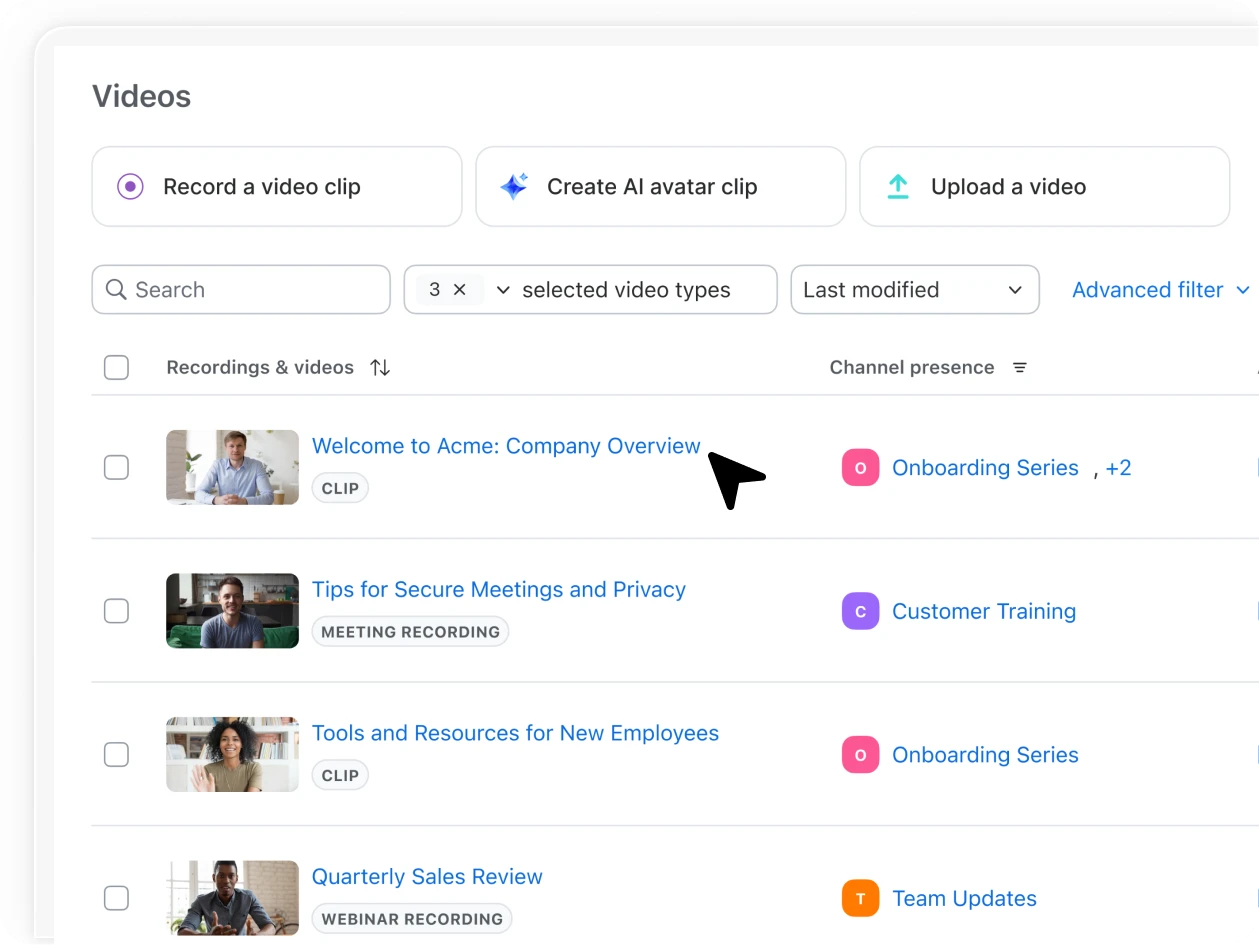
Hit record to capture your screen, yourself, or both using Zoom Clips.
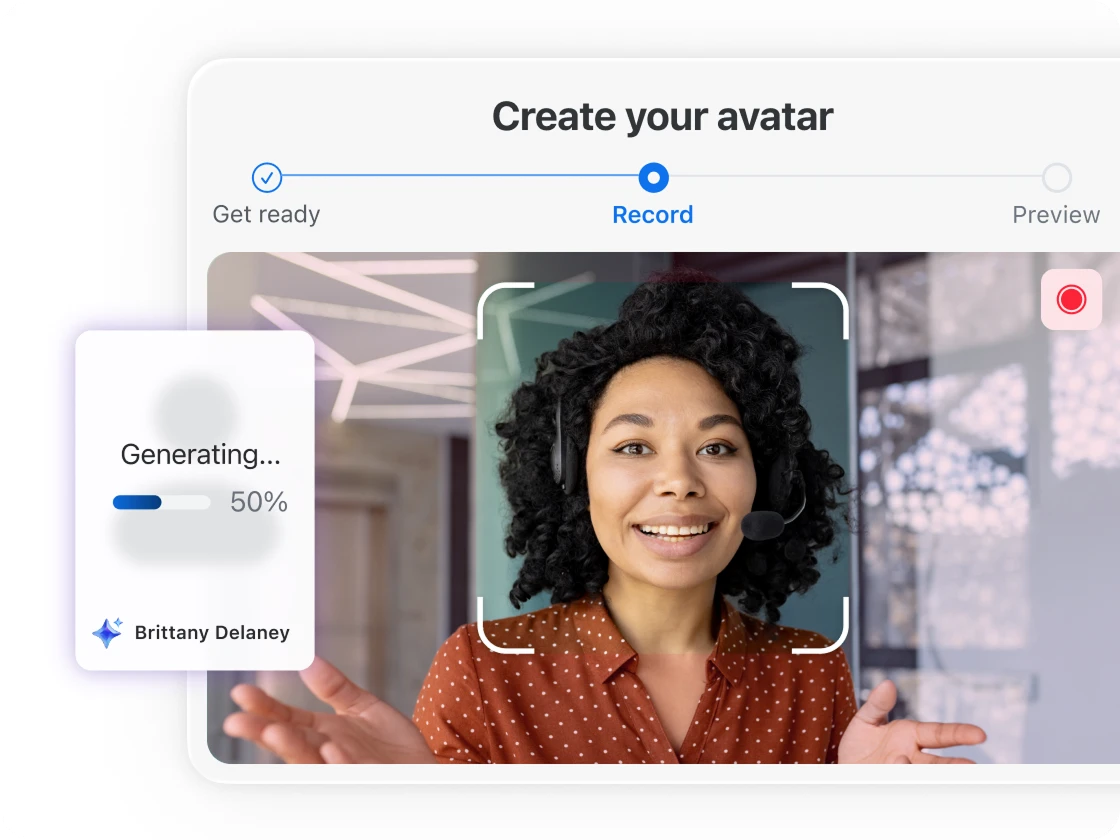
Create a video by uploading a script then selecting an avatar or creating a lifelike AI version of yourself to present — no more endless retakes.*
*Requires Zoom Clips Plus add-on
Quickly trim and clean up transcripts with editing tools — professional-ready videos without the hassle.
Publish your finished clips to a channel or playlist for immediate viewing.
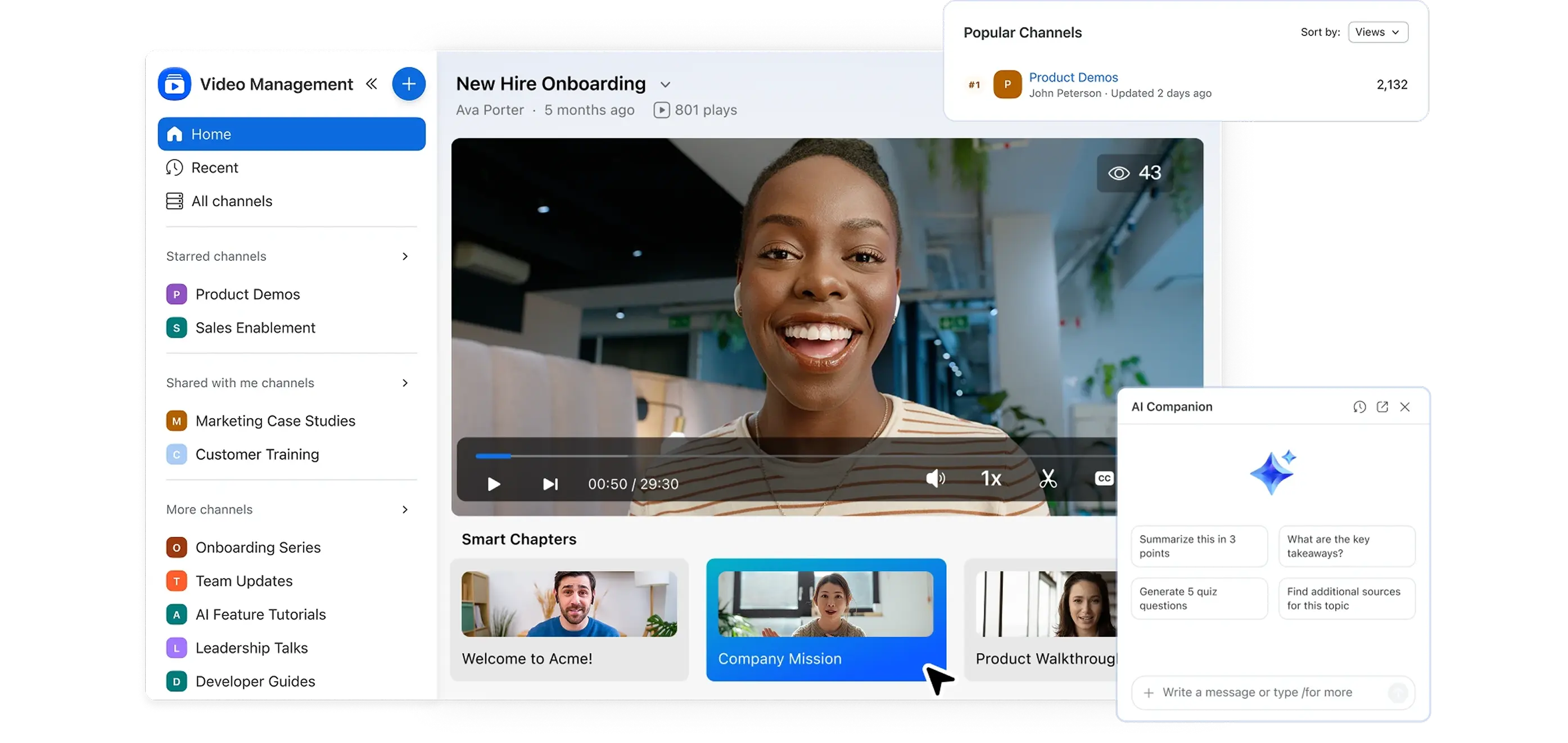
One library to find and view Zoom-generated recordings and videos.
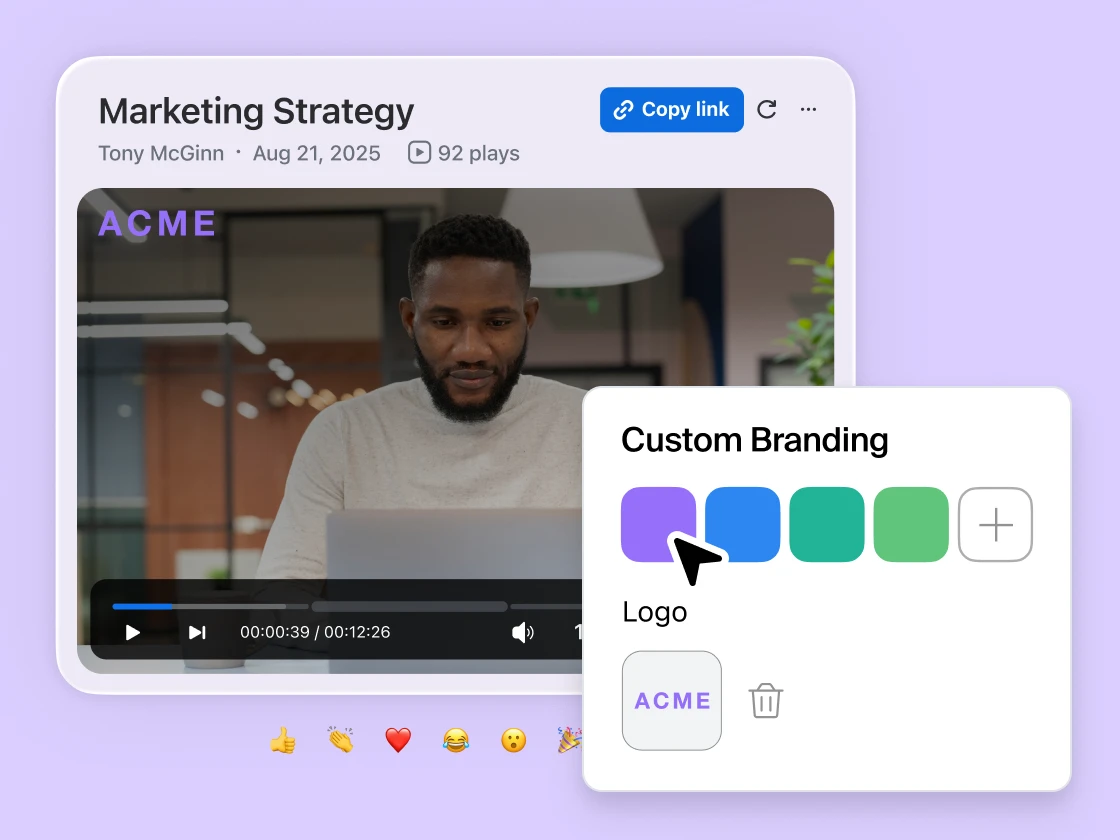
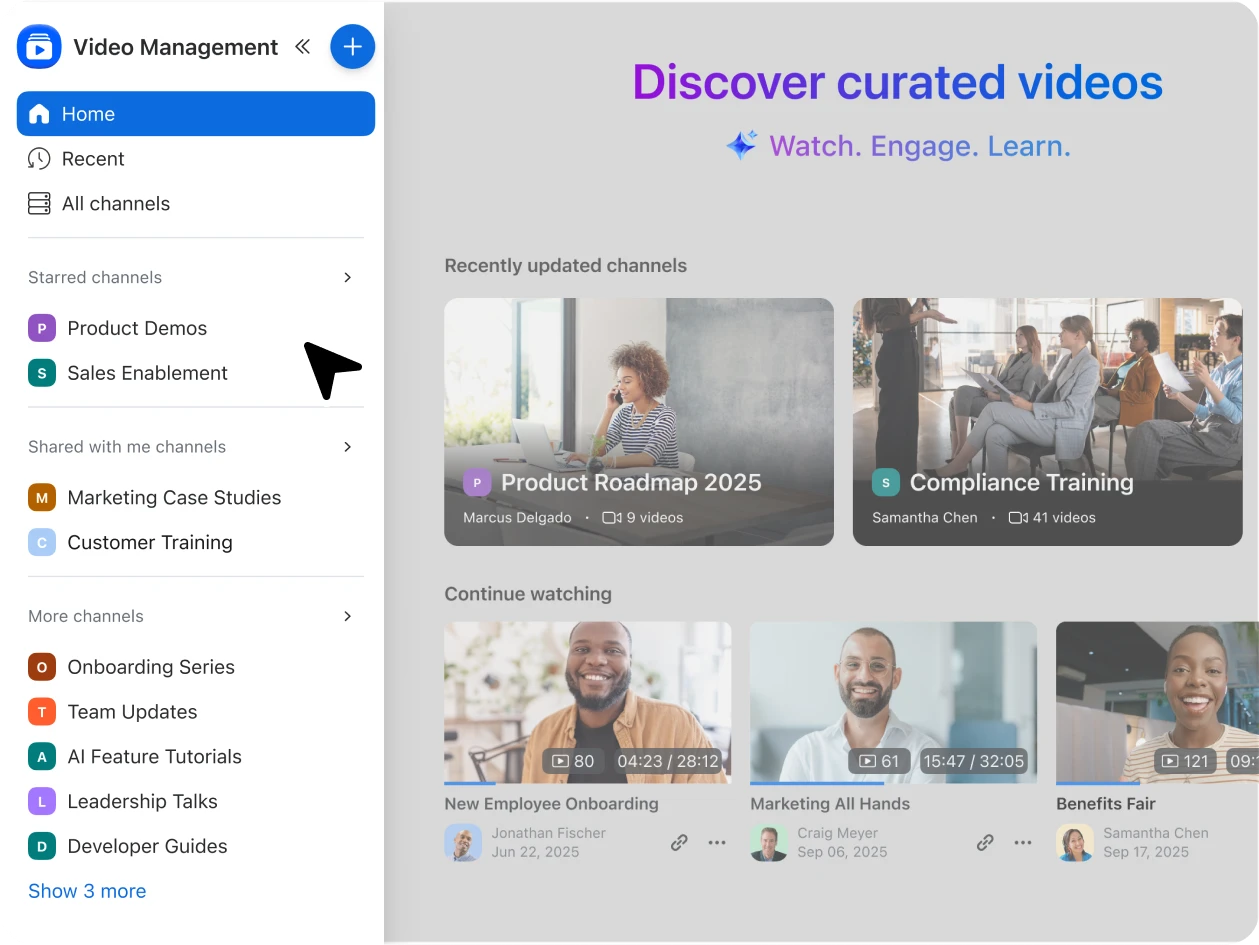
Make content easy to browse and share — group by team, topic, or project.
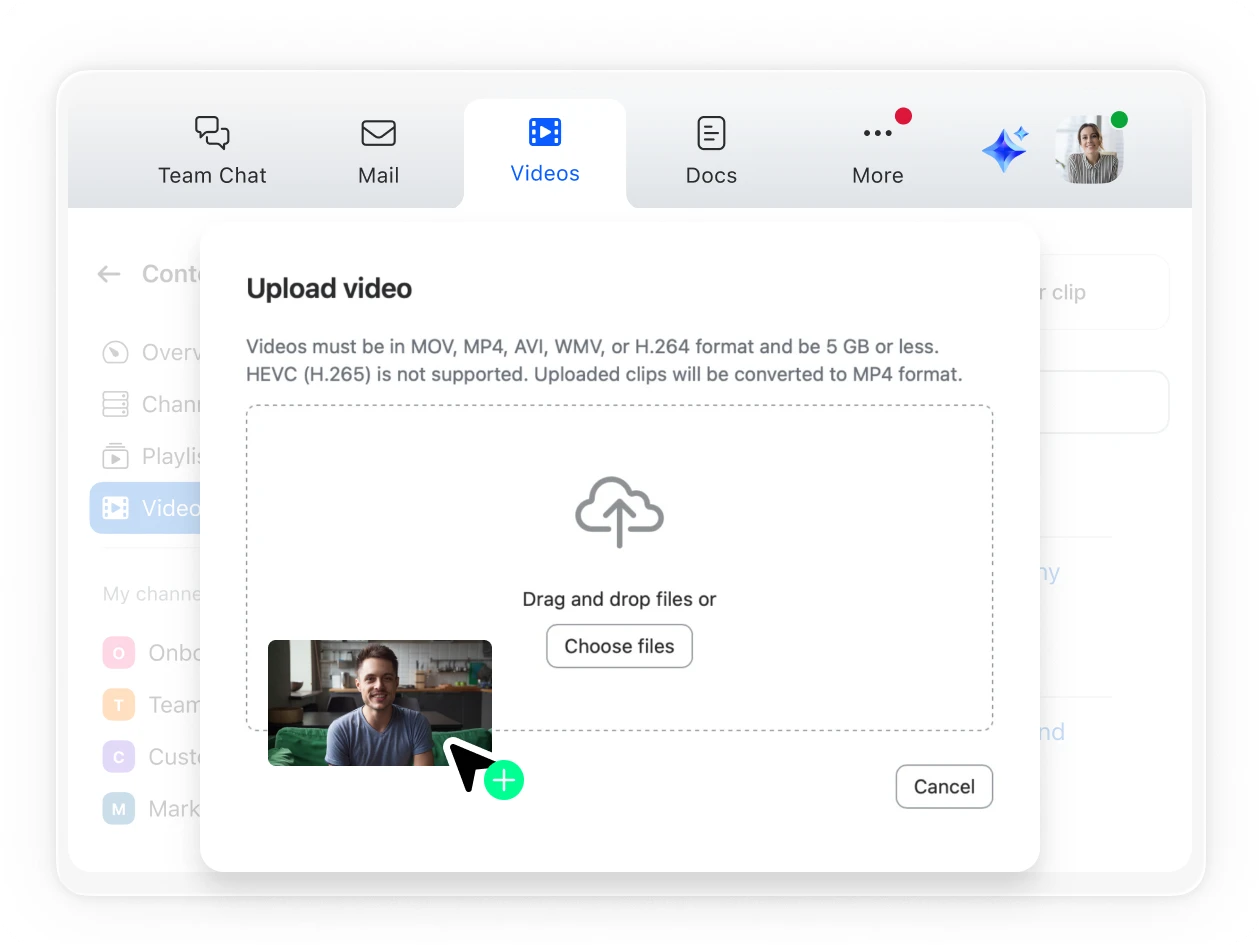
Make Zoom your go-to video CMS — upload videos or migrate entire libraries.
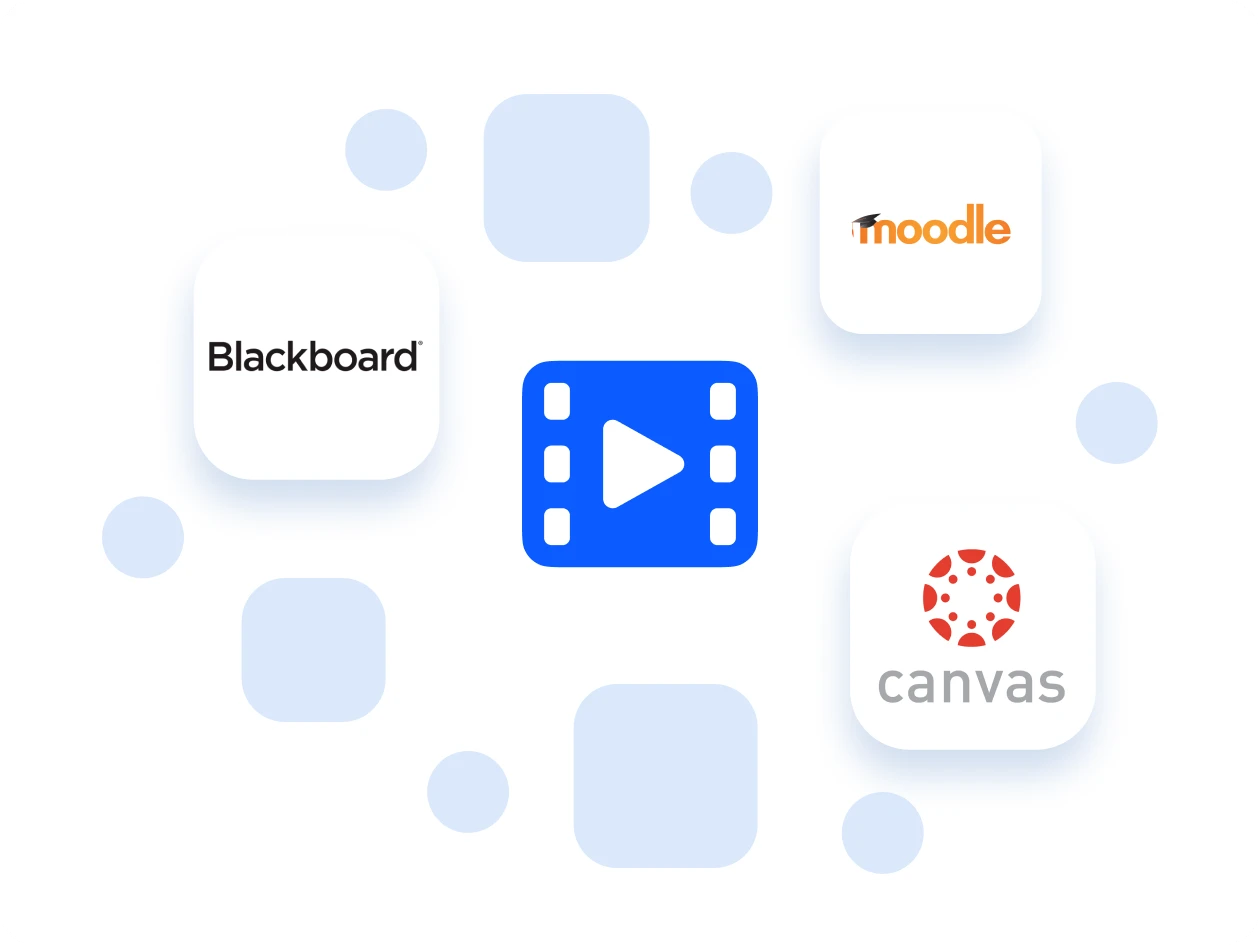
Push recordings directly to your LMS — students and employees get instant access in Canvas, Blackboard, Moodle, and more.
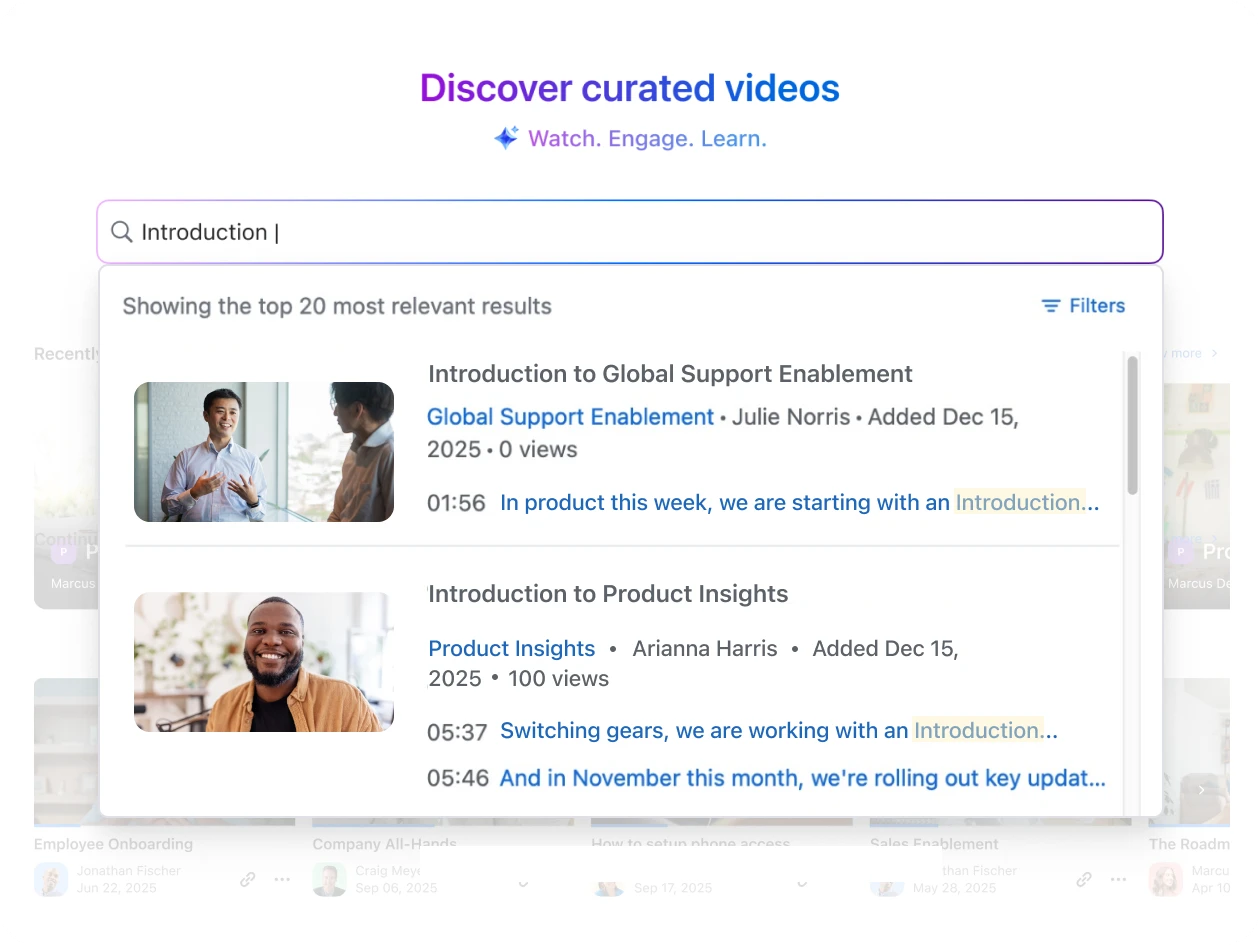
Search by title, creator, description, or even transcript text and get what you need in seconds.
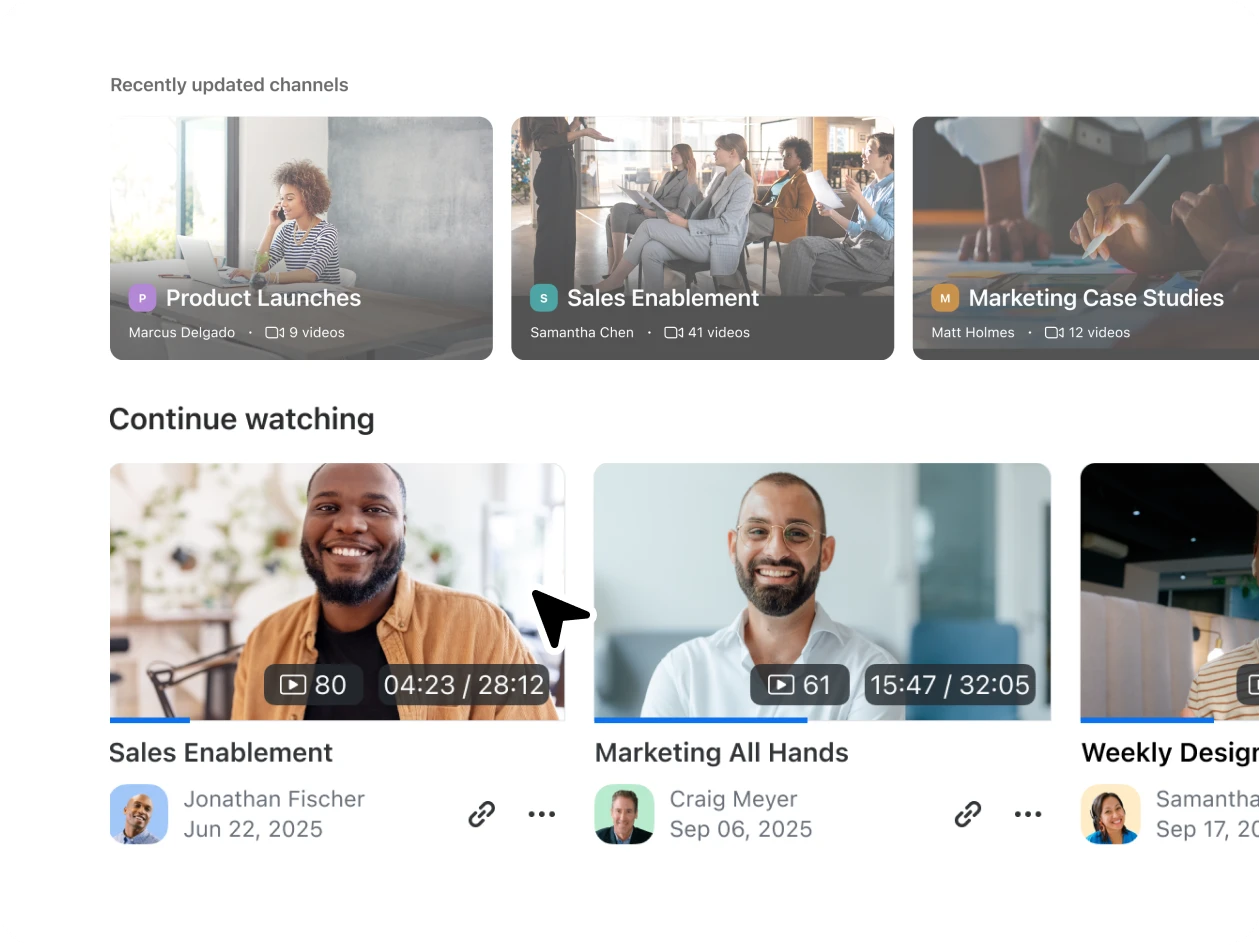
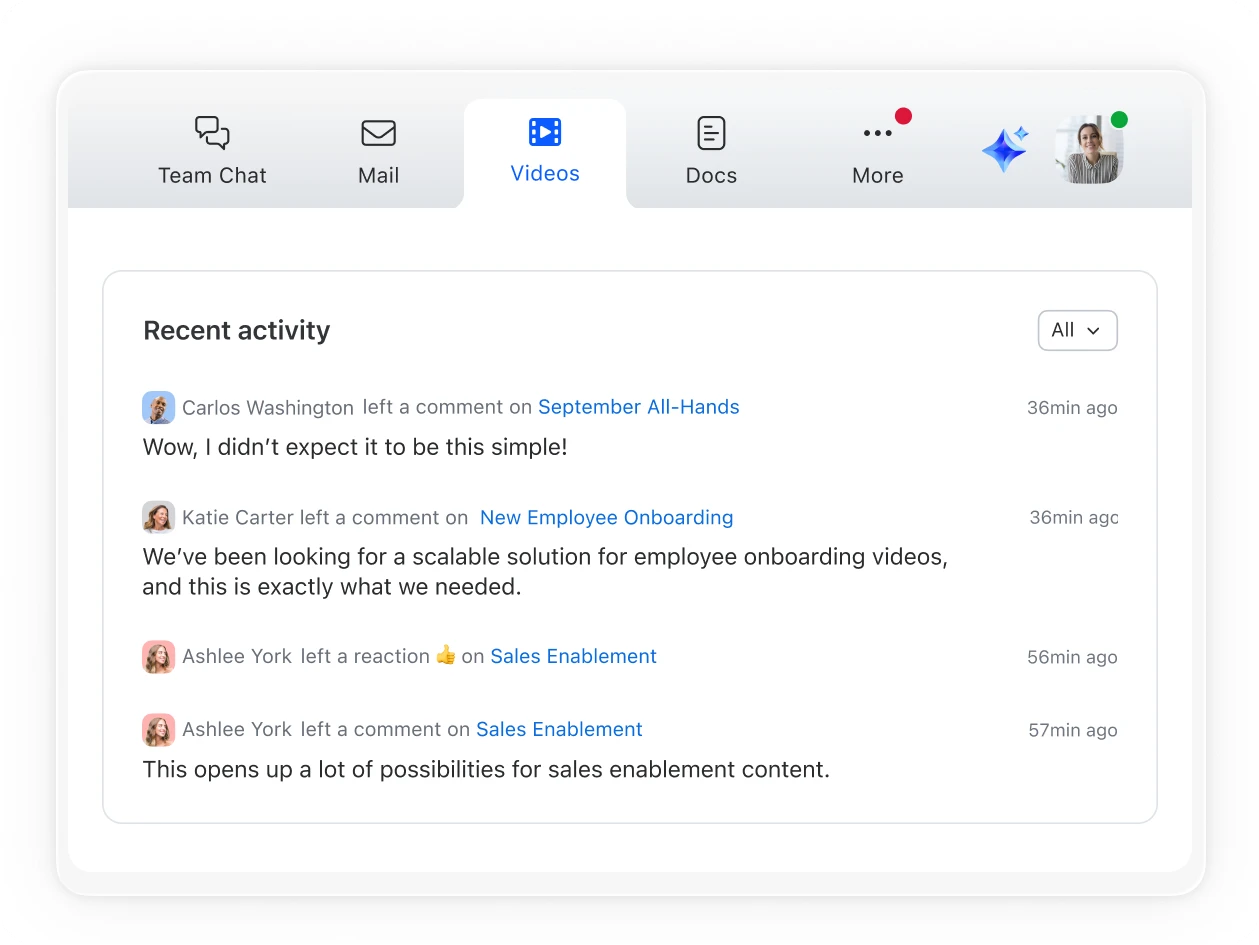
Jump back into unfinished videos or browse recently updated channels.
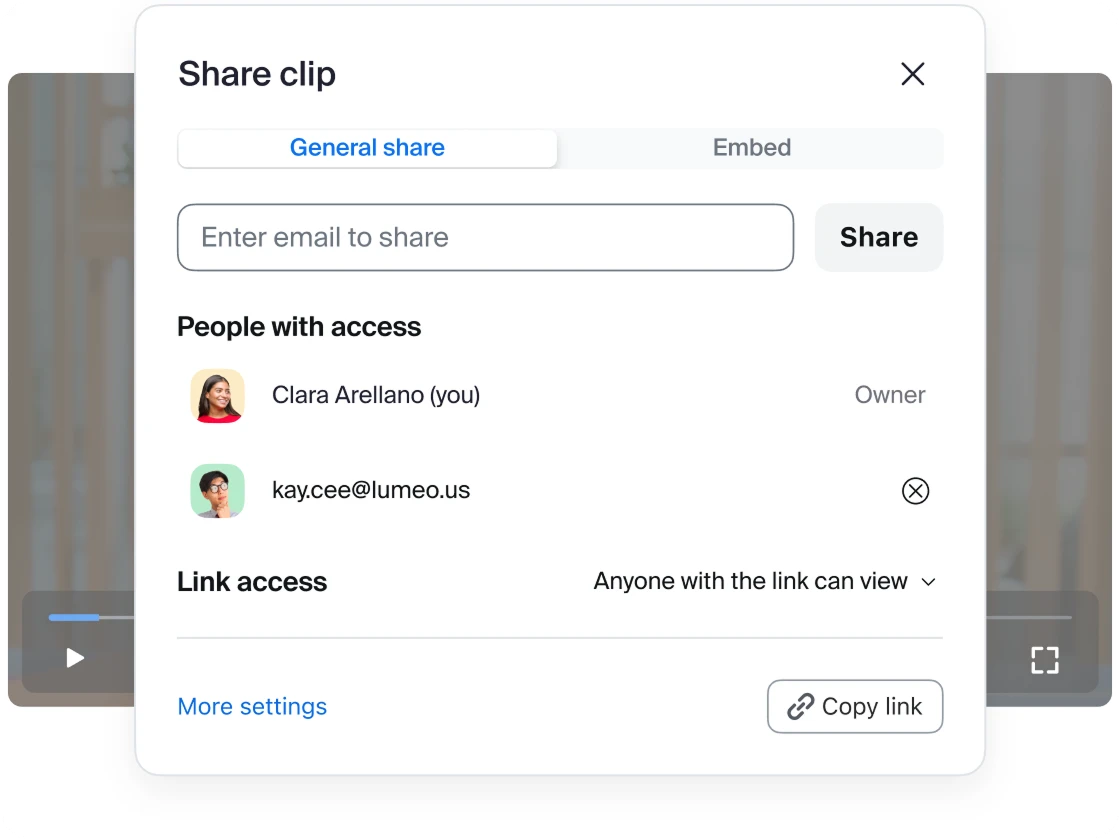
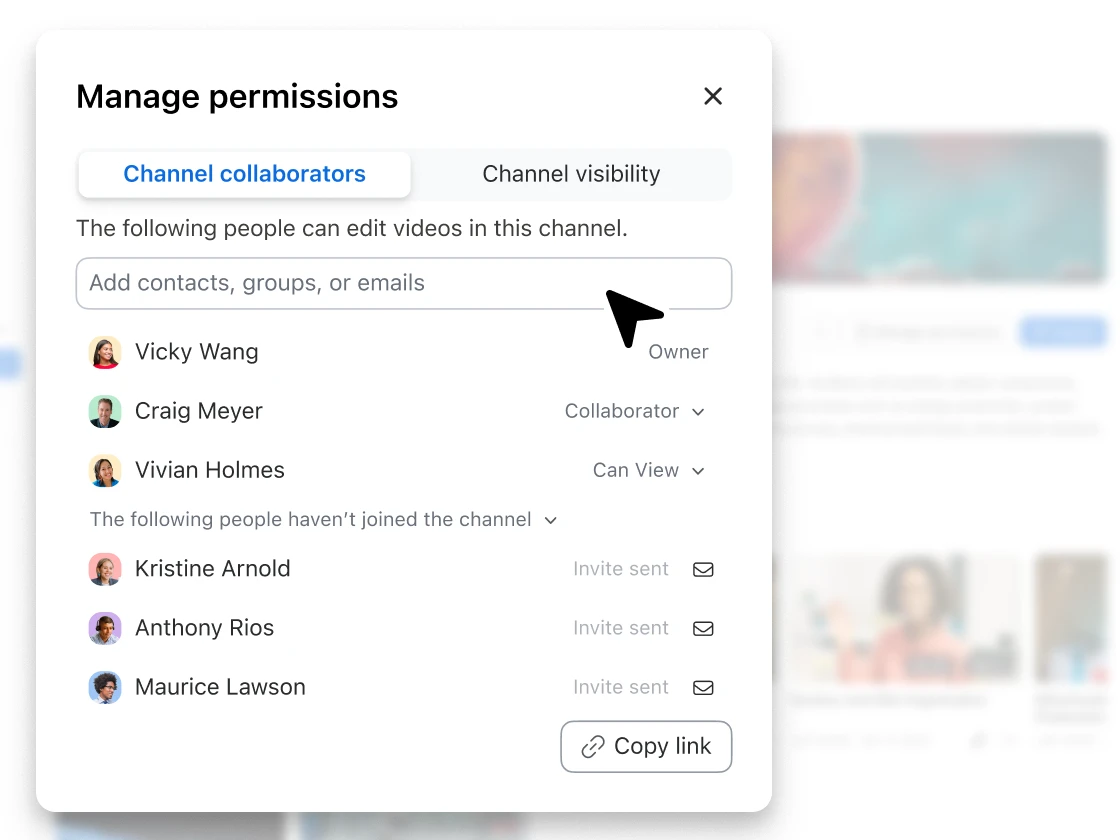
Control exactly who sees what — company-wide access, team-specific sharing, or public channels for all to see.
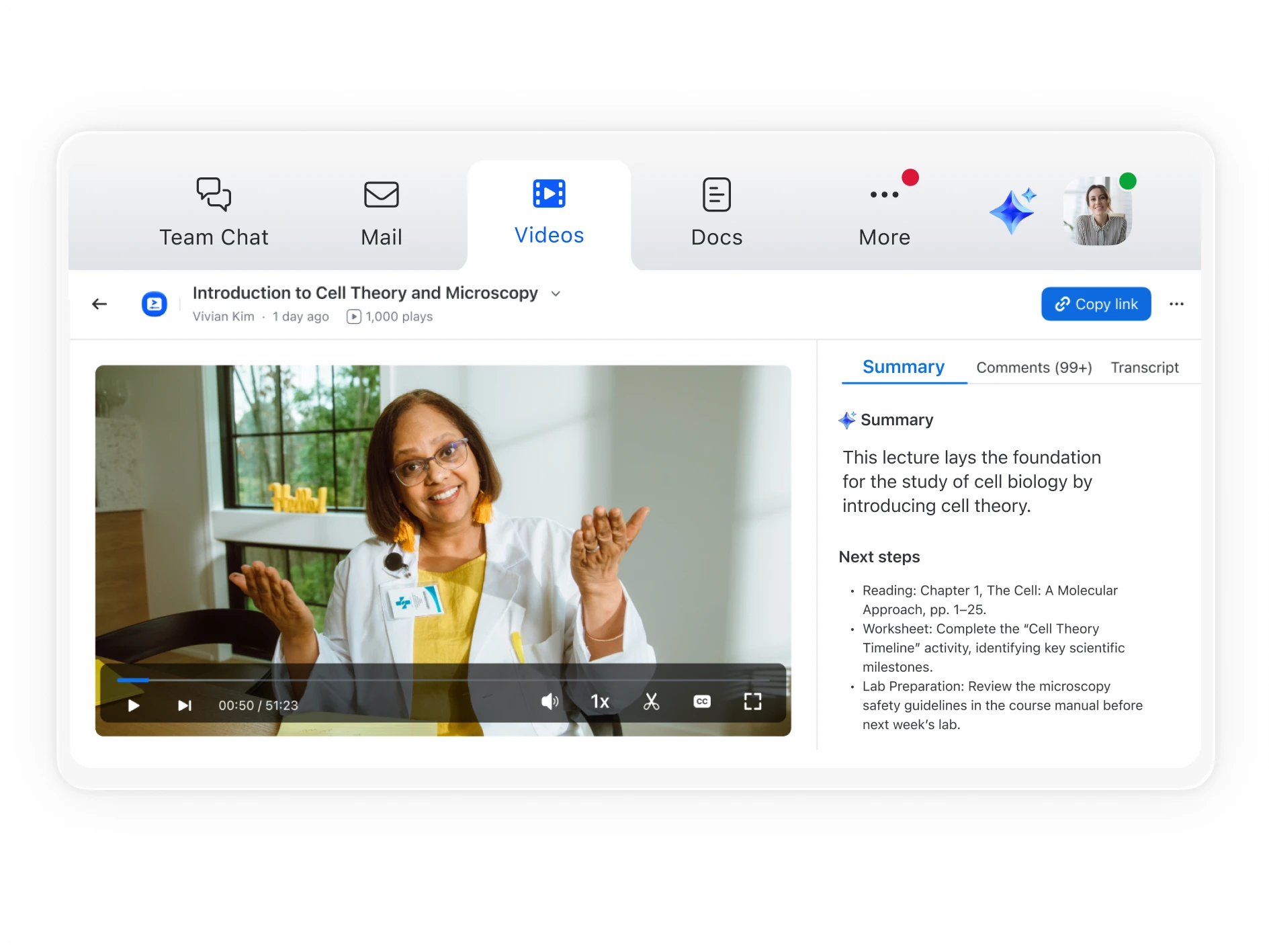
Get the highlights before you hit play with AI summaries.
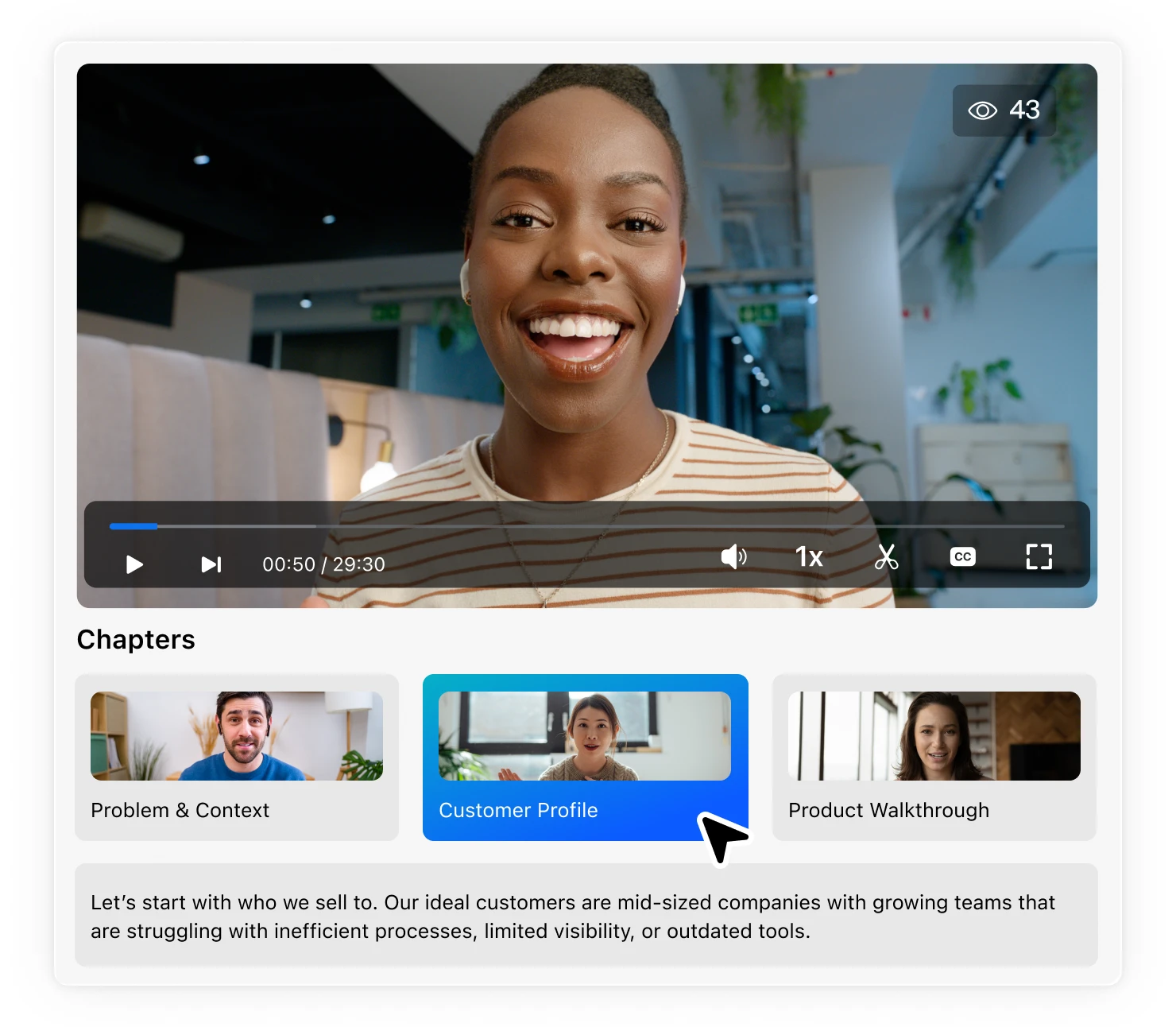
Quickly jump to the sections that matter most with AI smart chapters.
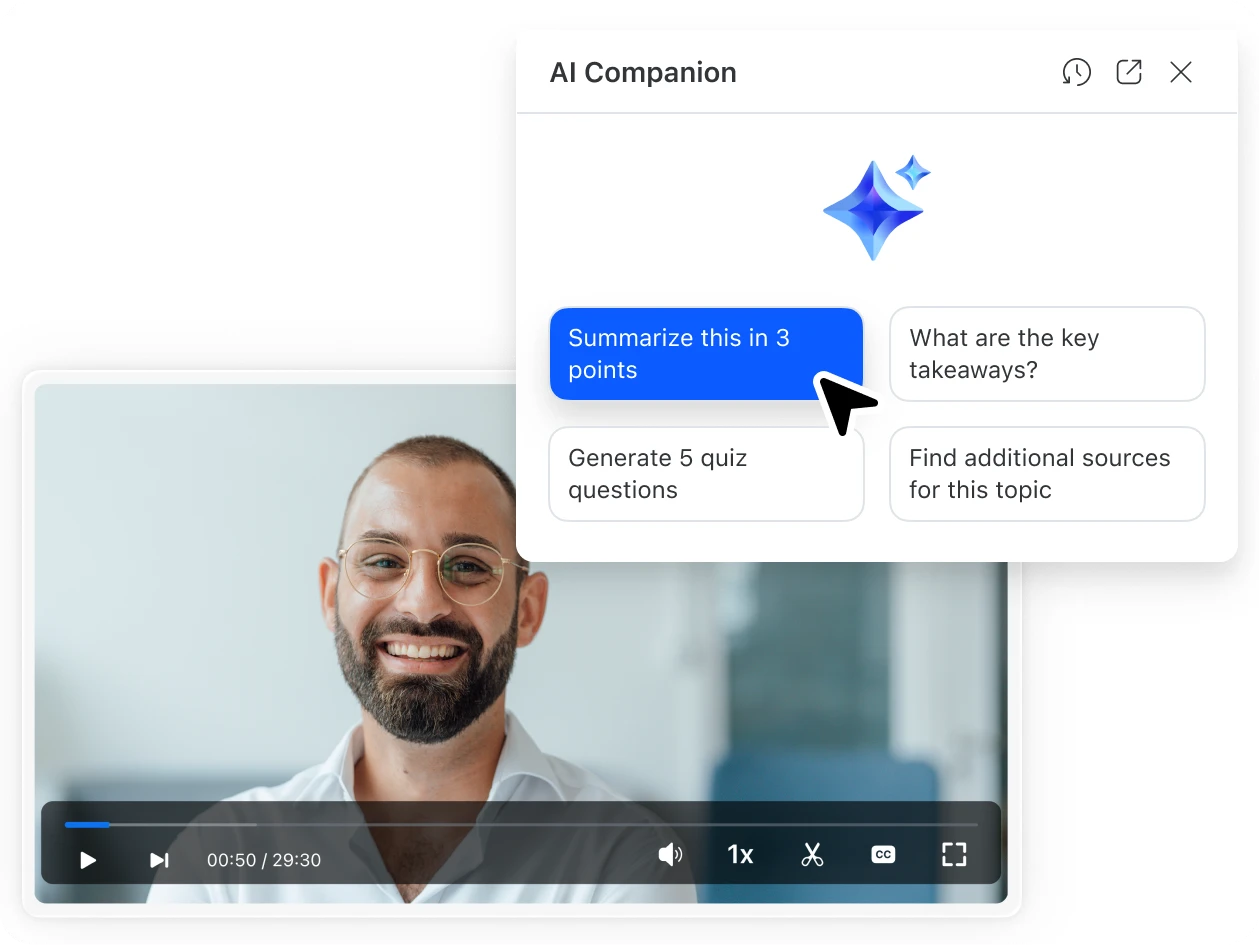
Ask Zoom AI Companion questions like “What are the main takeaways?” or “What are some additional sources for this topic?”
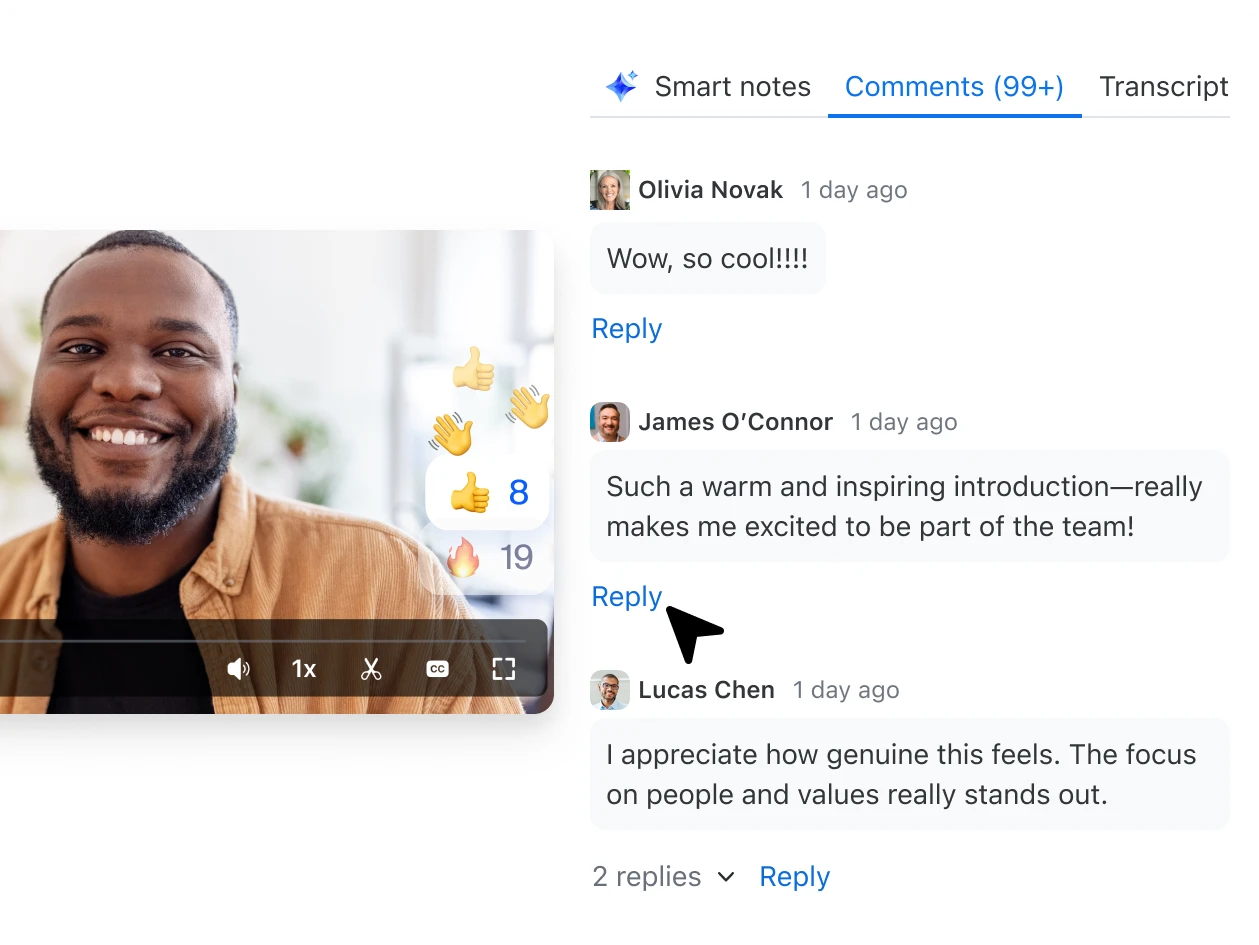
Add comments and replies to spark discussions and share feedback directly in the video.
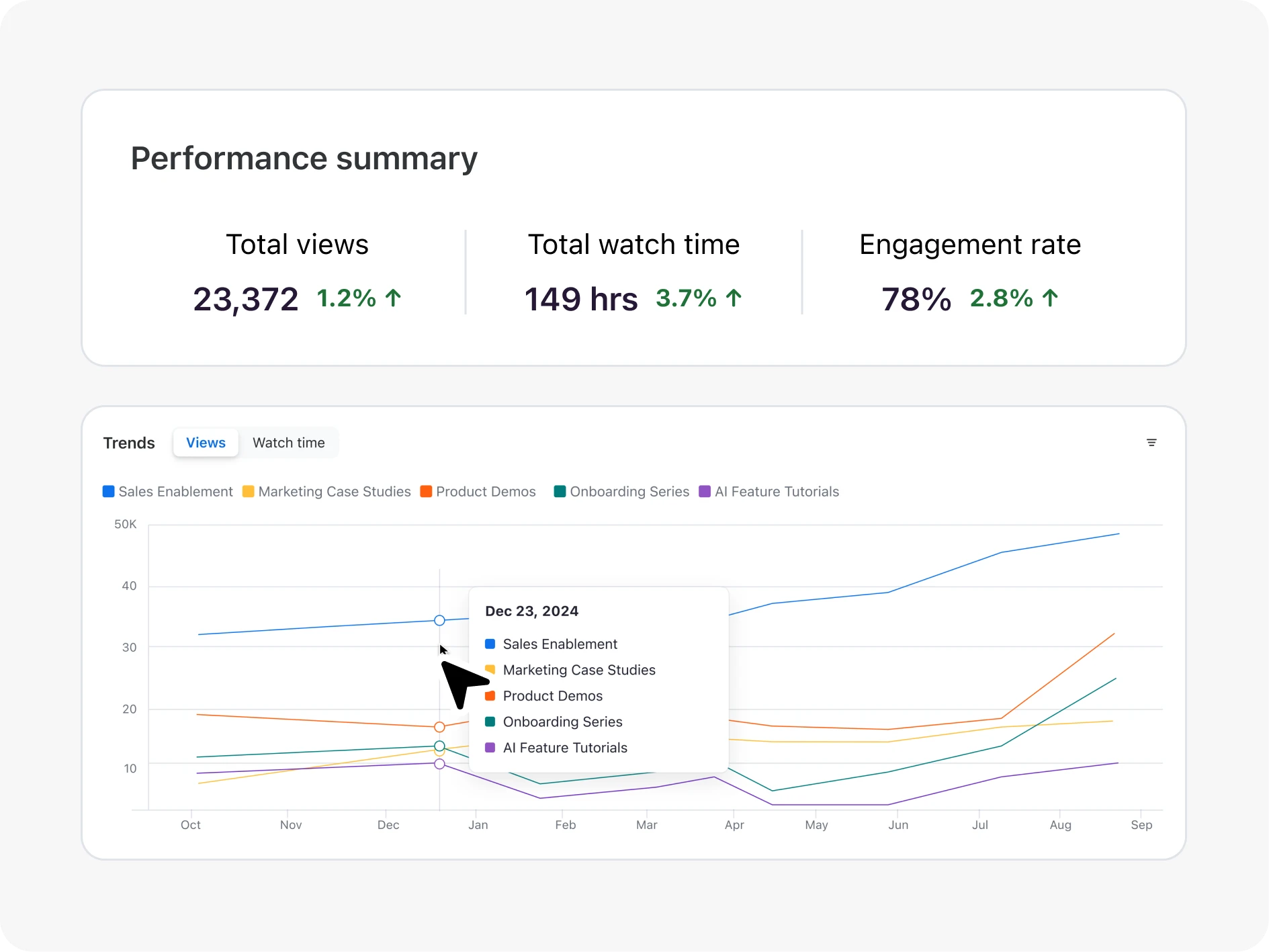
Turn metrics into action — optimize your video strategy and boost engagement with viewer data.
See who's watching what — turn viewer data into actionable insights.
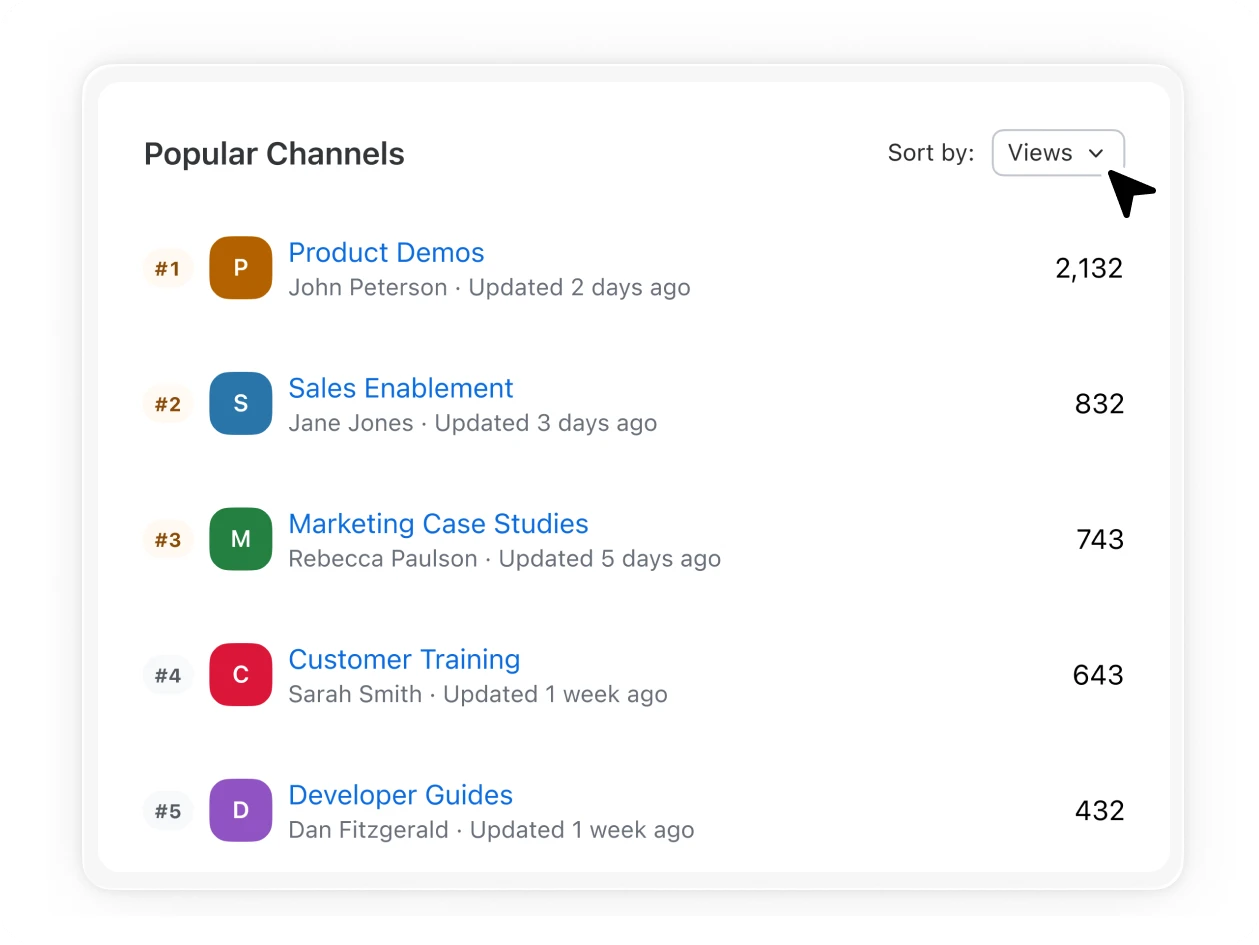
Identify top-performing videos and channels to fuel your next content strategy
Feeling stuck with a legacy video content management system? We make it easy to migrate video libraries from supported systems.
Talk with one of our experts to come up with a plan that’s right for you.
Zoom Video Management works seamlessly with your current Zoom environment. Any recordings created on Zoom (ie Meetings, Webinars, Events, and Clips) can be organized into video channels. No additional logins or complex integrations required.
Yes, we provide bulk migration as a paid service to import your existing content from supported platforms. Our team helps ensure your current video investments transfer smoothly into organized, searchable channels.
We offer flexible pricing models based on monthly unique viewers. You can choose subscription plans or purchase bundles of credits based on your usage needs.
Unlike basic storage solutions, Zoom Video Management transforms your content into engaging, interactive experiences. You get searchable transcripts, interactive elements, and detailed analytics—not just file storage.
Yes, Zoom Video Management is an add-on that works for all existing licensing models with minor requirements for older licenses - especially in Education. Contact your account executive for more details.
All video content created natively within Zoom (Meetings, Webinars, Clips, and Events) uses your existing account storage and you are not charged additional storage costs for adding this content to channels in Zoom Video Management. For content migrated from other platforms, you get 10TB of complimentary storage, then pay $0.10 per GB per month for additional migrated content. For customers with unlimited storage plans, there is no fee for migrated content.
Videos can be in MOV, MP4, AVI, WMV, or h.264 format of 5GB or smaller size. HEVC (h.265) are currently not supported. Uploaded movies/clips will be converted to MP4 format.
Zoom AI Companion is available with eligible paid Zoom Workplace plans. May not be available for all regions or industry verticals. Learn more.