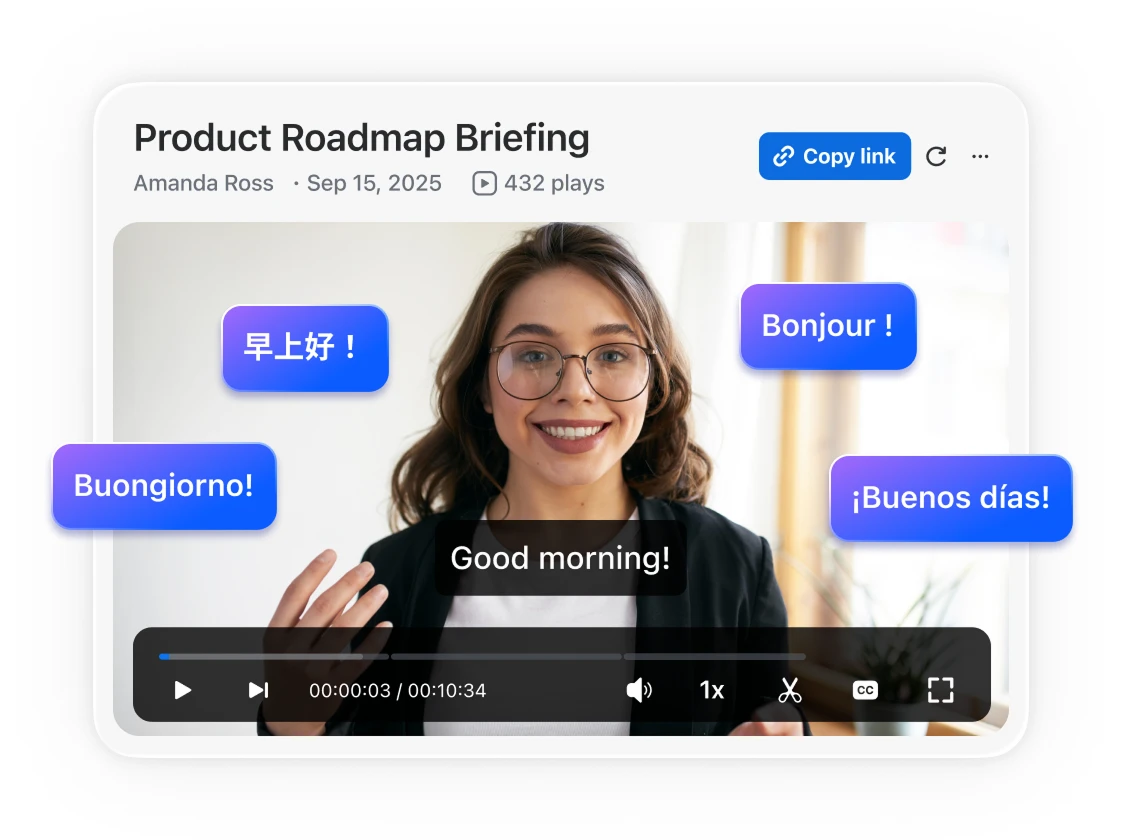
Zoom Clips uses AI to turn messages into polished, custom videos — even in different languages — that are ready to share with teammates or customers. No extra tools or steps needed.

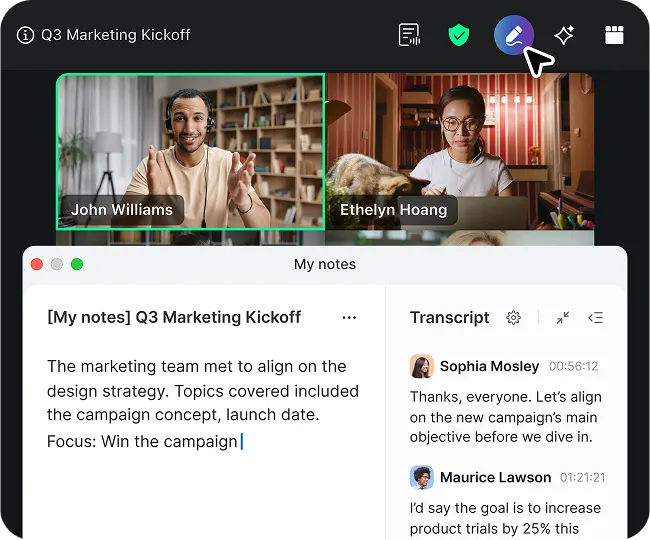
Automatically captures, summarizes, and extracts action items from any virtual or in-person meeting. Learn more
Zoom Clips uses AI to turn messages into polished, custom videos — even in different languages — that are ready to share with teammates or customers. No extra tools or steps needed.

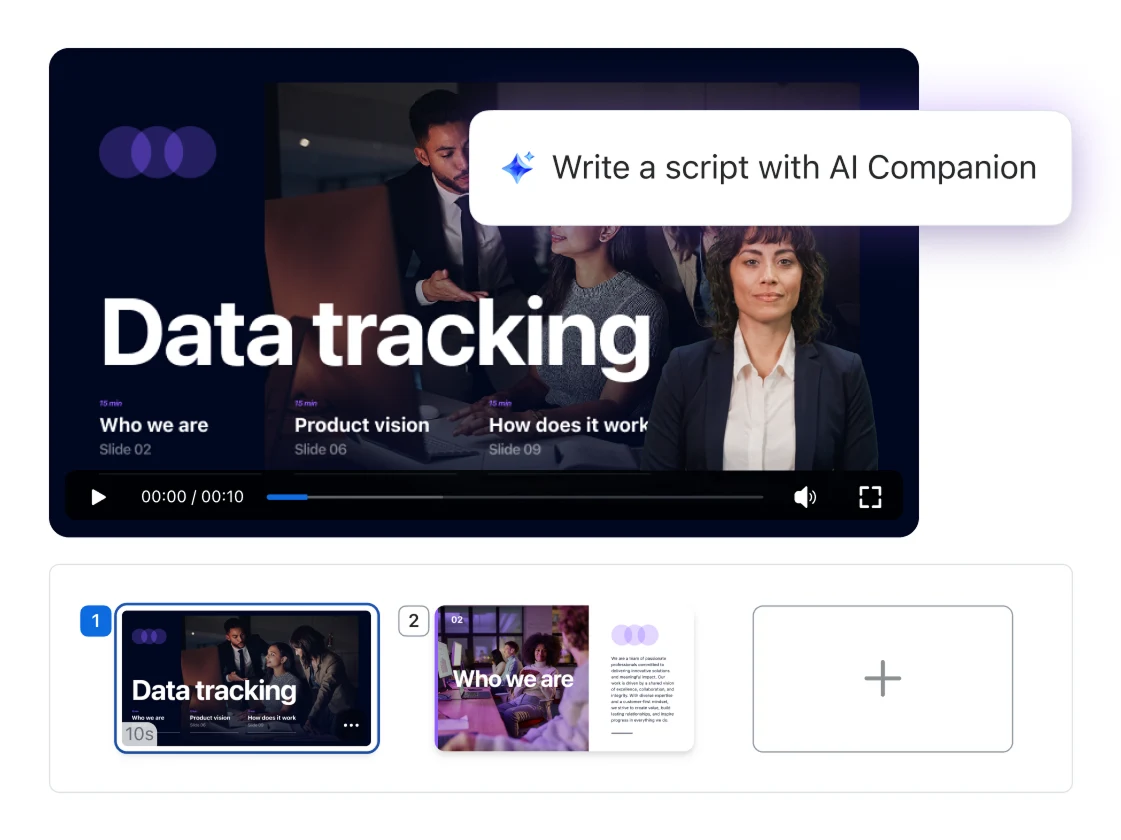
Turn scripts into polished videos in seconds, ready for your AI avatar to present the information in a shareable video.
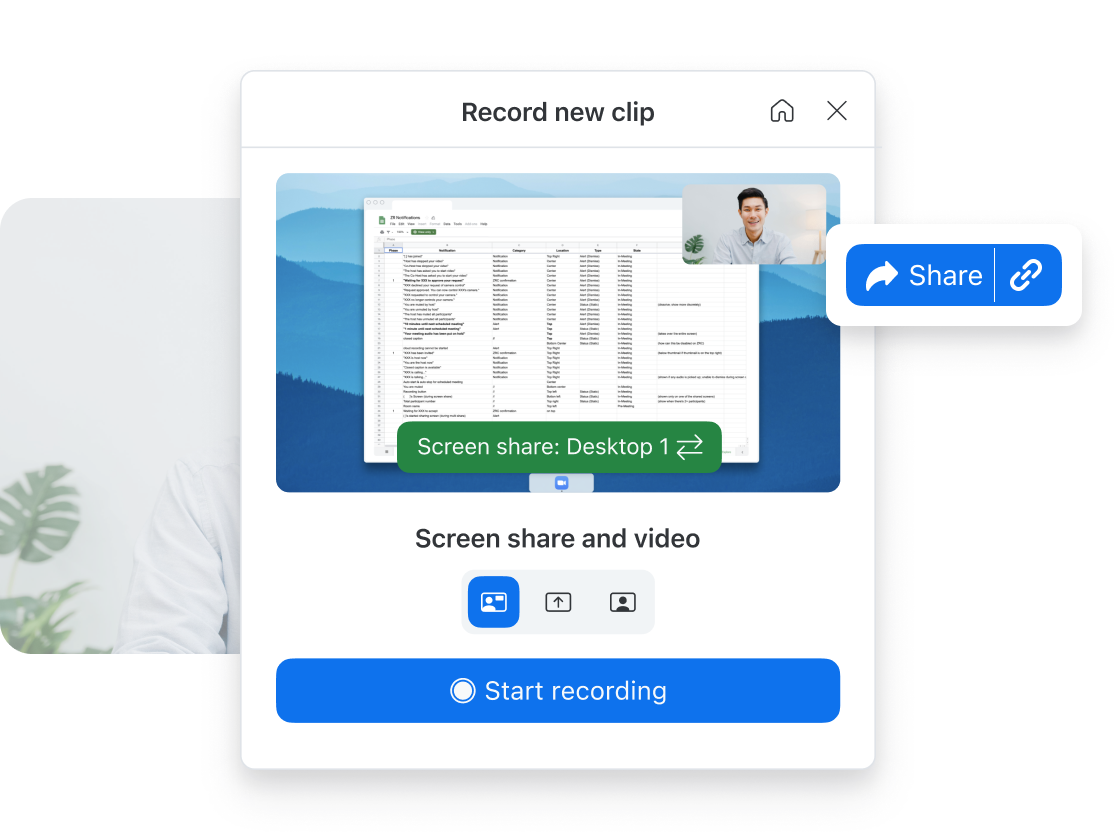
Clips works with Zoom Meetings (coming soon), Zoom Chat, Docs, Mail, and Whiteboard, no extra tools needed.
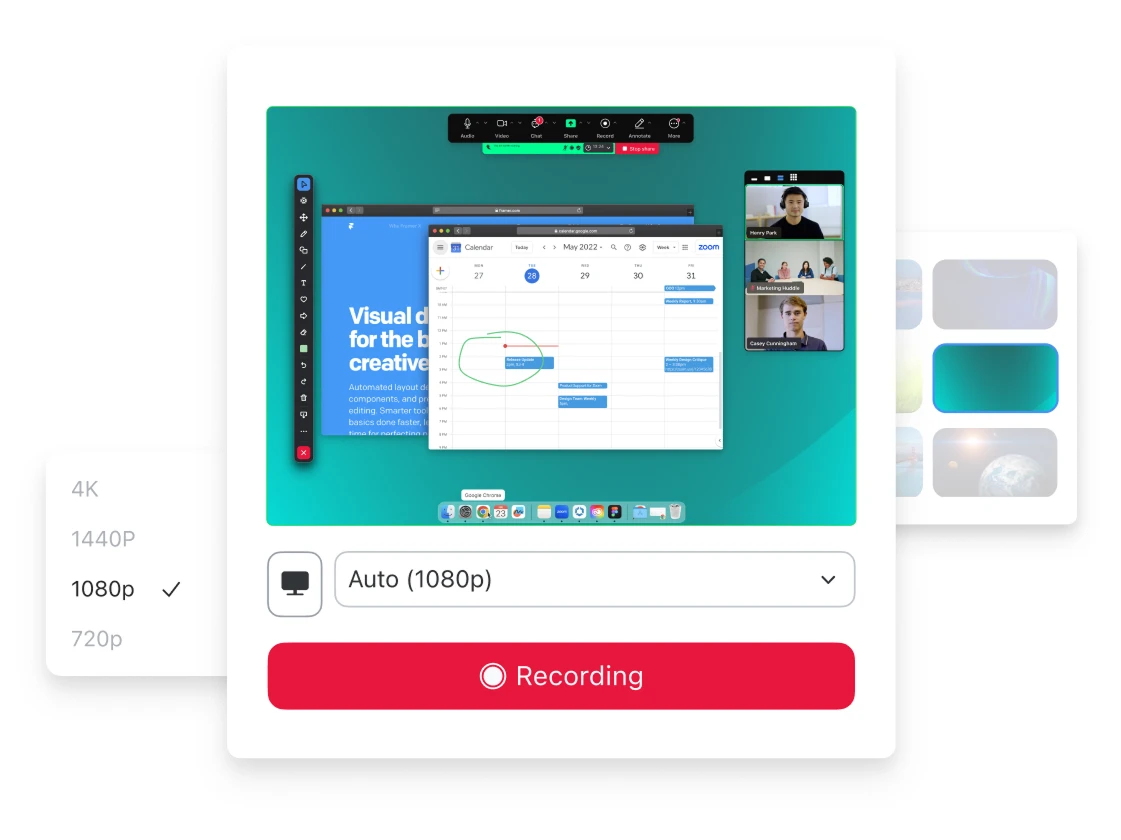
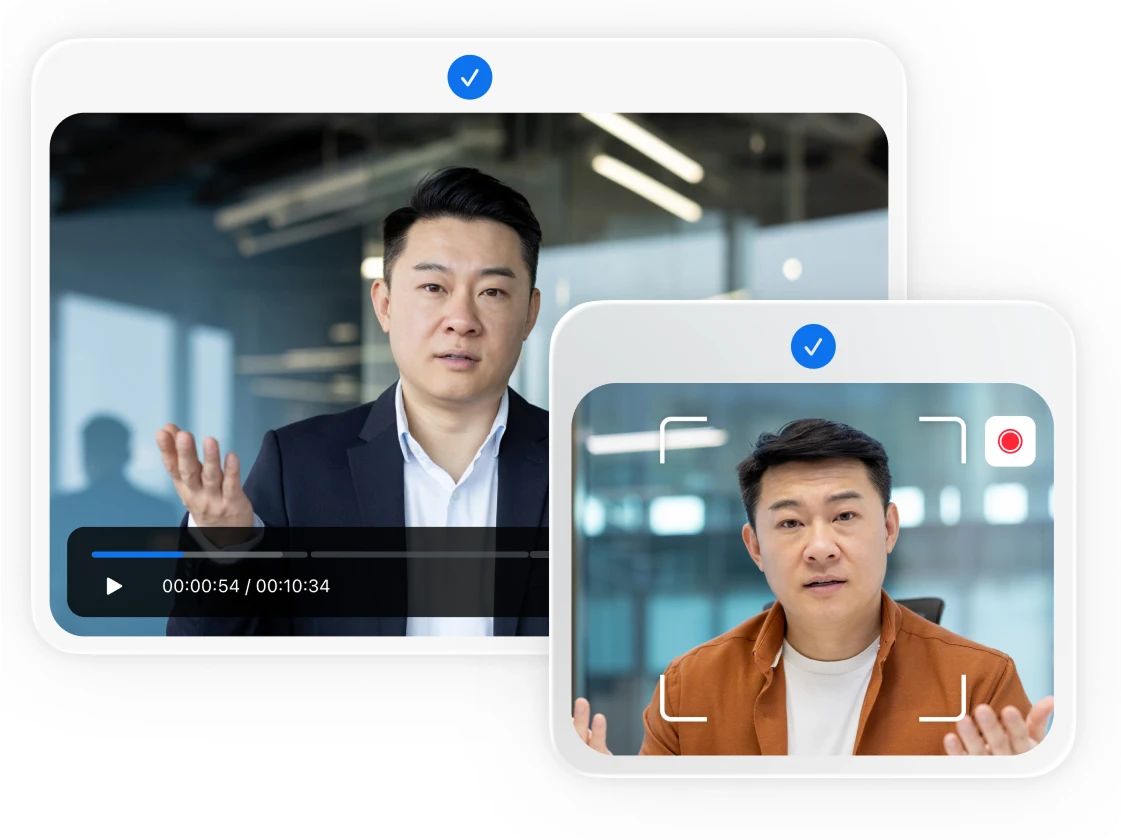
Every clip looks high-quality thanks to Zoom's best-in-class Meetings technology.
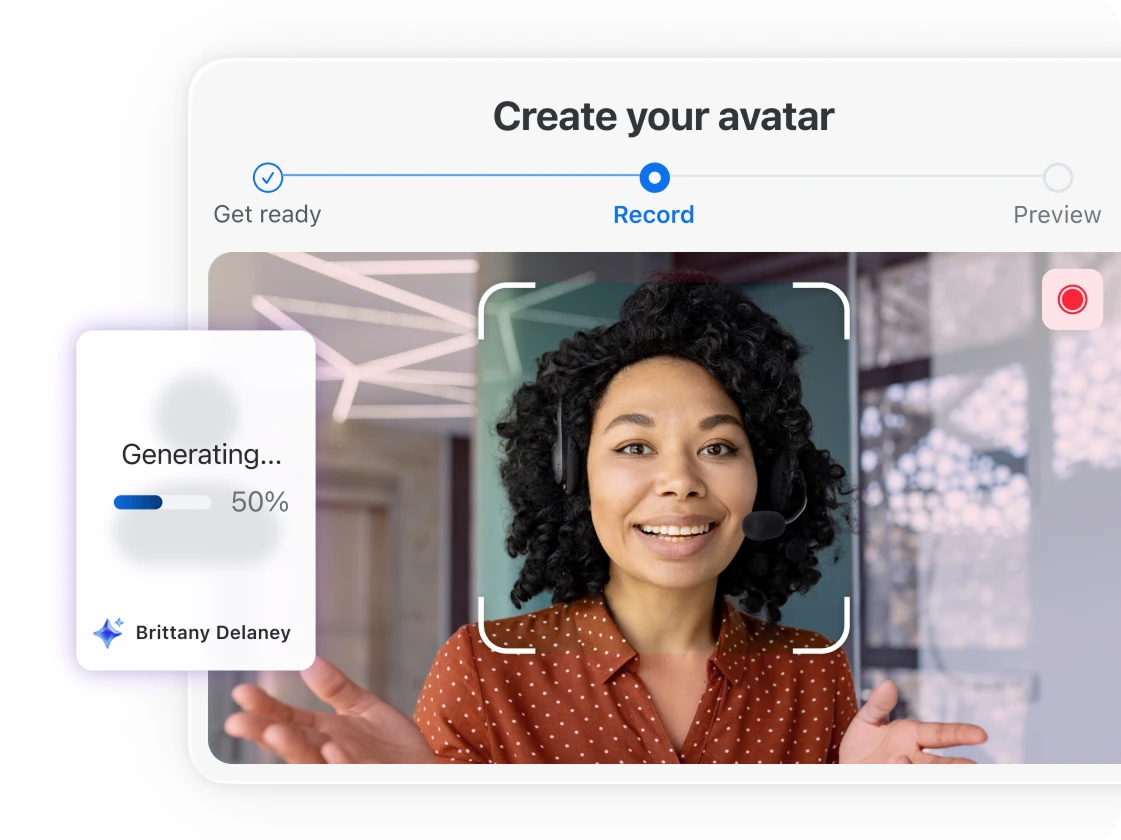
Can't be on camera? No problem: Upload a script and use a realistic avatar or AI-generated version of yourself to speak for you.*
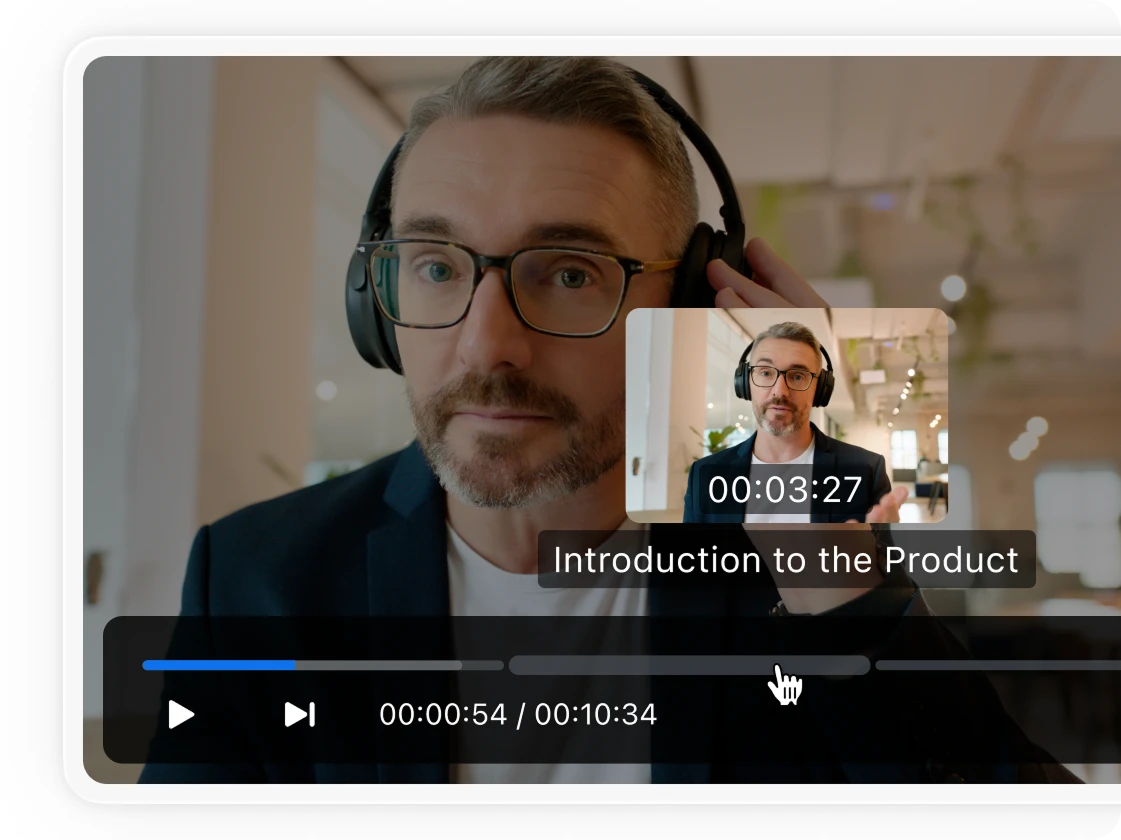
Let AI auto-generate chapters, titles, tags, and more, making your videos easier to navigate, search, and revisit.*
Create AI-narrated videos from slide decks so your audience can follow along whenever, wherever (coming soon).*
Have AI translate your video from one language to up to two of 16 currently available languages, so global audiences can understand your message.*
Built into Zoom Workplace, Clips makes async video messages easy to record and send.
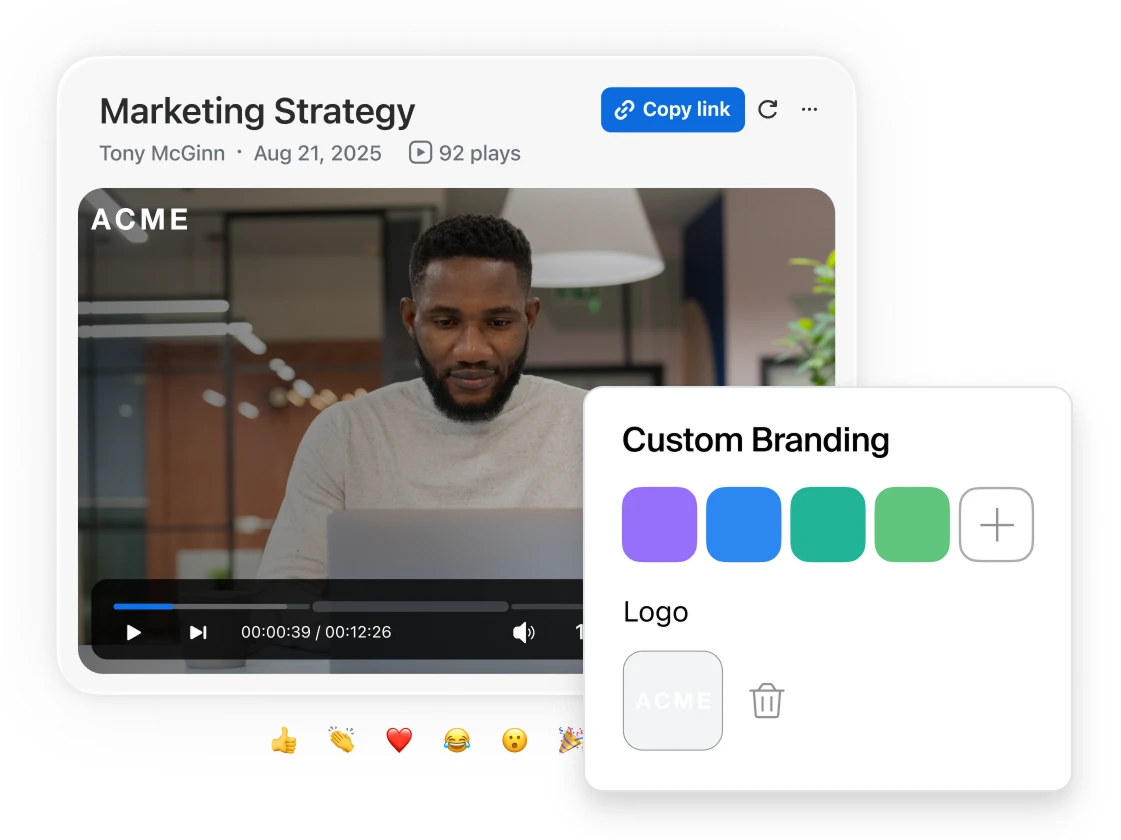
All the editing tools you need for creating polished, on-brand clips without the steep learning curve.
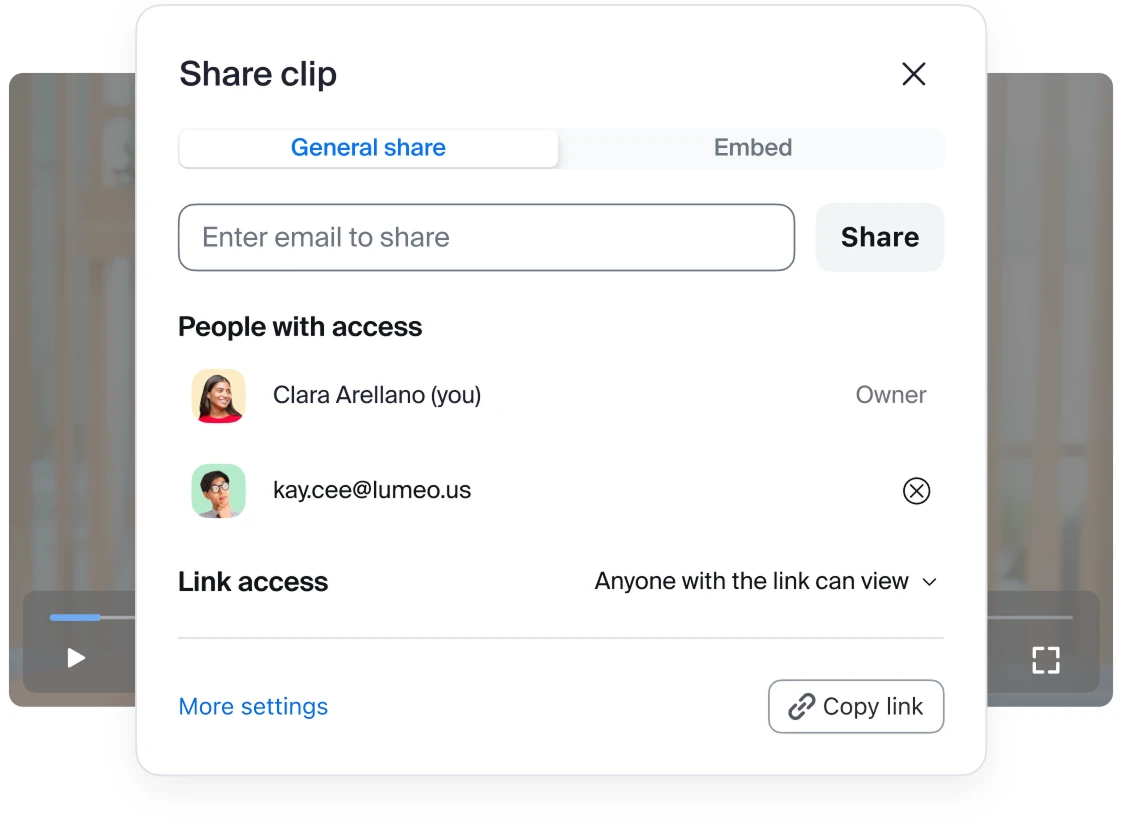
Multiple sharing options and permission settings help you make sure your clips stay in the right hands.
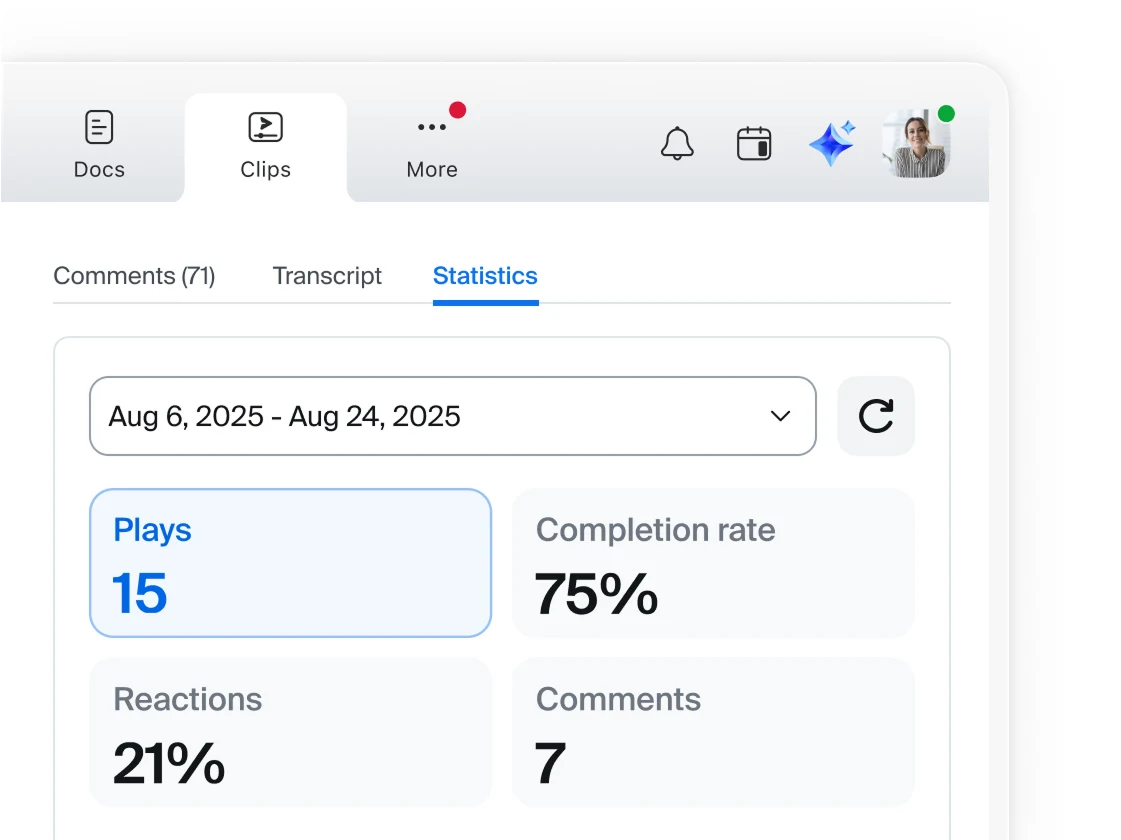
View video analytics, browse shared content, and manage everything in organized folders — all in one place.
Engage participants with videos before the meeting starts, and seamlessly play them in meetings (coming soon).
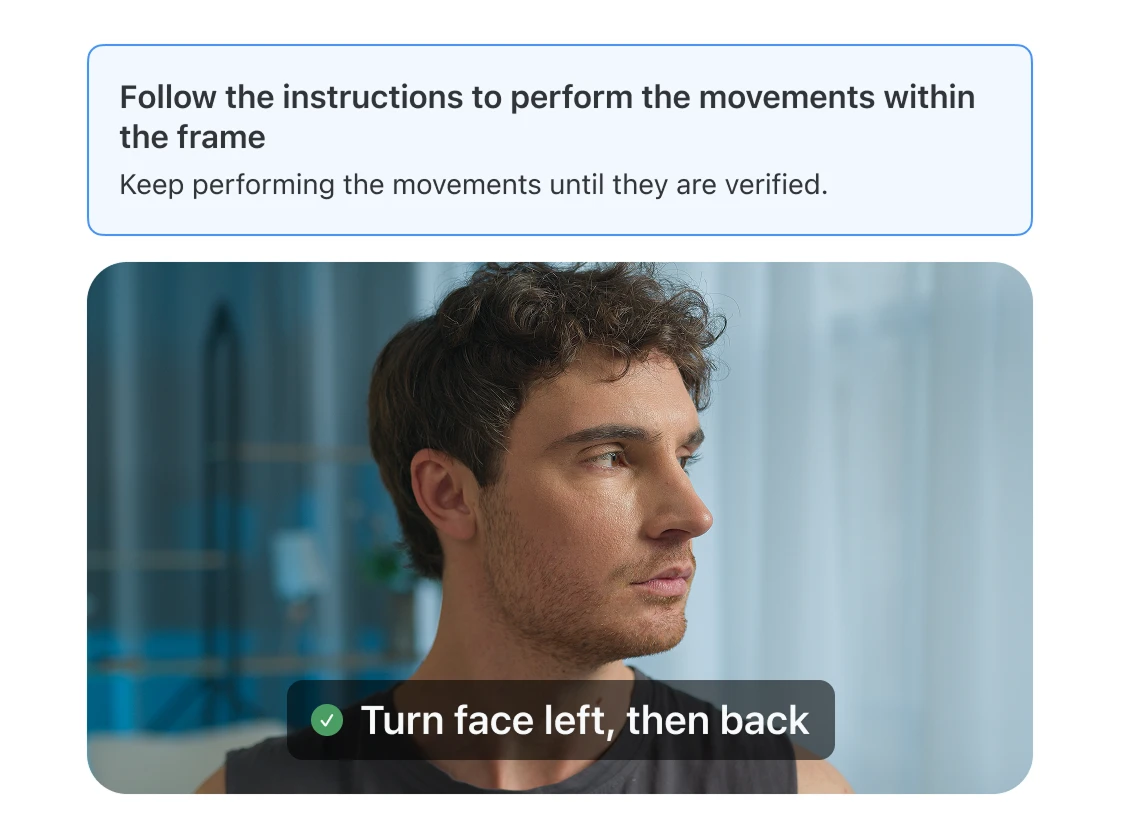
Provided with granular admin controls, content tracking, and thoughtful safeguards.
Designed with enterprise-grade security, compliance, and AI safeguards.
Boost outreach and book more meetings with personalized, on-brand clips — made fast with your AI avatar or yourself on camera. Perfect for engaging leads or sending quick nudges.
From media plans to brainstorms, Clips keeps your creative process moving. Create shareable videos with your AI avatar, translate them in seconds, and launch campaigns faster.
Tackle support backlogs with reusable videos for FAQs, demos, and guides — no editing needed. Share async, multilingual updates across CX, product, and sales to stay aligned.
Create on-demand employee content like onboarding guides, policy updates, and training videos — no production team needed. Keep teams informed, cut repetitive questions, and free up HR for strategic work.
Skip standups and update stakeholders with quick screen recordings. Use a custom avatar or select one from our library, translate the video into different languages, and share across time zones so global teams can stay aligned on updates and demos.
Speed up support tasks with reusable how-to videos, onboard employees with consistent guides, and easily document system changes. From VPN resets to new protocols, Clips lets you explain once, share everywhere, and keep everyone up to speed.
Make a video with your own AI avatar as the star — available with Zoom AI Companion.
4.5/5
out of 7.9k+ reviews
4.5/5
out of 54.9k+ reviews
8.3/10
out of 5.8k+ reviews
Leader in The Forrester Wave™
UCaaS Platforms,
Q3 2025
Make video creation easier with your own AI avatar (no more endless retakes).
Start skipping meetings with these six tips for using video to communicate.
Learn how to customize an AI avatar and use it to record videos.
Find out how to get more when you bundle with Zoom Workplace.
*Zoom AI Companion is available with eligible paid Zoom Workplace plans. May not be available for all regions or industry verticals. Learn more.