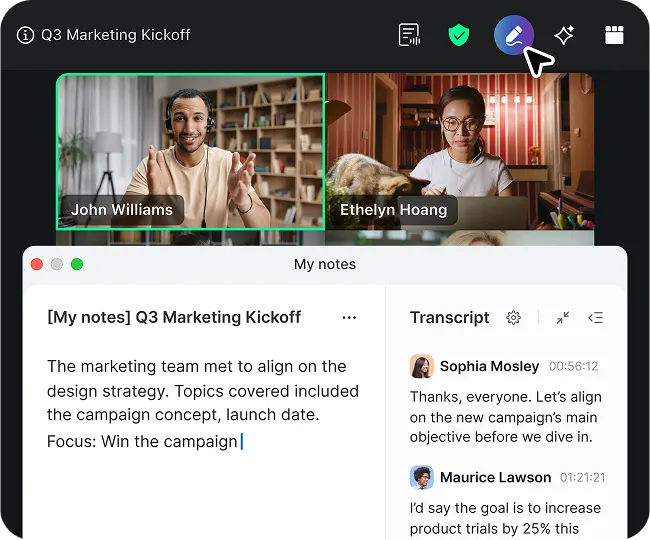
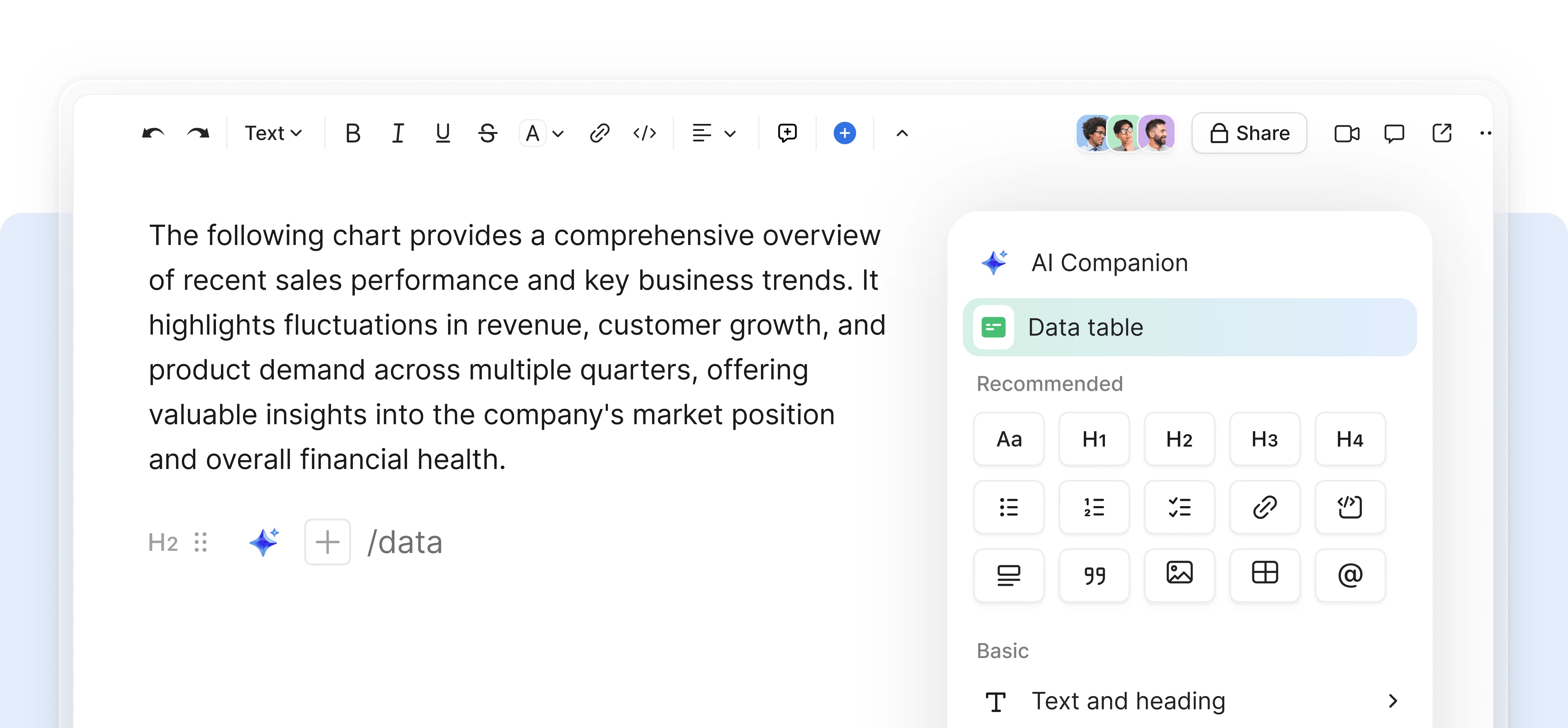
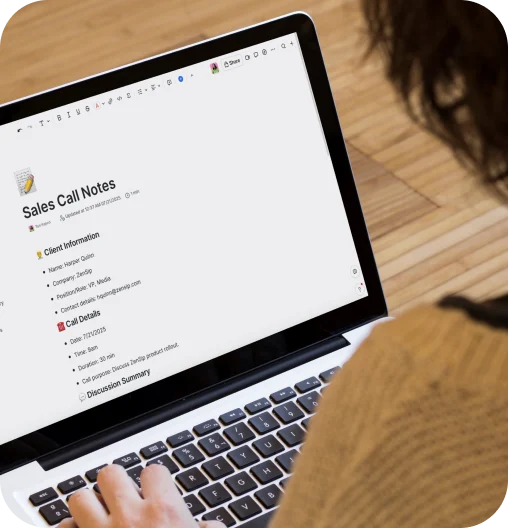
Create engaging pages with Zoom Docs’ easy-to-use formatting tools, drag-and-drop functionality, and diverse content blocks for flexible layout options.


Grab your readers’ attention with document layouts for different team and project needs. Easily drag and drop content blocks to add quotes, checklists, and tables as well as multimedia files like images, audio, GIFs, video (including YouTube), Zoom whiteboards, and web cards.
Jumpstart the creation and formatting of content with an extensive library of built-in template options. Depending on what kind of doc you need, you can select templates for project trackers, briefs, meeting agendas, and more. Or, build and save your own templates.
Using version control features in Docs allows multiple team members to co-edit while tracking changes in real-time, eliminating version conflicts. Features like comments, @mentions, and suggested edits (coming soon) let collaborators propose changes and provide feedback.
Explore the full Zoom Workplace experience.
*Zoom AI Companion is available with eligible paid Zoom Workplace plans. May not be available for all regions or industry verticals. Learn more.