CX Contact Center

Top 15 contact center solutions for your business [2025]

22 min read

Published on July 15, 2025

Photo of a contact center agent at his workstation with a headset on, in the middle of a work call with a customer.

If you’re evaluating contact center solutions, chances are you’re looking to fix something: long wait times, disjointed support, dropped calls, or agents stuck toggling between tools. The right platform can turn all of that around, helping you respond faster, personalize every interaction, and scale support without burning out your team.

The problem? Every provider claims they can do it all.

That’s why we put together this guide to the 15 best contact center solutions — to help you cut through the noise and find the right fit for your business and your customers.

What is a contact center solution?

A contact center solution is software that helps businesses communicate with customers across multiple channels — like voice, chat, email, and social media — all from one centralized platform. It gives support teams the tools they need to respond faster, personalize interactions, and keep conversations consistent.

  • For agents, it means real-time AI support, intelligent routing, easy access to customer history and behaviors, and a centralized knowledge base that helps them solve issues quickly.
  • For managers, it means performance tracking and optimized forecasting and scheduling to make sure the most-qualified agent handles each inquiry. 

For customers, it means more seamless, personalized experiences. They can reach your business through the communication channel they prefer, get connected to the right person faster, and avoid repeating themselves with every interaction.

Cloud vs. traditional contact center solutions

Traditional contact centers run on hardware and software hosted on-site. That means your IT team is responsible for installing, maintaining, and updating everything, from servers to security. These setups can work well but are often costly, time-consuming, and harder to scale.

Cloud contact centers run entirely online. Your SaaS provider handles the infrastructure, security, and updates, so your team can focus on providing exceptional customer experiences. They’re easier to set up, more flexible for remote teams, and can scale as your business grows.

With Zoom Contact Center, you get the benefits of cloud — plus AI, video, and unified communications — all in one platform. It’s built to support both your agents and your customers, no matter where they are.

Disclaimer: The platforms listed are not ranked. This overview is based on independent research and publicly available information to offer a fair snapshot of today’s contact center landscape as of June 2025. Features and user experiences may evolve as vendors update their products over time. Please contact specific companies for their up-to-date pricing and feature information.

The 15 best contact center solutions

We’ve created a list of the top contact center solutions to help you compare features, pricing, and capabilities. Whether you’re prioritizing AI capabilities, omnichannel support, or remote team flexibility, there’s something here for every business.

Software

Best for

Key features

Starting price*

Zoom Contact Center

AI-first unified communications

  • Cloud-based platform
  • Drag-and-drop setup
  • CRM integrations
  • Built-in analytics
  • Real-time AI agent assistance
  • Available virtual agent paid add-on

$69/agent/month

Talkdesk

Optimizing resource allocation

  • Call barging
  • 100+ integrations

$85/user/month

Five9

An intuitive agent interface

  • Call center data importing
  • Call center Statistics
  • Web callback Service

$119 /month (digital only)

Cloudtalk

Flexibility in cloud communication

  • 3 way calling
  • Power dialer
  • Call tagging

$19/user/month

Avaya

Live engagement

  • Enterprise behavioral pairing
  • Advanced vector routing
  • Redirection on IP failure

Contact for quote
Genesys

Customer experience management

  • Digital customer engagement
  • Customer journey analytics

$75/user/month
RingCentral

Extensive integrations

  • IVR editor
  • Real-time coaching

$65/agent/month

Nextiva

VoIP and cloud communication

  • Journey orchestration
  • Whisper and barge in

$20/user/month

Vonage

Integration with CRM systems

  • Conversation analyzer

Contact for quote

Dialpad

AI-powered analytics

  • Call dispositions
  • AI CSAT

$15/user/month

Aircall

Team collaboration

  • Call commenting
  • Warm transfers
  • Parallel calls

$1,080/year (for 3 licenses)
Nice CXone

Enhanced CX

  • Dedicated agent and supervisor workspace

$71/user/month
Webex

Integration with enterprise collaboration tools

  • Resource monitoring
  • Webex integration

Contact for quote

GoTo Connect

Simplifying day-to-day operations

  • Drag-and-Drop Call Flow Interface

$29/month
Twilio Flex

Customization

  • Agent Copilot
  • Google Contact Center AI (CCAI)

$50/user/month

*Pricing is current as of June 2025.

1. Zoom Contact Center for AI-first unified communications

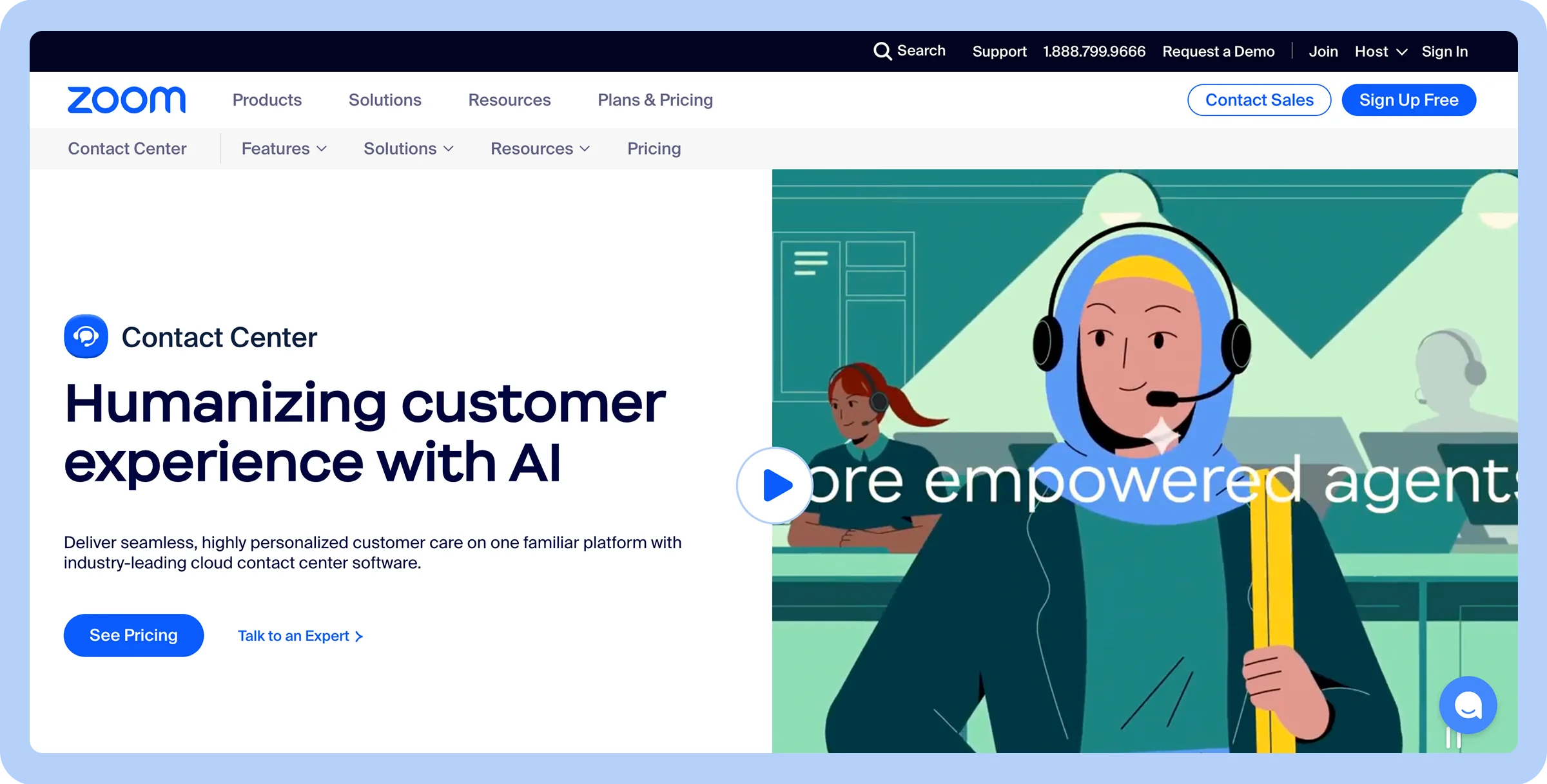
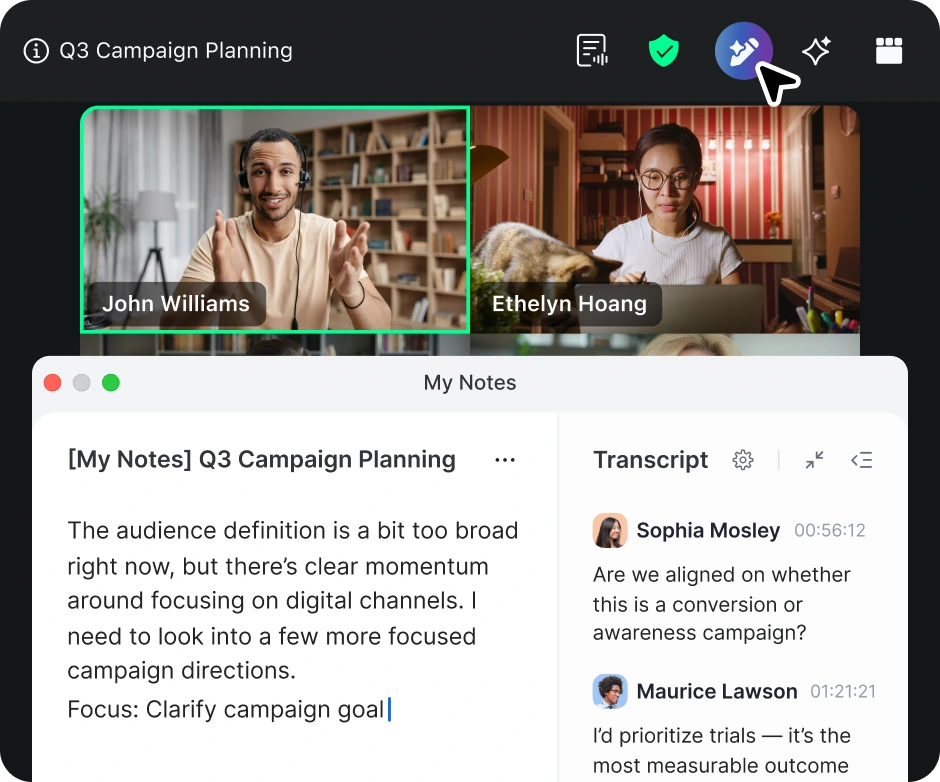
Stylized screenshot of Zoom’s homepage showing animated woman with headphones on.

AI-powered unified communications

  • Voice, video, SMS, and chat support

  • Easy to scale

  • Integrates with CRM tools

  • Pay only for agent use

  • Relies heavily on internet quality

  • Higher starting price than some competitors

  • Cloud-based platform

  • Drag-and-drop setup

  • CRM integrations

  • Built-in analytics

  • Real-time AI agent assistance

  • Virtual Agent

  • $69/agent/month

Zoom is recognized as an all-in-one collaboration solution with its robust suite of features tailored to hybrid teams, enterprises, and growing businesses. Our contact center solution delivers seamless, highly personalized customer care on one familiar platform with industry-leading cloud contact center software. 

With a full array of features, including AI-powered assistance, omnichannel support, analytics, and advanced call routing, Zoom Contact Center connects your organization so customers can get their issues resolved quickly, helping boost customer satisfaction and reduce agent attrition. 

Key features of Zoom Contact Center software include:

  • Omnichannel support: Customers can engage across multiple communication channels, including voice, video, SMS, and web chat — providing consistent, personalized support across channels.
  • AI-powered assistance: Built into the platform, Zoom AI Companion summarizes meetings, answers questions, writes messages, and supports phone call productivity.
  • Advanced routing: Dynamic call routing connects customers with the most qualified available agent.
  • Unified agent interface: An intuitive, single-pane view empowers agents with relevant context and reduces toggling.
  • Comprehensive analytics: Real-time dashboards, historical insights, and automated reports help leaders monitor service performance. 
  • CRM and third-party integrations: With Zoom’s integrations, you can connect your support center to your business apps, offering a unified experience that works across multiple compatible platforms.

Visual IVR system: Zoom’s interactive voice response (IVR) allows your organization to streamline inbound call routing so customers are quickly routed to agents who can best resolve their issues.

2. Talkdesk for optimizing resource allocation

Stylized screenshot of Talkdesk’s home page.

Optimizing resource allocation

  • Smart call routing

  • Over 100 integrations

  • AI-driven workflows

  • Costly add-ons

  • Mixed audio reviews

  • SMS issues reported

  • Call barging

  • 100+ integrations

  • $85/user/month

Talkdesk helps companies make the most effective use of their resources by harnessing the power of machine learning. 

Talkdesk’s AI tools make automating workflows effortless, and many customer queries can be resolved with help from AI assistants, freeing up agents for more complex tasks. 

Talkdesk is also effective at helping you support clients because of its omnichannel support. Email, SMS, social media, and web chat are all options for customer contacts, allowing you to meet customers where they are.

3. Five9 for an intuitive agent interface

Stylized screenshot of Five9’s homepage featuring a man in white t-shirt.

An intuitive agent interface

  • Full-feature agent tools

  • Sentiment analysis

  • Fast call routing

  • High price point

  • Steep learning curve

  • Call center data importing

  • Call center statistics

  • Web callback service

  • $119/month (digital only)

Five9 supports workforce optimization thanks to its focus on automation. Tools like predictive dialing and real-time analytics help increase agents’ productivity without compromising the quality of service. 

Five9 also offers a full-featured cloud-based customer engagement platform that allows customers to connect via email, voice, and messaging. Not only does this omnichannel system improve the customer experience, but its cloud-based nature allows for easy scalability.

4. CloudTalk for flexibility in cloud communication

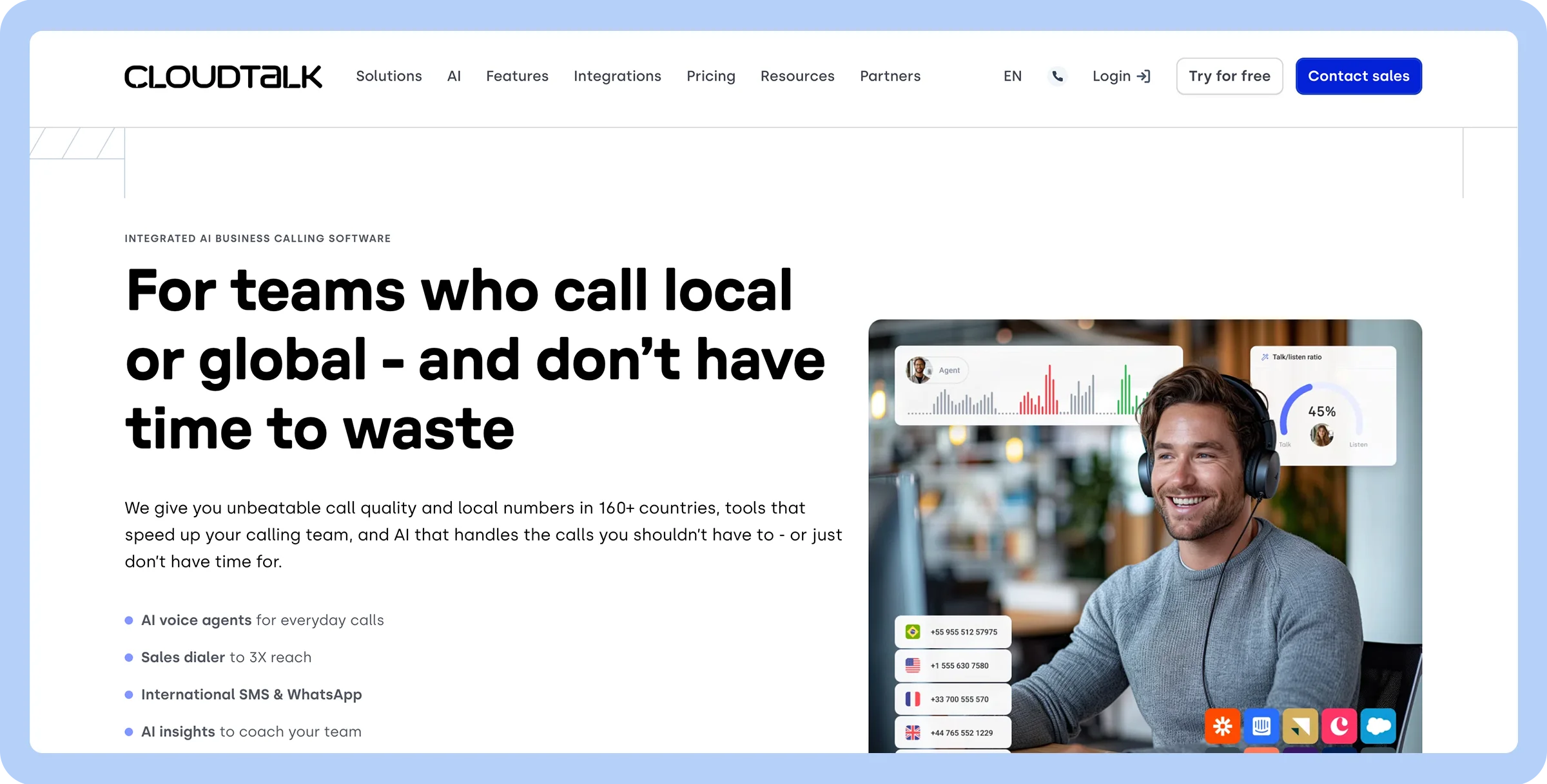
Stylized screenshot of CloudTalk’s homepage featuring a man in a grey long sleeve T-shirt.

Flexibility in cloud communication

  • Global number support

  • CRM integrations

  • Live chat features

  • Feature access tied to pricing

  • Customer service feedback varies

  • 3 way calling

  • Power dialer

  • Call tagging

  • $19/user/month

CloudTalk integrates seamlessly with popular CRM and helpdesk platforms, and the learning curve is low, making it easy to get started using its features across all of your platforms. 

CloudTalk is also an international company that supports diverse teams in more than 160 countries.  

Both remote and global teams will appreciate the crystal-clear call quality, ability to dial international numbers, and agent status indicators that let them know when they can communicate with other team members.

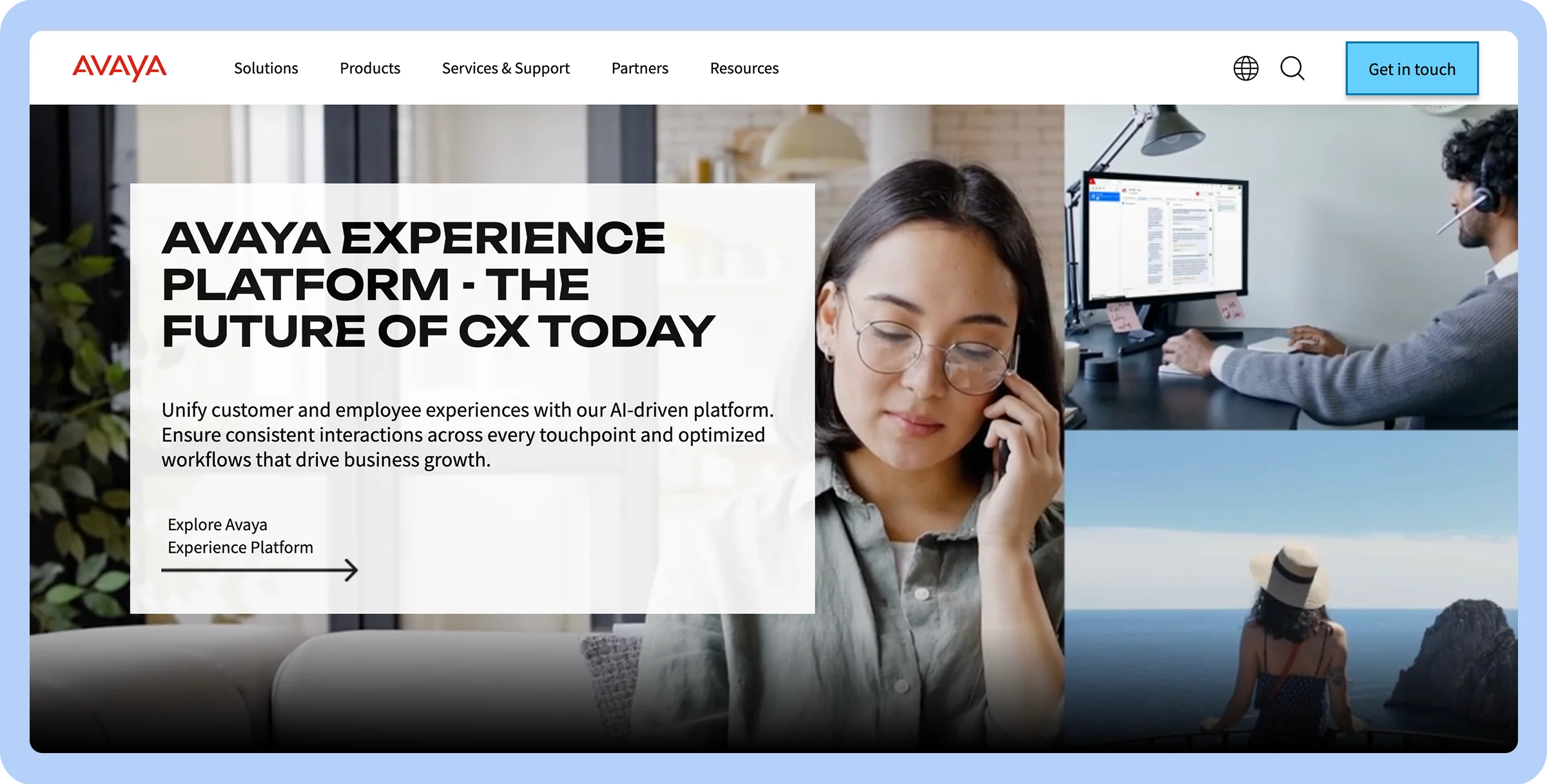
5. Avaya for live engagement

Stylized screenshot of Avaya’s homepage featuring a woman with glasses talking to someone on the phone.

Live engagement

  • Omnichannel support

  • Hybrid cloud models

  • Rich analytics

  • Support issues

  • Complex setup

  • Enterprise behavioral pairing

  • Advanced vector routing

  • Redirection on IP failure

  • Contact for quote

Avaya offers multiple channels for live engagement, including voice, chat, email, and social media integrations. 

Avaya’s platform is AI-driven, offering self-service options that empower customers and expedite the resolution of common issues. AI tools also offer agents real-time guidance so they can provide more personalized service with every interaction.

6. Genesys for customer experience management

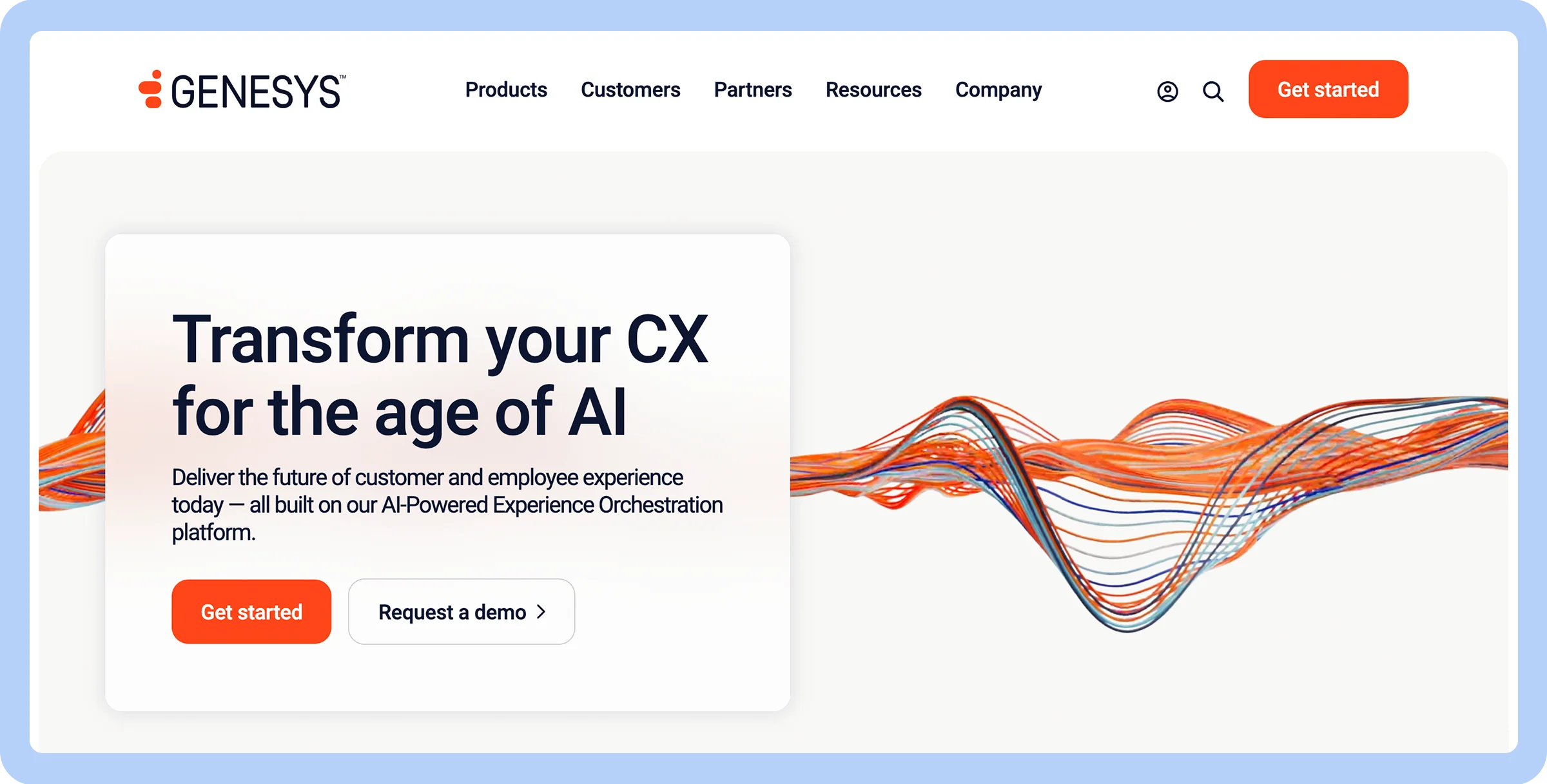
Stylized screenshot of Genesys’s homepage with abstract design

Customer experience management

  • Robust self-service tools

  • Great for large orgs

  • Omnichannel ready

  • Pricey

  • Complicated setup

  • Low customer satisfaction ratings

  • Digital customer engagement

  • Customer journey analytics

  • $75/user/month

Genesys offers skills-based intelligent call routing that directs customers to the right agent for quick issue resolution.  

Advanced analytics and reporting also provide helpful insights that can improve customer experiences, while tools like Agent Copilot provide real-time AI assistance to agents to enhance the quality of customer interactions.

AI tools also help you proactively engage online customers by offering helpful resources and tools before they even ask.

7. RingCentral for extensive integrations

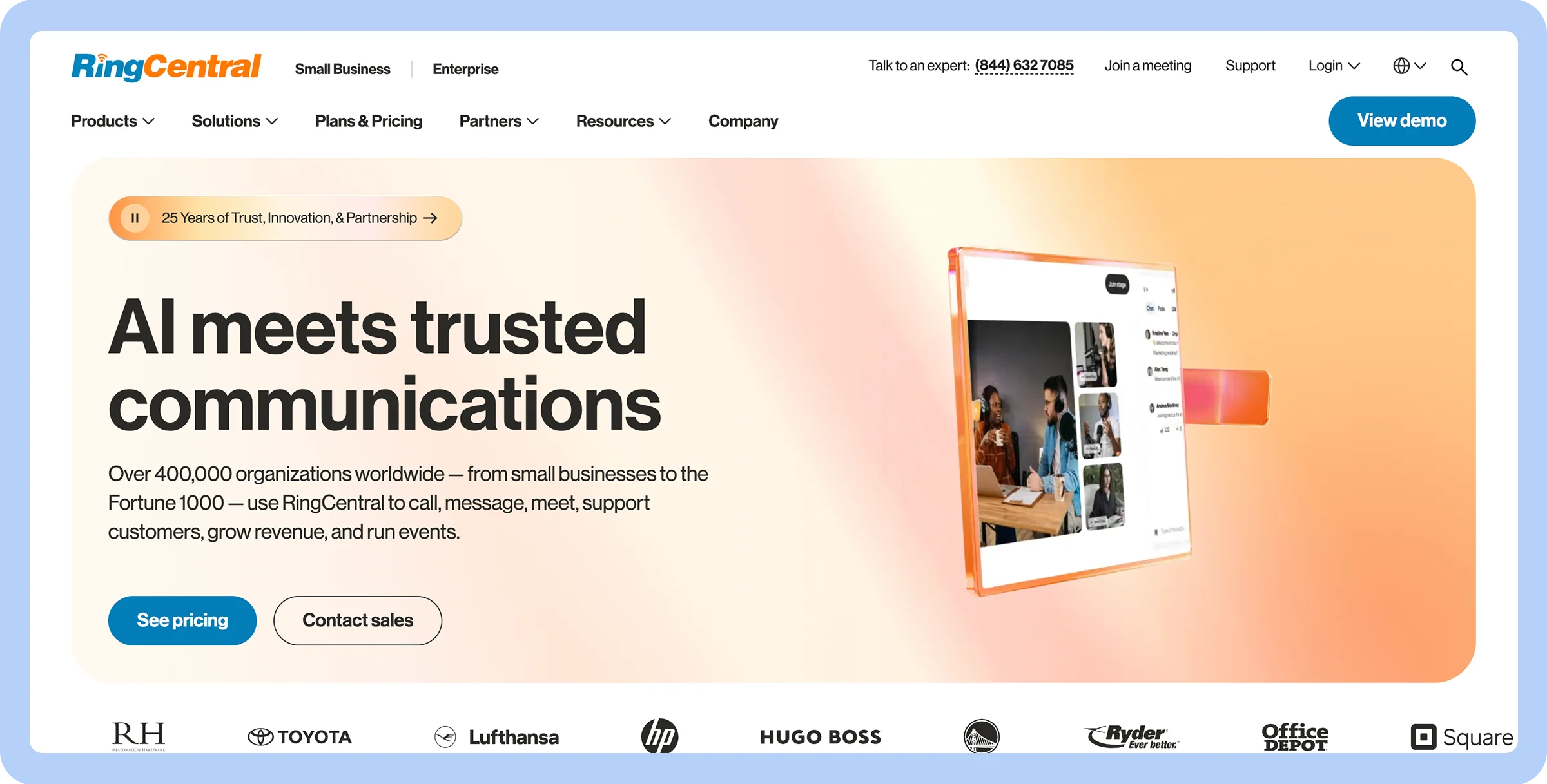
Stylized screenshot of RingCentral’s homepage.

Extensive integrations

  • Smooth CRM integrations

  • Secure communication

  • Consistent voice quality

  • Limited features in basic plans

  • Scalability concerns

  • IVR editor

  • Real-time coaching

  • $65/agent/month

RingCentral offers many ways to connect with customers, including video conferencing tools and a cloud-based Voice over Internet Protocol (VoIP) that maximizes uptime and provides clear audio quality. 

Team messaging tools for businesses can also help your customer service staff work more effectively together, while RingCX is an assistant to agents that provides coaching and support in real time.

8. Nextiva for VoIP and cloud communication

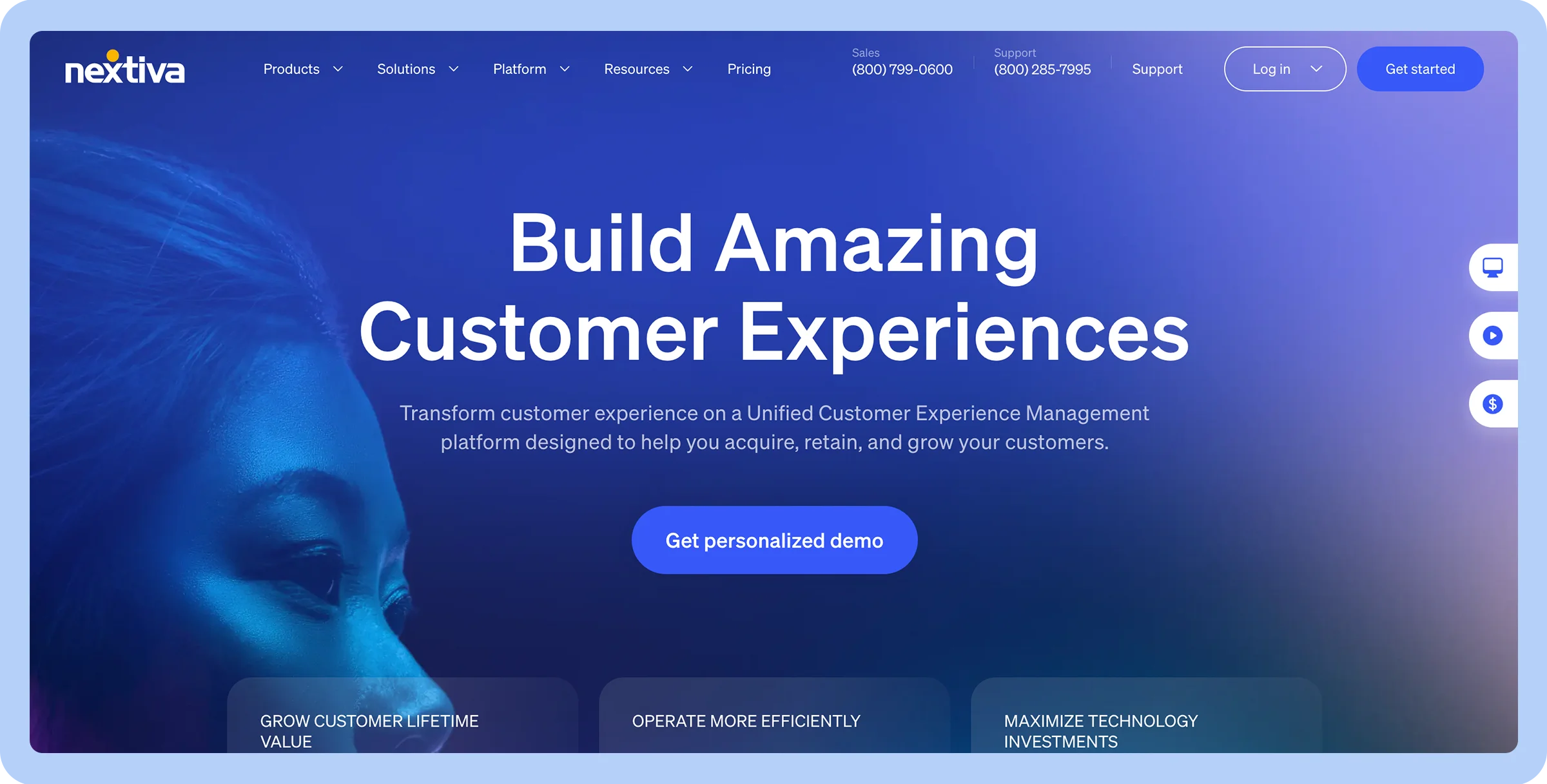
Stylized screenshot of Nextiva’s homepage.

VoIP and cloud communication

  • Affordable base pricing

  • AI features (via Thrio)

  • Strong ratings

  • No free trial

  • Mobile app concerns

  • Journey orchestration

  • Whisper and barge in

  • $20/user/month

Nextiva’s cloud-based VoIP primarily targets small to medium businesses for their general phone and communication needs, including voice calls, video conferencing, and team collaboration.

While Nextiva does offer features that can support contact center functions — like call routing, analytics, and integrations — its core service is broader VoIP communication rather than a dedicated, full-featured contact center solution.

Nextiva clients benefit from unlimited calling and texting nationwide and can get access to a toll-free number for customers to call. HD audio and video conferencing also allows for real-time communication. 

Nextiva offers other features, including: 

  • Integration with CRMs
  • Automated call routing
  • Auto attendants

9. Vonage Contact Center for integration with CRM systems

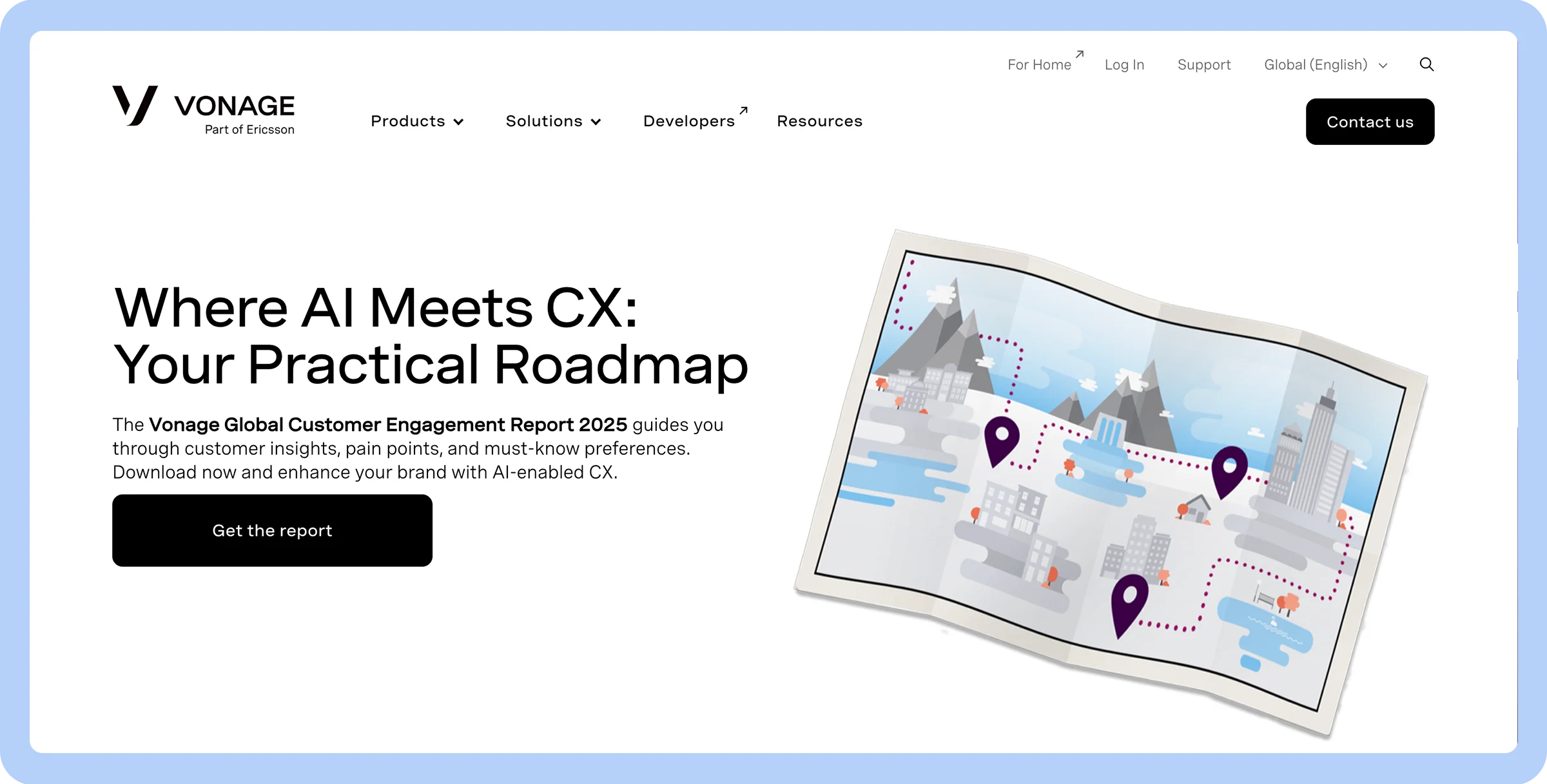
Stylized screenshot of Vonage’s homepage.

Integration with CRM systems

  • Reliable phone quality

  • Smart AI tools

  • Affordable plans

  • No live chat

  • Customer support issues

  • Conversation analyzer

  • Contact for a quote

Vonage integrates with CRM systems and other business applications, making it easy to get up and running and take advantage of its business phone features on the apps you use every day. 

You’ll also benefit from other features such as:

  • Dynamic call routing so customers get answers tailored to their needs
  • Auto dialer capabilities to eliminate misdials
  • Omnichannel functionality so customers can reach you in the ways they’re most comfortable with
  • AI virtual assistants that answer calls and take appropriate actions to resolve simple issues
  • Quality management solutions, including options to track agent performance

10. Dialpad for AI-powered analytics

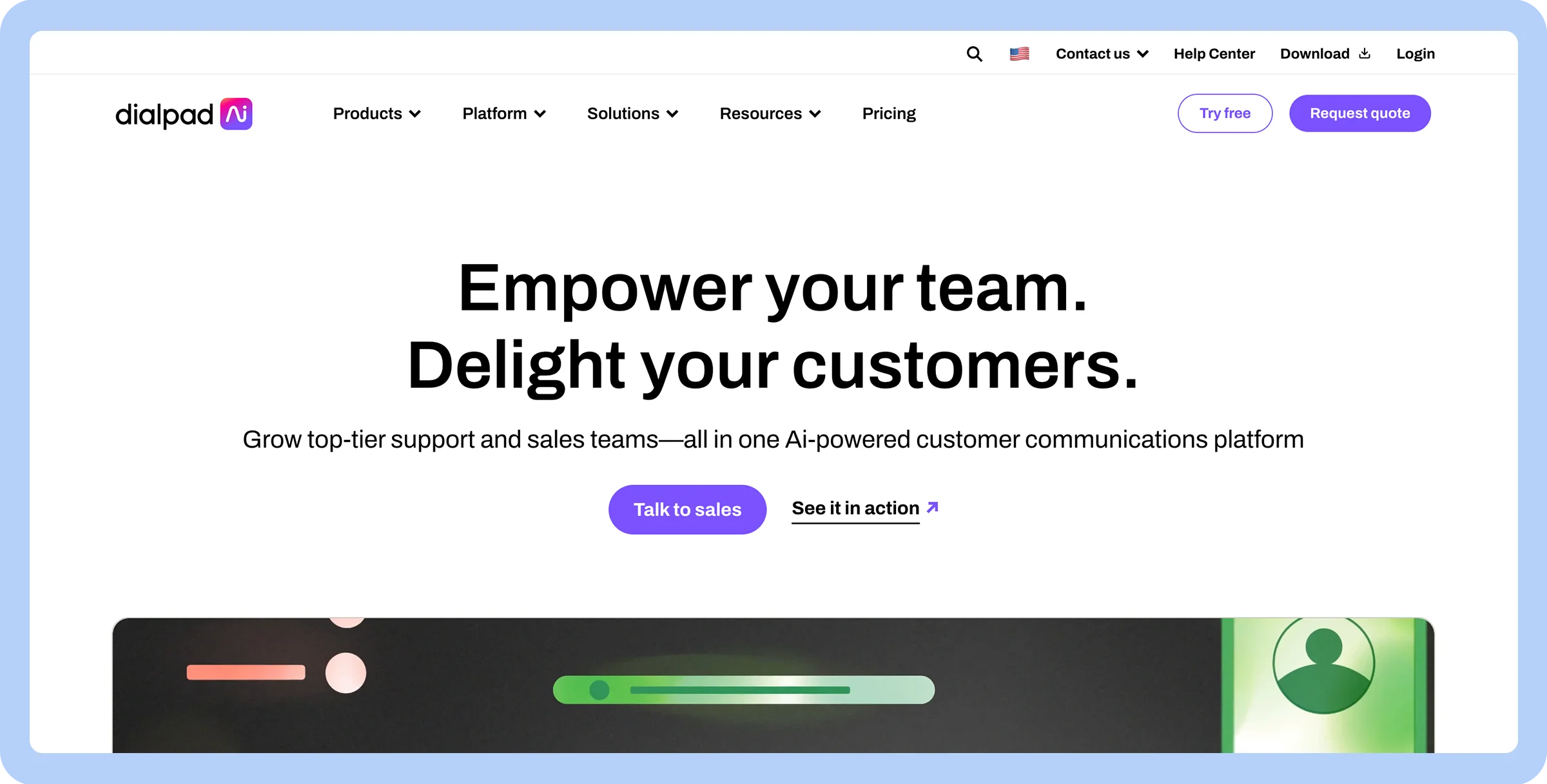
Stylized screenshot of Dialpad’s homepage.

AI-powered analytics

  • Real-time call insights

  • Dynamic call scripting

  • Proprietary AI tools

  • Steep learning curve

  • Confusing pricing

  • Call dispositions

  • AI CSAT

  • $15/user/month

Dialpad is a good choice for a contact center platform if you want to leverage AI to better understand the customer journey. Dialpad’s AI features include:

  • Call sentiment analysis
  • Real-time text transcription
  • Call scripts using built-in AI
  • Agent prompts in response to live conversations

Dialpad incorporates artificial intelligence into customer service tools, and it shows with its full array of AI features that many competitors can’t match. 

Dialpad also offers custom call routing options, unlimited calling, seamless integrations with many business tools, and unified communication tools for voice, video, and messaging.

11. Aircall for team collaboration

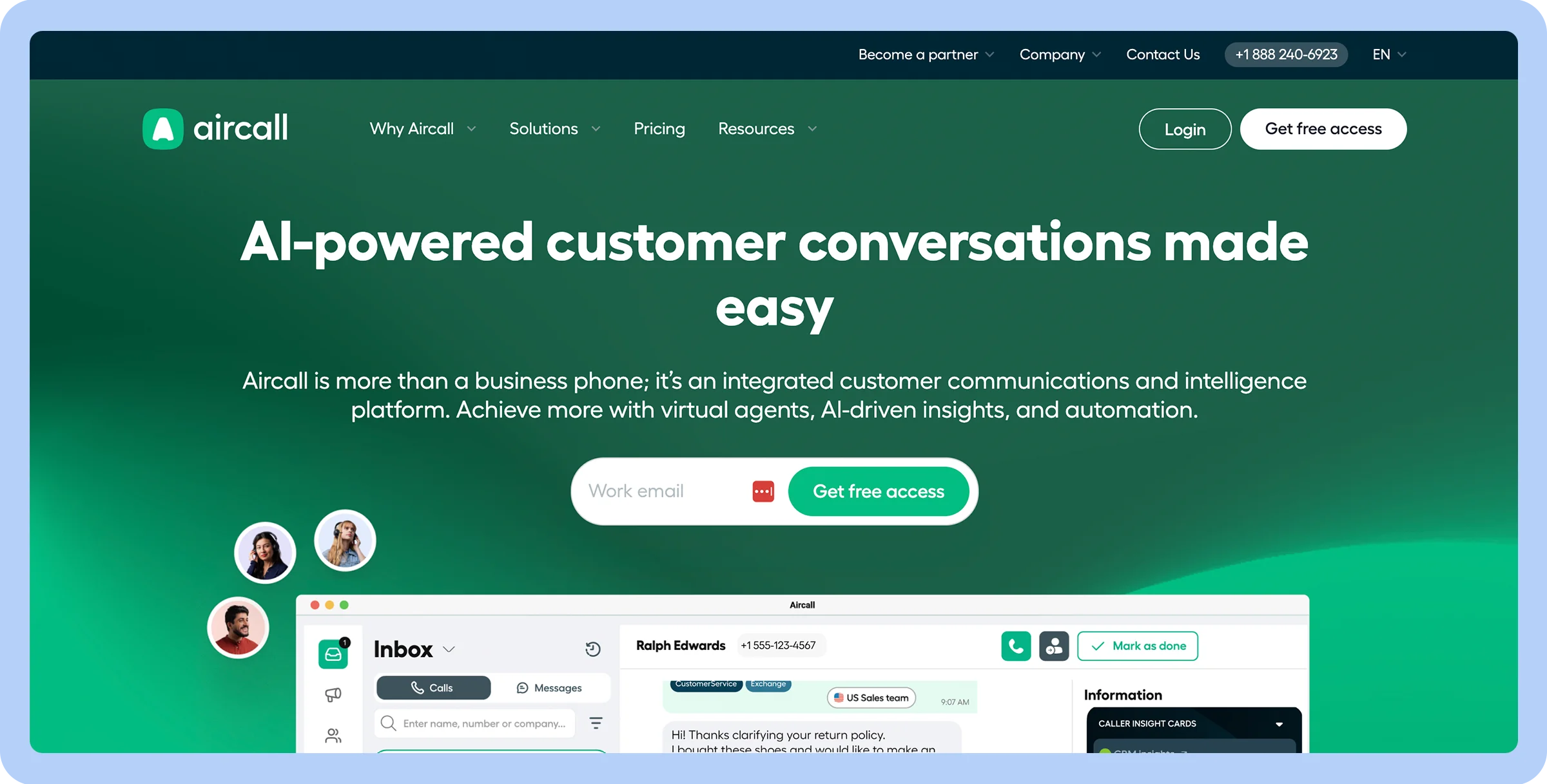
Stylized screenshot of Aircall’s homepage.

Team collaboration

  • Intuitive UI

  • High call quality

  • Strong call management

  • Limited integrations

  • Minimum seat requirements

  • Call commenting

  • Warm transfers

  • Parallel calls

  • $1,080/year (for 3 licenses)

Aircall is simple to set up and integrates with common helpdesk and CRM software programs. 

It provides omnichannel communication, smart call routing, and call analytics and insights, allowing you to track performance and make data-driven decisions.

With Aircall, you can easily automate repetitive tasks such as data entry and call routing. The platform is also scalable and adheres to high security standards to protect customer data.

12. NICE CXone for enhanced CX

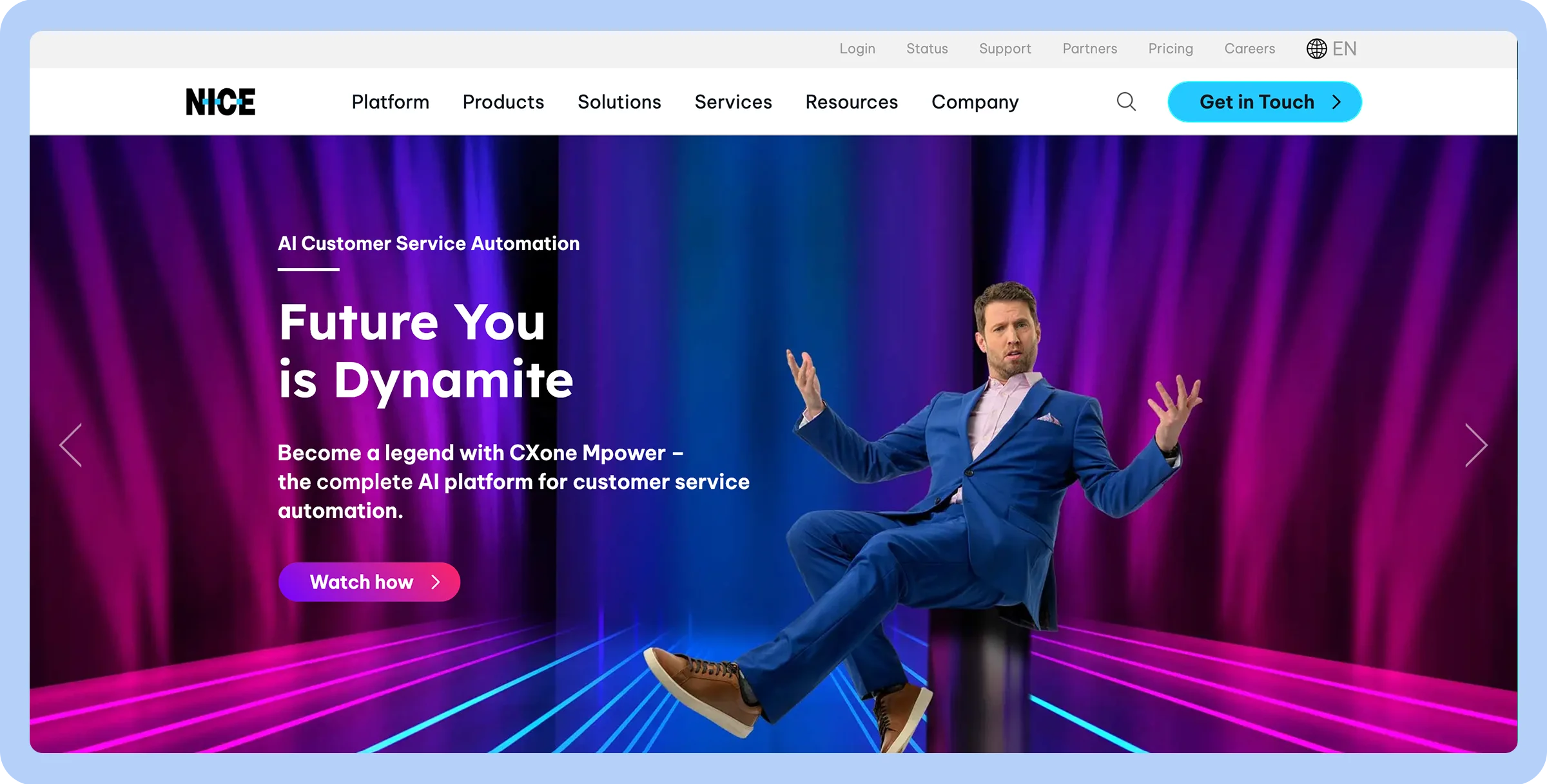
Stylized screenshot of NICE’s homepage.

Enhanced CX

  • Powerful AI tools

  • Omnichannel routing

  • Designed for scale

  • High starting costs

  • No integrated business voice platform

  • Steep learning curve

  • Dedicated agent and supervisor workspace

  • $71/user/month

NICE CXone enhances the customer experience with self-service capabilities, including chatbots and IVRs that help customers resolve their issues independently. 

Omnichannel support also makes it easy for customers to get in touch, and analytics and reporting tools help you see how well you’re meeting their needs.

13. Webex Contact Center for integration with enterprise collaboration tools

Stylized screenshot of Webex’s homepage.

Integration with enterprise collaboration tools

  • Collaboration tools

  • Proactive AI support

  • Scales easily

  • No transparent pricing

  • Integration issues

  • Unstable performance and call quality

  • Resource monitoring

  • Webex integration

  • Contact for a quote

Webex Contact Center helps you improve business outcomes and performance while reducing administrative overhead. 

Tools such as skills-based call routing and workforce optimization help agents use their time effectively while consumers get quick answers. 

Webex voice and team collaboration tools also make it easy for agents, managers, and subject matter experts to connect to resolve complex problems.

Your company can track its customer service performance with Webex as well. Dashboards and reports bring together information from agent activity records, automatic call distributions, interactive voice response, and customer interactions to provide real-time and historical data, helping you optimize operations.

14. GoTo Connect for simplifying day-to-day operations

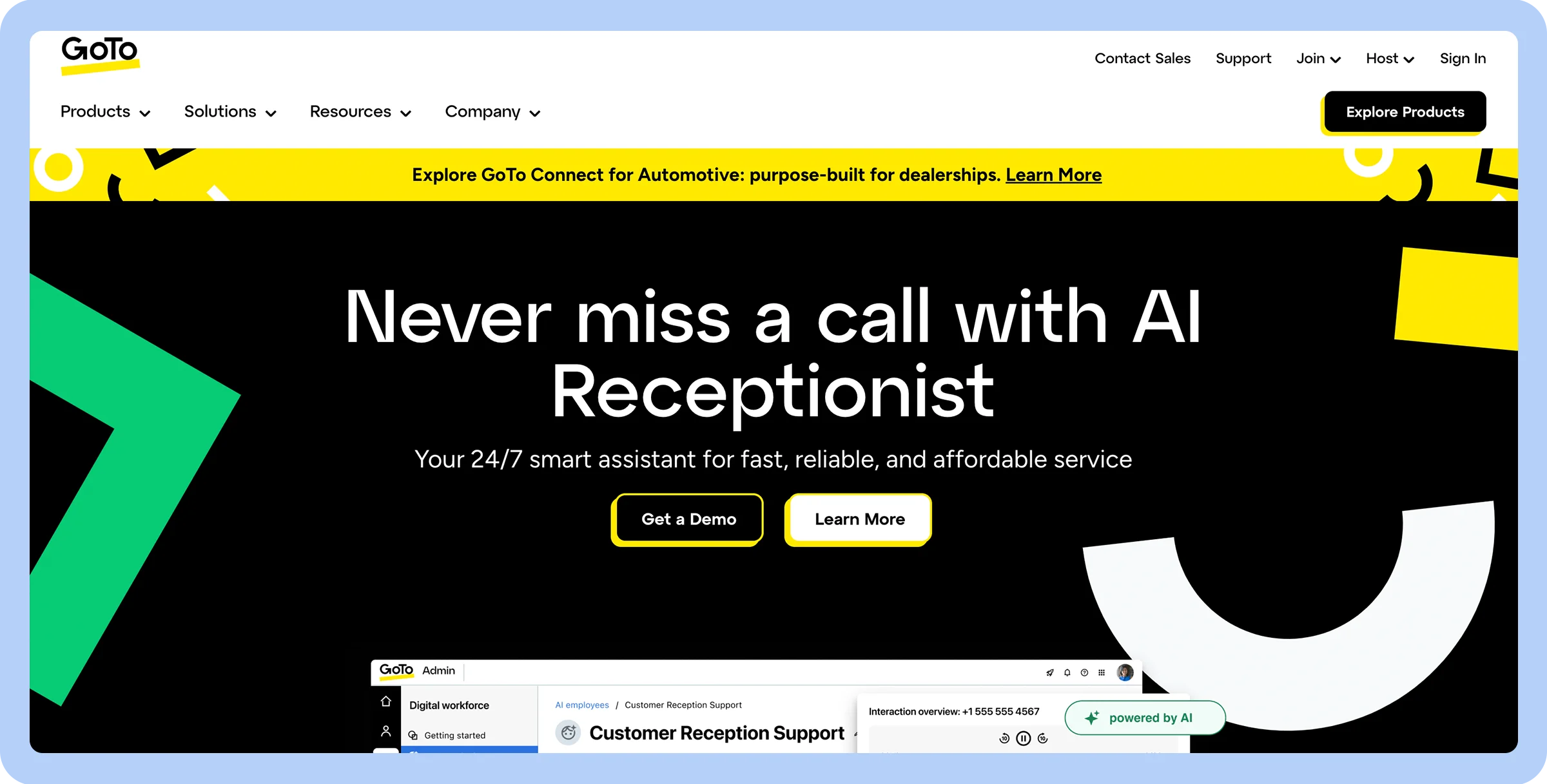
Stylized screenshot of GoTO Connect’s homepage.

Simplifying day-to-day operations

  • Real-time analytics

  • Coaching tools

  • Smart routing

  • Mobile app issues

  • Limited AI capabilities

  • No shared hardware devices are offered

  • Drag-and-Drop Call Flow Interface

  • $29/month

GoTo Connect’s phone, messaging, and video conferencing features can be used with no special hardware required. Its affordable plans, quick deployment, and flexibility make it a good option for small and medium-sized businesses.

While GoTo Connect’s AI tools aren’t as advanced as some competitors, they do handle some important tasks, including automating routine processes such as call routing and message responses. AI meeting and call summaries also help agents quickly review key information so they can offer better support to customers.

15. Twilio Flex for customization

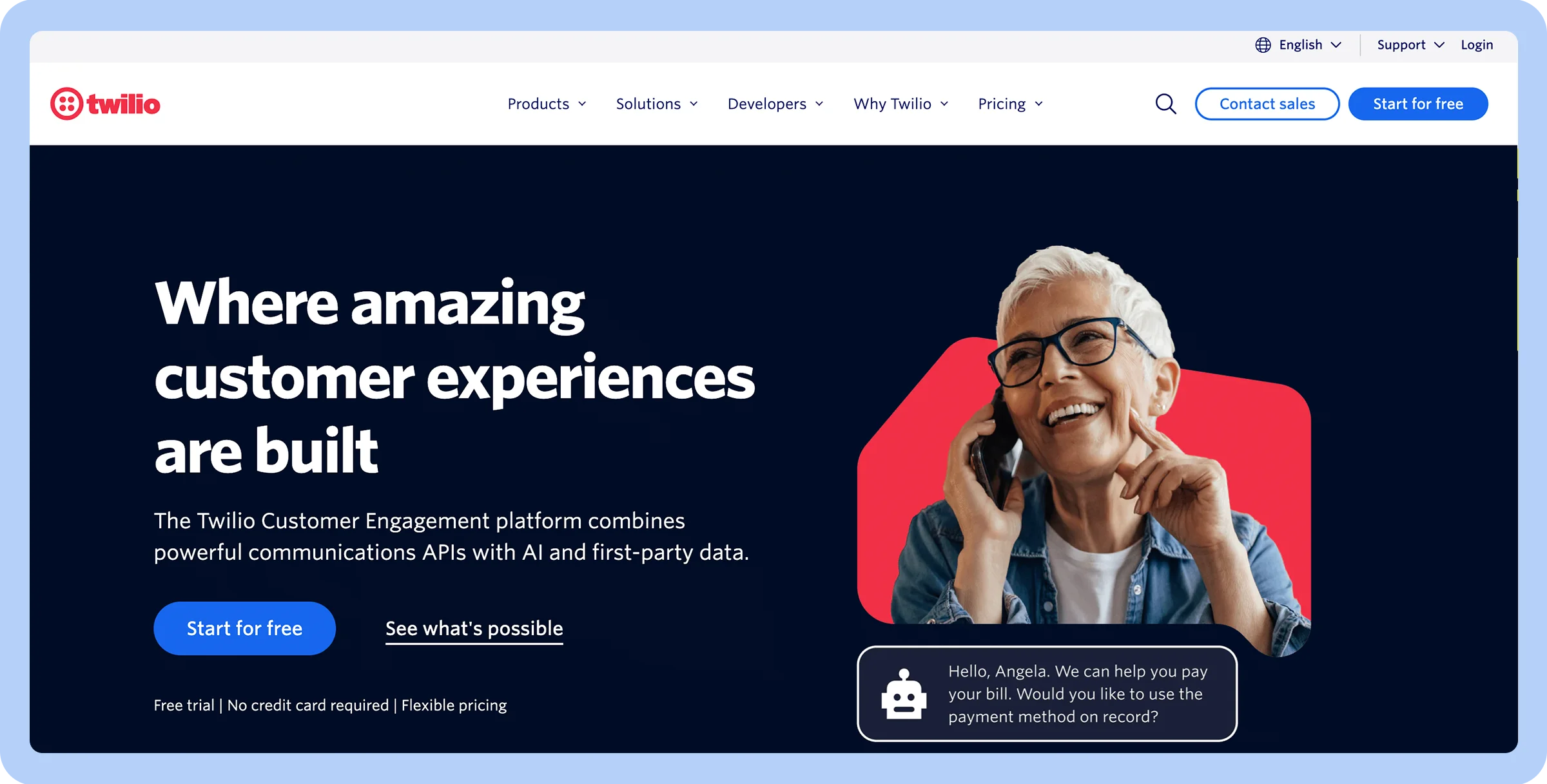
Stylized screenshot of Twilio’s homepage.

Customization

  • Many pre-built integrations

  • Easy-to-use interface

  • Highly customizable

  • Complicated pricing model

  • Steep learning curve

  • Agent Copilot

  • Google Contact Center AI (CCAI)

  • $50/user/month

Twilio Flex allows developers to tailor the platform to the company’s needs by building custom integrations and workflows.

The contact center can scale up and down to accommodate business growth and fluctuating demand. It offers omnichannel support so every customer can find the right way to connect, and integrated AI tools personalize customer interactions while improving agent performance.

How to choose the right contact center solution for your business

Below, we’ll explore the essential features every contact center solution should offer to optimize performance and enhance the customer experience.

Scalability

You don’t want to have to change your contact center software as your company grows or evolves, so you need a solution that can grow with you. Look for a provider whose platform scales effectively by considering:

  • How pricing changes as you add more team members
  • Whether there are limits on the number of agents or call volume
  • Do service offerings change as your customer base grows, like AI assistants or automated scheduling

Ask yourself: “Can this solution scale with our business growth and adapt to changing customer demands?”

Integration capabilities

Integrating essential apps into your contact center solution helps reduce time wasted managing different apps on various platforms. You want your solution to work seamlessly with your existing systems, including your CRM, accounting tools, and other business software.

Ask yourself: “Does the contact center software support integration with all the specific tools we use?”

AI and automation features

AI tools and automation features help you provide timely responses to customers, allow you to collect and analyze data, and take repetitive tasks off the plates of agents. Look for features like: 

  • AI interaction summarization 
  • Automatic call routing
  • Agent scheduling with AI

Ask yourself: “What tasks do I want to happen automatically, and how can we use machine learning to improve customer service?”

Contact center applications

Many contact centers have applications that allow you to manage and enhance customer interactions. These could include applications for call handling, such as IVR, analytics, and workforce management tools.

Ask yourself: “What tasks do we need help with, and does the contact center offer tools that support those functions?”

Omnichannel support

Omnichannel support integrates different communication channels into your customer service strategy to meet customers where they are, including email, phone, social media, SMS, online chat, and more. 

Consider how you would like potential and current customers to be able to contact you.

Ask yourself: “Does this contact center offer support for the channels our customers want to use?”

Security

Your and your customers’ data must be kept secure. Make sure that the contact center solution has a strong privacy policy that limits who can access your proprietary information and uses enhanced data security techniques to prevent breaches.

Ask yourself: “Do I feel confident this contact center has the right protocols and policies in place to safeguard our data?”

Cost

Most support centers offer different packages — many charge per user and per month. Consider how many agents you have and what level of service you need, and compare prices from different help desks that meet your needs.

Ask yourself: “Is this contact center within budget, and does it provide the best value for the price?”

CRM and third-party integrations

Your support center needs to work with your business’s other software and tools, including your CRM programs and business software, so you can import the data you need to make informed choices.

Ask yourself: “What integrations does it support, and how seamlessly does it connect with my existing tools?”

Workforce management tools

Workforce management tools help you forecast staffing needs. Some programs also aid in managing payroll and automated scheduling.

Ask yourself: “How does this contact center help me manage staffing efficiently so I have the right number of agents available to meet customer demand?”

Video-enabled customer interactions

Some contact center software providers offer video-enabled solutions. These can enhance the customer experience by offering more visual integration. Issues can often be resolved more quickly, and customer service is more personalized when agents and customers meet face-to-face.


Ask yourself: “Will this contact center allow customers and agents to connect over video?”

Why Zoom is the best choice for your contact center

If you’re looking for a future-ready contact center solution, look no further than Zoom. Zoom Contact Center integrates video, voice, chat, SMS, and email in one simple platform, allowing your business to provide seamless omnichannel support.

With Zoom, you can meet customers where they are and also manage each contact efficiently and effectively to provide timely, responsive, and personalized service. 

Zoom’s advanced AI-driven features help connect customers with the most qualified agent, support high-quality service, and uncover customer pain points.

Elevate your customer service with Zoom Contact Center. Contact us to learn how your business can improve customer service with Zoom Contact Center.

FAQ

Still need to know more? Here are some answers to frequently asked questions about contact centers.

What are some use cases of a contact center solution?

Contact center solutions enhance customer service in important ways. A contact center can provide agents with in-depth information about customers so they can better answer queries. It is widely used across industries like retail, finance, healthcare, telecom, travel, and utilities to handle everything from order questions to technical support, improving customer satisfaction and efficiency.

The support center may use AI tools to respond to simple questions, route calls to the right agents, provide the support agents need to answer customer queries, as well as customer sentiment. All of this helps provide tailored service that improves client satisfaction.

What is the importance of AI in contact center operations?

AI can streamline many tasks in support operations. From responding to simple queries and automating repetitive tasks to collecting and analyzing large volumes of data and providing transcripts of customer calls, AI helps at every step of the customer service journey.

What is the difference between a CRM and a cloud contact center?

A customer relationship management (CRM) platform manages customer relationships and customer data, while cloud contact centers offer tools to respond to customer questions and support their needs across multiple communication channels.

Can a contact center solution grow with my business?

Yes, many contact center solutions can grow with your business. For example, Zoom Contact Center offers the option to scale up by providing support for multiple agents, automating scheduling and workflows, and using the power of AI to handle repetitive tasks and free up agents to respond to more complex problems.


Our customers love us

Okta
Nasdaq
Rakuten
Logitech
Western Union
Autodesk
Dropbox

Zoom - One Platform to Connect